Start from the symptom
Electrolux dishwasher buttons not working.
Electrolux's written dishwasher articles do not describe a control lock, so this page is short. What they do show is that a dishwasher can look unresponsive while it counts down a delayed start or waits for the water to heat, and that Cancel and a power reset are the documented ways out.
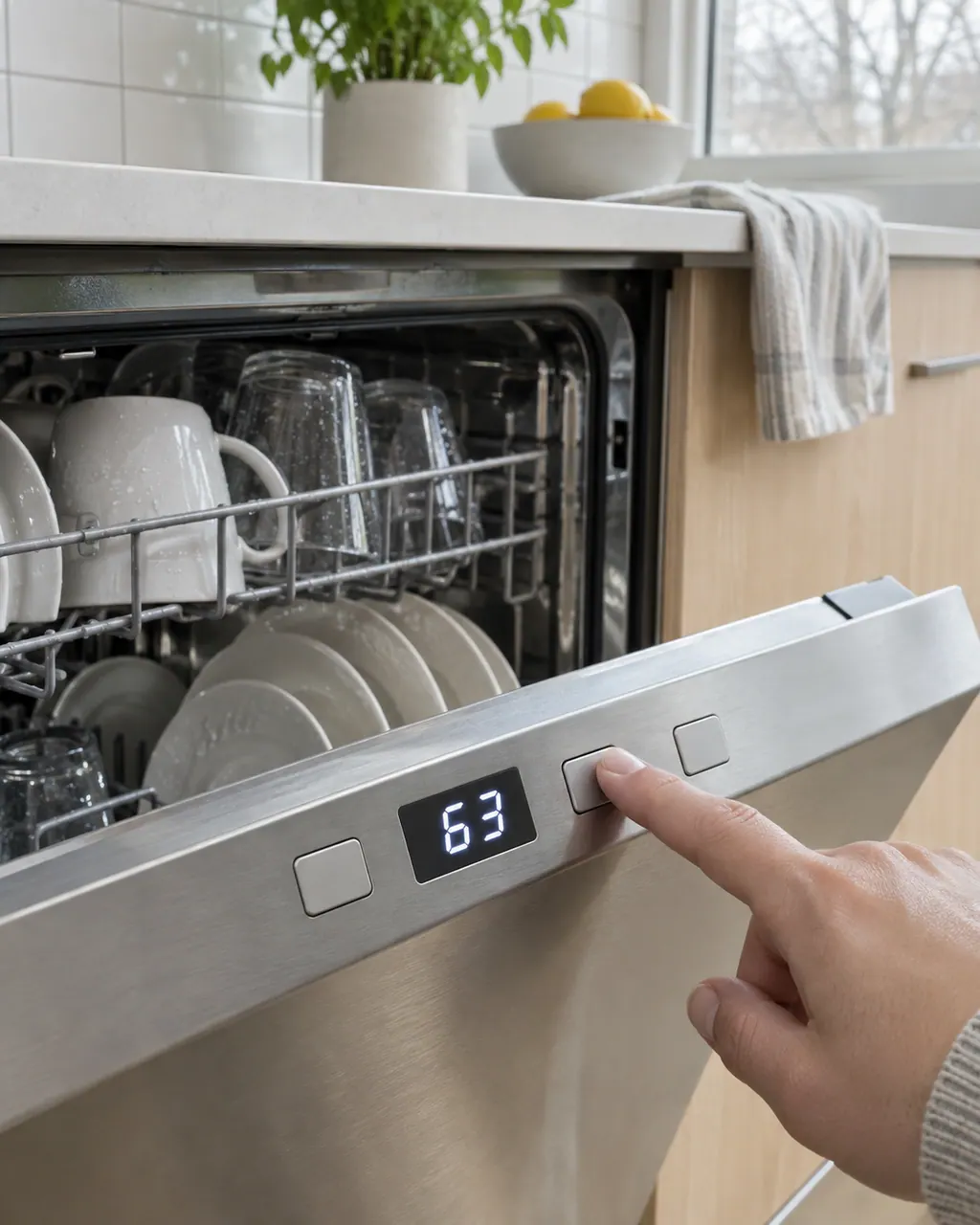
Start with safe observations.
Power the appliance down and pull the plug before any owner check. Beware of standing water and sharp debris. Never touch a wet plug or electrical area, take off service panels, or step beyond your model’s owner guide.
- 1
Look at the display
A countdown means a delayed start (01-24). Hd or HO means a heat delay. Neither is a button failure.
- 2
Try Cancel
Press or hold Cancel. Electrolux says the second press cancels the cycle and drains, and the third turns the unit off.
- 3
Reset the power
Switch off at the breaker or unplug for 3 minutes.
- 4
Child lock
Your use and care manual shows whether your model has a control lock and how to turn it off. We could not confirm the steps from Electrolux's written articles.
Systems a technician may investigate.
The parts below tie in with this symptom. Seeing it does not prove any one of them has failed.
If the display adds a code.
No code is tied directly to this topic.
No further researched dishwasher code is tied to this topic. Match the exact message to your model manual and do not swap in another code from the library.
See the research statusWhen observation becomes a service request.
Leave internal testing to a technician.
Book a visit if no button responds after a power reset. Tell us the model number and whether the display lights at all.
Arrange a diagnosticSources and model boundaries.
These sources back the Electrolux dishwasher buttons not working guidance. Use the manual for your own model.
- Dishwasher Error Code 01-24 - Delayed option has been activated (KB 1830334)
- Dishwasher Error Code Hd or HO - Heat delay or heater on mode activated (KB 1830362)
- Dishwasher Error Code i20 - Unit did not drain properly (KB 1830367)
- How to Use Your Dishwasher: Alarms & Codes (KB 1853201)
Follow the guide for your exact model. Consult how we research these pages.
Why do the buttons seem dead?
The dishwasher may be counting down a delayed start or waiting for the water to heat. The display shows 01-24 or Hd or HO in those cases.
How do I cancel the cycle?
Press or hold Cancel. Pressing again cancels the cycle and drains, and a third press turns the dishwasher off.
Does a power reset help?
It can. Turn the power off at the breaker, or unplug for 3 minutes, then try again.
Does Electrolux explain the control lock in writing?
Not in the articles we checked. Look in your use and care manual for your model's lock.
Codes, symptoms, parts and service
Link the message to what to do next.
Electrolux dishwasher lights flashing or showing a code
Flashing lights and display codes on an Electrolux dishwasher are not always a breakdown. A delay countdown (01-24) and a heat delay (Hd or HO) are normal waiting states, while i20 and i40 point to draining and a clogged filter or sump.
Dishwasher control panel and Cancel button
Electrolux says a dishwasher that seems to ignore its buttons may be showing a delayed start (a countdown from 01 to 24), a heat delay (Hd or HO) or an open-door message (CL or Cd). Pressing Cancel ends a delayed start.
Dishwasher repair
Book a diagnostic for your model at the appliance.
Find your metro
Office details and the access information to pass on.