Inside the appliance
Dishwasher control panel and Cancel button. In plain English.
Electrolux says a dishwasher that seems to ignore its buttons may be showing a delayed start (a countdown from 01 to 24), a heat delay (Hd or HO) or an open-door message (CL or Cd). Pressing Cancel ends a delayed start.
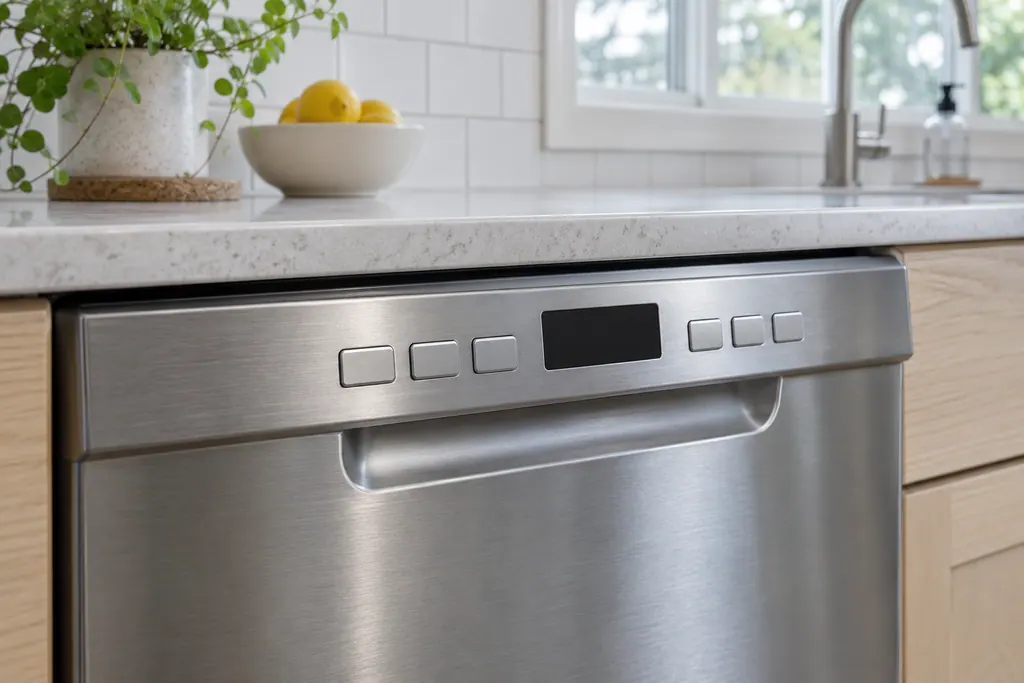
Where it fits.
Dishwasher control panel and Cancel button in the appliance
Electrolux’s articles don’t show the panel position. It is the set of buttons and display on the dishwasher.
The image shows the type of component only. It does not select a replacement that fits your model.
What is different once this system needs attention.
Dishwasher control panel and Cancel button concerns may show up with a drop in performance or a code that keeps returning. Testing comes first before anyone decides the component has failed.
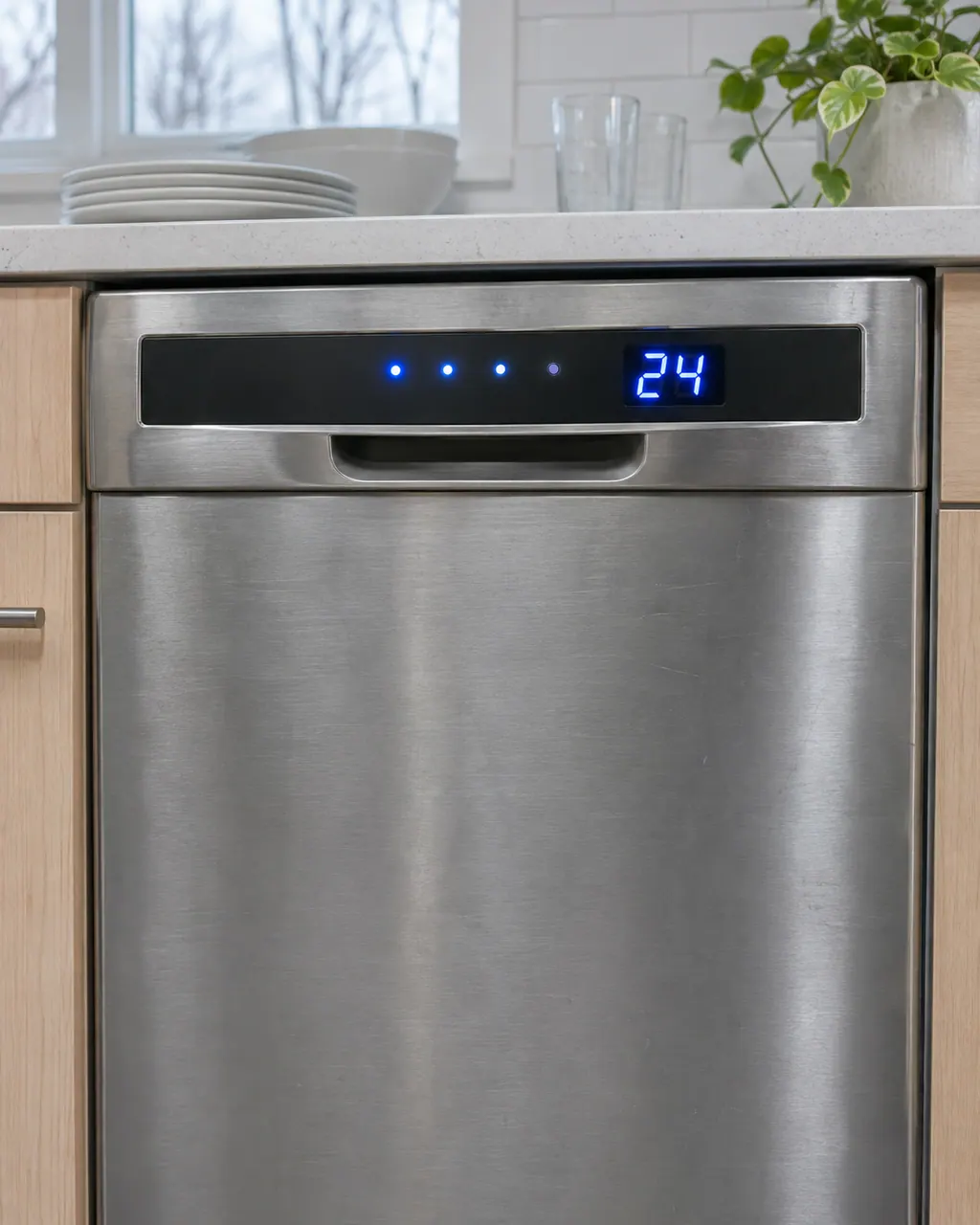
Electrolux dishwasher lights flashing or showing a code
Flashing lights and display codes on an Electrolux dishwasher are not always a breakdown. A delay countdown (01-24) and a heat delay (Hd or HO) are normal waiting states, while i20 and i40 point to draining and a clogged filter or sump.
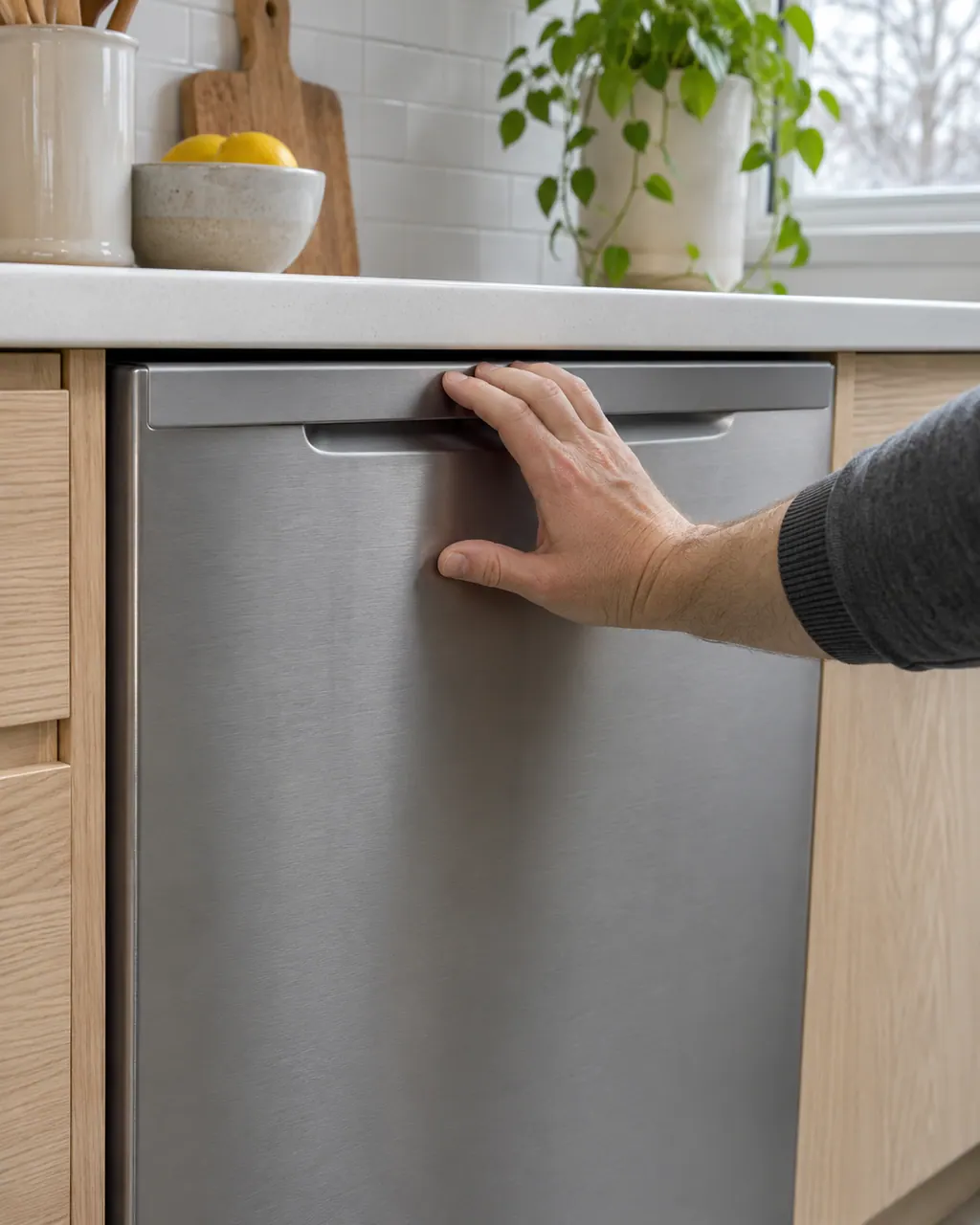
Electrolux dishwasher will not start
A dishwasher that seems idle may be waiting. A delayed start (01-24) holds the cycle until the countdown reaches 0, and a heat delay (Hd or HO) pauses while the water warms. Check these before looking for a failure.
Owner care, within the model instructions.
Power the appliance down and pull the plug before any owner check. Beware of standing water and sharp debris. Never touch a wet plug or electrical area, take off service panels, or step beyond your model’s owner guide.
- 1
Read the display
A countdown means a delayed start. Electrolux says the cycle begins when the time reaches 0.
- 2
Use Cancel in order
Electrolux says to press or hold Cancel. A second press cancels the cycle and starts a drain routine. A third press ends the drain and turns the unit off.
- 3
Wait out a heat delay
Hd or HO means the dishwasher is heating the water first. Electrolux says colder water takes longer, roughly 1 to 2 minutes for each degree of rise.
- 4
Latch the door
CL or Cd means the door has not been closed and latched. Electrolux says the code clears once the door is fully closed.
- 5
After a power cut
PF means power was lost. Electrolux says pressing START/CANCEL clears it so a new cycle can begin.
Cleaning or replacement?
Leave internal testing to a technician.
For units installed in the past 30 days, Electrolux says to go back to the installer. After 30 days, book a visit if the buttons stay dead with no code, a countdown or a power cut to explain it. Don’t open the control panel.
Arrange a diagnosticSee the neighboring components.
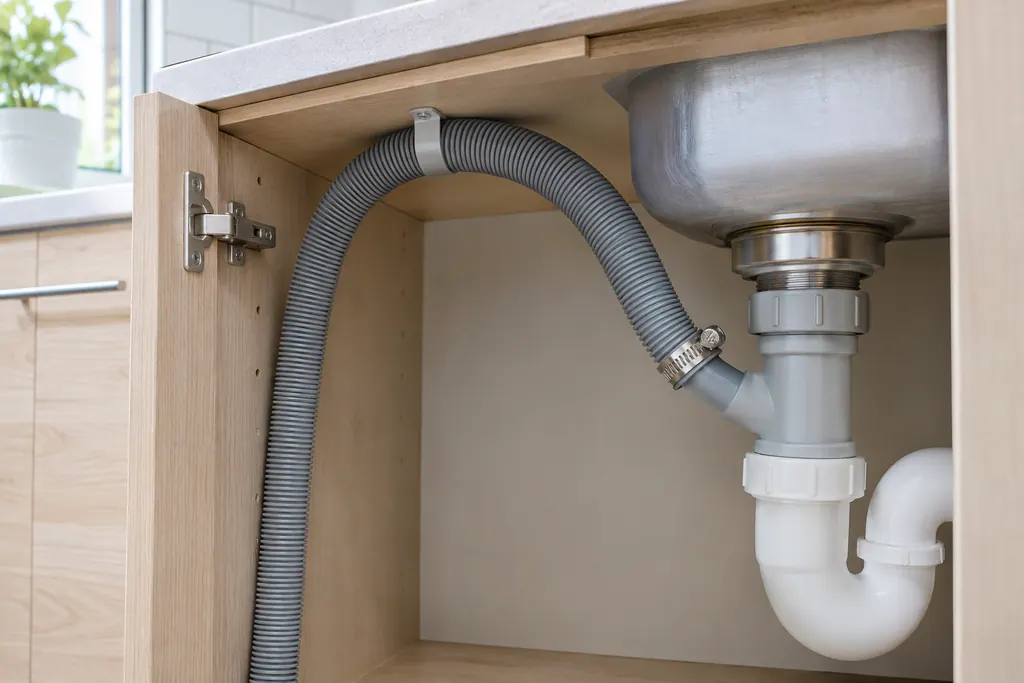
Dishwasher drain hose
The drain hose carries wastewater away from the tub. When Electrolux shows i20, the unit did not drain properly, and the hose is the second item on its list: free of blockage and pinching and at a height of 32 inches or more.
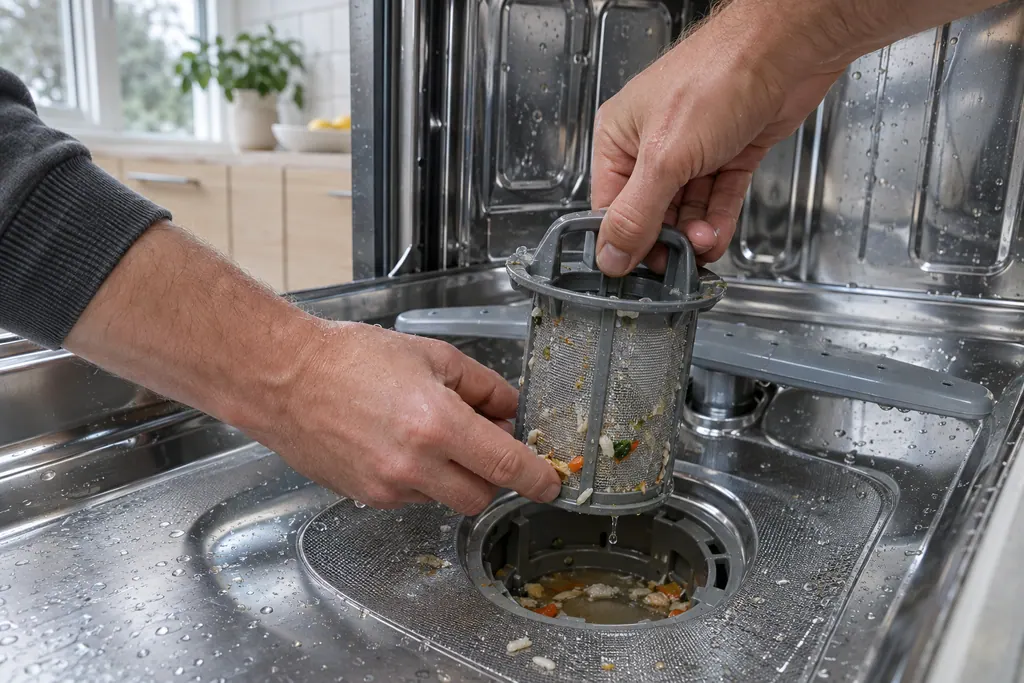
Glass trap and filter
The glass trap and filter collect food soil before the drain. Electrolux ties both i20 and i40 to them: i40 is printed as a clogged filter or sump, caused by food residue that has collected, and i20 lists the glass trap among the things to clear.
Sources and model boundaries.
These sources back the Dishwasher control panel and Cancel button guidance. Use the manual for your own model.
- Dishwasher Error Code 01-24 - Delayed option has been activated (KB 1830334)
- Dishwasher Error Code Hd or HO - Heat delay or heater on mode activated (KB 1830362)
- Dishwasher Error Code CL or Cd - Door is open (KB 1830354)
- Dishwasher Error Code PF - Loss of Power (KB 1831282)
Follow the guide for your exact model. Consult how we research these pages.
Is a countdown on the display a problem?
No. Electrolux says it shows the delay option is on, and the cycle starts when the time reaches 0.
How do I turn the dishwasher off mid-delay?
Press Cancel three times, as Electrolux describes: first press or hold, second cancels the cycle and drains, third turns the unit off.
Does Electrolux explain the child lock?
It has a separate child lock article, but its text isn’t in our cached set. Check your use and care manual for the key combination.
What should I check first for dishwasher control panel and cancel button?
A countdown means a delayed start. Electrolux says the cycle begins when the time reaches 0.
Codes, symptoms, parts and service
Link the message to what to do next.
Electrolux dishwasher lights flashing or showing a code
Flashing lights and display codes on an Electrolux dishwasher are not always a breakdown. A delay countdown (01-24) and a heat delay (Hd or HO) are normal waiting states, while i20 and i40 point to draining and a clogged filter or sump.
Dishwasher repair
Book a diagnostic for your model at the appliance.
Find your metro
Office details and the access information to pass on.