Start from the symptom
Electrolux range door lock error or locked controls.
If the range door refuses to open, or F90 to F94 shows, Electrolux wants power off for up to half a minute, using the plug or the breaker. First rule out the Lock feature, which also secures the door.
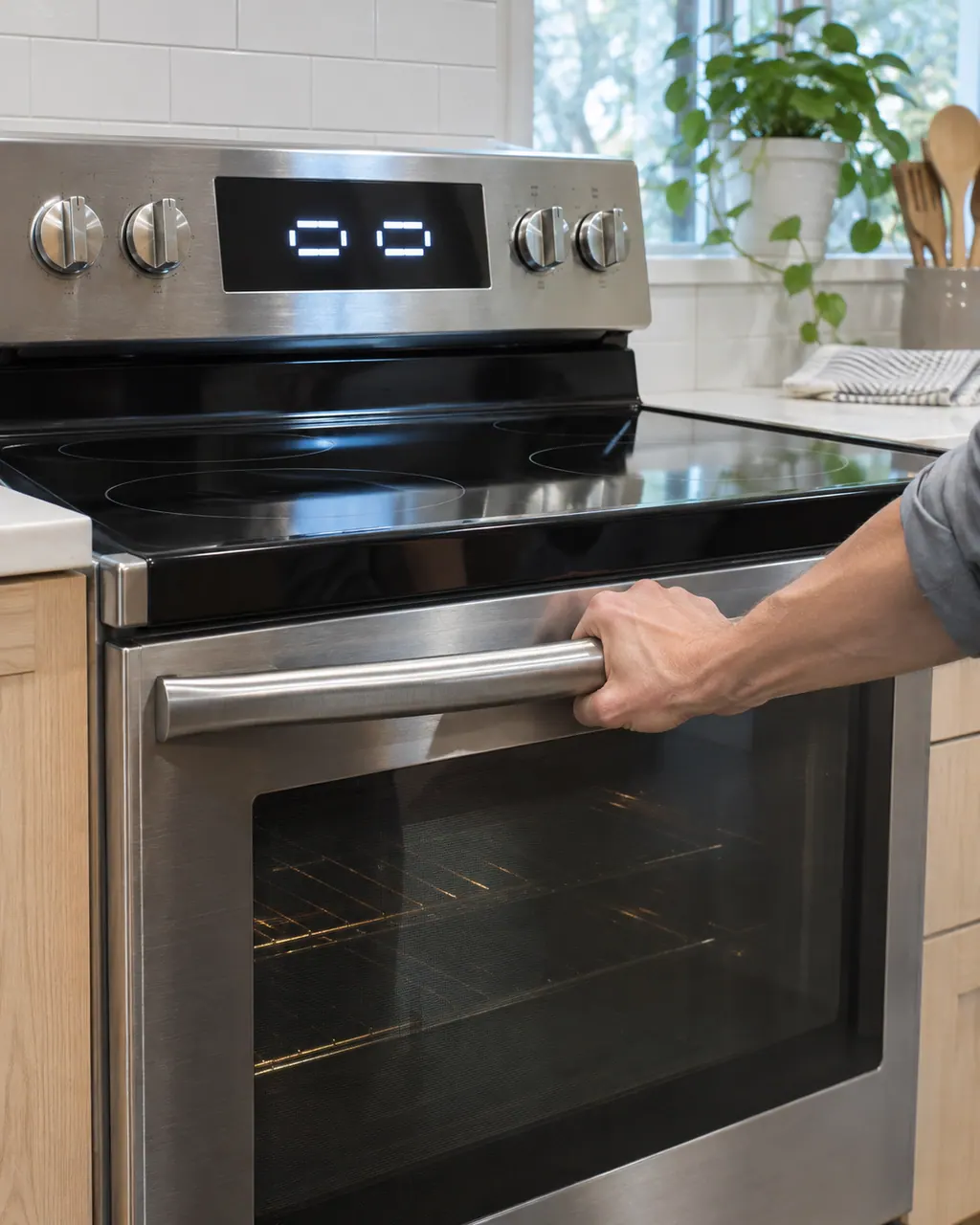
Start with safe observations.
Power the appliance down and pull the plug before any owner check. Beware of standing water and sharp debris. Never touch a wet plug or electrical area, take off service panels, or step beyond your model’s owner guide.
- 1
Check for the Lock feature
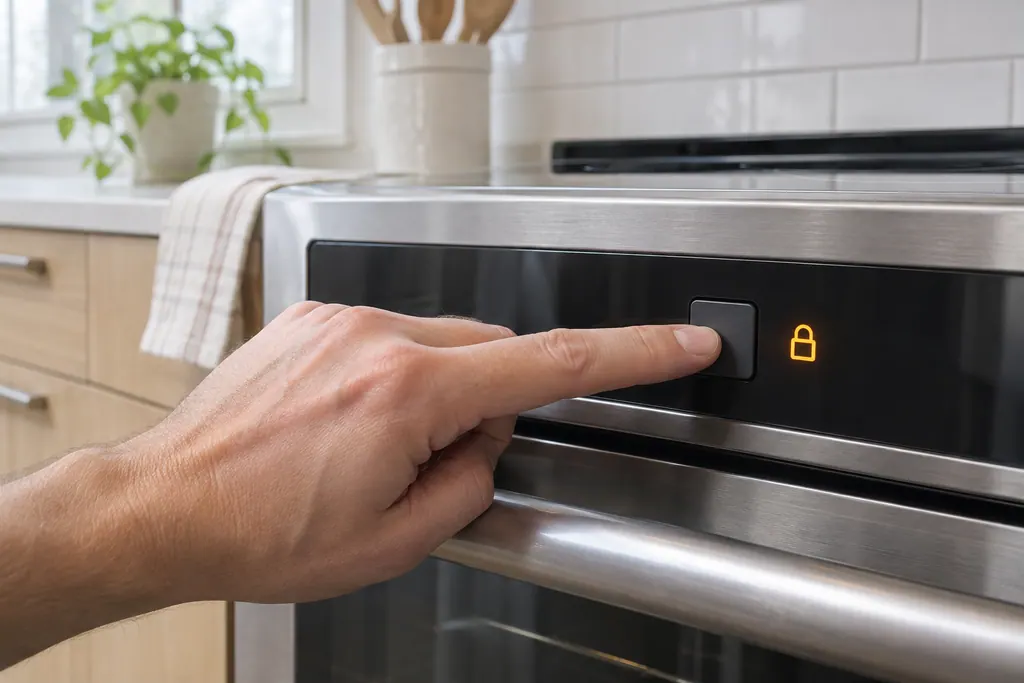
Holding OFF for 6 seconds turns the Lock on. Lock appears in the display, the door-locked light flashes and the latch closes within roughly 15 seconds.
- 2
Cancel the Lock
Press OFF and hold it for 6 seconds again. The control unlocks the door and returns to normal operation.
- 3
Reset the range
For F90 to F94, cut power to the range for up to half a minute, either at the plug or at the circuit breaker, and then restore it.
- 4
Wait for the door to move
The lock motor needs time to close or open. Give it the 15 seconds Electrolux mentions before assuming it is stuck.
- 5
Note any F40 or F41
These two codes are the cooktop lock out, and Electrolux gives them the same power reset.
More about this symptom.
Why is my range door locked when I did not set a clean cycle?#
Holding OFF for 6 seconds may have switched the Lock feature on, which secures the oven door and the display controls. Hold OFF for another 6 seconds to cancel it.
What does a power reset do?#
It restarts the control. For F90 to F94 and for F40 and F41 Electrolux asks for up to 30 seconds without power, then a look at the display.
What tells me these checks are not enough?#
When a code comes back after a reset, or the door stays locked with Lock off. A repeating code needs a technician to test the door lock.
Systems a technician may investigate.
The parts below tie in with this symptom. Seeing it does not prove any one of them has failed.
Rely on the care guidance written for this appliance.
When observation becomes a service request.
Leave internal testing to a technician.
The latch stays closed after the reset, even with Lock off.
F90 to F94 returns after the reset.
F40 or F41 comes back the same day.
The door will not lock when you set a self-clean.
Arrange a diagnosticSources and model boundaries.
These sources back the Electrolux range door lock error or locked controls guidance. Use the manual for your own model.
- Range Error Code F90 / F91 / F92 / F93 / F94 - Door Lock Issue (KB 1846388)
- Range Error Code F40 / F41 - Cooktop Lock Out (KB 1846387)
- Ranges - What does the Lock feature do and how can I activate it? (KB 1847356)
Follow the guide for your exact model. Consult how we research these pages.
How do I cancel the Lock on my Electrolux range?
Hold OFF for 6 seconds and the control releases the oven door and returns to normal operation. Electrolux notes that steps vary by model, so use your owner's manual if yours differs.
How long does the door take to lock?
Roughly a quarter of a minute. The display shows Lock and the door-locked light flashes, then the time of day returns once the door is secured.
What clears F90 to F94 on a range?
For these door lock codes Electrolux asks you to take power away for up to 30 seconds, using the plug or the breaker, and then switch it back on.
What are F40 and F41?
They are the cooktop lock out codes for electric ranges and cooktops. Electrolux gives them the same fix as the door lock codes.
Is it safe to force a locked oven door?
No. Forcing a locked door risks damaging the latch. Use the reset steps, and if the door stays locked, book a technician.
Codes, symptoms, parts and service
Link the message to what to do next.
F90
F90 on an Electrolux oven is a door lock motor mechanism failure. The ES630 sheet says door motor mechanism failure, and the modular sheet says the control does not see the lock motor running. Press UNLOCK if the door is locked, then reset the power.
Electrolux range surface burner not heating
For a surface element that stays cold, the check depends on the cooktop type. On coil burners, test the safety switch and move the coil to another receptacle. On glass, cut the range's power for 30 seconds. On induction, use cookware a magnet sticks to.
Range oven door lock
The lock holds the oven door closed during self-clean and when the Lock feature is on. Electrolux says the latch stays shut while the oven is hot, and it closes by itself after you hold the Off key for six seconds.
Range repair
Book a diagnostic for your model at the appliance.
Find your metro
Office details and the access information to pass on.