What it means
DEMO on an Electrolux oven is not an error. The Owner Center guide says the oven is in Demo Mode. Turn the breaker off, wait 45 seconds, switch it back on, then find demo mode in the settings menu and turn it off.
Electrolux oven DEMO / Settings
DEMO on an Electrolux oven is not an error. The Owner Center guide says the oven is in Demo Mode. Turn the breaker off, wait 45 seconds, switch it back on, then find demo mode in the settings menu and turn it off.
Also shown as DEMO
DEMO on an Electrolux oven is not an error. The Owner Center guide says the oven is in Demo Mode. Turn the breaker off, wait 45 seconds, switch it back on, then find demo mode in the settings menu and turn it off.
Use the breaker for the oven, not the controls.
DEMO returns after demo mode is switched off.
Your checklist, kept on this device
Use the breaker for the oven, not the controls.
Leave the power off for the full 45 seconds, as the guide says.
Switch the breaker on again after the full 45 seconds and give the display a moment to wake before you touch the keys.
Go to the settings menu on the oven's display. The exact key depends on your model, so your Use and Care guide shows where it is.
Select demo mode and switch it off. The oven heats normally again.
Send us the model and the checks you have done, and open your request here.
Book a visit
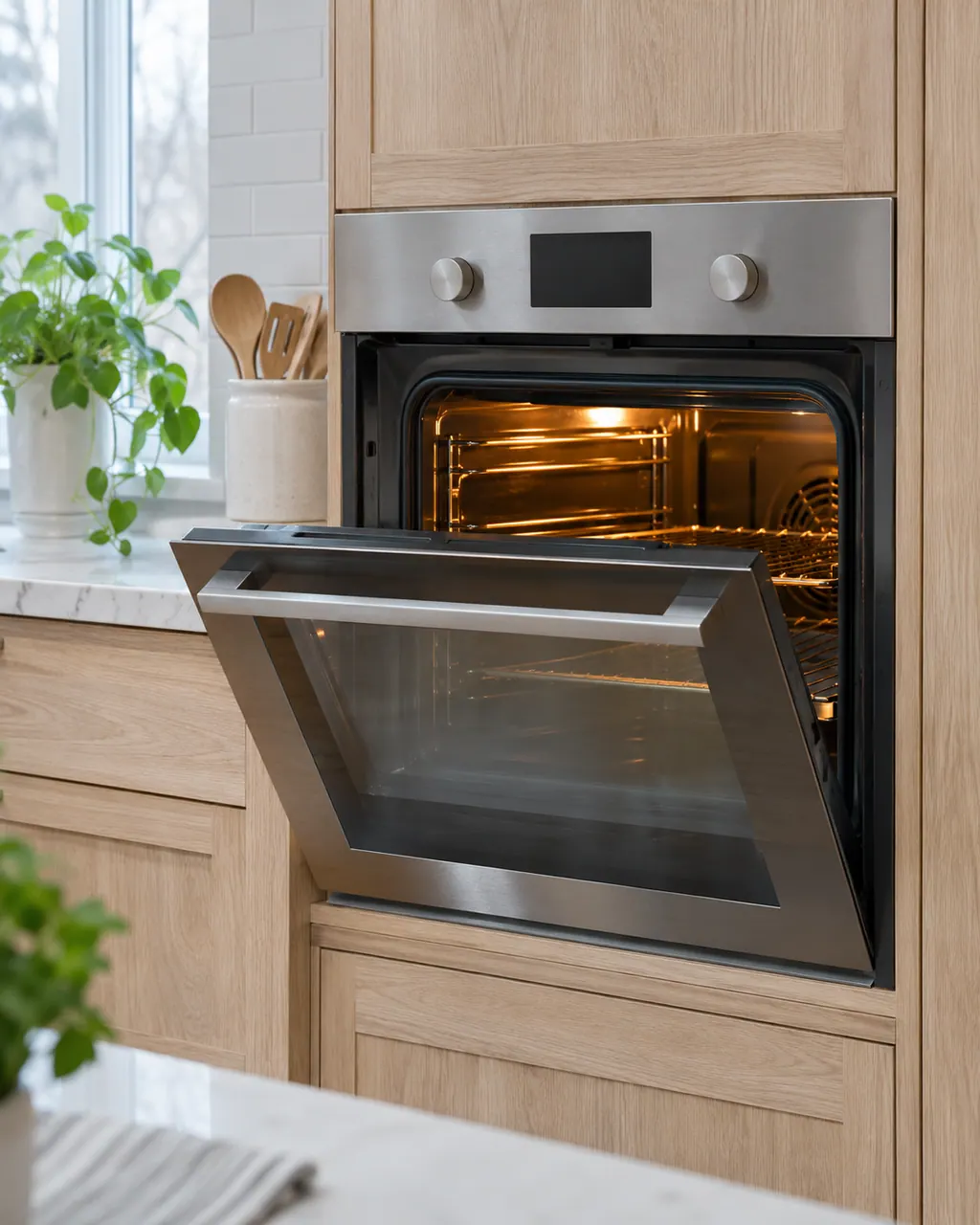
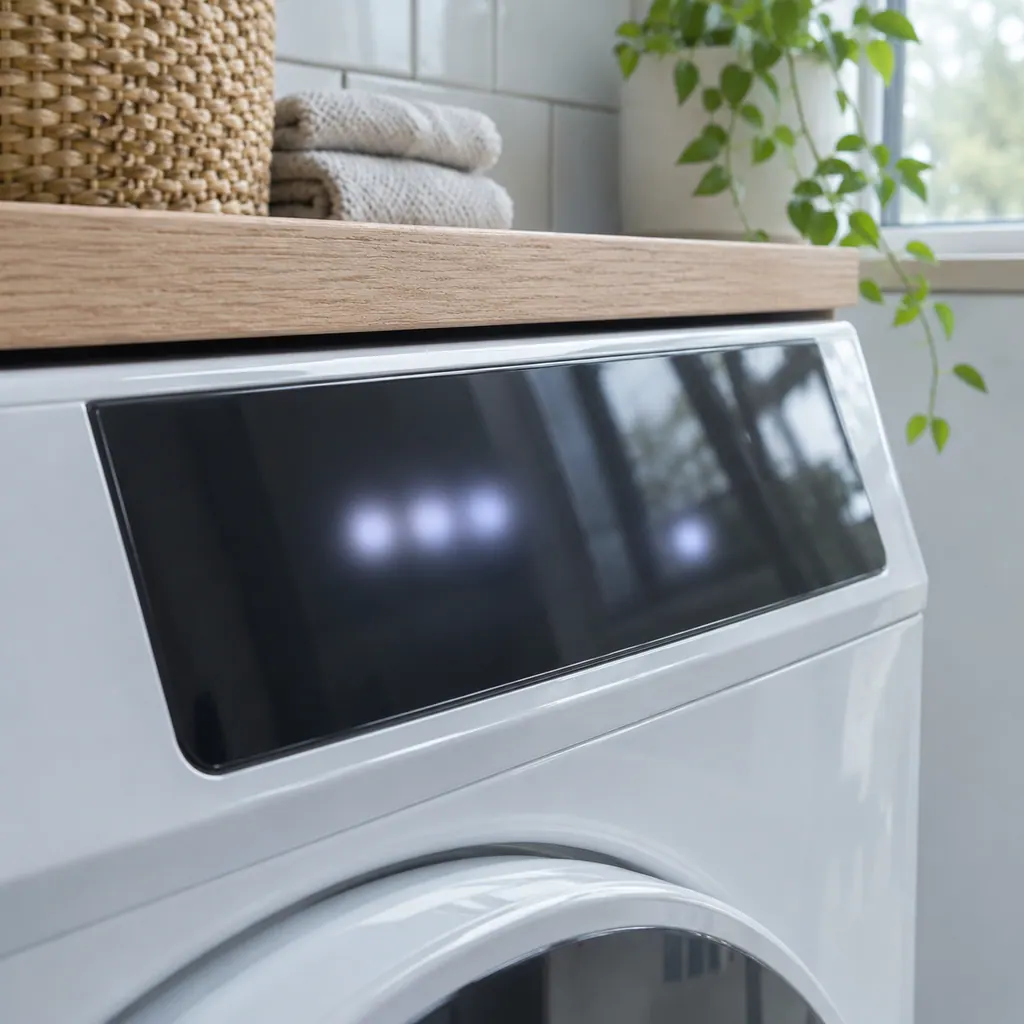
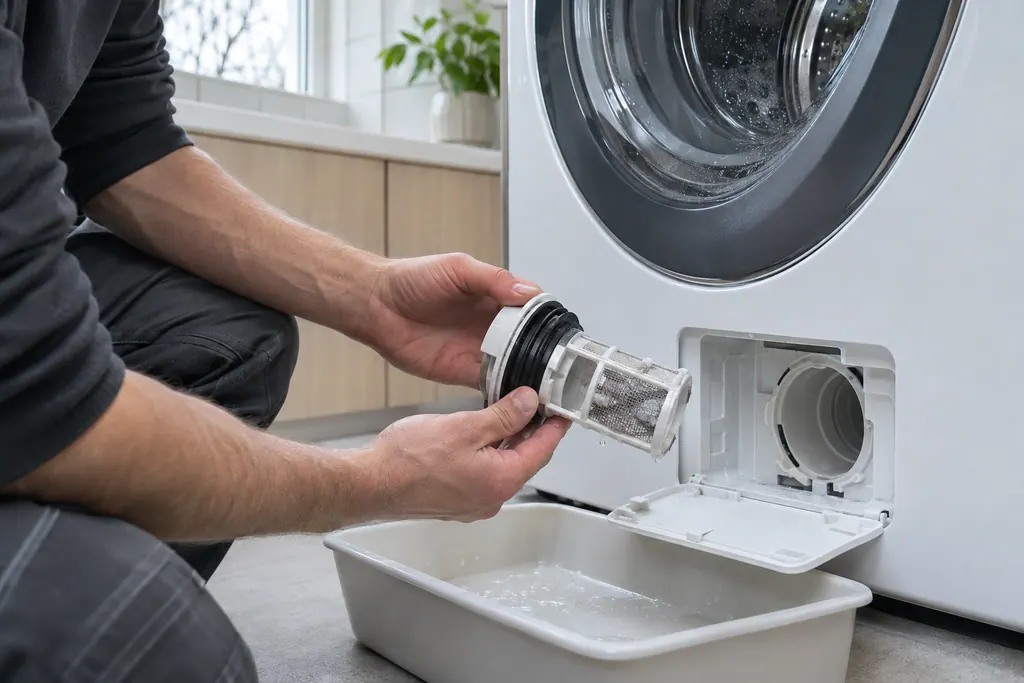
A simplified drawing, since layouts differ between models. Pick an outlined part for its photo and the related check.
The oven is in Demo Mode, a mode the Owner Center guide lists with the oven codes. Electrolux says the unit is in Demo Mode.
Read the supporting manualThe guide does not say what Demo Mode changes, only how to turn it off. If DEMO is on the display, rule it out first by turning the mode off.
Read the supporting manualSwitch off at the breaker, wait 45 seconds, switch on, go to the settings menu, scroll to demo mode and select or turn it off.
Read the supporting manualIf the setting is off but the oven still will not heat, a different problem is at work.
Read the supporting manualManufacturer document
Electrolux / Owner Center knowledge base (owner.electrolux.com)
Owner Center article, cached 10.11.2026 (no edition date printed) / article text
Electrolux's Oven Error Codes and Alarms Guide (Owner Center). DEMO is a mode, not a failure.
No. Electrolux lists it with the oven codes but identifies it as a mode.
The guide gives 45 seconds as the wait before you switch the breaker back on, so follow it exactly rather than flicking the breaker off and on.
The guide does not say. If DEMO returns after you have turned it off in the settings menu, tell us the model number and when it came back.
For DEMO, the model number and whether DEMO returns after the settings step.
Codes, symptoms, parts and service
The written Electrolux articles say little about setting the clock or timer, since its display-settings guide is a video. What they do cover is a display or keypad that acts up: a stuck key (F11), memory and cable errors (F13, F14, F15), Demo mode and a power reset.
Book a diagnostic for your model at the appliance.
Office details and the access information to pass on.