Read the whole display
Write down the full code and the model number. The model decides which table applies, so a code can mean two different things.
Model-specific code library
Electrolux's technician sheets decode oven codes per control: the ES630 and the 2017 modular control. The Owner Center guide covers a few more. F102 comes from UK and Australian pages, and no US document lists it.
F10 on an Electrolux oven is a runaway temperature alert. Turn the oven off, leave the door shut and let it cool. The Owner Center guide calls it a built-in safety alert, and the technician sheets tie it to a shorted relay or a bad temperature probe.
Read the F10 checks33 researched oven codes. A code can mean different things on different models, so read your own manual.
F102 comes from Electrolux's UK and Australian support pages, and no US Electrolux document we found lists it. Those pages describe a door lock sensor problem: close the door fully, disconnect power for a few minutes and try again.
Model-dependent / read firstF50 is an A/D out of range error on Electrolux's modular wall oven control: the oven relay board cannot read the status of the switches, such as the door switch and the lock motor switch. Reset power; if F50 returns, book a technician.
TechnicianF20 means the oven controller has found a problem with the link to the surface element controller (ESEC). It appears on the dual-fuel range sheet. Check whether the surface element displays light; if not, the controller has no power. Then book a technician.
TechnicianF22 is a communication failure between the oven user interface board and the oven relay board, on Electrolux's modular wall oven control. Leave the oven without power for 30 seconds, then restore it. If F22 returns, book a technician for the harness test.
TechnicianF11 on an Electrolux oven is a stuck or shorted key: a key was read as pressed for too long, and oven activity ends. Remove anything resting on the keys, press Stop, and if F11 comes back book a technician.
Owner checks firstF12 is a keyboard configuration alarm on Electrolux's modular wall oven control: the user interface board received a key code from the touch panel that does not match its key map. Reset power for 30 seconds; if it returns, book a technician.
TechnicianF43 applies to Electrolux's ES630 oven control only and means the cooling fan is turning too slowly. The display board reads the fan's speed and finds it abnormal. Modular ovens print F45 for the same condition. Book a technician.
TechnicianF44 applies to Electrolux's ES630 oven control only and means the cooling fan is running too fast. The display board reads the speed and flags it. Modular ovens print F46 for the same condition. Book a technician.
TechnicianF45 means the cooling fan speed is too low on Electrolux's modular wall oven control. The ES630 prints F43 for the same condition. Check the fan blades are not blocked, then book a technician.
TechnicianF46 means the cooling fan speed is too high on Electrolux's modular wall oven control. The ES630 prints F44 for the same condition. Check for an obstruction in the air path, then book a technician.
TechnicianF13 on an Electrolux oven is a memory problem: the ES630 control's internal checksum may be corrupted, and the modular sheet says data written to memory failed verification. Press any key or reset the power for 30 seconds; if it returns, book a technician.
Model-dependent / read firstF18 is an oven relay board failure, which Electrolux's modular wall oven sheet calls the wiggler. The only corrective action listed is to replace the oven relay board. Book a technician; a reset will not fix a failed board.
TechnicianF19 means the user interface board is unable to configure the oven relay board, on Electrolux's modular wall oven control. Turn the breaker off for half a minute before restoring power. If F19 returns, a technician checks the connection between the two boards and replaces parts in order.
TechnicianF30 is an open oven temperature probe (RTD) or its wiring, on both Electrolux oven controls. Reset the power by unplugging for 30 seconds. The ES630 sheet adds that the control may show F10 first. If F30 returns, book a technician.
TechnicianF31 is a shorted oven temperature probe (RTD) or its wiring, on both Electrolux oven controls. Let the oven cool and restart the function. If F31 returns, book a technician; the sheets check the probe's resistance against a chart.
TechnicianThe sheets are retailer-hosted copies for specific wall ovens and one dual-fuel range. Models outside those lists may differ. C3 and a bare F with no number are not printed in any Electrolux oven document we read.
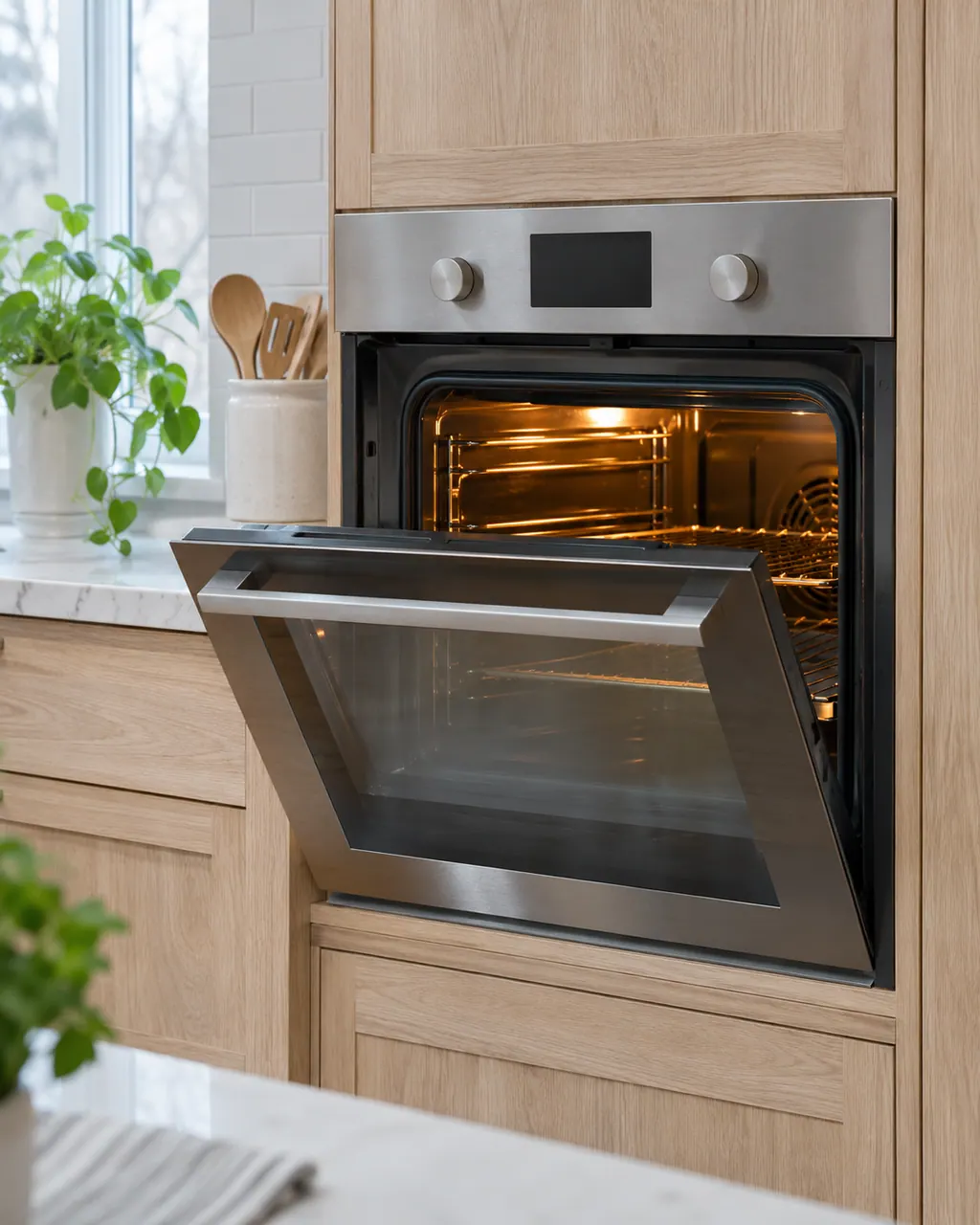
Electrolux's technician sheets decode oven codes per control: the ES630 and the 2017 modular control. The Owner Center guide covers a few more. F102 comes from UK and Australian pages, and no US document lists it.
The sheets are retailer-hosted copies for specific wall ovens and one dual-fuel range. Models outside those lists may differ. C3 and a bare F with no number are not printed in any Electrolux oven document we read.
Write down the full code and the model number. The model decides which table applies, so a code can mean two different things.
Cut power to the oven at the breaker before going near a panel. F10 is a high temperature safety alert, so let the oven cool. Boards, probes and lock motors need a technician.
The written Electrolux articles say little about setting the clock or timer, since its display-settings guide is a video. What they do cover is a display or keypad that acts up: a stuck key (F11), memory and cable errors (F13, F14, F15), Demo mode and a power reset.
If the keypad or touch panel ignores you, first rule out the lock: the Electrolux guide says UNLOCK appears after F90 to F94 and the controls stay locked until you follow it. After that, look at stuck-key and panel codes, Demo mode and a power reset.
The ES630 sheets show a cooling fan and a convection fan. The sheets watch the cooling fan's speed: F43 and F44 on ES630 ovens, F45 and F46 on modular ovens. An even-cooking complaint, by contrast, may be about how food is arranged.
Follow the guide for your exact model. Consult how we research these pages.
The sheets are retailer-hosted copies for specific wall ovens and one dual-fuel range. Models outside those lists may differ. C3 and a bare F with no number are not printed in any Electrolux oven document we read.
Photograph the entire oven display along with the model label. Note what the appliance was doing as the message came up, and do not lean on an explanation meant for a different appliance.
An older search phrase is no evidence from the maker. If our oven manuals leave a message unexplained, we keep its name and direct you to help, without guessing a part or a cause.
Open the oven manuals kept in this library and match the models on their covers to your label. A model that differs has its own operating guide.