Model-specific code library
Electrolux oven Control panel codes
6 printed codes in this group: F11, F12, F14, F15, F16, F17.
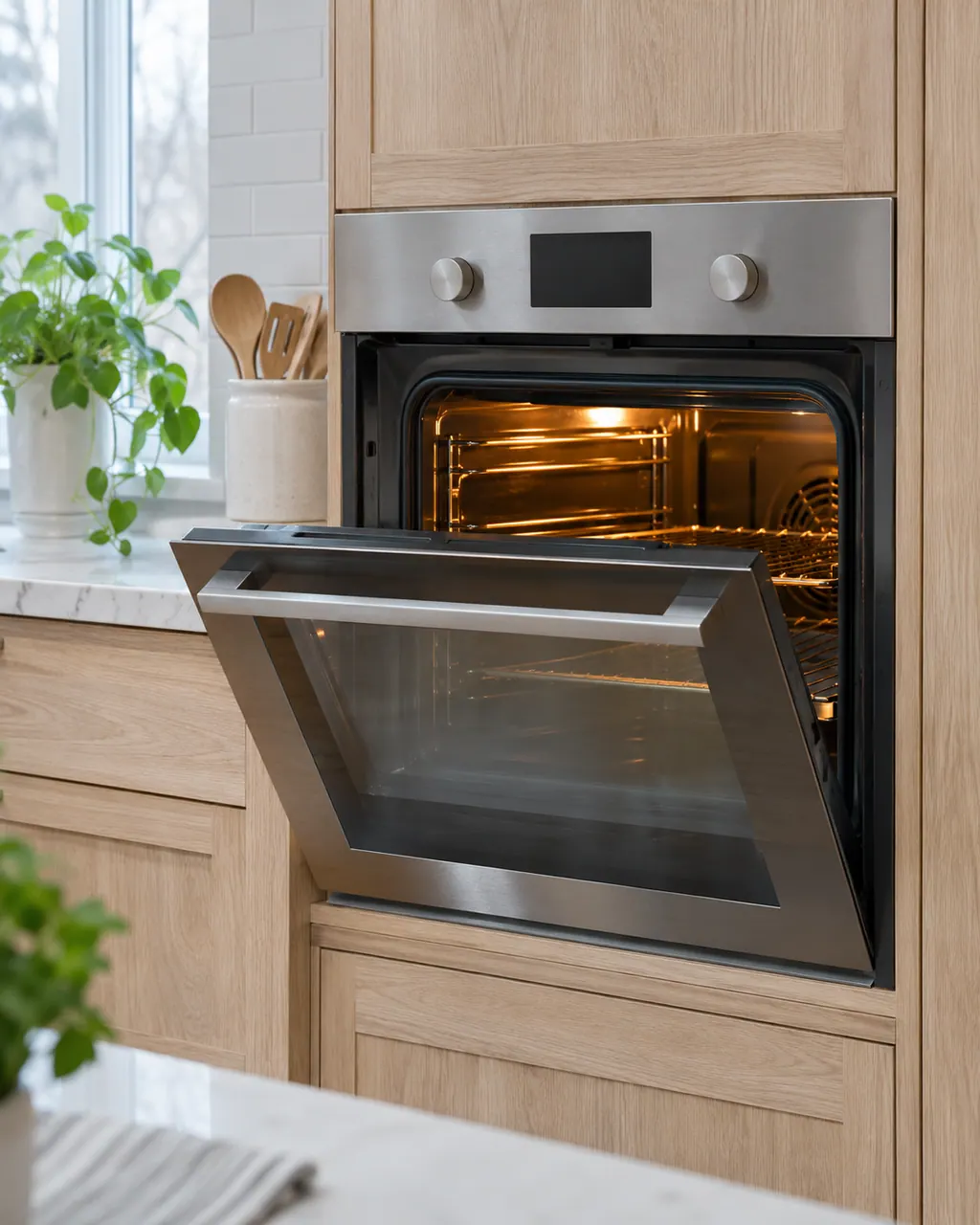
Control panel codes
F11 on an Electrolux oven is a stuck or shorted key: a key was read as pressed for too long, and oven activity ends. Remove anything resting on the keys, press Stop, and if F11 comes back book a technician.
Owner checks firstF12 is a keyboard configuration alarm on Electrolux's modular wall oven control: the user interface board received a key code from the touch panel that does not match its key map. Reset power for 30 seconds; if it returns, book a technician.
TechnicianF14 on an Electrolux oven means a misconnected keyboard cable, but only on the ES630 control. The sheet describes two ribbon cables between the display board and the touch panel. Modular ovens print no F14. Book a technician; do not pull the cables yourself.
Model-dependent / read firstF15 means different things on two Electrolux oven controls. On the ES630 it is a controller self check failure; on the 2017 modular control it is a keyboard error. Reset the power for 30 seconds, then book a technician if F15 returns.
Model-dependent / read firstF16 means the oven's user interface board cannot read the potentiometers, the two control knobs, on Electrolux's modular wall oven control. Turn both knobs fully to OFF, cut power for 30 seconds, then restore it. If F16 returns, book a technician.
TechnicianF17 means the user interface board is unable to configure the touch panel on Electrolux's modular wall oven control. Switch off the breaker for 30 seconds, then switch it back on. If F17 returns, a technician checks the touch panel harness and the control assembly.
Technician