Electrolux oven F14 / Control panel

Electrolux oven
error F14

Oven / display reference

F14 on an Electrolux oven means a misconnected keyboard cable, but only on the ES630 control. The sheet describes two ribbon cables between the display board and the touch panel. Modular ovens print no F14. Book a technician; do not pull the cables yourself.

Also shown as F14

Last reviewed

Oven / display reference
Meaning
F14 on an Electrolux oven means a misconnected keyboard cable, but only on the ES630 control. The sheet describes two ribbon cables between the display board and the touch panel. Modular ovens print no F14. Book a technician; do not pull the cables yourself.
Who handles it
Model-dependent / read first
Related codes
Source
Service Data Sheet, p/n 807436903, "Appliance with ES630 Electronic Oven Control" (EW30EW65PS)

What Electrolux oven F14 means.

What it means

F14 on an Electrolux oven means a misconnected keyboard cable, but only on the ES630 control. The sheet describes two ribbon cables between the display board and the touch panel. Modular ovens print no F14. Book a technician; do not pull the cables yourself.

What you can safely check

F14 exists only on the ES630 family: EW30EW55PS, EW30EW65PS and EW30DS80RS.

When to call a technician

F14 appears after any panel work.

Your checklist, kept on this device

Safe checks, in order.

0 of 5 checks done
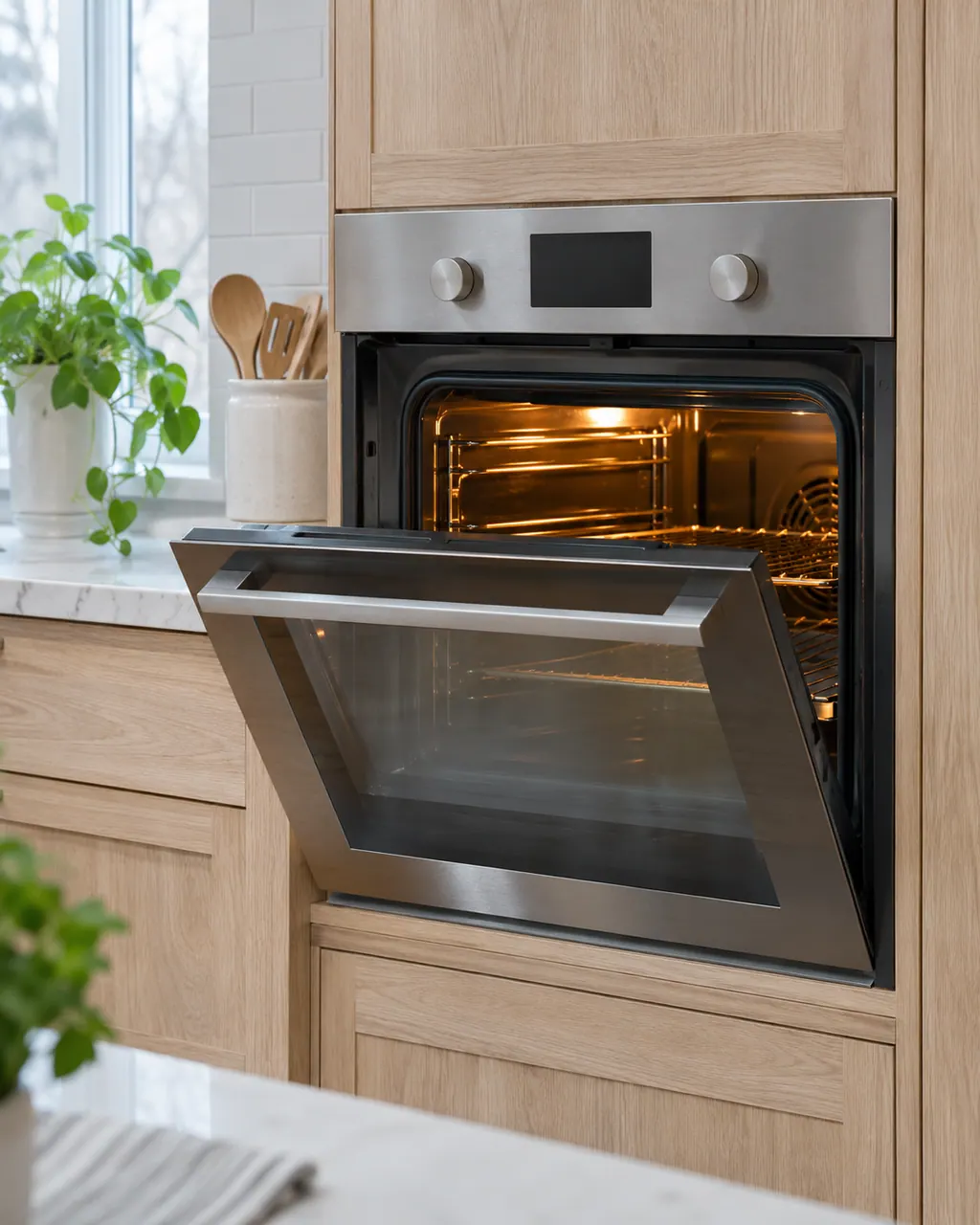
  1. Electrolux oven F14: Ranges & ovens in a thoughtfully designed home
    Illustration. Follow your model’s instructions.
    Before you begin

    Check your control type

    F14 exists only on the ES630 family: EW30EW55PS, EW30EW65PS and EW30DS80RS. The modular ovens have no F14.

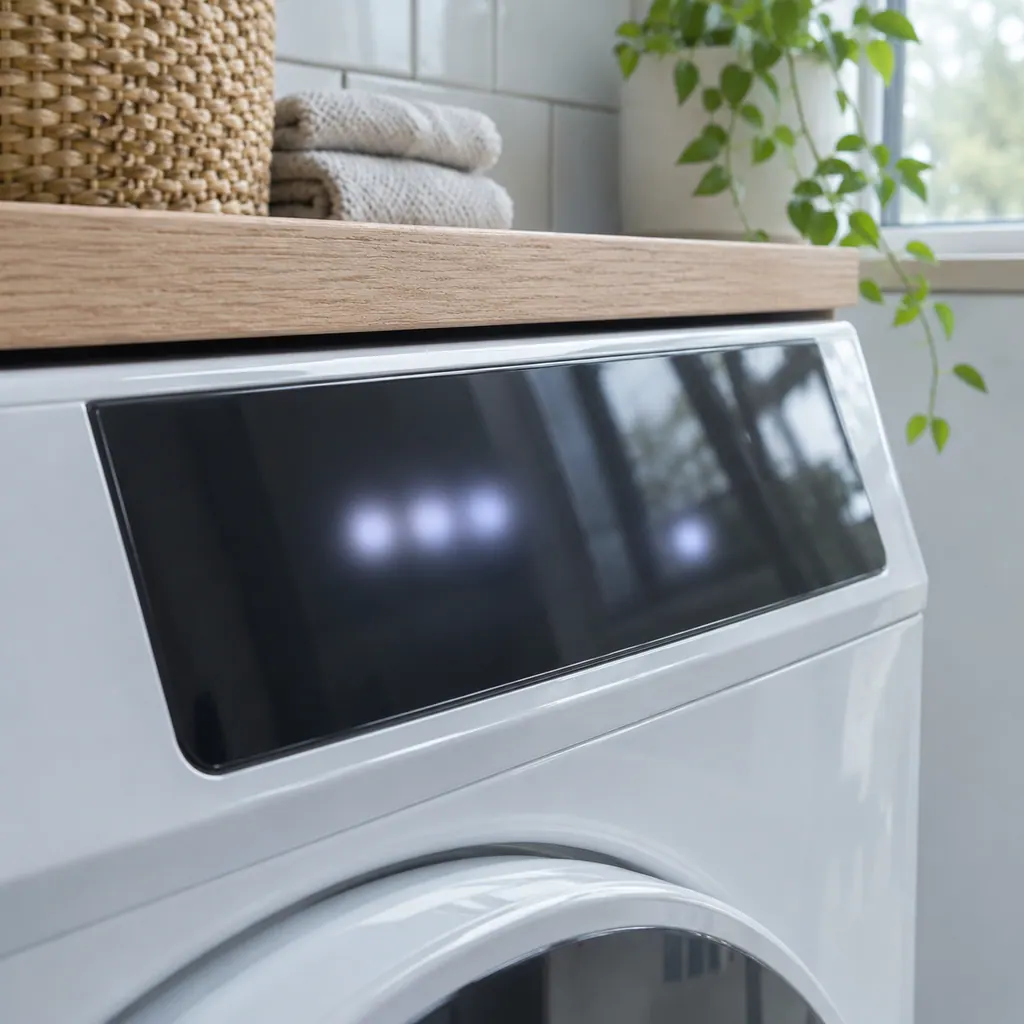
  2. A dark glass touch panel on a white front-load dryer, the display unlit
    Illustration. Follow your model’s instructions.
    Check 2

    Reset the power

    Leave the breaker off for 30 seconds before turning it on again.

  3. Technician in navy coveralls holding a tablet with a blank checklist, a washer in the background.
    Illustration. Follow your model’s instructions.
    Check 3

    Leave the ribbon cables

    They are delicate and sit behind the control panel.

  4. A technician inspecting a front-load washer pump filter
    Illustration. Follow your model’s instructions.
    Check 4

    Remember recent work

    F14 after the panel was opened or replaced points at a cable that is not seated.

  5. Illustration. Follow your model’s instructions.
    Check 5

    Book a visit

    The sheet verifies the connection between the display board and the touch panel at both ends, then replaces the touch panel, then the display board.

Still showing F14?

Send us the model and the checks you have done, and open your request here.

Book a visit

The touch panel and control.

Conceptual Range / oven sectionKeypad / touch panelControl boardElement wiring123
  1. 2Control board
  2. 3Element wiring

A simplified drawing, since layouts differ between models. Pick an outlined part for its photo and the related check.

Parts behind the message.

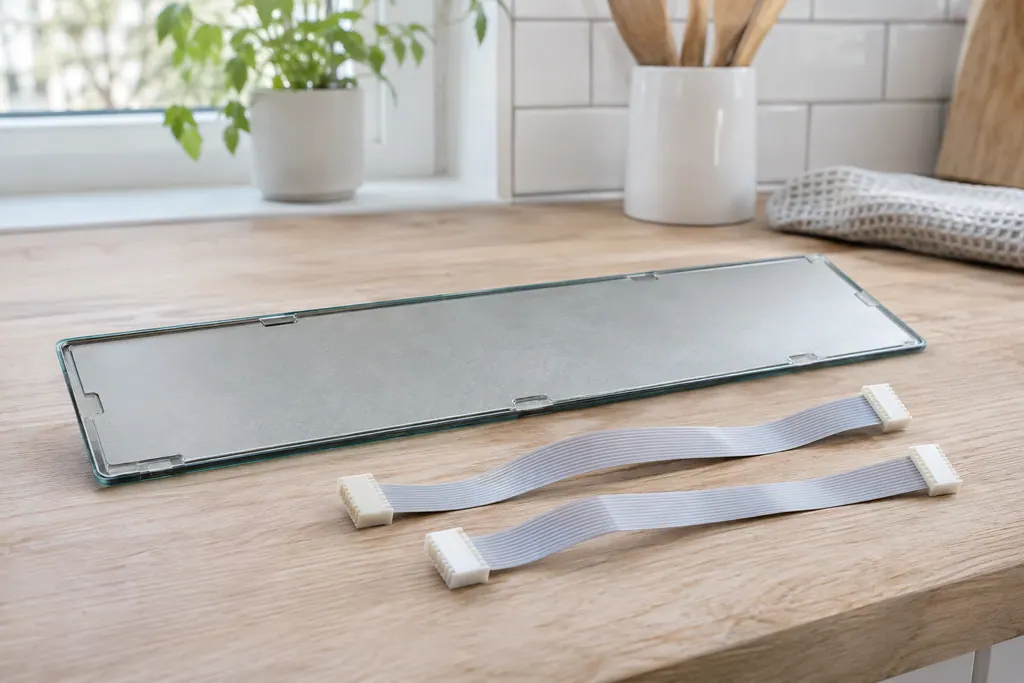
Thin glass touch panel lying face down beside two flat ribbon cables with white connectors.

Component reference

Oven touch panel cable

The touch panel is joined to the display board by two ribbon cables.

Read the definition

A little more context.

What does F14 mean?

The keyboard cable between the touch panel and the display board is not connected correctly. The ES630 sheet says to verify the two ribbon cables are well connected at both ends.
Read the supporting manual

Why only on ES630?

F14 is printed only on the ES630 sheets. The modular sheets list F15 as a keyboard error instead.

Read the supporting manual

What does the technician replace?

If the cables are good, the touch panel; if the problem persists, the display board.

Read the supporting manual

The manual behind the message.

Manufacturer document

Service Data Sheet, p/n 807436903, "Appliance with ES630 Electronic Oven Control" (EW30EW65PS)

Electrolux (technician sheet; retailer-hosted copy)

Models: EW30EW65PS

p/n 807436903 (Rev A 13/04) / PDF p.1 (EOC code descriptions)

Manufacturer document

Service Data Sheet, p/n 807436904, ES630 (EW30EW55PS)

Electrolux (technician sheet; retailer-hosted copy)

Models: EW30EW55PS

p/n 807436904 (Rev A 13/04) / PDF p.1

Manufacturer document

Service Data Sheet, p/n 807880710 / 807880711, ES630 (EW30DS80RS dual-fuel range)

Electrolux (technician sheet; retailer-hosted copy)

Models: EW30DS80RS

p/n 807880710 EN (Rev A 16/02); 807880711 FR (Rev A 16/03) / PDF p.1

Row F14 of the ES630 sheets (807436903, 807436904, 807880710). It is not printed on the modular sheets.

Here to help

Good questions.
Clear answers.

Talk to our team
Is F14 the same as F15?

No. On the ES630 F15 is a failed controller self-check. On modular ovens F15 is a keyboard error.

Can I reseat the cables myself?

We do not advise it. The cables sit inside a live control assembly.

Does F14 appear after cleaning?

The sheet names no cause. Wet cleaning near the panel should be avoided anyway.

Before booking F14, what helps?

For F14, the model number and whether the oven's panel was opened recently.

Let’s take care of it.

Premium appliances deserve
careful service.