What it means
F11 on an Electrolux oven is a stuck or shorted key: a key was read as pressed for too long, and oven activity ends. Remove anything resting on the keys, press Stop, and if F11 comes back book a technician.
Electrolux oven F11 / Control panel
F11 on an Electrolux oven is a stuck or shorted key: a key was read as pressed for too long, and oven activity ends. Remove anything resting on the keys, press Stop, and if F11 comes back book a technician.
Also shown as F11
F11 on an Electrolux oven is a stuck or shorted key: a key was read as pressed for too long, and oven activity ends. Remove anything resting on the keys, press Stop, and if F11 comes back book a technician.
Take off water, utensils or anything else touching the panel.
F11 returns with a clean, dry panel.
Your checklist, kept on this device
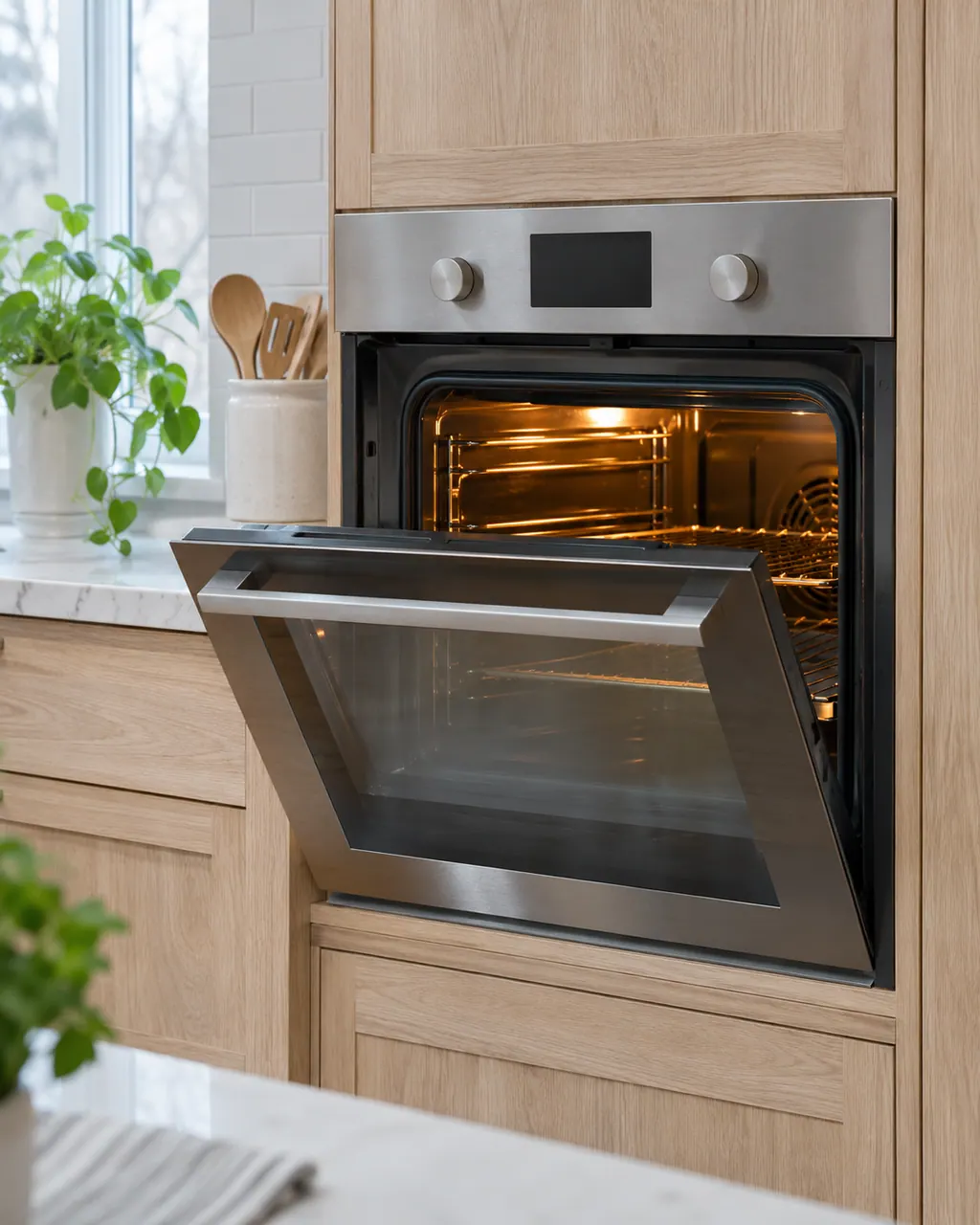
Take off water, utensils or anything else touching the panel. The modular sheet starts there.
The modular sheet says the code should go once the key is released and Stop is pressed. On the ES630, pressing any key clears it.
If F11 comes back when a key is pressed, the condition is still there. If it does not, the oven can be used. [4]
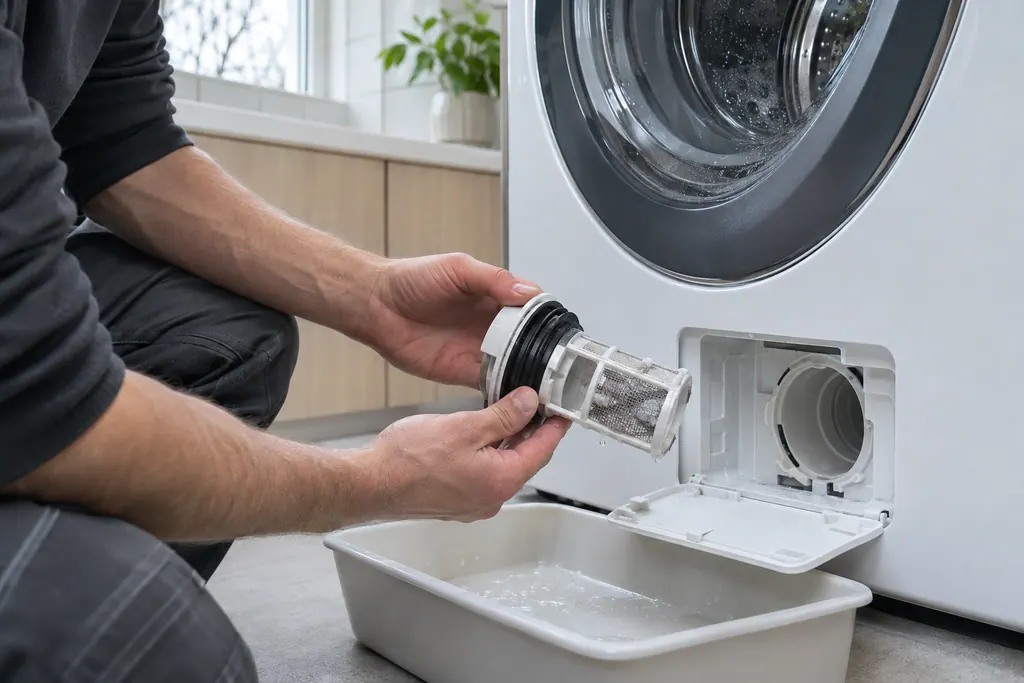
Shut off the oven at the breaker, wait 30 seconds, then restore power.
The sheets test the wiring between the user interface board and the touch panel, then replace the touch panel and, if needed, the display or interface board.
Send us the model and the checks you have done, and open your request here.
Book a visit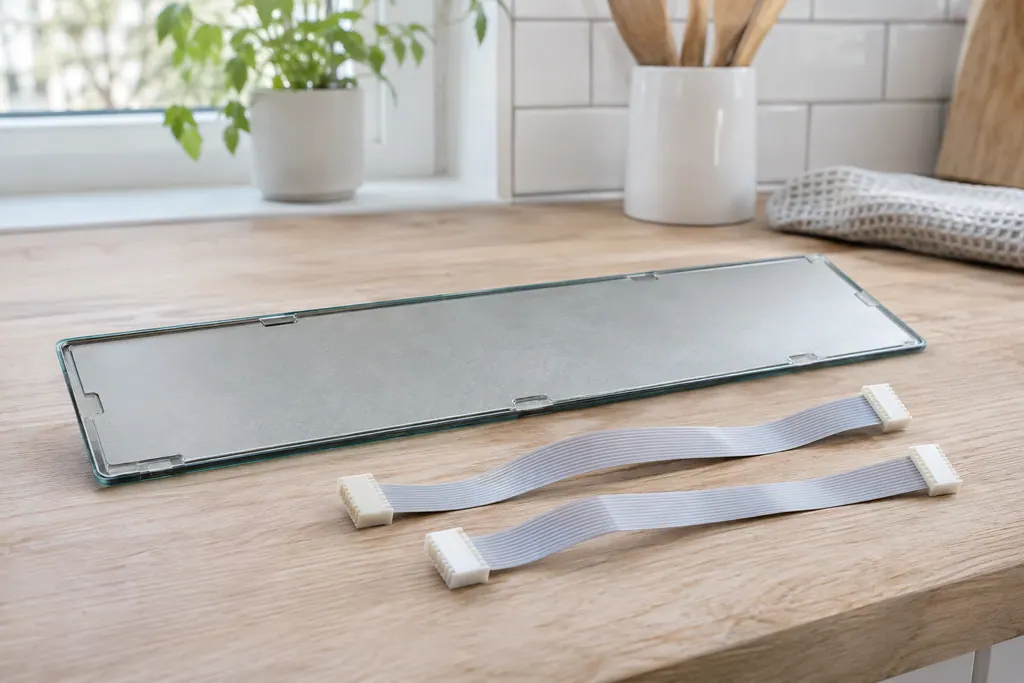
A simplified drawing, since layouts differ between models. Pick an outlined part for its photo and the related check.
A key has been detected as pressed for a long period. The ES630 sheet calls it a shorted key alarm and ends all oven activity; the modular sheet says a key pressed continuously for 30 seconds or more.
Read the supporting manualPressing any key on the ES630, or releasing the key and pressing Stop on the modular control. If the code does not return, the sheet says the condition is gone and the oven can be used.
Read the supporting manualES630: replace the touch panel keyboard, then the display board. Modular: test the harness between the user interface board and the touch panel, then replace the control assembly.
Read the supporting manualF14 is a misconnected keyboard cable on the ES630 only. Both involve the touch panel, so they are listed together.
Read the supporting manualManufacturer document
Electrolux (technician sheet; retailer-hosted copy)
Models: EW30EW65PS
p/n 807436903 (Rev A 13/04) / PDF p.1 (EOC code descriptions)
Manufacturer document
Electrolux (technician sheet; retailer-hosted copy)
Models: EW30EW55PS
p/n 807436904 (Rev A 13/04) / PDF p.1
Manufacturer document
Electrolux (technician sheet; retailer-hosted copy)
Models: EW30DS80RS
p/n 807880710 EN (Rev A 16/02); 807880711 FR (Rev A 16/03) / PDF p.1
Manufacturer document
Electrolux (technician sheet; retailer-hosted copy)
Models: EI30EW38TS
p/n A00980644 Rev A (2017/05) / PDF p.1
Manufacturer document
Electrolux (technician sheet; retailer-hosted copy)
Models: EI30EW48TS
p/n A00980645 Rev A (2017/05) / PDF p.2 (code table)
Rows F11 of the ES630 sheets (807436903, 807436904, 807880710) and the modular sheets (A00980644, A00980645). The two controls word the code differently.
The modular sheet names water and utensils in contact with the keyboard as the first thing to check.
Not at first. The code can come from a key held down by something on the panel.
The model number tells you. The ES630 covers the EW30EW55PS, EW30EW65PS and EW30DS80RS; the modular control covers the EI30EW38TS and EI30EW48TS.
For F11, the model, whether anything was on the panel and whether F11 returned after pressing Stop.
Codes, symptoms, parts and service
F14 on an Electrolux oven means a misconnected keyboard cable, but only on the ES630 control. The sheet describes two ribbon cables between the display board and the touch panel. Modular ovens print no F14. Book a technician; do not pull the cables yourself.
The written Electrolux articles say little about setting the clock or timer, since its display-settings guide is a video. What they do cover is a display or keypad that acts up: a stuck key (F11), memory and cable errors (F13, F14, F15), Demo mode and a power reset.
Book a diagnostic for your model at the appliance.
Office details and the access information to pass on.