Inside the appliance
Oven touch panel cable. In plain English.
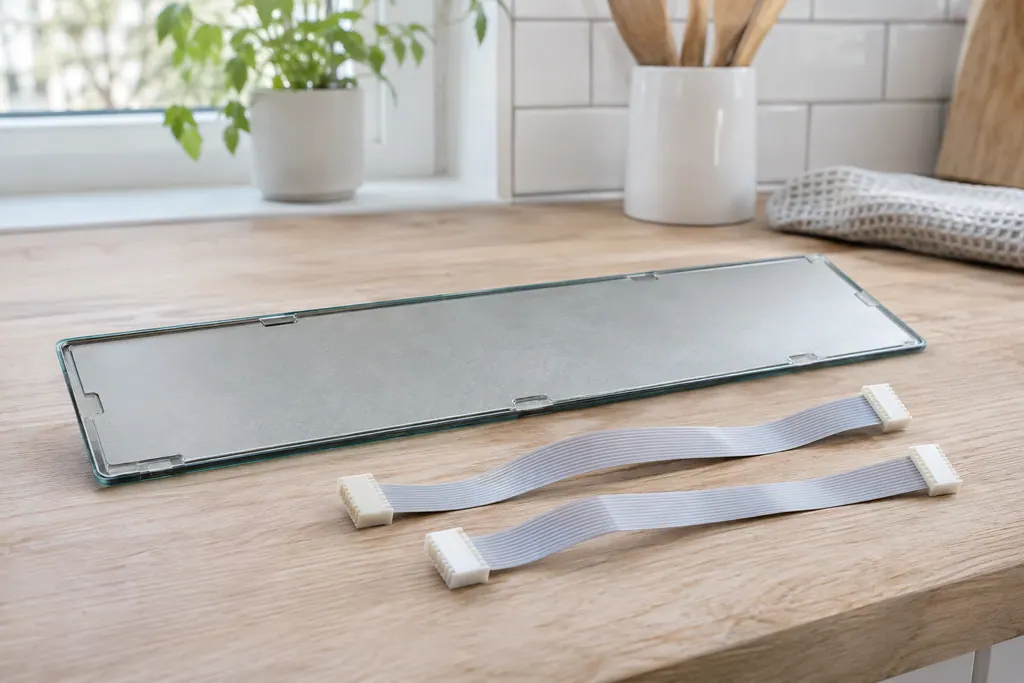
The touch panel is joined to the display board by two ribbon cables. Electrolux’s ES630 sheet uses F14 for a misconnected keyboard cable there. The 2017 modular sheets print no F14 and use F01 to F05, F28 and F29 for touch panel problems.
Where it fits.
Oven touch panel cable in the appliance
The ES630 sheet places the two ribbon cables between the display board and the touch panel. It says no more about where they run.
The image shows the type of component only. It does not select a replacement that fits your model.
What is different once this system needs attention.
Oven touch panel cable concerns may show up with a drop in performance or a code that keeps returning. Testing comes first before anyone decides the component has failed.
Electrolux oven clock, timer or display problems
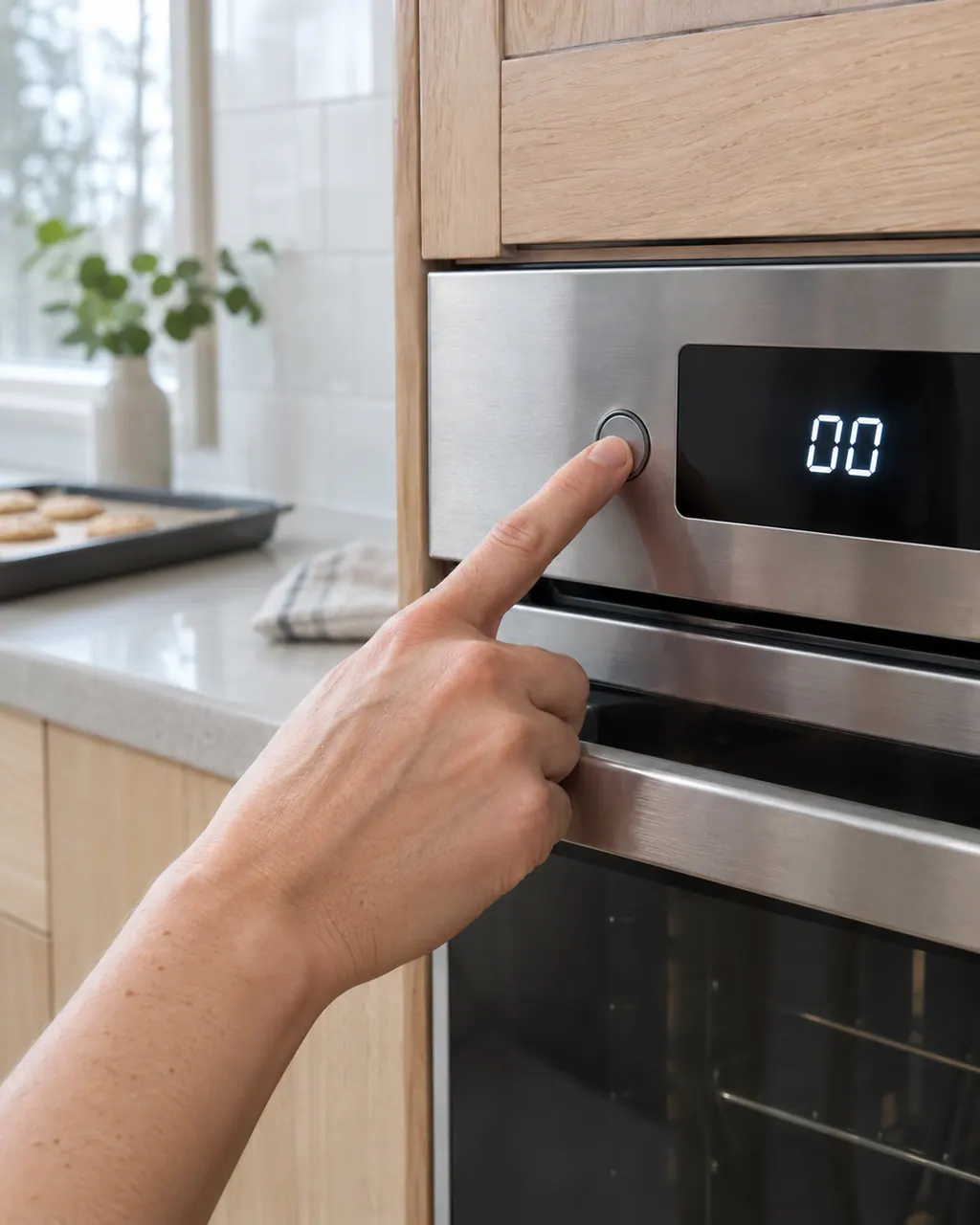
The written Electrolux articles say little about setting the clock or timer, since its display-settings guide is a video. What they do cover is a display or keypad that acts up: a stuck key (F11), memory and cable errors (F13, F14, F15), Demo mode and a power reset.
Electrolux oven controls not responding
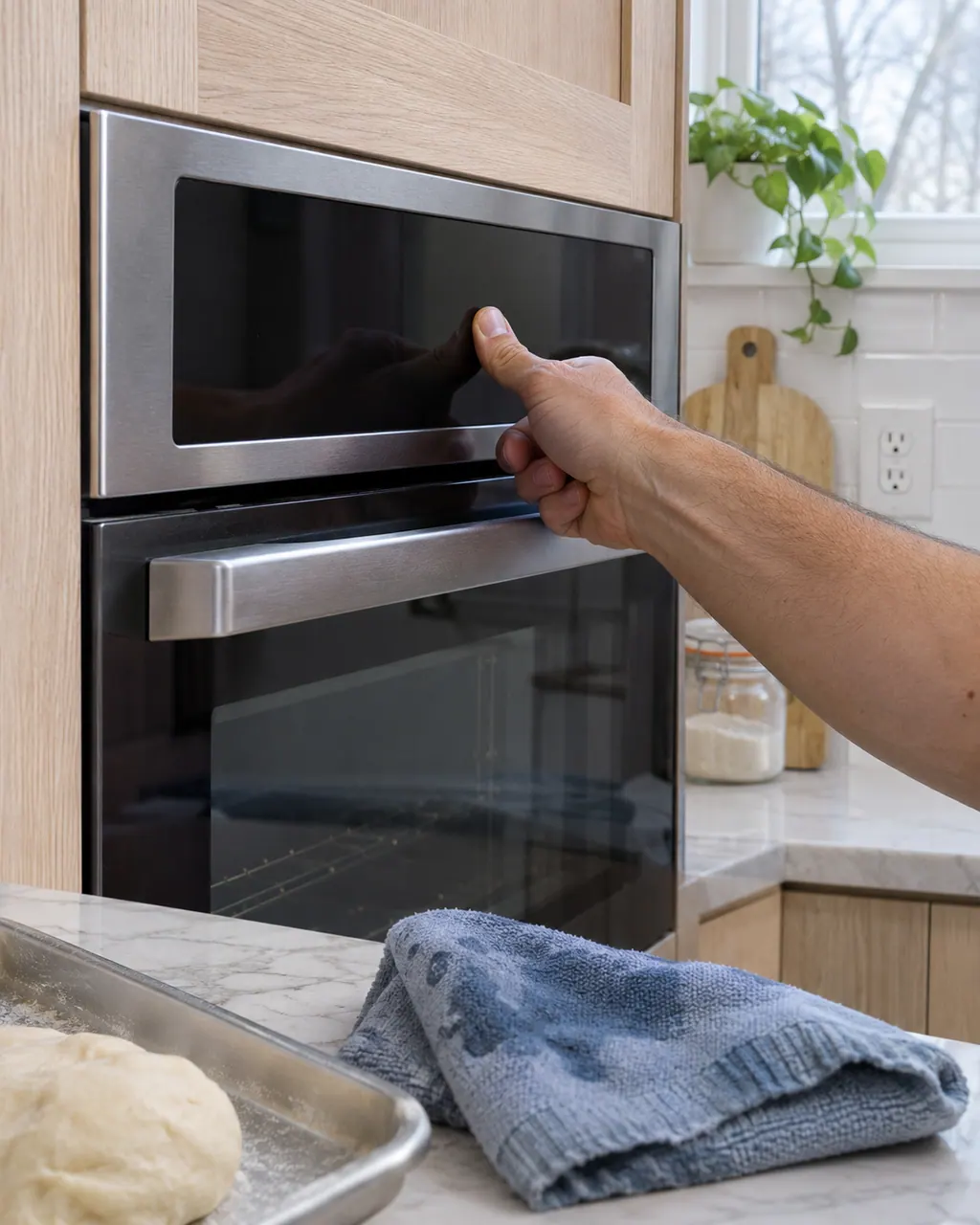
If the keypad or touch panel ignores you, first rule out the lock: the Electrolux guide says UNLOCK appears after F90 to F94 and the controls stay locked until you follow it. After that, look at stuck-key and panel codes, Demo mode and a power reset.
Owner care, within the model instructions.
Power the appliance down and pull the plug before any owner check. Beware of standing water and sharp debris. Never touch a wet plug or electrical area, take off service panels, or step beyond your model’s owner guide.
- 1
Check your control family
F14 exists only on ES630 ovens. If your oven is a 2017 modular model, the touch panel codes are different, so give the technician your model number.
- 2
Try a power reset
The modular sheet’s first step for F01, F02, F04 and F05 is to disconnect power for 30 seconds and reapply it. The oven guide describes the same reset.
- 3
Describe the display
Describe what the screen does: lit, blank, or keys that do not answer. That helps a technician tell F14 from the F01 to F05 group.
- 4
Do not open the console
The ES630 sheet states that the electronic oven control is not field-repairable. Its step for F14 is to check both ribbon cables at both ends.
Cleaning or replacement?
Leave internal testing to a technician.
Book a technician if F14, F01, F02, F04, F05, F28 or F29 stays after a power reset.
Arrange a diagnosticSee the neighboring components.
Wall oven user interface board (modular control)
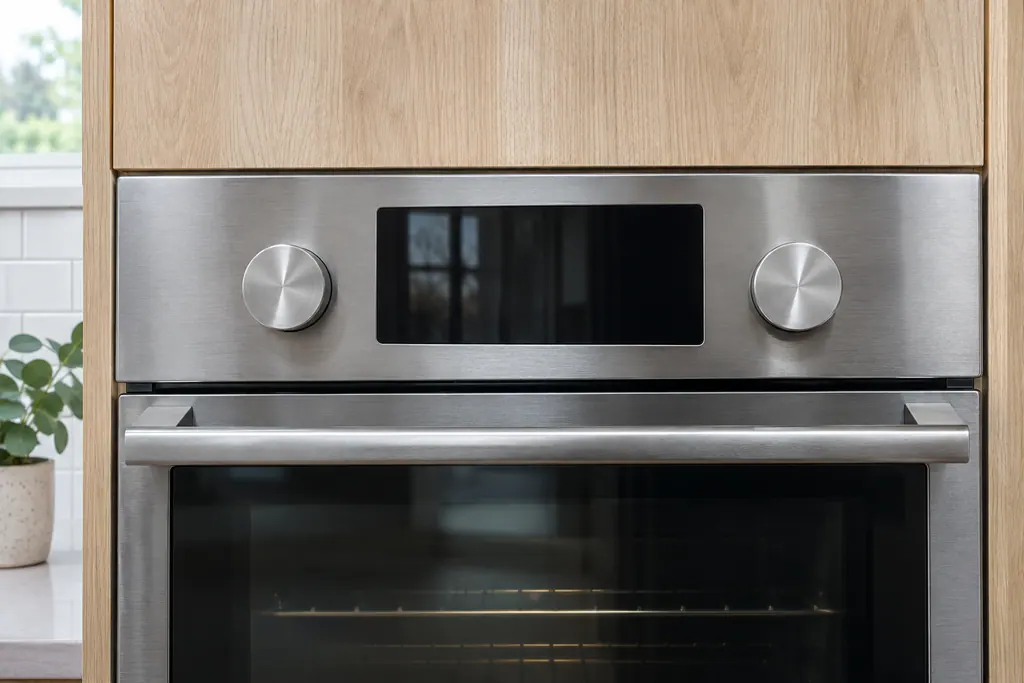
The oven user interface board, the UI or UIB, is part of the modular electronic oven control on a 2017 Electrolux wall oven. It connects the touch panel, knobs and display to the oven relay board. The service sheet names it for F03, F12, F16, F17, F19 and F22. Owners reset power for 30 seconds.
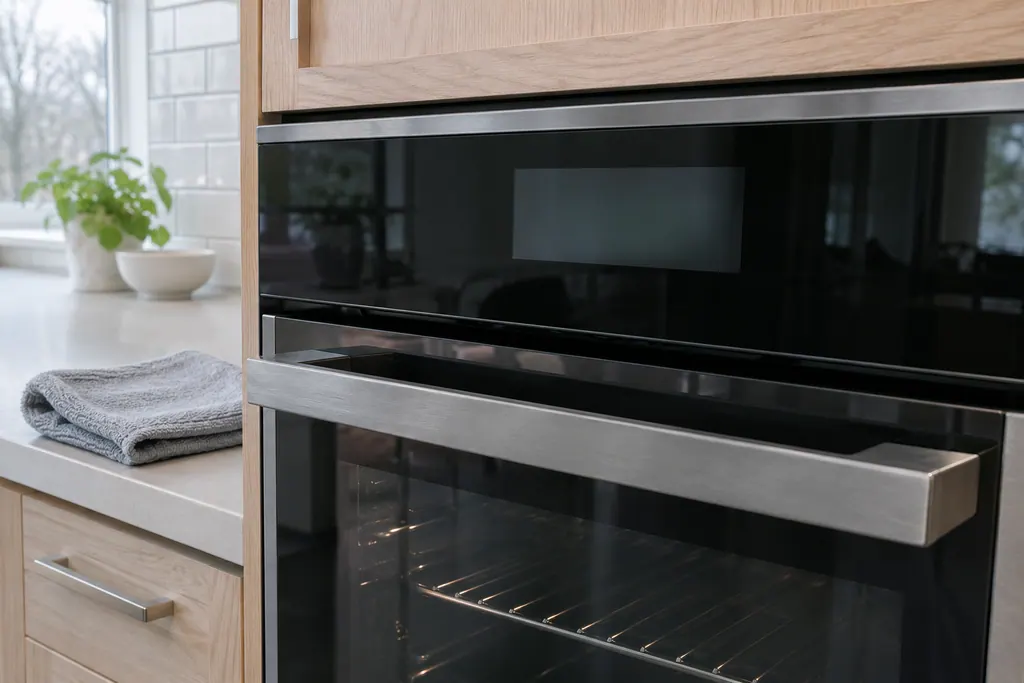
Wall oven touch panel (glass touch panel)
The touch panel is the glass control surface on a 2017 Electrolux modular wall oven. The service sheet lists it for F01, F02, F04 and F05 as touch panel failures, and for F17, F28 and F29, where the user interface board cannot configure or reach it. The first step is a 30-second power reset.
Sources and model boundaries.
These sources back the Oven touch panel cable guidance. Use the manual for your own model.
- Service Data Sheet, p/n 807436903, "Appliance with ES630 Electronic Oven Control" (EW30EW65PS)
- Service Data Sheet, p/n A00980644, "Electric wall ovens with modular oven controls" (EI30EW38TS)
- Oven Error Codes and Alarms Guide
Follow the guide for your exact model. Consult how we research these pages.
What does F14 mean?
Misconnected keyboard cable. The ES630 sheet says to verify the connection between the display board and the touch panel, which uses two ribbon cables, and to make sure both are well seated at each end.
Why would a cable be misconnected?
The sheet does not give a cause. The word suggests the cables were plugged in wrongly or not fully seated, which a technician checks directly.
What are F28 and F29?
On the modular sheet they share one row: communication between the user interface and the touch panel cannot be started. The sheet does not name a cable for them.
My oven has no F14 in its manual. Why?
The 2017 modular oven sheets print no F14. That code belongs to the ES630 family only, so your manual may use F01 to F05 instead.
Codes, symptoms, parts and service
Link the message to what to do next.
F14
F14 on an Electrolux oven means a misconnected keyboard cable, but only on the ES630 control. The sheet describes two ribbon cables between the display board and the touch panel. Modular ovens print no F14. Book a technician; do not pull the cables yourself.
Electrolux oven clock, timer or display problems
The written Electrolux articles say little about setting the clock or timer, since its display-settings guide is a video. What they do cover is a display or keypad that acts up: a stuck key (F11), memory and cable errors (F13, F14, F15), Demo mode and a power reset.
Oven repair
Book a diagnostic for your model at the appliance.
Find your metro
Office details and the access information to pass on.