What it means
F29 shares its row with F28 on Electrolux's modular wall oven sheet: communication between the user interface and the touch panel cannot be initiated. Reset power for 30 seconds; if F29 returns, book a technician.
Electrolux oven F29 / Communication
F29 shares its row with F28 on Electrolux's modular wall oven sheet: communication between the user interface and the touch panel cannot be initiated. Reset power for 30 seconds; if F29 returns, book a technician.
Also shown as F29
F29 shares its row with F28 on Electrolux's modular wall oven sheet: communication between the user interface and the touch panel cannot be initiated. Reset power for 30 seconds; if F29 returns, book a technician.
Leave the breaker off for 30 seconds before turning it on again, then restore it.
F29 returns after a reset.
Your checklist, kept on this device
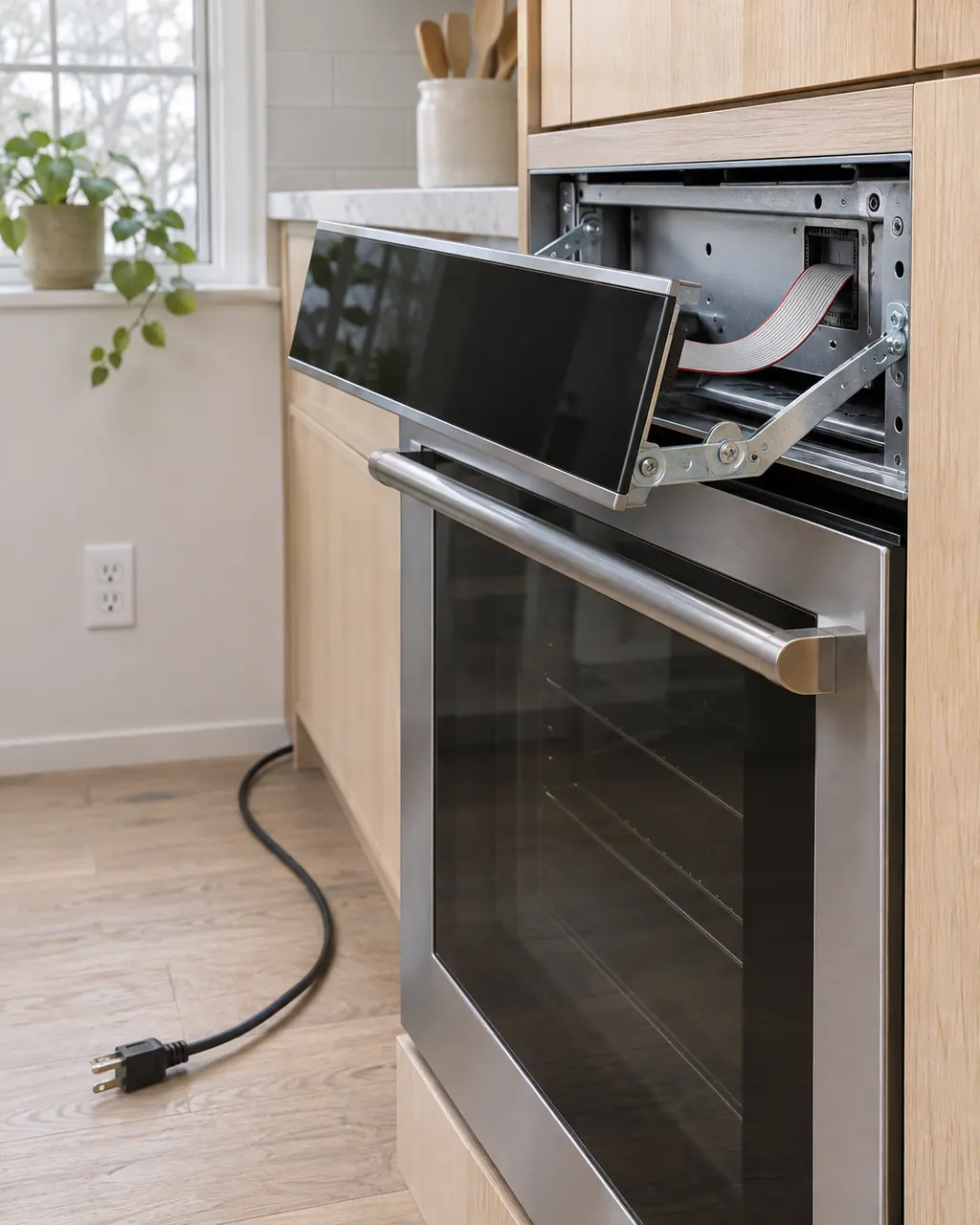
Leave the breaker off for 30 seconds before turning it on again, then restore it.
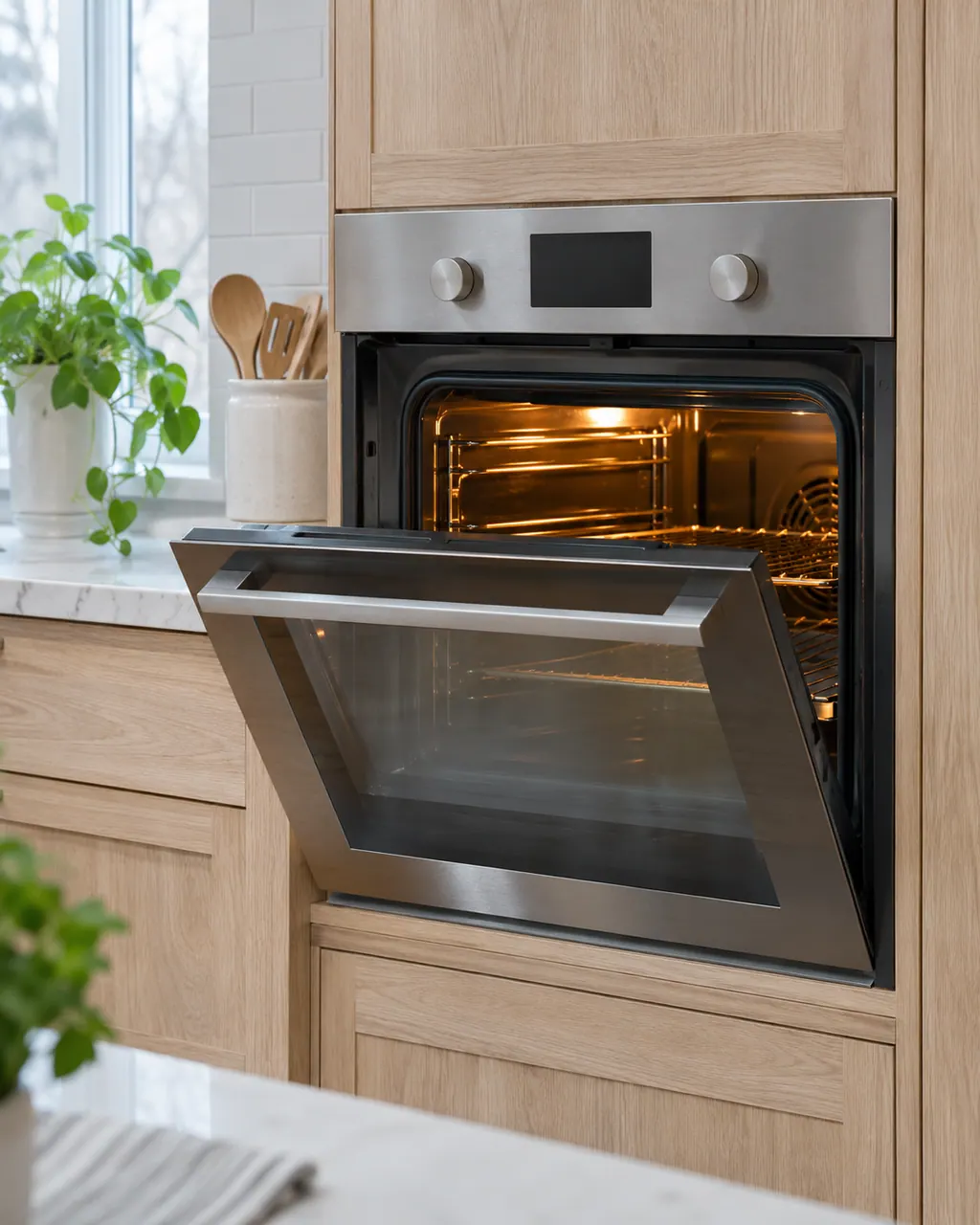
Does the glass show any light or respond? Note what you see.
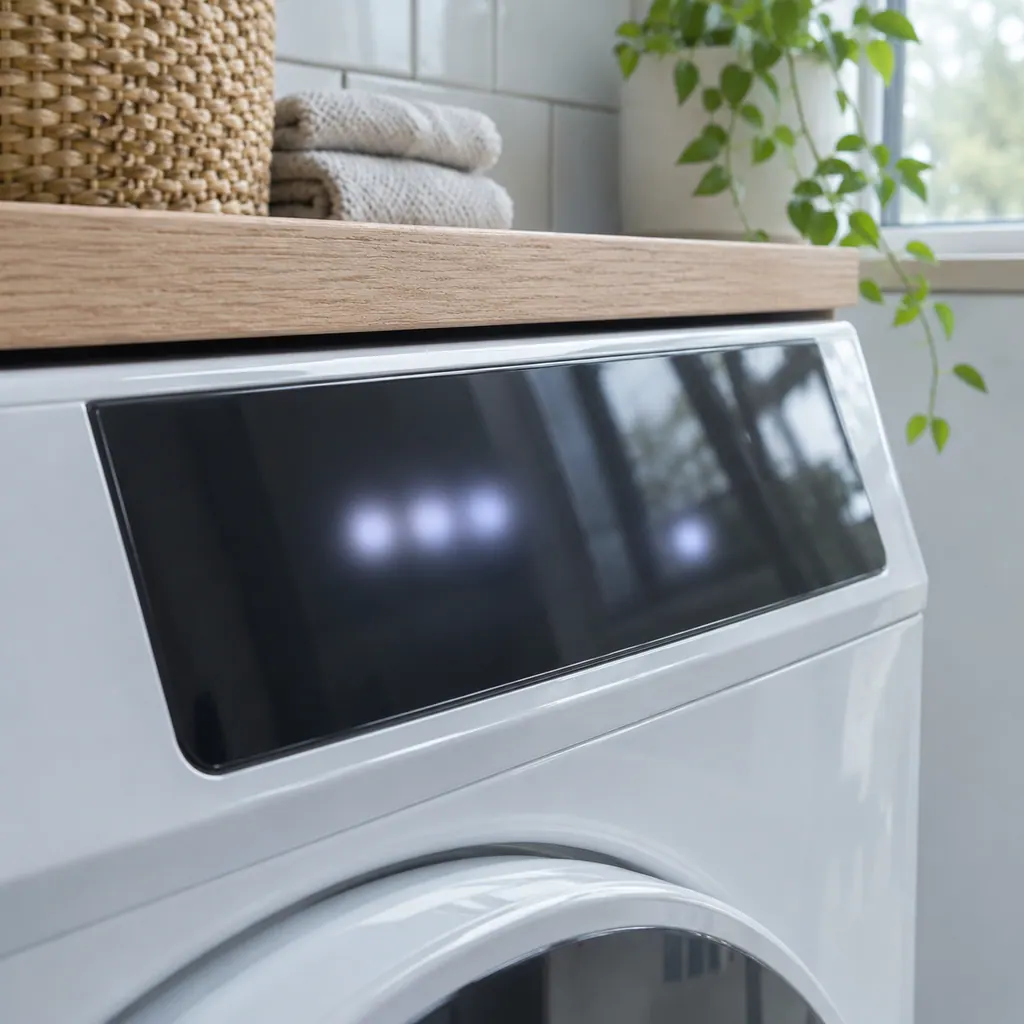
If F28 has also appeared, tell us. The sheet prints both together.
The cable and its power feed sit behind it.
The sheet checks the panel connection and power, then replaces the control assembly.
Send us the model and the checks you have done, and open your request here.
Book a visitA simplified drawing, since layouts differ between models. Pick an outlined part for its photo and the related check.
Component reference
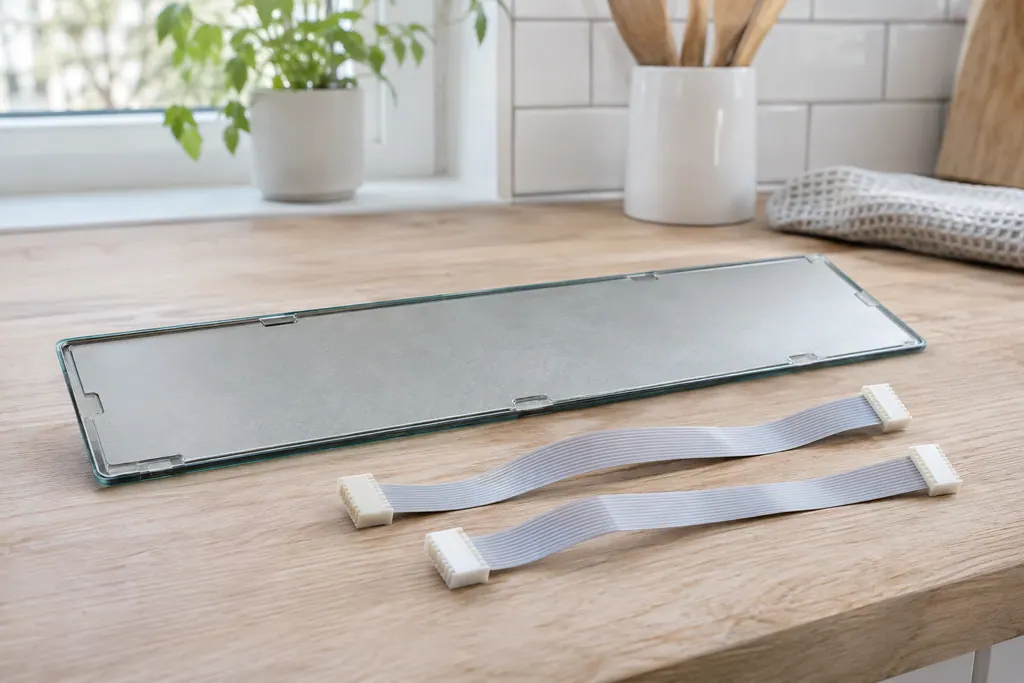
The touch panel is joined to the display board by two ribbon cables.
Read the definition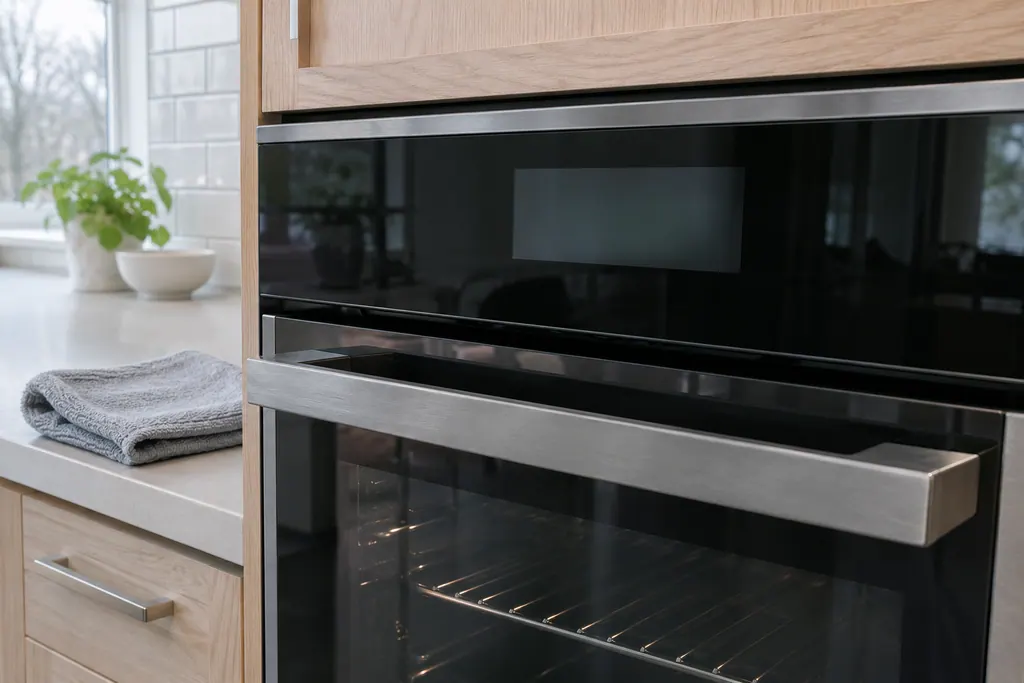
Component reference
The touch panel is the glass control surface on a 2017 Electrolux modular wall oven.
Read the definitionThe link between the interface board and the touch panel could not be started.
Read the supporting manualReset, verify the touch panel harness at I2C1 or I2C2 and that it gets power from the interface board, then replace the control assembly.
Read the supporting manualF29 concerns the panel. Relay board communication is F25 and F27.
Read the supporting manualIf the panel does not respond, the oven cannot be used.
Read the supporting manualManufacturer document
Electrolux (technician sheet; retailer-hosted copy)
Models: EI30EW38TS
p/n A00980644 Rev A (2017/05) / PDF p.1
Row F28 / F29 of the 2017 modular-control sheet, modular oven controls.
They share a row on the sheet, with one description and one corrective action, so treat them alike when you describe the problem.
The sheet does not say so. It points at the link and the power feed to the touch panel, so a cracked panel is only worth mentioning.
It is the sheet's first step and sometimes enough. If F29 returns after the 30-second reset, the panel link needs a technician.
For F29, the model number and what the panel shows when F29 appears, including whether any part of the glass lights.
Codes, symptoms, parts and service
F28 means communication between the oven user interface and the touch panel cannot be initiated, on Electrolux's modular wall oven control. The sheet prints it in the same row as F29. Reset power for 30 seconds; if it returns, book a technician.
The written Electrolux articles say little about setting the clock or timer, since its display-settings guide is a video. What they do cover is a display or keypad that acts up: a stuck key (F11), memory and cable errors (F13, F14, F15), Demo mode and a power reset.
The touch panel is joined to the display board by two ribbon cables. Electrolux’s ES630 sheet uses F14 for a misconnected keyboard cable there. The 2017 modular sheets print no F14 and use F01 to F05, F28 and F29 for touch panel problems.
Book a diagnostic for your model at the appliance.
Office details and the access information to pass on.