Before work starts
The technician examines the appliance, tells you what the repair involves and agrees the cost with you before opening anything up.
Independent appliance repair
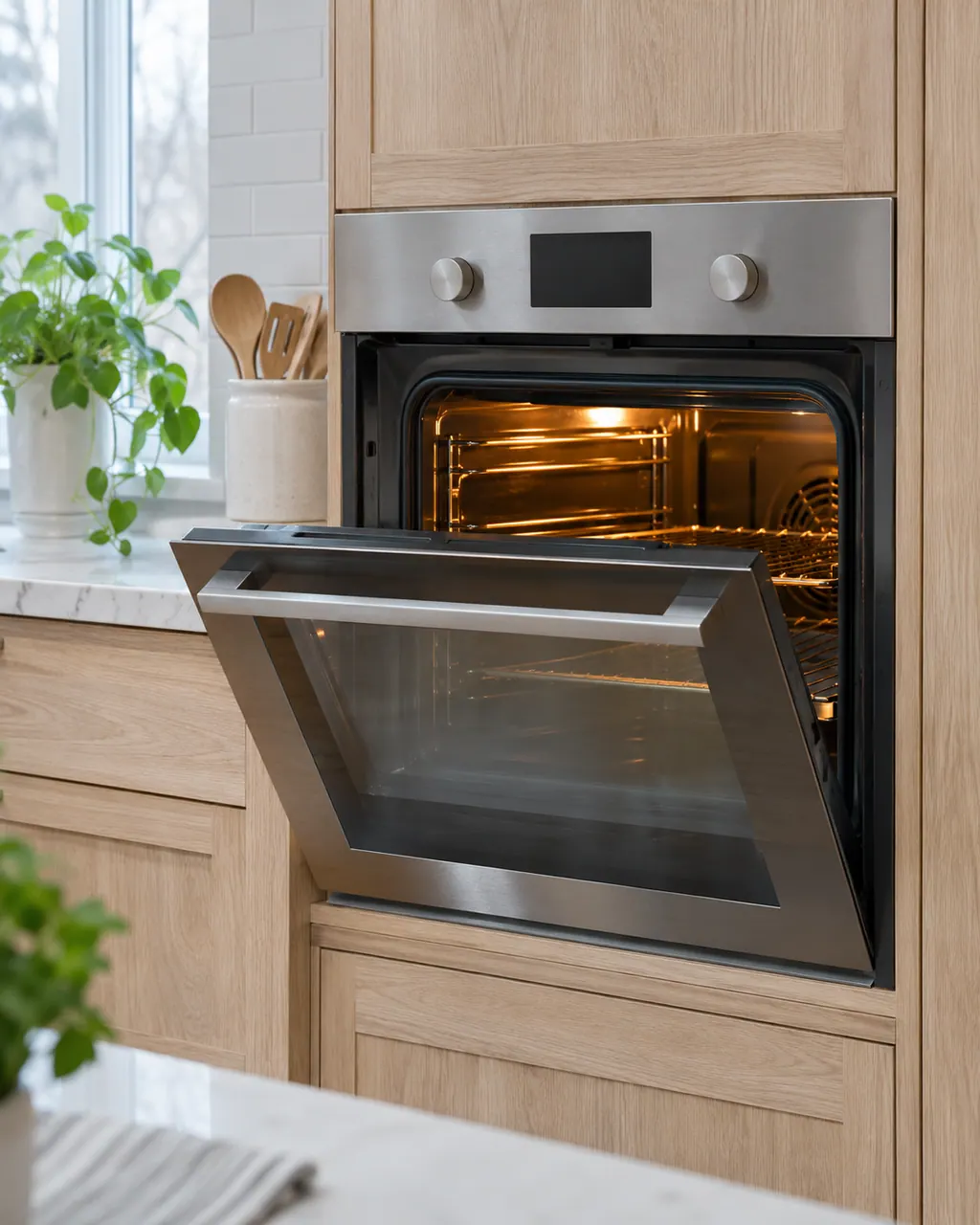
We repair Electrolux ranges, wall ovens and dual-fuel ranges that heat unevenly, show an F code, won’t unlock or won’t heat. Tell us the code and your model number, then book a technician.
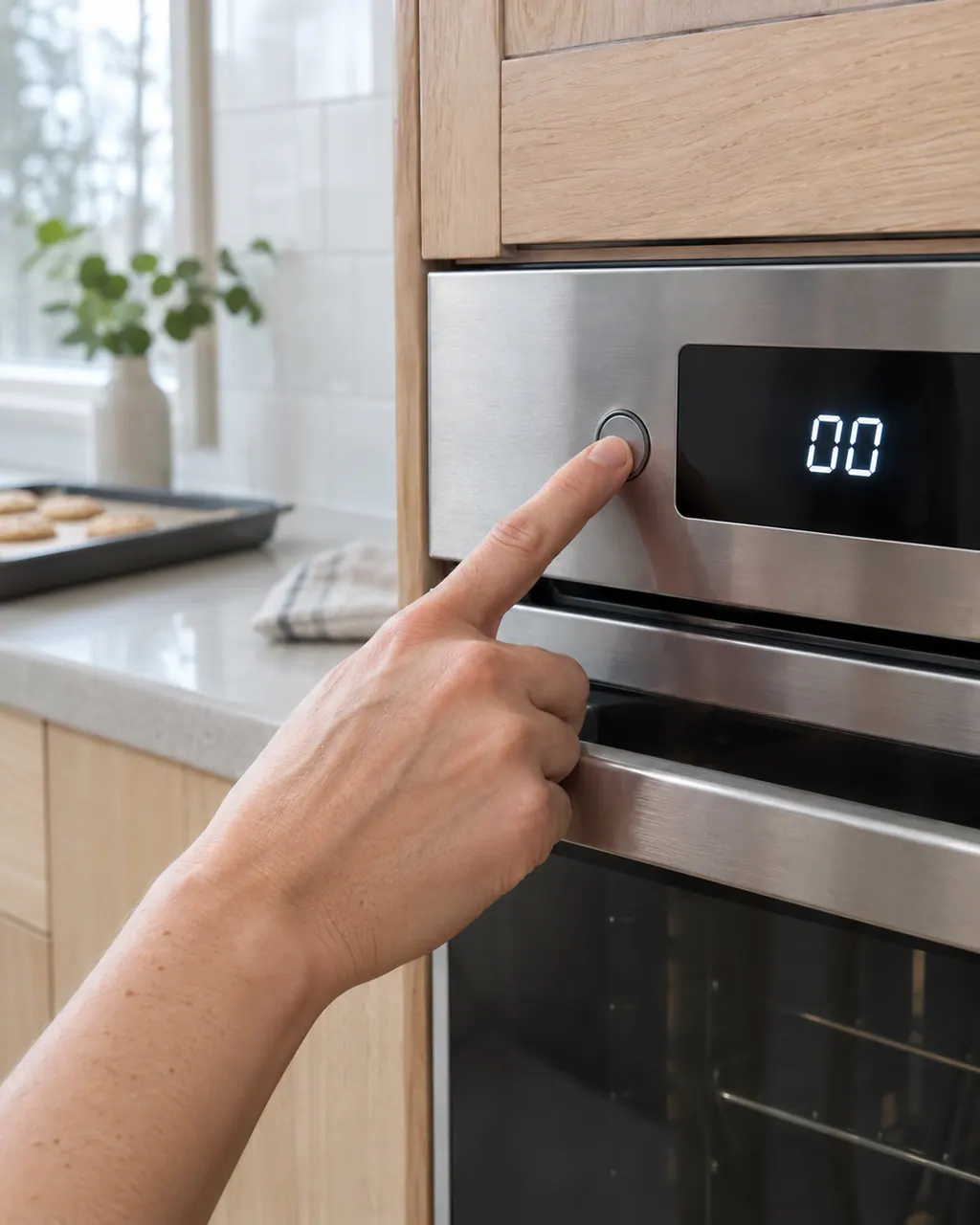
The written Electrolux articles say little about setting the clock or timer, since its display-settings guide is a video. What they do cover is a display or keypad that acts up: a stuck key (F11), memory and cable errors (F13, F14, F15), Demo mode and a power reset.
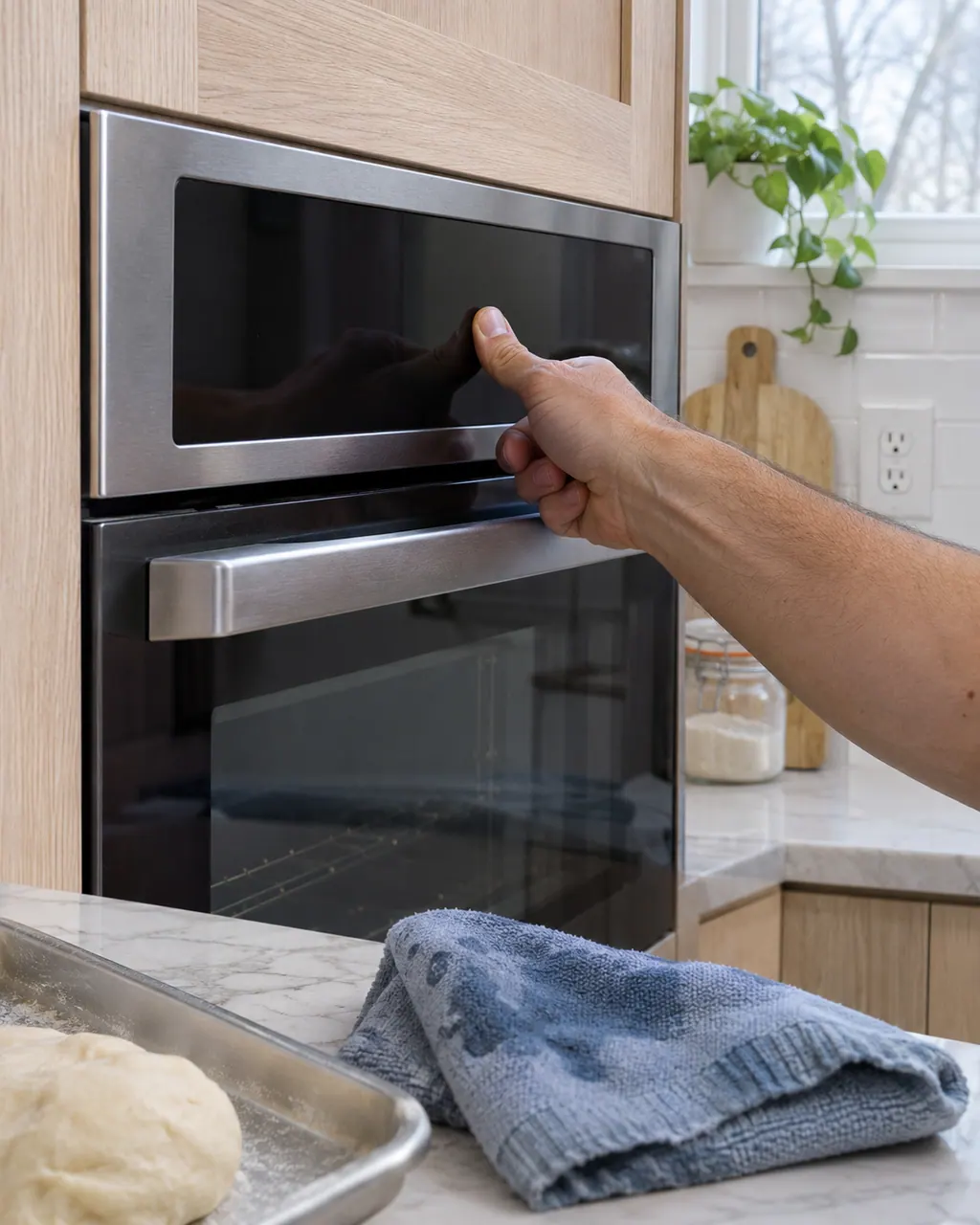
If the keypad or touch panel ignores you, first rule out the lock: the Electrolux guide says UNLOCK appears after F90 to F94 and the controls stay locked until you follow it. After that, look at stuck-key and panel codes, Demo mode and a power reset.
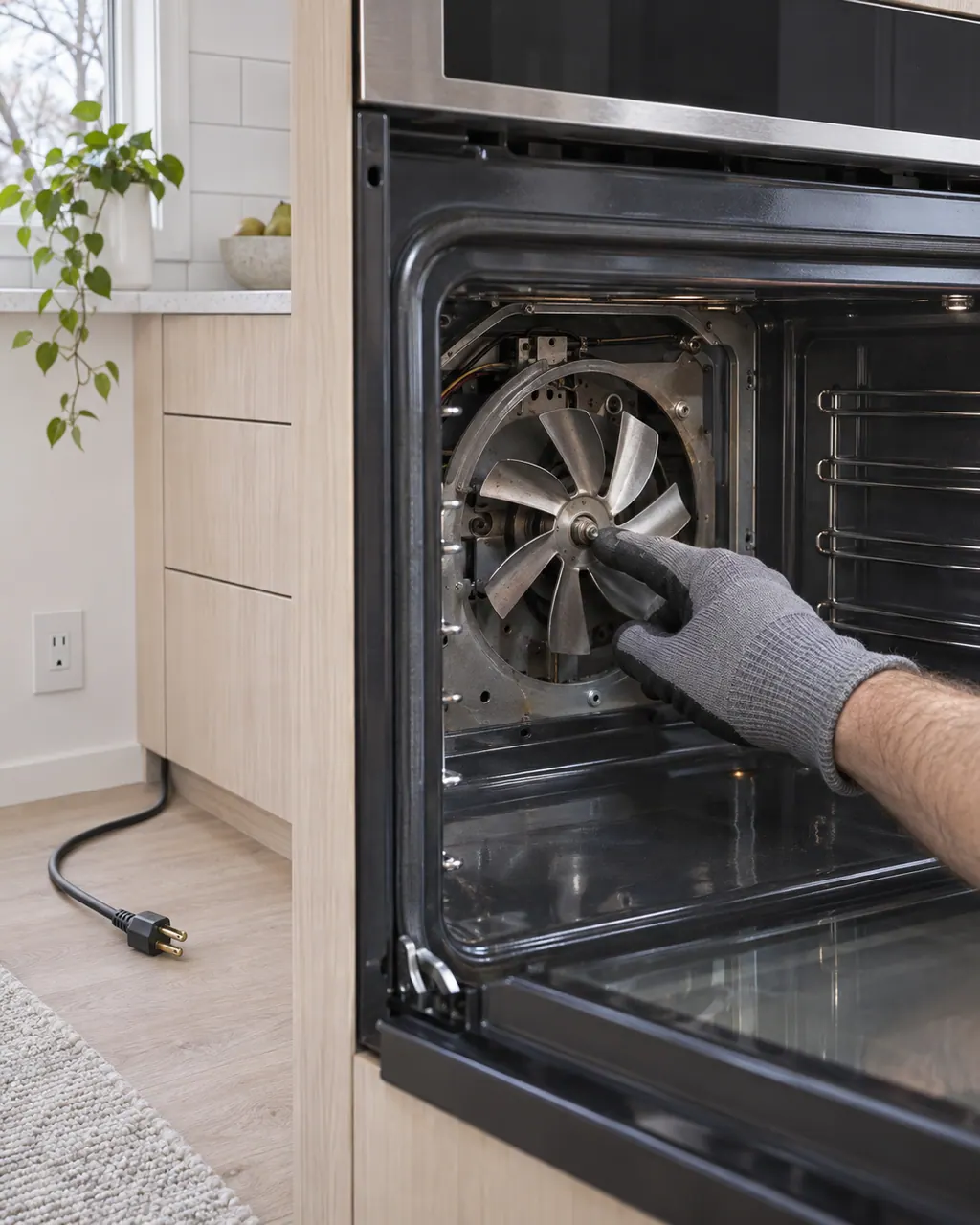
The ES630 sheets show a cooling fan and a convection fan. The sheets watch the cooling fan's speed: F43 and F44 on ES630 ovens, F45 and F46 on modular ovens. An even-cooking complaint, by contrast, may be about how food is arranged.
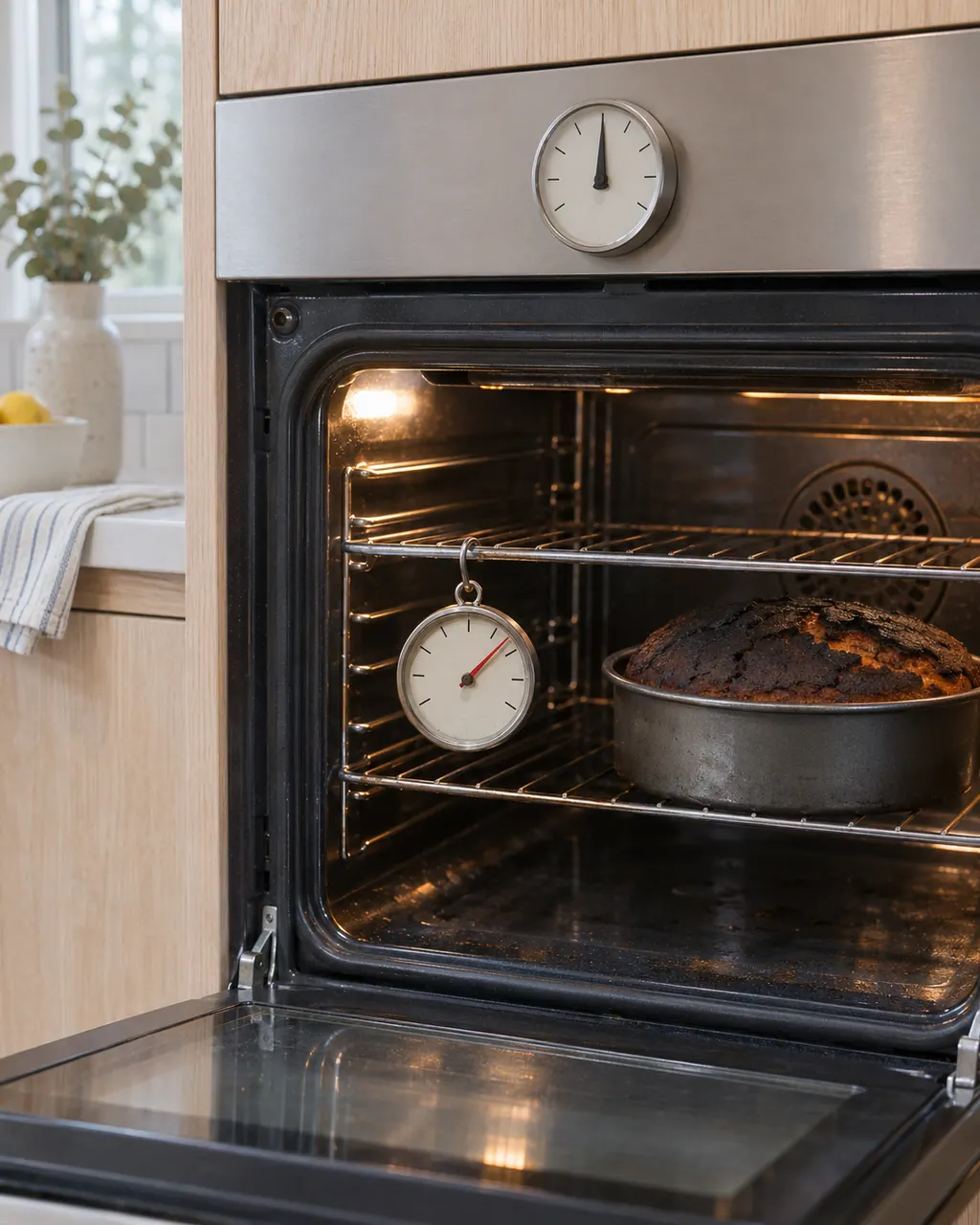
Before blaming the thermostat, check how the oven is used: Electrolux says a complete preheat can run 20 minutes, with the oven empty and the door shut. A worn door gasket and weak voltage can leave an oven cool, and calibration can correct a steady offset.
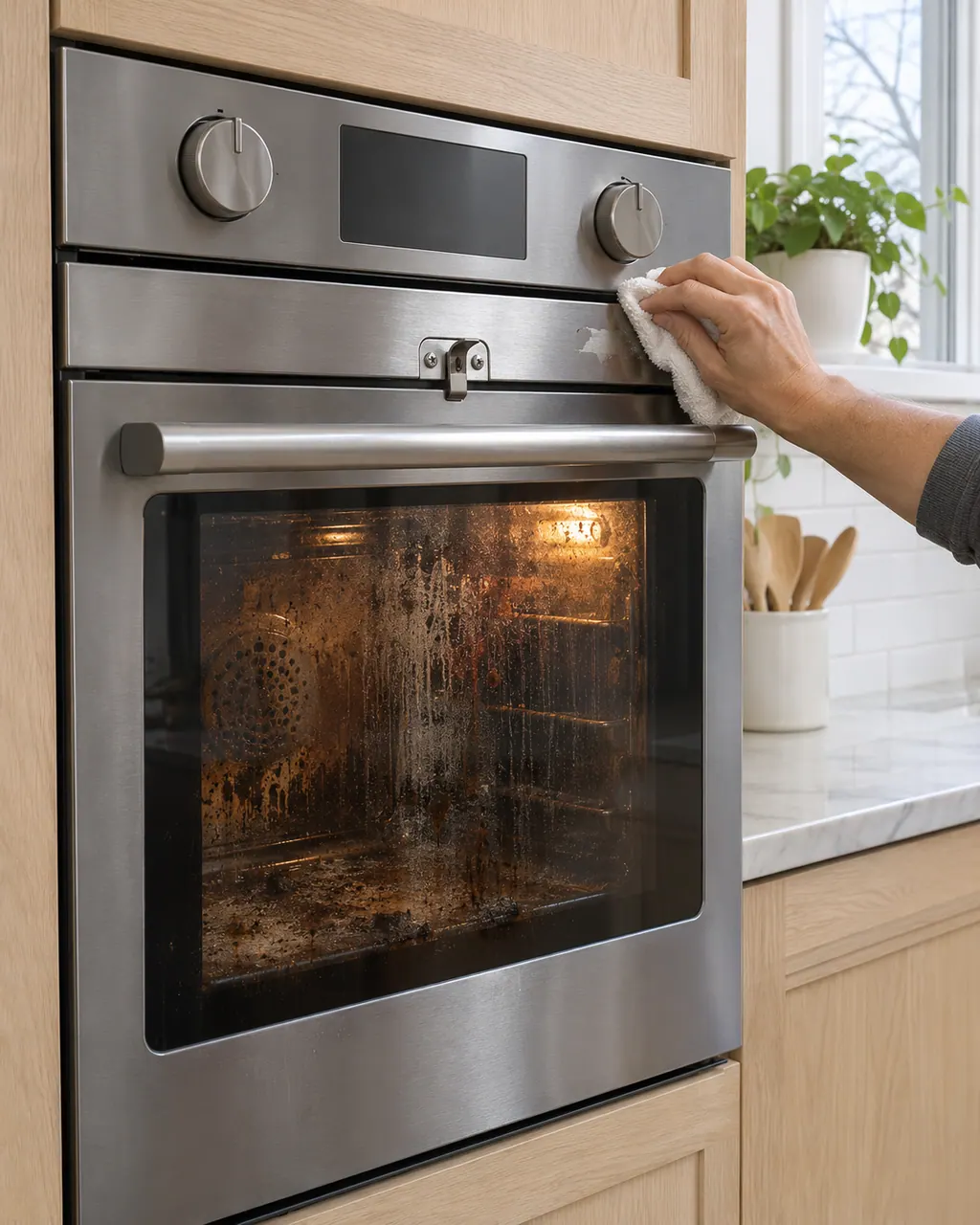
During self-clean the door locks on purpose and unlocks by itself once the oven has cooled, so a locked door after a cycle may only need time. If the door or controls will not unlock, Electrolux's guide groups F90 to F94 as a door lock issue and points to UNLOCK and a power reset.
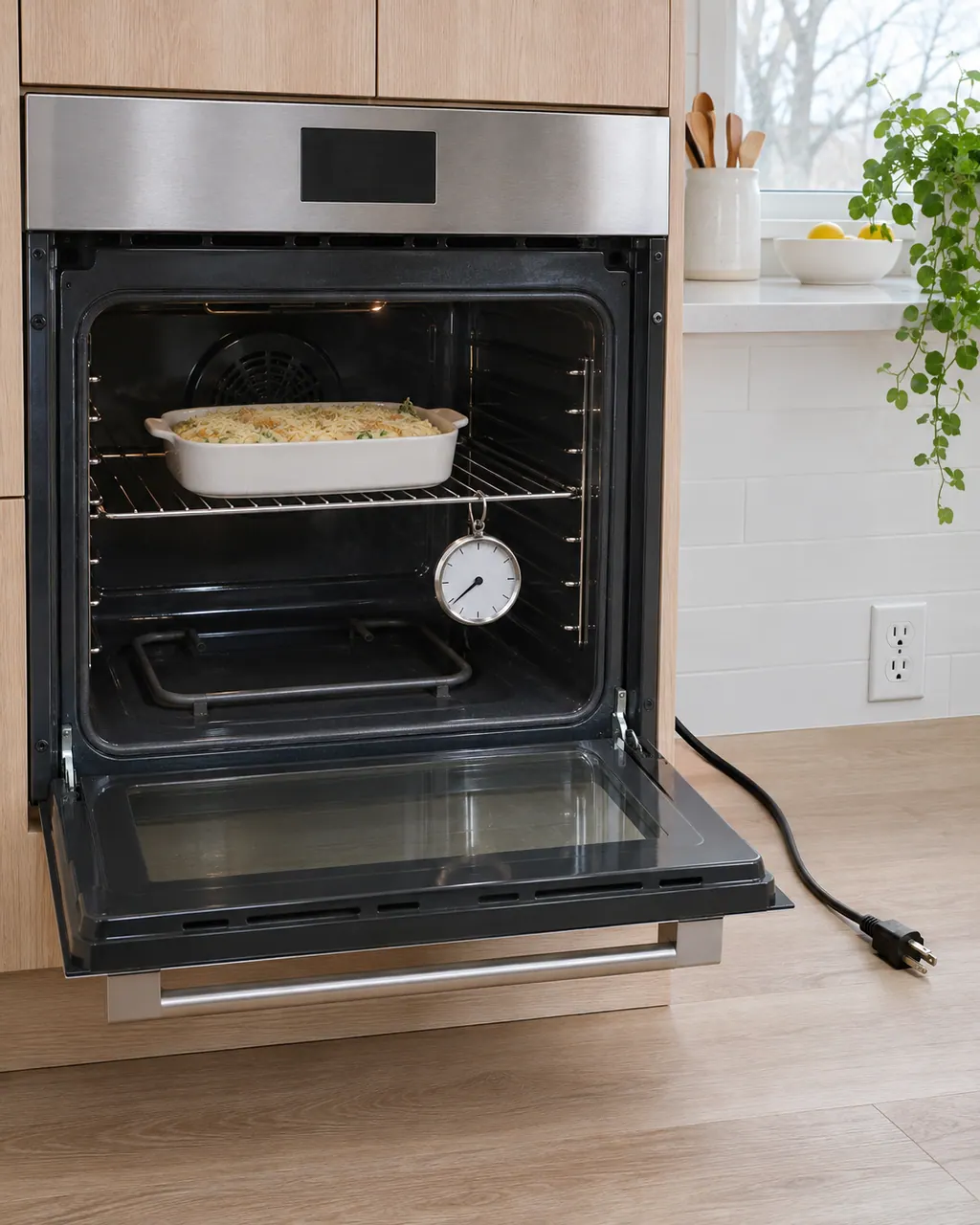
Start with the basics: full power to the oven, a door that seals and a preheat that has had time. Electrolux's range articles also cover surface burners that will not light, which is a different job from the oven's own bake or broil element.
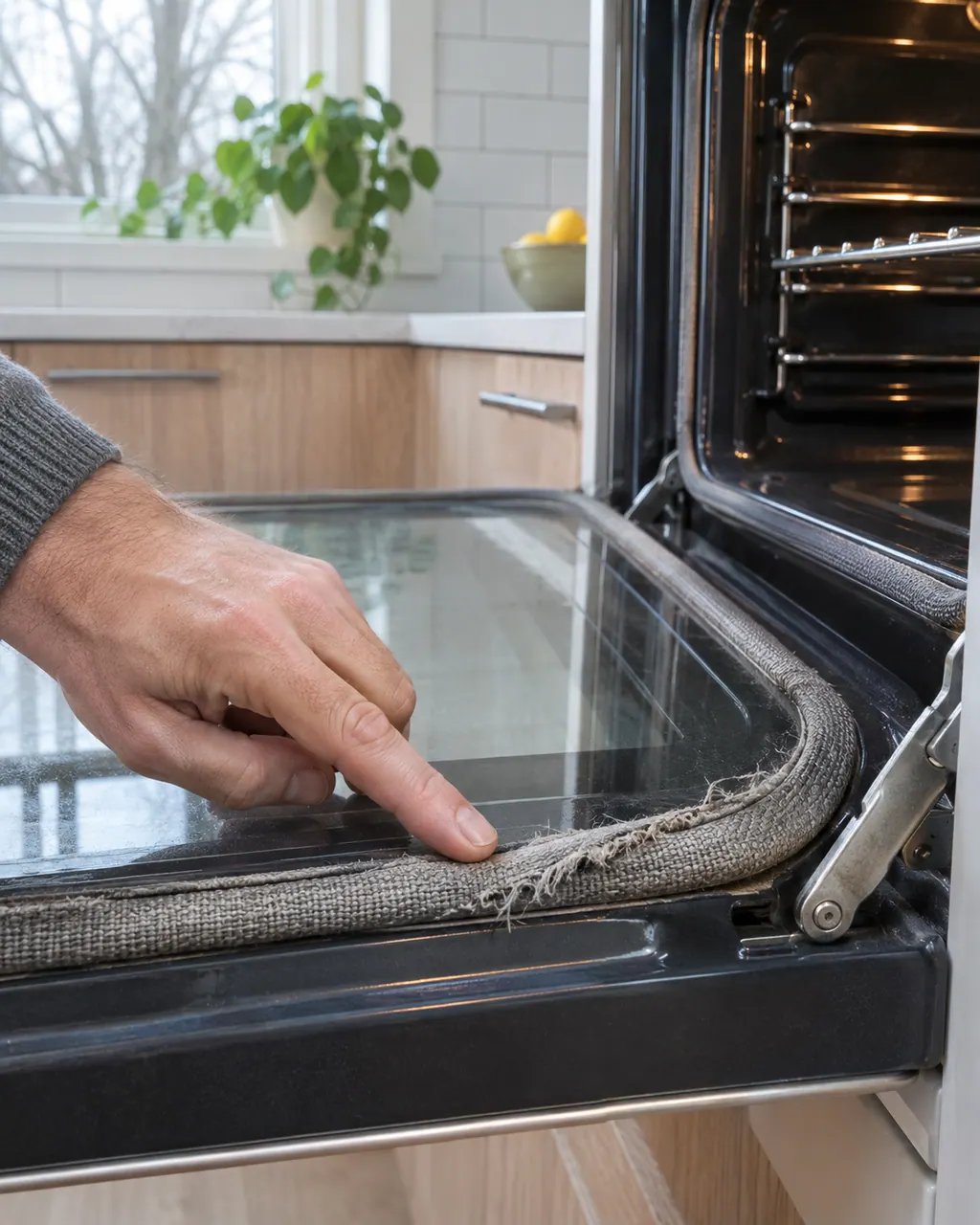
The woven gasket around the oven door keeps heat inside the cavity. Electrolux names a damaged, loose or absent gasket as a reason an oven runs cool, and warns against rubbing or pulling on it.
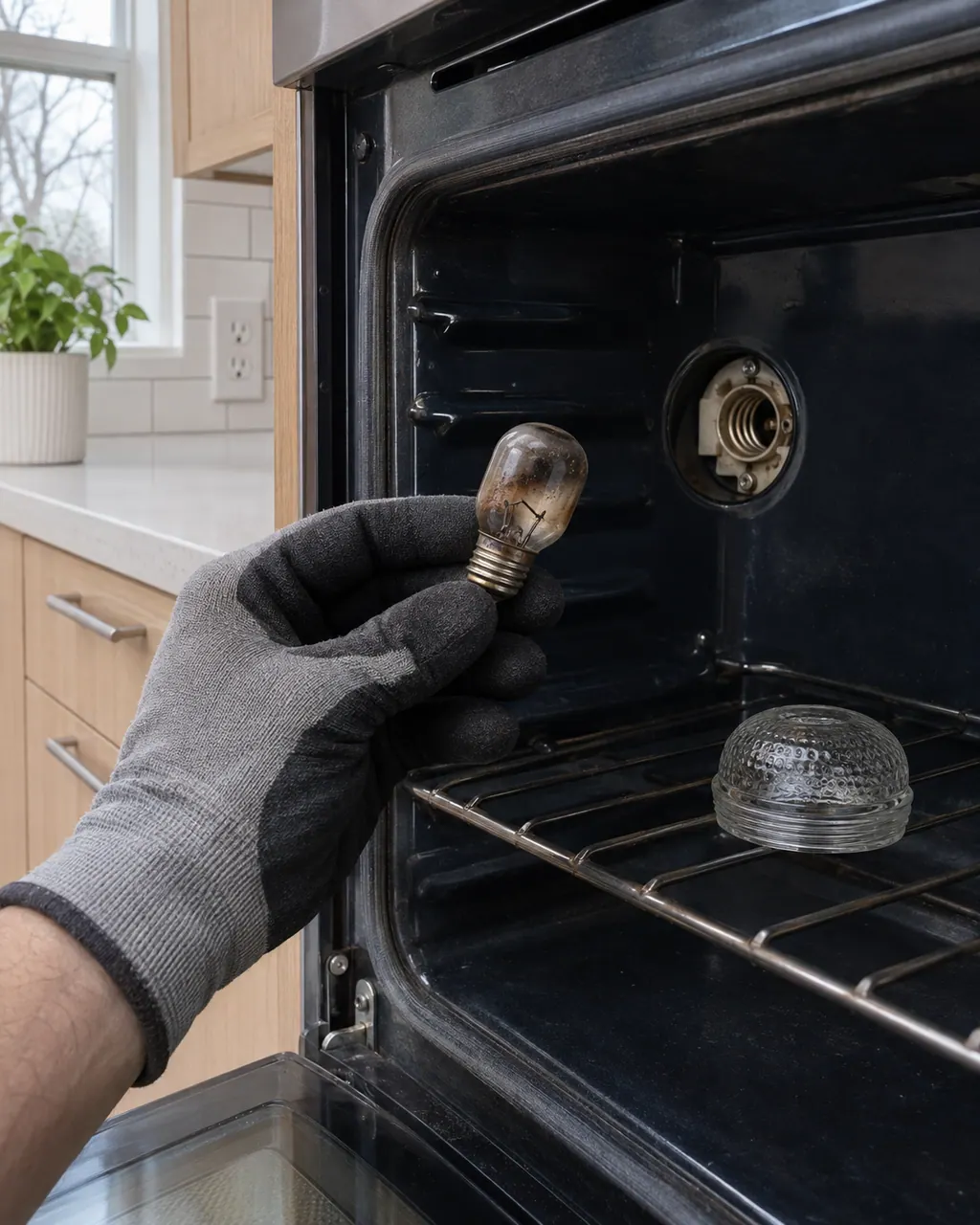
The written Electrolux articles contain no bulb-replacement steps for the oven light. The one relevant code is F23: on ES630 ovens it means the controller could not communicate with the oven lights control board, which is a technician repair.
F10 on an Electrolux oven is a runaway temperature alert. Turn the oven off, leave the door shut and let it cool. The Owner Center guide calls it a built-in safety alert, and the technician sheets tie it to a shorted relay or a bad temperature probe.
F14 on an Electrolux oven means a misconnected keyboard cable, but only on the ES630 control. The sheet describes two ribbon cables between the display board and the touch panel. Modular ovens print no F14. Book a technician; do not pull the cables yourself.
F15 means different things on two Electrolux oven controls. On the ES630 it is a controller self check failure; on the 2017 modular control it is a keyboard error. Reset the power for 30 seconds, then book a technician if F15 returns.
F23 is a communication error whose meaning depends on the control. On the ES630 the controller cannot talk to the oven lights control board; on the 2017 modular control the interface board cannot talk to the glass touch panel. Reset power, then book a technician.
F30 is an open oven temperature probe (RTD) or its wiring, on both Electrolux oven controls. Reset the power by unplugging for 30 seconds. The ES630 sheet adds that the control may show F10 first. If F30 returns, book a technician.
F31 is a shorted oven temperature probe (RTD) or its wiring, on both Electrolux oven controls. Let the oven cool and restart the function. If F31 returns, book a technician; the sheets check the probe's resistance against a chart.
F43 applies to Electrolux's ES630 oven control only and means the cooling fan is turning too slowly. The display board reads the fan's speed and finds it abnormal. Modular ovens print F45 for the same condition. Book a technician.
F44 applies to Electrolux's ES630 oven control only and means the cooling fan is running too fast. The display board reads the speed and flags it. Modular ovens print F46 for the same condition. Book a technician.
F45 means the cooling fan speed is too low on Electrolux's modular wall oven control. The ES630 prints F43 for the same condition. Check the fan blades are not blocked, then book a technician.
F46 means the cooling fan speed is too high on Electrolux's modular wall oven control. The ES630 prints F44 for the same condition. Check for an obstruction in the air path, then book a technician.
F90 on an Electrolux oven is a door lock motor mechanism failure. The ES630 sheet says door motor mechanism failure, and the modular sheet says the control does not see the lock motor running. Press UNLOCK if the door is locked, then reset the power.
F95 is a motor door lock mechanism failure on Electrolux's modular wall oven control: the lock motor does not stop running, or the lock switch sends an invalid signal. Reset power; if F95 returns, book a technician.
DEMO on an Electrolux oven is not an error. The Owner Center guide says the oven is in Demo Mode. Turn the breaker off, wait 45 seconds, switch it back on, then find demo mode in the settings menu and turn it off.
The linked parts are the ones Electrolux’s technician sheets name for this appliance. We confirm each against your model number once the diagnostic is done, and you approve any replacement first.
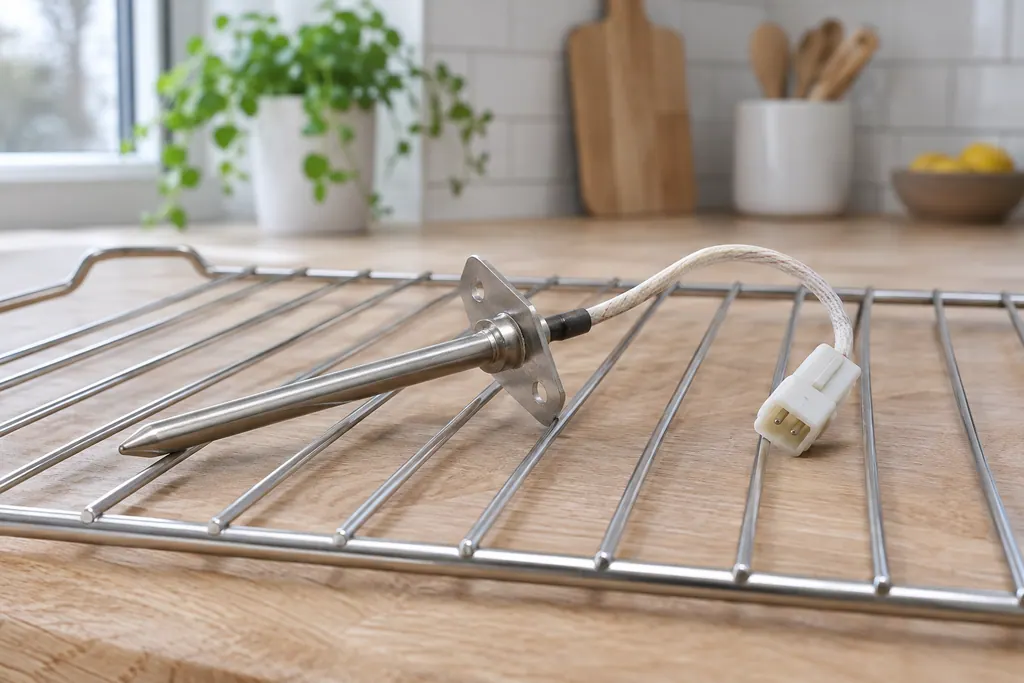
The RTD is the oven’s temperature probe: a resistance temperature detector that tells the control how hot the cavity is. F30 means the probe circuit reads open and F31 that it reads shorted. On ES630 controls, F10 can also first appear when the probe misreads.
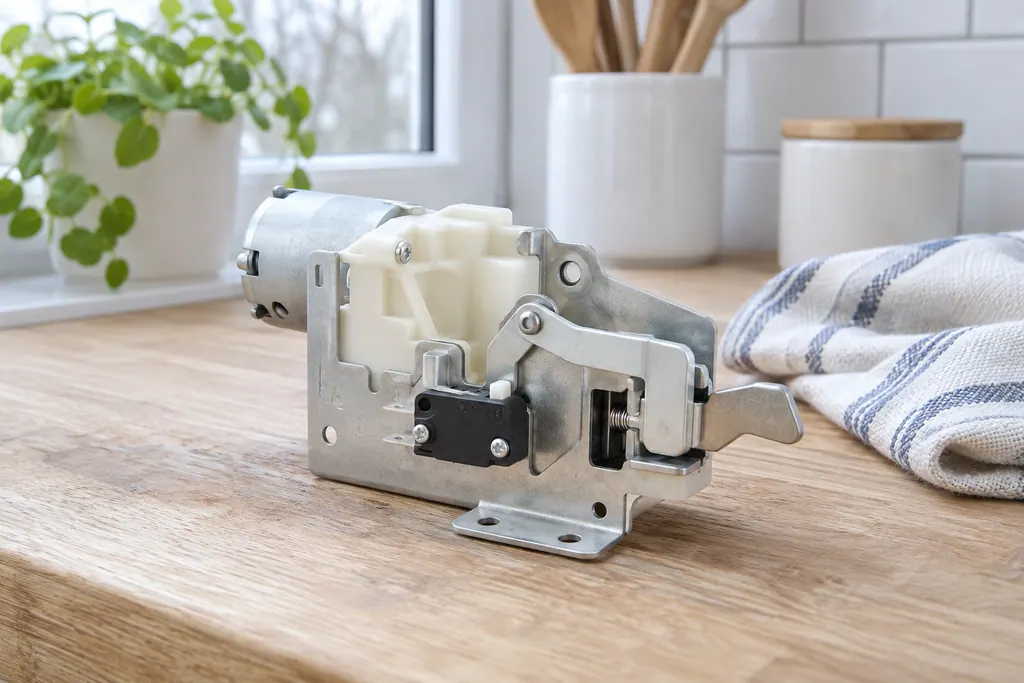
The door lock motor turns the latch that holds the oven door shut during self-clean. Electrolux’s sheets use F90 for a failure of that mechanism, and the modular sheet adds F95 and F97. The owner guide groups F90 to F94 as a door lock issue.
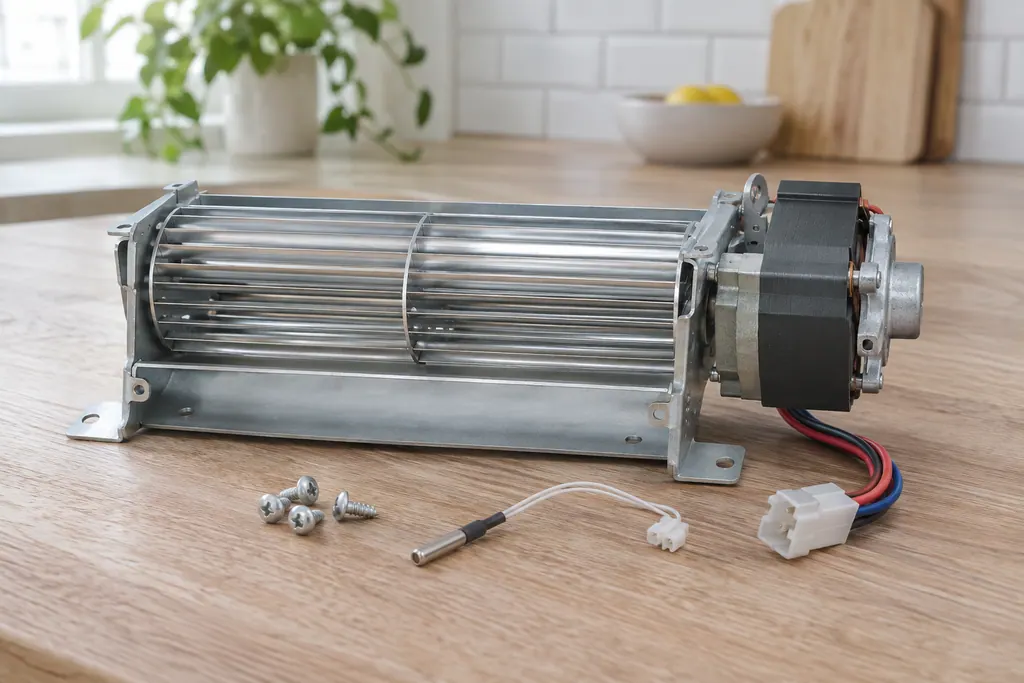
The cooling fan keeps the oven’s outer cabinet from overheating. The ES630 sheet reads its speed through a tachometer: F43 means too slow and F44 too fast. The 2017 modular sheet uses F45 for too low and F46 for too high.
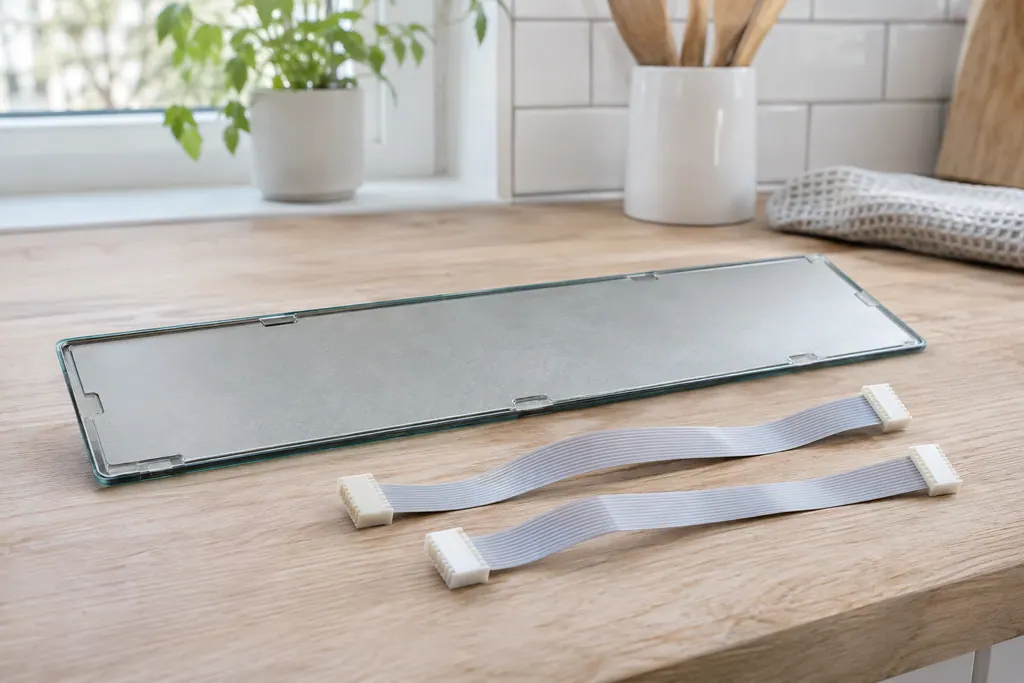
The touch panel is joined to the display board by two ribbon cables. Electrolux’s ES630 sheet uses F14 for a misconnected keyboard cable there. The 2017 modular sheets print no F14 and use F01 to F05, F28 and F29 for touch panel problems.
How a repair visit runs.
Measured and clear.
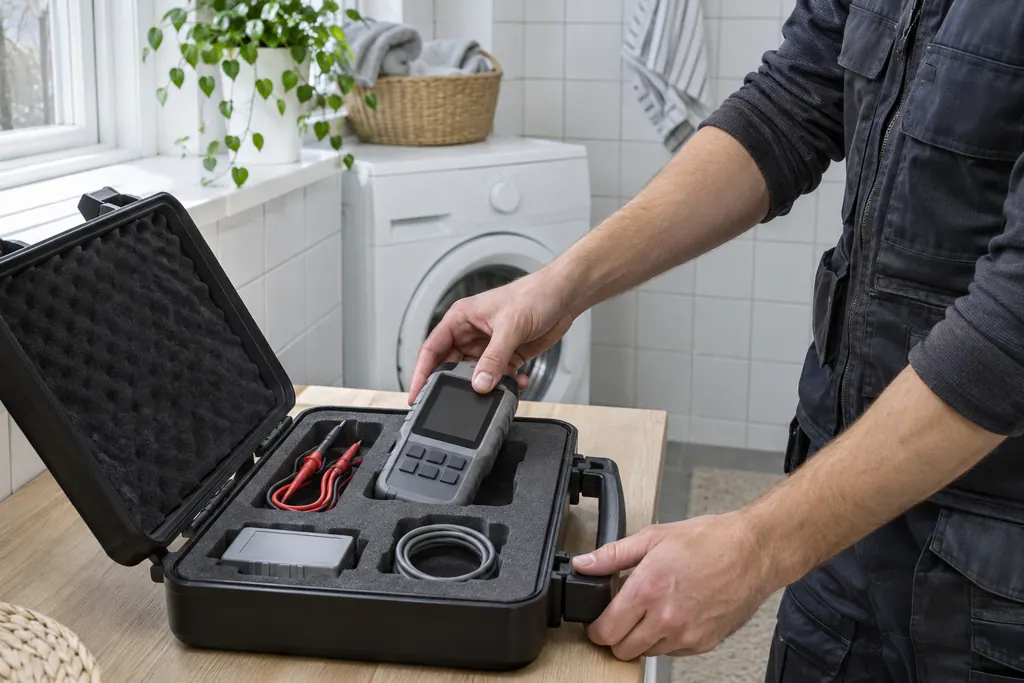
Name the washer, dryer or oven and say what it does. Add the code on the screen if there is one.
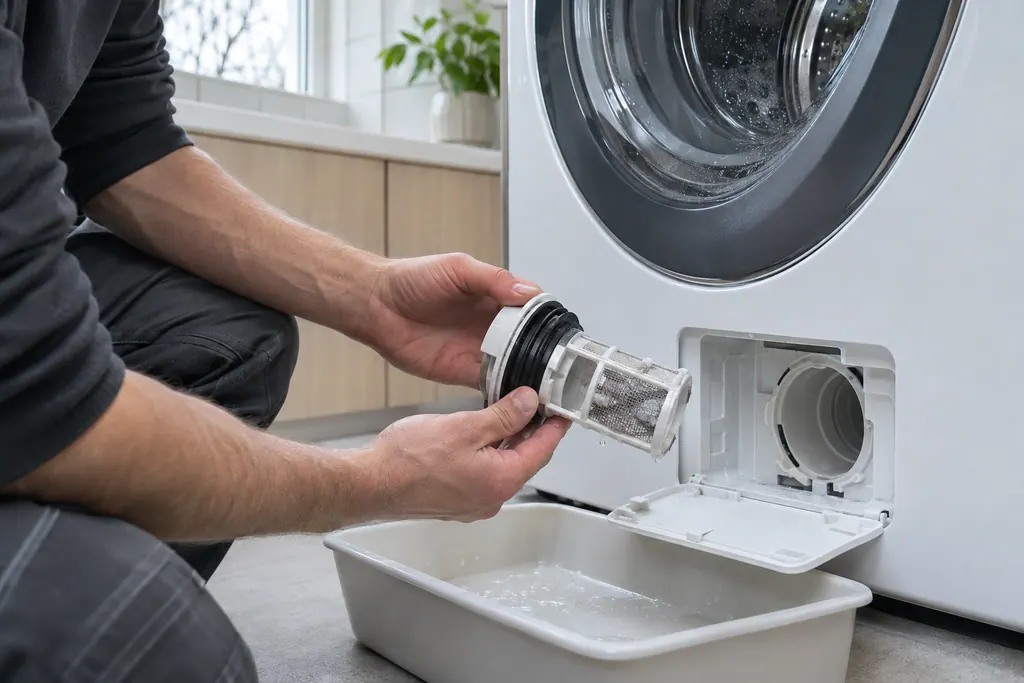
The technician runs the cycle, checks the parts behind the code and explains the cost before starting.
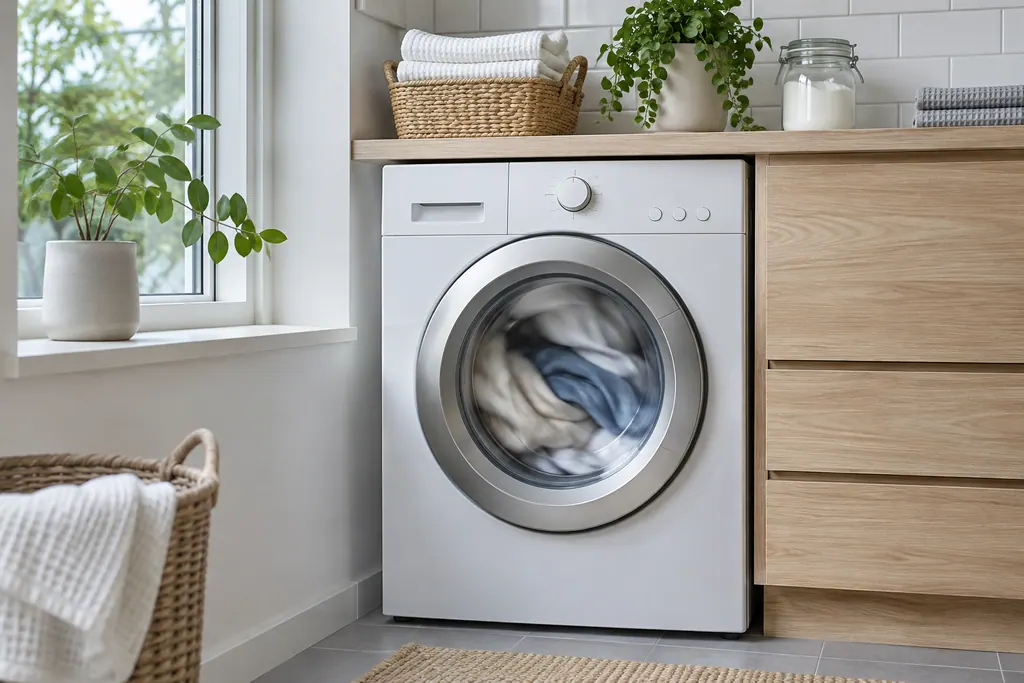
The part is replaced, a test cycle confirms the fix, and the technician walks you through the result.
Electrolux’s sheets are split by control family, and F14 and F43 exist only on ES630 ovens. F15 means different things on ES630 and on 2017 modular controls.
Pull the plug for half a minute, or switch its breaker off and on. Electrolux warns that a breaker reset also restarts whatever else shares that circuit.
Electrolux says to preheat with the oven empty and the door closed, which can take up to 20 minutes, and to wait for the beep.
A self-clean keeps the door latched until the cavity has cooled. If the controls themselves are locked, Electrolux says to press UNLOCK and follow the prompts.
If DEMO shows, Electrolux’s steps are breaker off, wait 45 seconds, breaker on, then turn demo mode off in the settings menu.
Book a technician if F10 returns after the oven has cooled and been reset. Electrolux calls it a built-in safety alert.
Book a technician for F30, F31, F43, F44, F45, F46 or F90 that persists after a power reset.
Book a technician if the oven won’t heat to temperature after the preheat checks.
On a gas range, a gas smell means no flames or switches: get everyone outside and ring the gas supplier.
Wiring, control boards and gas fittings are for the technician only.
Arrange a diagnosticThe technician examines the appliance, tells you what the repair involves and agrees the cost with you before opening anything up.
An Electrolux still under its manufacturer warranty goes to Electrolux for covered repairs. Our repairs carry a warranty on our workmanship.
Electrolux calls it a built-in safety alert for higher-than-normal temperatures. Turn the oven off and let it cool before reusing it. On a Stone-Baked Pizza oven, check the pizza shield is in rack position 7.
The ES630 sheet says the controller self-check failed. The 2017 modular sheet says keyboard error. Give us your model number so the right meaning is used.
Not always. After a self-clean cycle the latch holds until the oven has cooled. A cold oven that shows F90 can be unplugged for half a minute; if the door stays shut after that, book a technician.
No. Freestanding ranges, single and double wall ovens and dual-fuel ranges are all covered here. Give us the model so we match it to the right control family.
If your unit is under the manufacturer’s warranty, the manufacturer handles that repair.
Codes, symptoms, parts and service
F10 on an Electrolux oven is a runaway temperature alert. Turn the oven off, leave the door shut and let it cool. The Owner Center guide calls it a built-in safety alert, and the technician sheets tie it to a shorted relay or a bad temperature probe.
The written Electrolux articles say little about setting the clock or timer, since its display-settings guide is a video. What they do cover is a display or keypad that acts up: a stuck key (F11), memory and cable errors (F13, F14, F15), Demo mode and a power reset.
The RTD is the oven’s temperature probe: a resistance temperature detector that tells the control how hot the cavity is. F30 means the probe circuit reads open and F31 that it reads shorted. On ES630 controls, F10 can also first appear when the probe misreads.
Book a diagnostic for your model at the appliance.
Office details and the access information to pass on.