Start from the symptom
Electrolux oven temperature too hot or not hot enough.
Before blaming the thermostat, check how the oven is used: Electrolux says a complete preheat can run 20 minutes, with the oven empty and the door shut. A worn door gasket and weak voltage can leave an oven cool, and calibration can correct a steady offset.
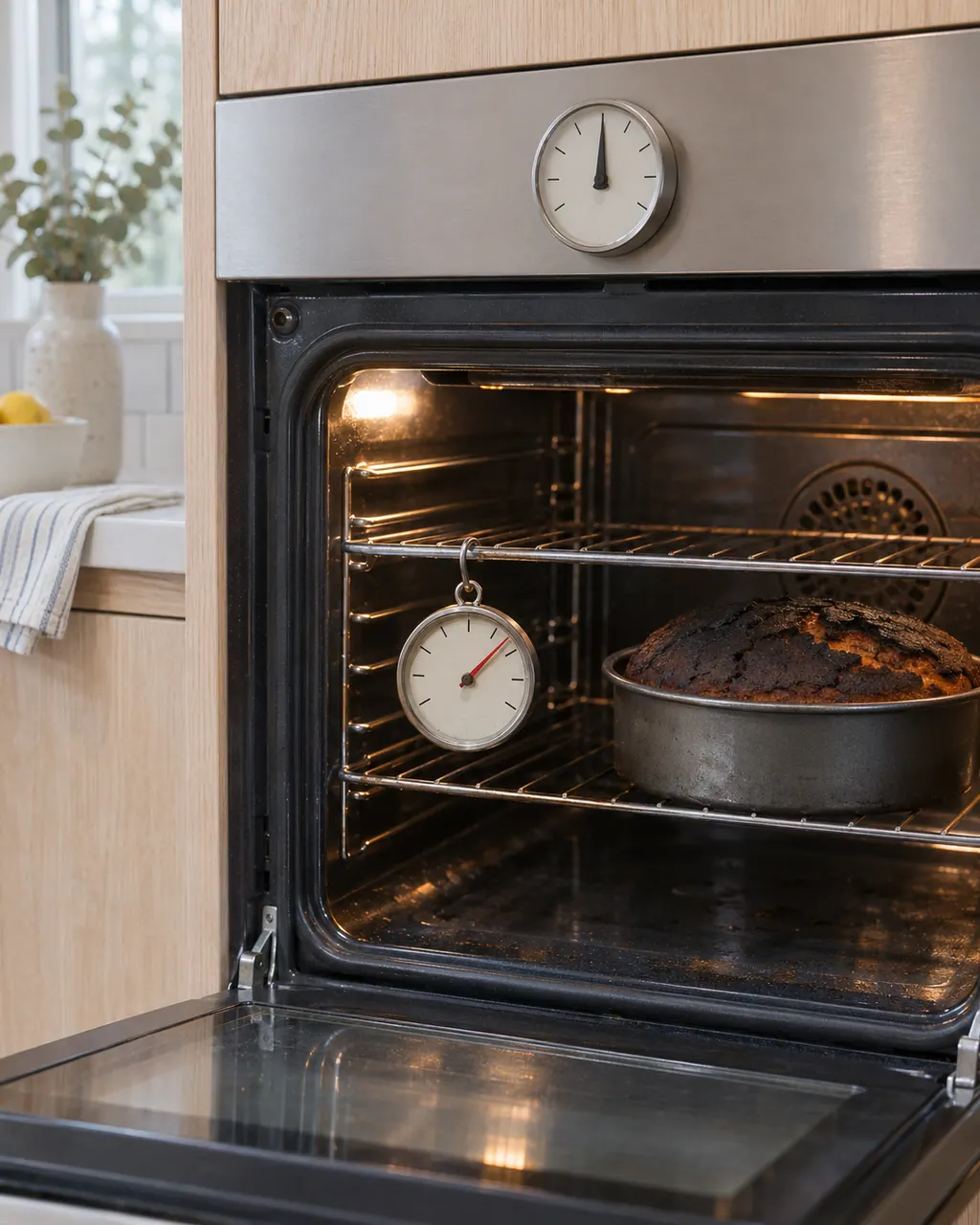
Start with safe observations.
Power the appliance down and pull the plug before any owner check. Beware of standing water and sharp debris. Never touch a wet plug or electrical area, take off service panels, or step beyond your model’s owner guide.
- 1
Preheat properly
Allow a full preheat, up to 20 minutes by Electrolux's count. Keep it empty and keep the door closed. Wait for the beep, so check that the sound function is on. Stone-Baked Pizza mode is the exception.
- 2
Check bakeware and racks
Cookware material and rack position change results even when the temperature is right. The use and care manual has a bakeware guide and rack positions.
- 3
Look at the door gasket
Heat loss, Electrolux says, can come from a gasket that is torn, worn, loose or missing. Avoid rubbing or pulling on it, and have a damaged one replaced.
- 4
Voltage
An oven that struggles to preheat may not be receiving full electrical voltage. Electrolux says that may call for checking the installation or an electrician.
- 5
Arrange the food
For uneven browning, spread food in one layer so air circulates around it.
- 6
Calibrate if the offset is steady
If everything else checks out, Electrolux says the oven may need a temperature calibration, with steps that vary by model. The ES630 sheet describes an adjustment of up to 35 degrees F in either direction, and it affects all baking modes.
- 7
Runaway temperature
F10 means the oven sensed higher-than-normal temperatures. Turn it off and let it cool. On Stone-Baked Pizza ovens, check that the rack and Pizza Shield are in rack position 7.
Systems a technician may investigate.
The parts below tie in with this symptom. Seeing it does not prove any one of them has failed.
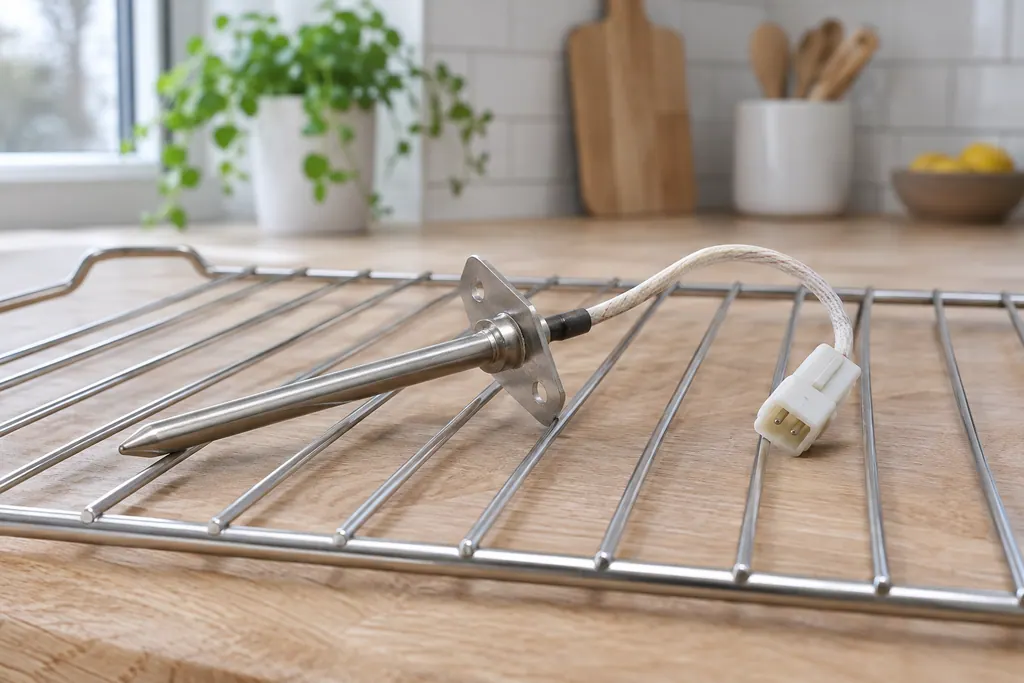
If the display adds a code.
Temperature
F10 on an Electrolux oven is a runaway temperature alert. Turn the oven off, leave the door shut and let it cool. The Owner Center guide calls it a built-in safety alert, and the technician sheets tie it to a shorted relay or a bad temperature probe.
Temperature probe
F30 is an open oven temperature probe (RTD) or its wiring, on both Electrolux oven controls. Reset the power by unplugging for 30 seconds. The ES630 sheet adds that the control may show F10 first. If F30 returns, book a technician.
Temperature probe
F31 is a shorted oven temperature probe (RTD) or its wiring, on both Electrolux oven controls. Let the oven cool and restart the function. If F31 returns, book a technician; the sheets check the probe's resistance against a chart.
Read the related care guide.
F14 or F15 on the oven? Check which control you have.
F14 appears only on the ES630 oven control and means a misconnected keyboard cable. F15 means a failed controller self check on the ES630 but a keyboard error on the 2017 modular control, so your model number decides which row applies. Switch the oven off for 30 seconds, then book a technician if it comes back.
Oven keys or display acting up? Start with lock, demo and a reset.
The Owner Center explains Electrolux oven clock and display settings in video articles with no written steps, so use your Use & Care guide for those. In writing, it covers locked controls, demo mode and a 30-second power reset, and the oven sheets cover keypad codes F11, F13, F14 and F15.
When observation becomes a service request.
Leave internal testing to a technician.
If the oven is still too hot or too cool after a proper preheat and a gasket check, or F10, F30 or F31 appears, book a technician. Say how far off it runs, using an oven thermometer, and the model number.
Arrange a diagnosticSources and model boundaries.
These sources back the Electrolux oven temperature too hot or not hot enough guidance. Use the manual for your own model.
- Oven - Is too Hot (KB 1846593)
- Oven - Is Not Hot Enough (KB 1847086)
- Ovens - Why isn’t my food cooked evenly? (KB 1847391)
- Oven Error Codes and Alarms Guide
- Service Data Sheet, p/n 807436903, "Appliance with ES630 Electronic Oven Control" (EW30EW65PS)
Follow the guide for your exact model. Consult how we research these pages.
How long should an Electrolux oven preheat?
As long as 20 minutes, Electrolux says. Keep the oven empty and the door closed, and wait for the beep when it reaches temperature.
Can a bad door gasket make the oven too cool?
Yes. A gasket that is torn, worn, loose or gone lets heat out, and Electrolux says its woven material is what keeps heat in the cavity.
Can I calibrate my oven temperature?
Electrolux says calibration may be needed, and the steps vary by model. The ES630 sheet allows up to 35 degrees F either way, and the change applies to all baking modes.
What does F10 mean on my oven?
Thermal runaway: the oven detected higher-than-normal temperatures. It is a safety alert. Turn the oven off, let it cool, and call if it returns.
Codes, symptoms, parts and service
Link the message to what to do next.
F10
F10 on an Electrolux oven is a runaway temperature alert. Turn the oven off, leave the door shut and let it cool. The Owner Center guide calls it a built-in safety alert, and the technician sheets tie it to a shorted relay or a bad temperature probe.
Electrolux oven clock, timer or display problems
The written Electrolux articles say little about setting the clock or timer, since its display-settings guide is a video. What they do cover is a display or keypad that acts up: a stuck key (F11), memory and cable errors (F13, F14, F15), Demo mode and a power reset.
Oven RTD temperature sensor
The RTD is the oven’s temperature probe: a resistance temperature detector that tells the control how hot the cavity is. F30 means the probe circuit reads open and F31 that it reads shorted. On ES630 controls, F10 can also first appear when the probe misreads.
Oven repair
Book a diagnostic for your model at the appliance.
Find your metro
Office details and the access information to pass on.