Inside the appliance
Oven RTD temperature sensor. In plain English.
The RTD is the oven’s temperature probe: a resistance temperature detector that tells the control how hot the cavity is. F30 means the probe circuit reads open and F31 that it reads shorted. On ES630 controls, F10 can also first appear when the probe misreads.
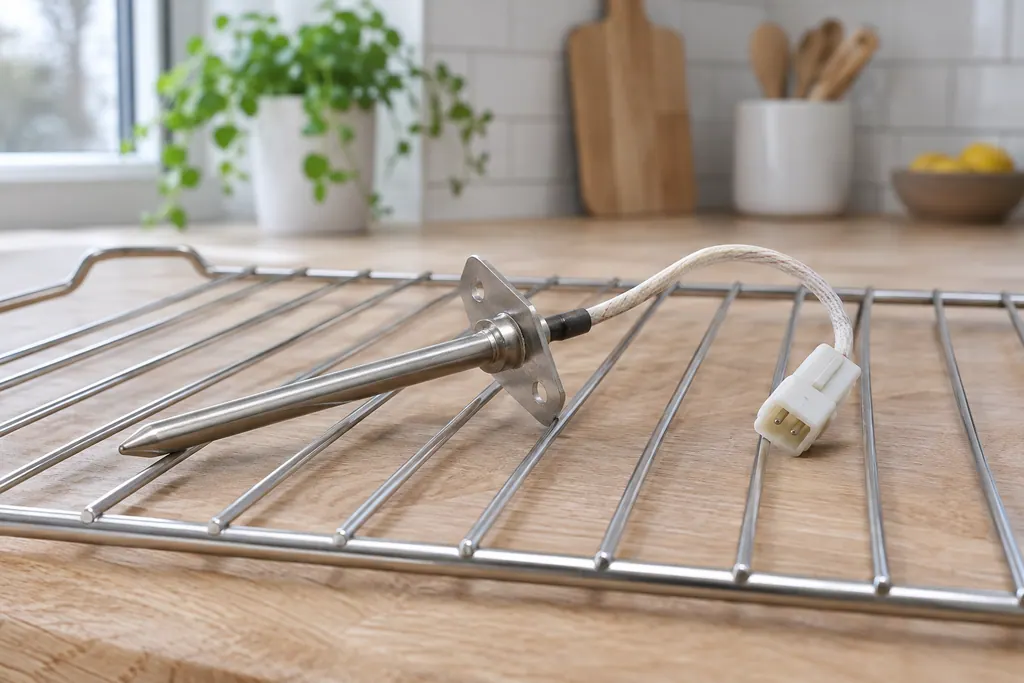
Where it fits.
Oven RTD temperature sensor in the appliance
The sheets mention a probe circuit and a resistance chart but give no position, so a technician finds the probe by model.
The image shows the type of component only. It does not select a replacement that fits your model.
What is different once this system needs attention.
Oven RTD temperature sensor concerns may show up with a drop in performance or a code that keeps returning. Testing comes first before anyone decides the component has failed.
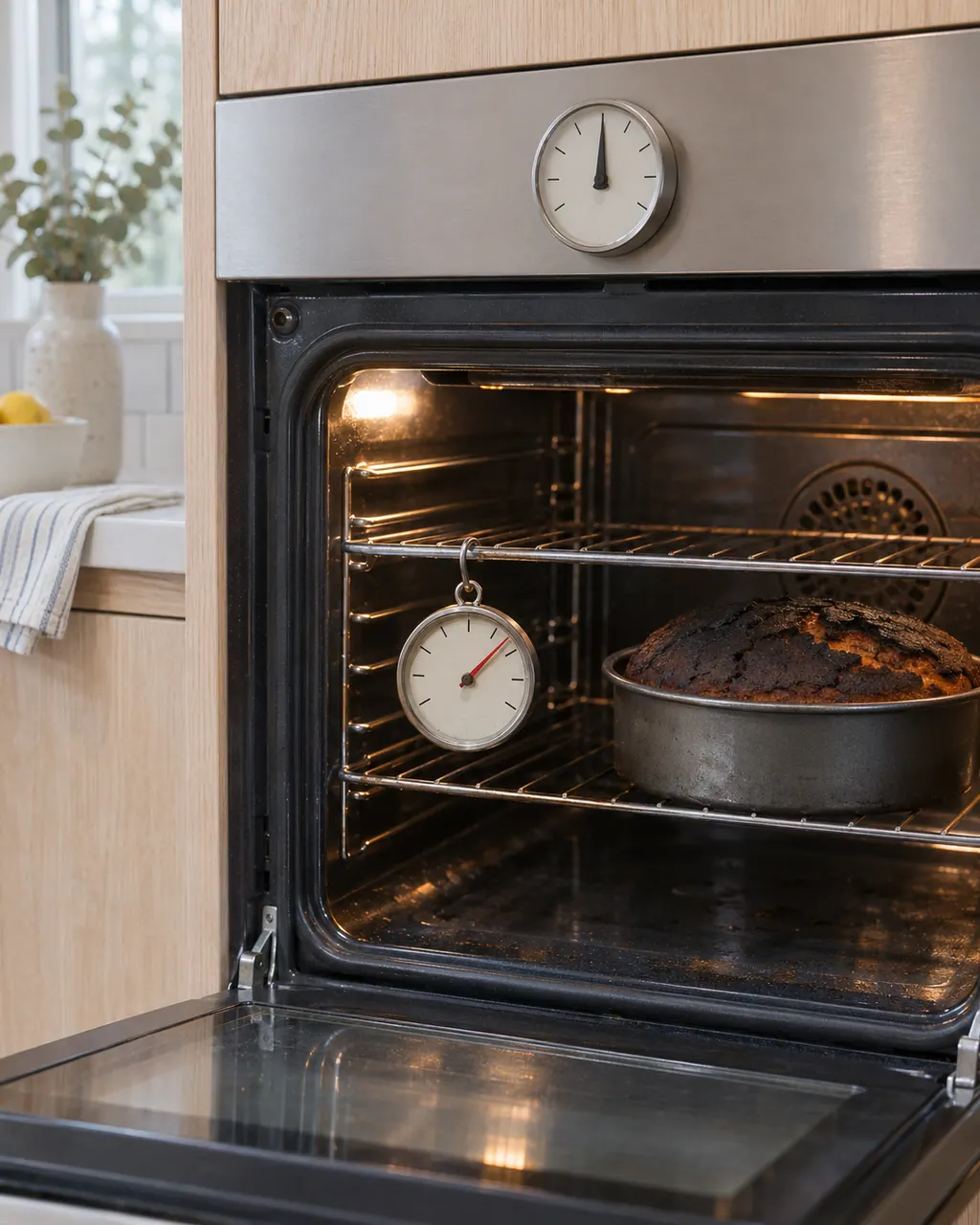
Electrolux oven temperature too hot or not hot enough
Before blaming the thermostat, check how the oven is used: Electrolux says a complete preheat can run 20 minutes, with the oven empty and the door shut. A worn door gasket and weak voltage can leave an oven cool, and calibration can correct a steady offset.
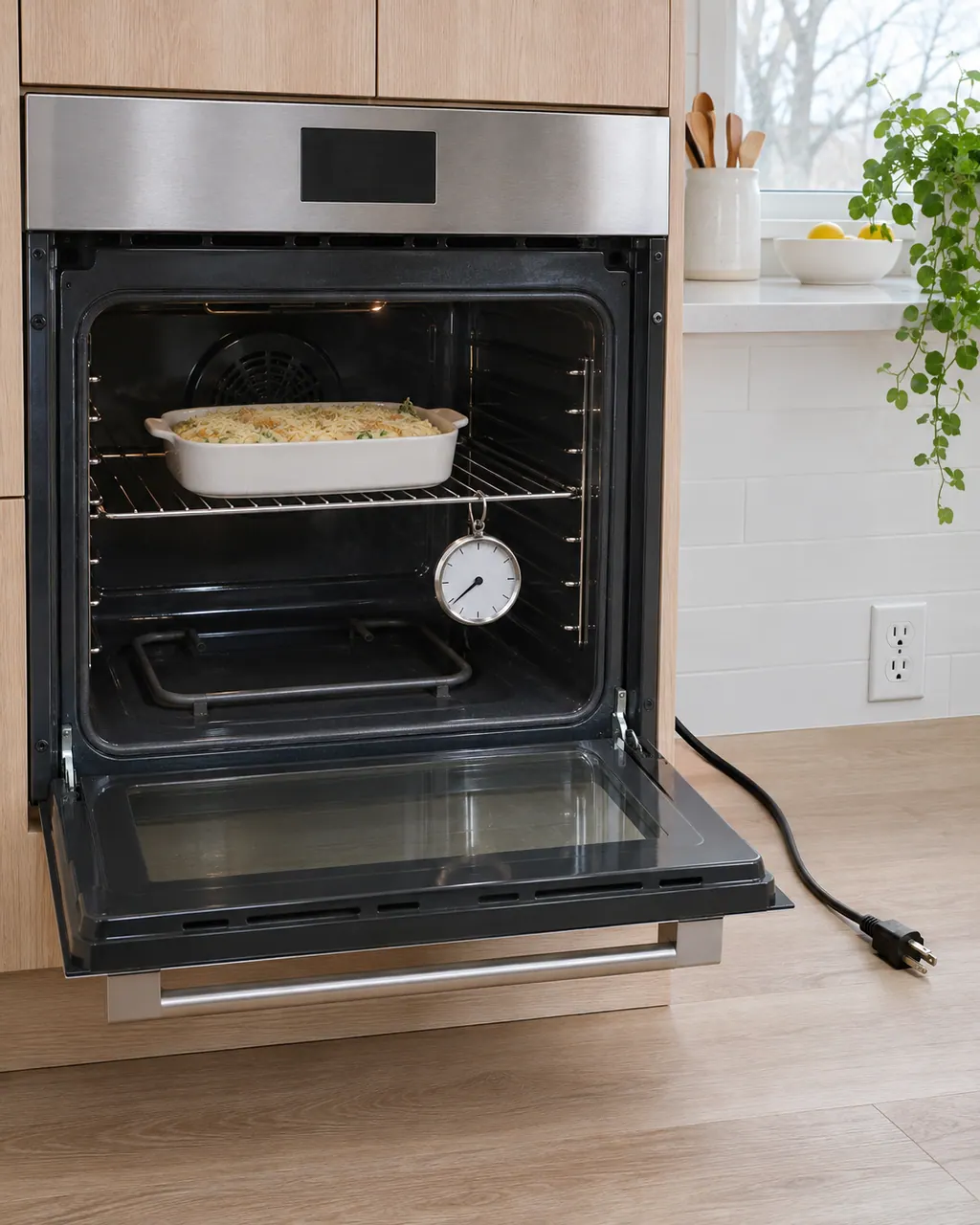
Electrolux oven not heating
Start with the basics: full power to the oven, a door that seals and a preheat that has had time. Electrolux's range articles also cover surface burners that will not light, which is a different job from the oven's own bake or broil element.
Owner care, within the model instructions.
Power the appliance down and pull the plug before any owner check. Beware of standing water and sharp debris. Never touch a wet plug or electrical area, take off service panels, or step beyond your model’s owner guide.
- 1
Reset the control
The oven guide’s reset is to unplug the oven for half a minute or flip its breaker. A breaker reset also restarts whatever else shares that circuit.
- 2
Note when it shows
The ES630 sheet says F30 or F31 appears when the oven is active, or when you try to start a mode. Write down which function you chose.
- 3
Let it cool for F31
For F31 the ES630 sheet’s first step is to let the oven cool and restart the function. If it persists, the display board is the next part named.
- 4
Take F10 seriously
The oven guide calls F10 a built-in safety alert. Turn the oven off and let it cool before using it again. The sheets name the probe among the first parts to check.
Cleaning or replacement?
Leave internal testing to a technician.
Book a technician if F30 or F31 returns after a reset, or if F10 appears again after the oven has cooled.
Arrange a diagnosticSee the neighboring components.
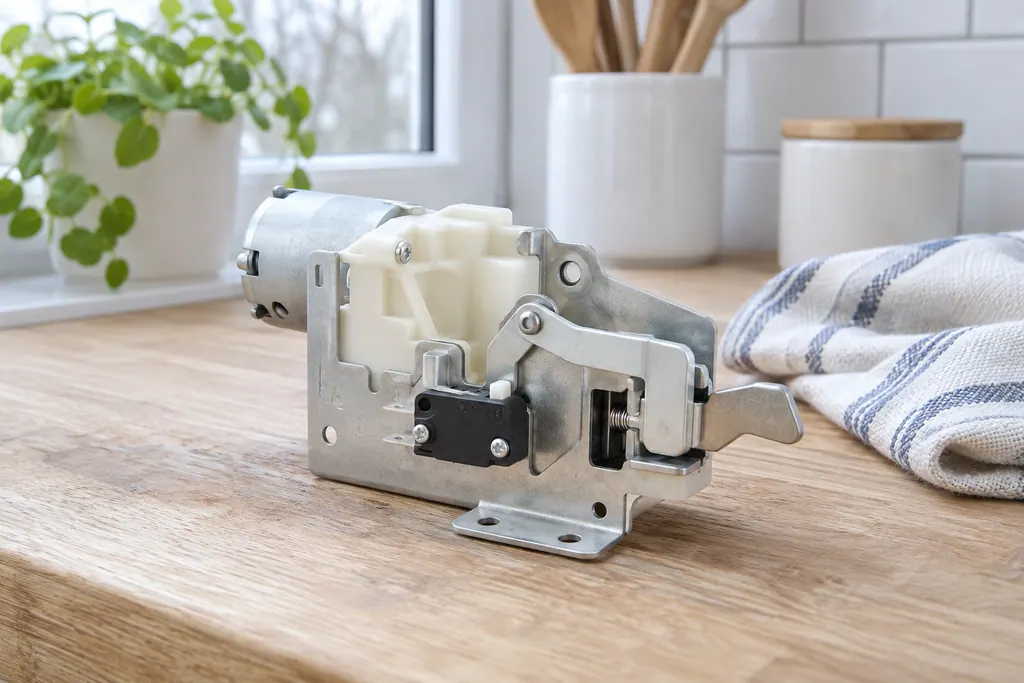
Oven door lock motor
The door lock motor turns the latch that holds the oven door shut during self-clean. Electrolux’s sheets use F90 for a failure of that mechanism, and the modular sheet adds F95 and F97. The owner guide groups F90 to F94 as a door lock issue.
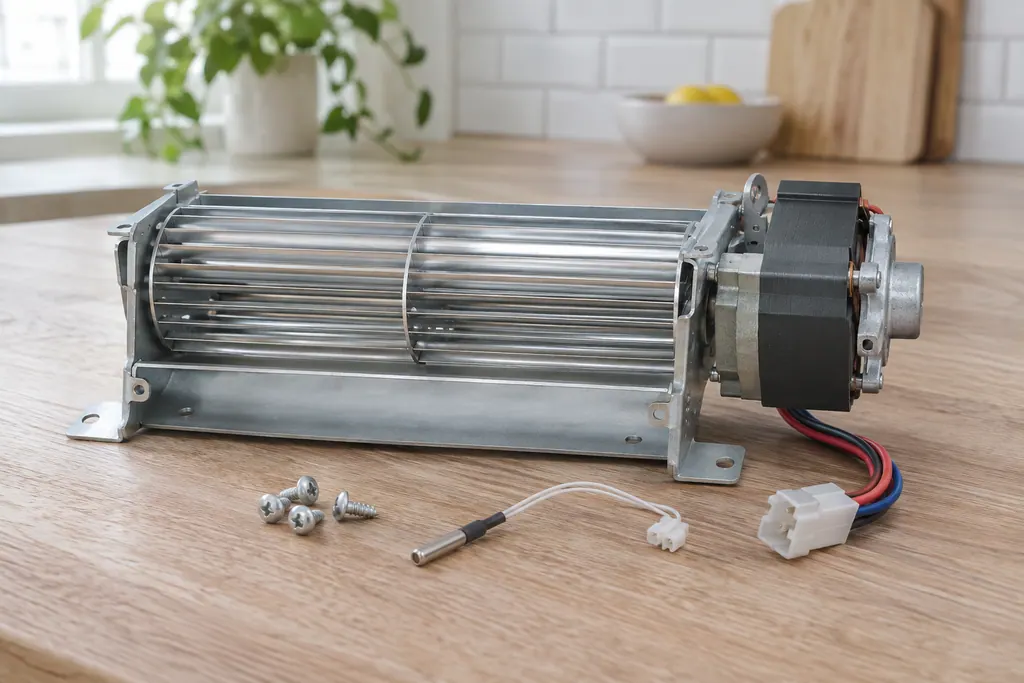
Oven cooling fan
The cooling fan keeps the oven’s outer cabinet from overheating. The ES630 sheet reads its speed through a tachometer: F43 means too slow and F44 too fast. The 2017 modular sheet uses F45 for too low and F46 for too high.
Sources and model boundaries.
These sources back the Oven RTD temperature sensor guidance. Use the manual for your own model.
- Service Data Sheet, p/n 807436903, "Appliance with ES630 Electronic Oven Control" (EW30EW65PS)
- Service Data Sheet, p/n A00980644, "Electric wall ovens with modular oven controls" (EI30EW38TS)
- Oven Error Codes and Alarms Guide
Follow the guide for your exact model. Consult how we research these pages.
What do F30 and F31 mean?
F30 is an open RTD probe or wiring problem and F31 a shorted one. The modular sheet words them as an open and a shorted oven temperature sensor.
How does a technician check the probe?
Both sheets say to check the probe circuit wiring, then compare the probe’s resistance at room temperature with the sheet’s chart. A probe that does not match is replaced.
Why would F10 show up on an RTD problem?
The ES630 sheet notes the control may first display F10, thinking a runaway oven exists. It lists a shorted relay or a bad probe as possible causes.
Does F30 differ by oven model?
The wording differs slightly between the ES630 and the 2017 modular sheet, but the meaning is the same. For F30, the modular sheet adds the oven relay board as a last step.
Codes, symptoms, parts and service
Link the message to what to do next.
F30
F30 is an open oven temperature probe (RTD) or its wiring, on both Electrolux oven controls. Reset the power by unplugging for 30 seconds. The ES630 sheet adds that the control may show F10 first. If F30 returns, book a technician.
Electrolux oven clock, timer or display problems
The written Electrolux articles say little about setting the clock or timer, since its display-settings guide is a video. What they do cover is a display or keypad that acts up: a stuck key (F11), memory and cable errors (F13, F14, F15), Demo mode and a power reset.
Oven repair
Book a diagnostic for your model at the appliance.
Find your metro
Office details and the access information to pass on.