Start from the symptom
Electrolux oven self-clean and door lock problems.
During self-clean the door locks on purpose and unlocks by itself once the oven has cooled, so a locked door after a cycle may only need time. If the door or controls will not unlock, Electrolux's guide groups F90 to F94 as a door lock issue and points to UNLOCK and a power reset.
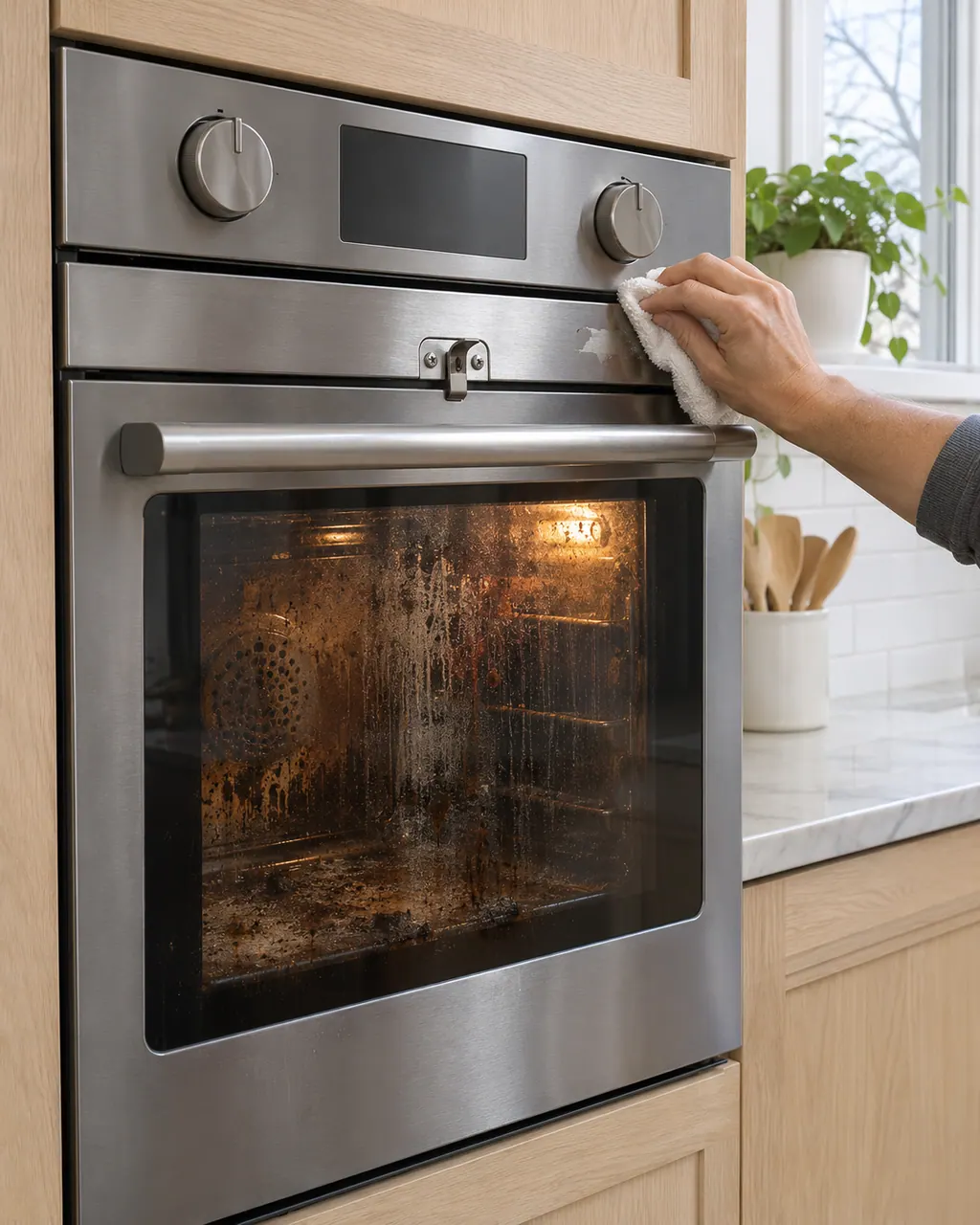
Start with safe observations.
Power the appliance down and pull the plug before any owner check. Beware of standing water and sharp debris. Never touch a wet plug or electrical area, take off service panels, or step beyond your model’s owner guide.
- 1
Set the cycle correctly
Take the racks out, select the clean function, choose a time or soil level, then press Start. Electrolux suggests three hours or the medium setting for typical cleaning. Self-clean is not a feature on every model.
- 2
Wait for the lock to release
As a safety measure the latch holds until the cavity cools, and the door then releases on its own.
- 3
Press UNLOCK
If the doors and controls are locked and nothing responds, press UNLOCK and follow the on-screen directions. The screen shows a code that unlocks them.
- 4
Reset the power
Cut power for half a minute. Electrolux says this clears most false error codes. On the ES630 sheet, F90 also says to press any key first.
- 5
What the lock codes mean
F90 is a door lock motor mechanism failure. On modular ovens F95 is the lock motor not stopping or an invalid lock switch signal, and F96 means the door was found open during Self Clean.
- 6
Check the door and racks
If F96 shows, make sure the door is fully closed and nothing is blocking it, then start again.
Systems a technician may investigate.
The parts below tie in with this symptom. Seeing it does not prove any one of them has failed.
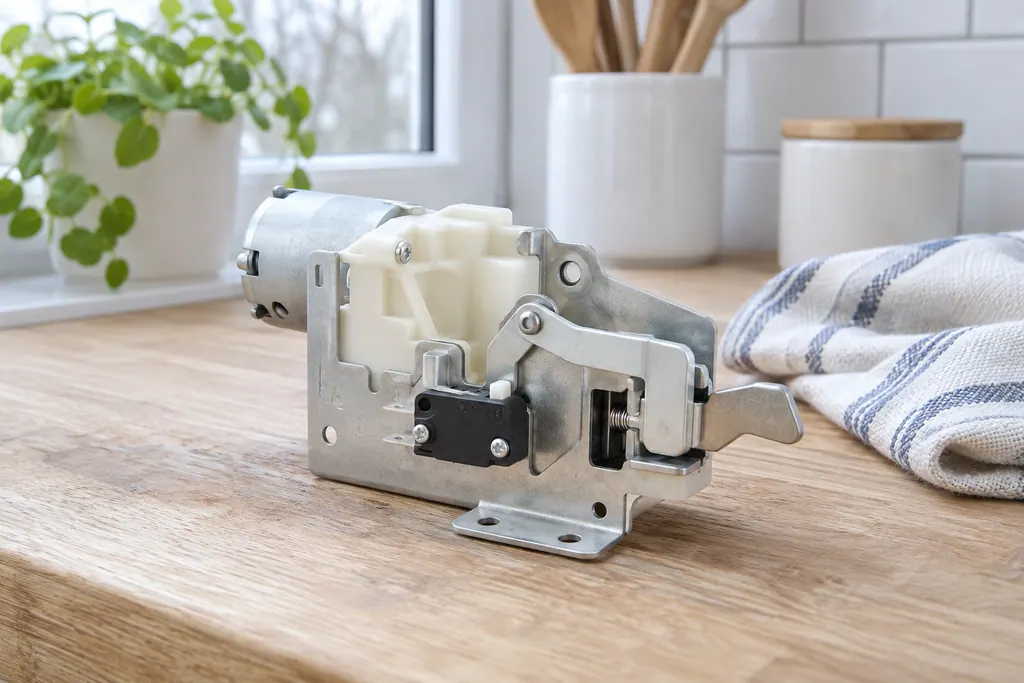
If the display adds a code.
Door lock
F90 on an Electrolux oven is a door lock motor mechanism failure. The ES630 sheet says door motor mechanism failure, and the modular sheet says the control does not see the lock motor running. Press UNLOCK if the door is locked, then reset the power.
Door lock
F95 is a motor door lock mechanism failure on Electrolux's modular wall oven control: the lock motor does not stop running, or the lock switch sends an invalid signal. Reset power; if F95 returns, book a technician.
Door lock
F96 means the oven door was detected open during a self clean cycle, on Electrolux's modular wall oven control. The sheet says the door switch lost contact. Make sure the door closes fully and nobody pulls on it during the cycle.
Read the related care guide.
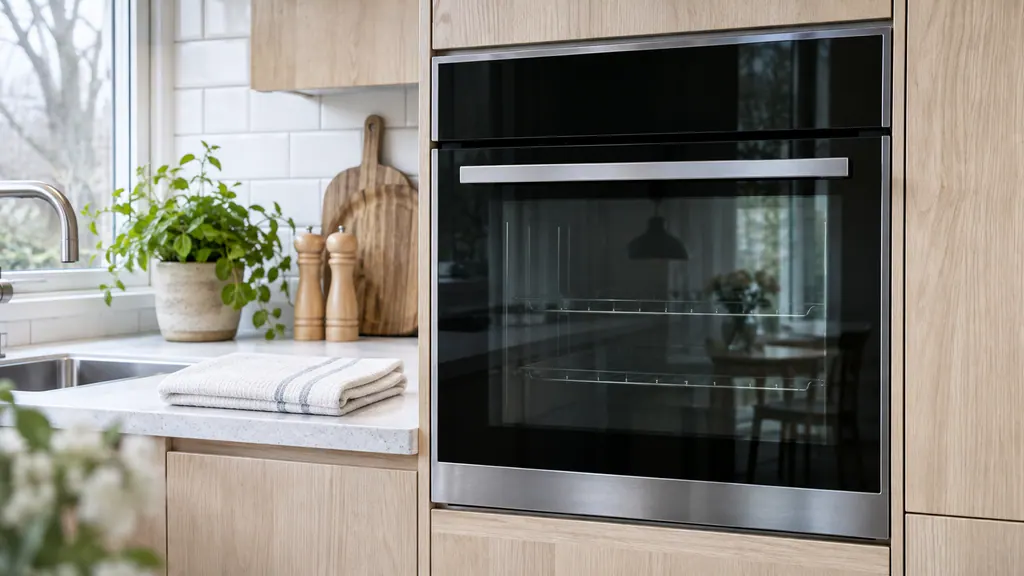
F14 or F15 on the oven? Check which control you have.
F14 appears only on the ES630 oven control and means a misconnected keyboard cable. F15 means a failed controller self check on the ES630 but a keyboard error on the 2017 modular control, so your model number decides which row applies. Switch the oven off for 30 seconds, then book a technician if it comes back.
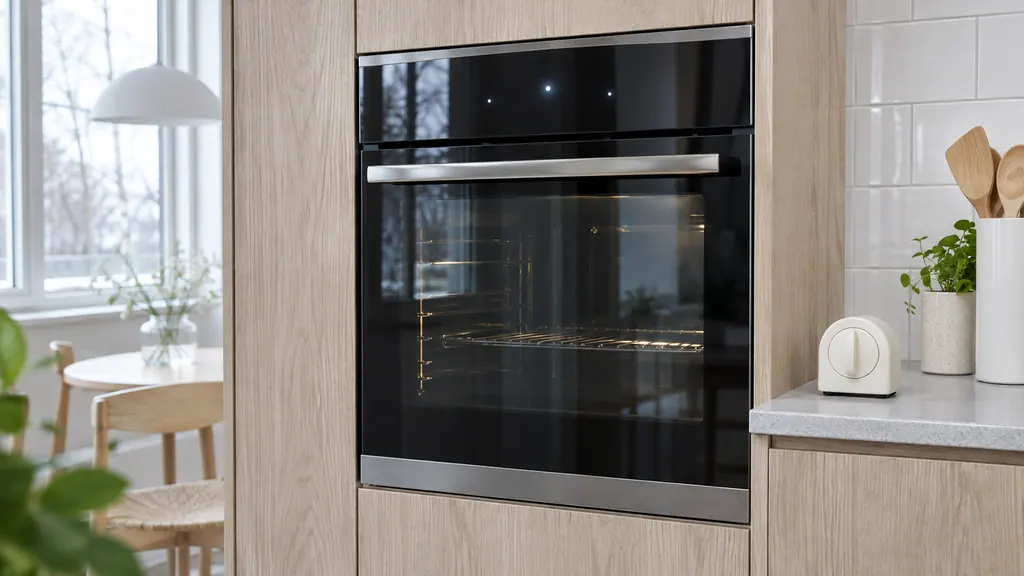
Oven keys or display acting up? Start with lock, demo and a reset.
The Owner Center explains Electrolux oven clock and display settings in video articles with no written steps, so use your Use & Care guide for those. In writing, it covers locked controls, demo mode and a 30-second power reset, and the oven sheets cover keypad codes F11, F13, F14 and F15.
When observation becomes a service request.
Leave internal testing to a technician.
If the door stays latched after the oven has cooled, UNLOCK and a power reset change nothing, or F90, F95 or F96 returns, book a technician. We can check the door lock motor and switch. Do not force the door open.
Arrange a diagnosticSources and model boundaries.
These sources back the Electrolux oven self-clean and door lock problems guidance. Use the manual for your own model.
- Range - How do I set my oven or range to self-clean? (KB 1847354)
- Oven Error Codes and Alarms Guide
- Service Data Sheet, p/n 807436903, "Appliance with ES630 Electronic Oven Control" (EW30EW65PS)
- Service Data Sheet, p/n A00980644, "Electric wall ovens with modular oven controls" (EI30EW38TS)
Follow the guide for your exact model. Consult how we research these pages.
Why won't my oven door open once the clean cycle ends?
The latch holds until the cavity has cooled, then releases by itself. Give it time before you suspect a failure.
How do I unlock the oven door and controls?
Press UNLOCK and follow the screen. Electrolux says the display shows a code you use to unlock both the doors and the controls.
What does F90 mean?
A door lock motor mechanism failure. The ES630 sheet says to press any key to clear it, and to turn the power off for 30 seconds if it persists.
What does F96 mean?
It appears on modular ovens when the door was detected open during a Self Clean cycle. Close the door fully and restart the cycle.
Codes, symptoms, parts and service
Link the message to what to do next.
F90
F90 on an Electrolux oven is a door lock motor mechanism failure. The ES630 sheet says door motor mechanism failure, and the modular sheet says the control does not see the lock motor running. Press UNLOCK if the door is locked, then reset the power.
Electrolux oven clock, timer or display problems
The written Electrolux articles say little about setting the clock or timer, since its display-settings guide is a video. What they do cover is a display or keypad that acts up: a stuck key (F11), memory and cable errors (F13, F14, F15), Demo mode and a power reset.
Oven door lock motor
The door lock motor turns the latch that holds the oven door shut during self-clean. Electrolux’s sheets use F90 for a failure of that mechanism, and the modular sheet adds F95 and F97. The owner guide groups F90 to F94 as a door lock issue.
Oven repair
Book a diagnostic for your model at the appliance.
Find your metro
Office details and the access information to pass on.