Start from the symptom
Electrolux oven light not working.
The written Electrolux articles contain no bulb-replacement steps for the oven light. The one relevant code is F23: on ES630 ovens it means the controller could not communicate with the oven lights control board, which is a technician repair.
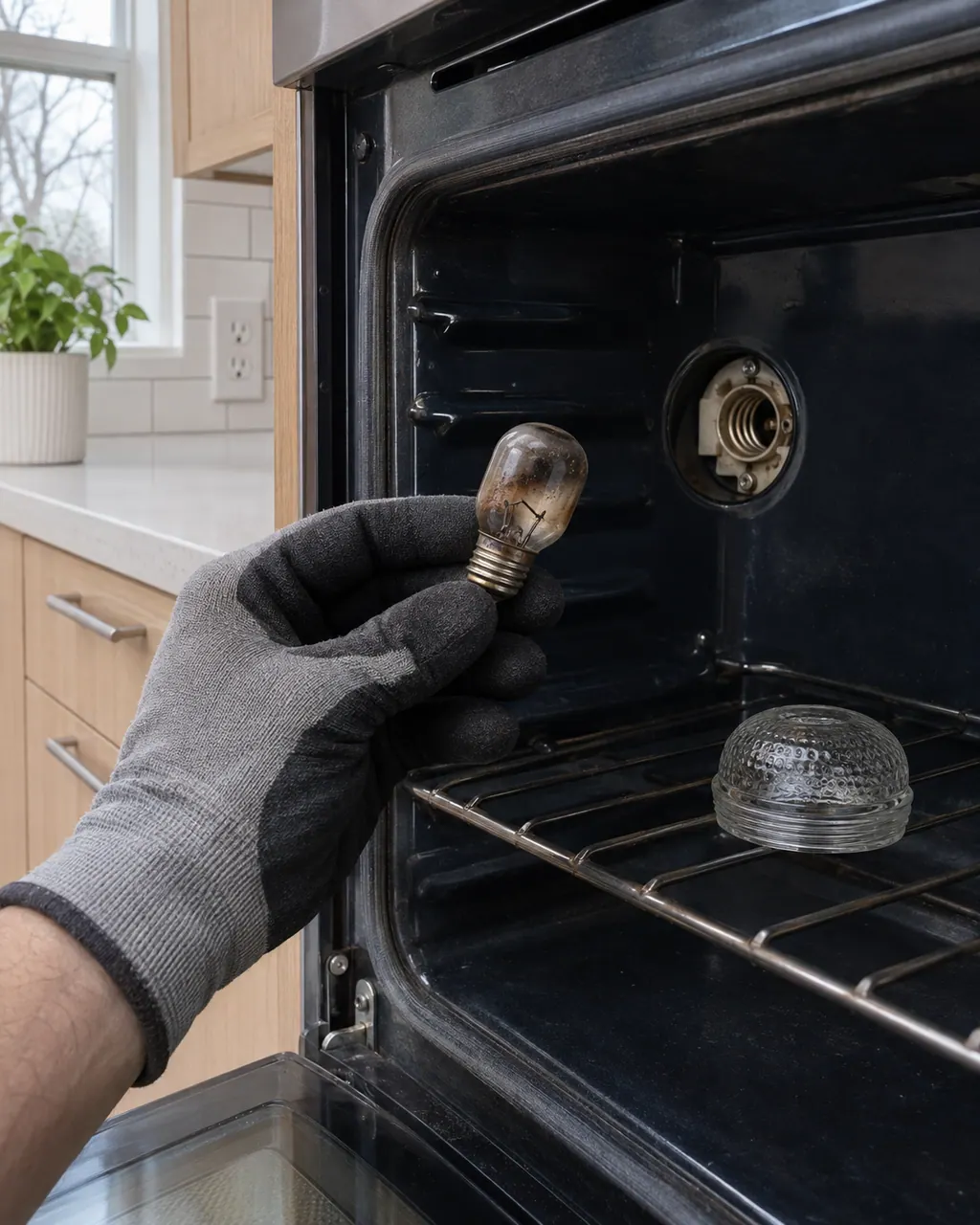
Start with safe observations.
Power the appliance down and pull the plug before any owner check. Beware of standing water and sharp debris. Never touch a wet plug or electrical area, take off service panels, or step beyond your model’s owner guide.
- 1
Test the light key
On an ES630, the light key switches the oven lamp. Press it with the door shut and open to see whether the lamp answers either way.
- 2
Look for F23
On ES630 ovens F23 is a failure to communicate with the oven lights control board. On modular ovens F23 refers to the link between the user interface and the touch panel, and F22 to the relay board.
- 3
Reset the power
Disconnect the oven for 30 seconds, then restore power. On the modular sheet, check whether the error is still there afterward.
- 4
Do not mix up lights
Electrolux's range indicator-light article is about the element-on and hot-surface lights on the cooktop. They are not the oven lamp.
- 5
Leave bulb changes to the manual
Your use and care manual shows whether the bulb is user-replaceable on your model. Switch the oven off and let it cool first.
Systems a technician may investigate.
The linked parts are the ones Electrolux’s technician sheets name for this appliance. We confirm each against your model number once the diagnostic is done, and you approve any replacement first.
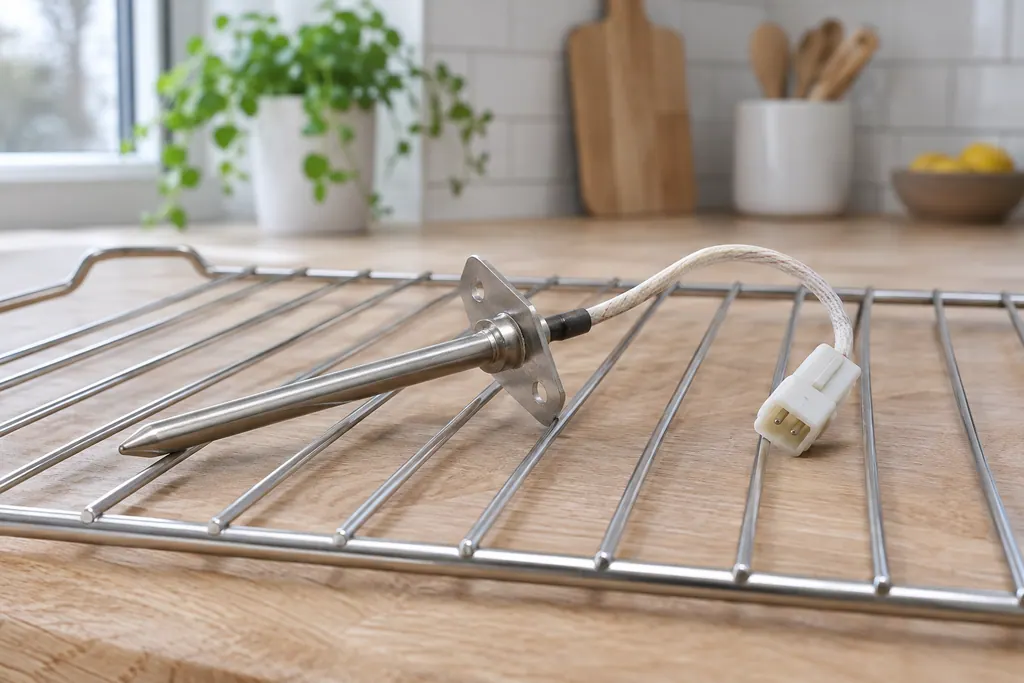
Oven RTD temperature sensor
The RTD is the oven’s temperature probe: a resistance temperature detector that tells the control how hot the cavity is. F30 means the probe circuit reads open and F31 that it reads shorted. On ES630 controls, F10 can also first appear when the probe misreads.
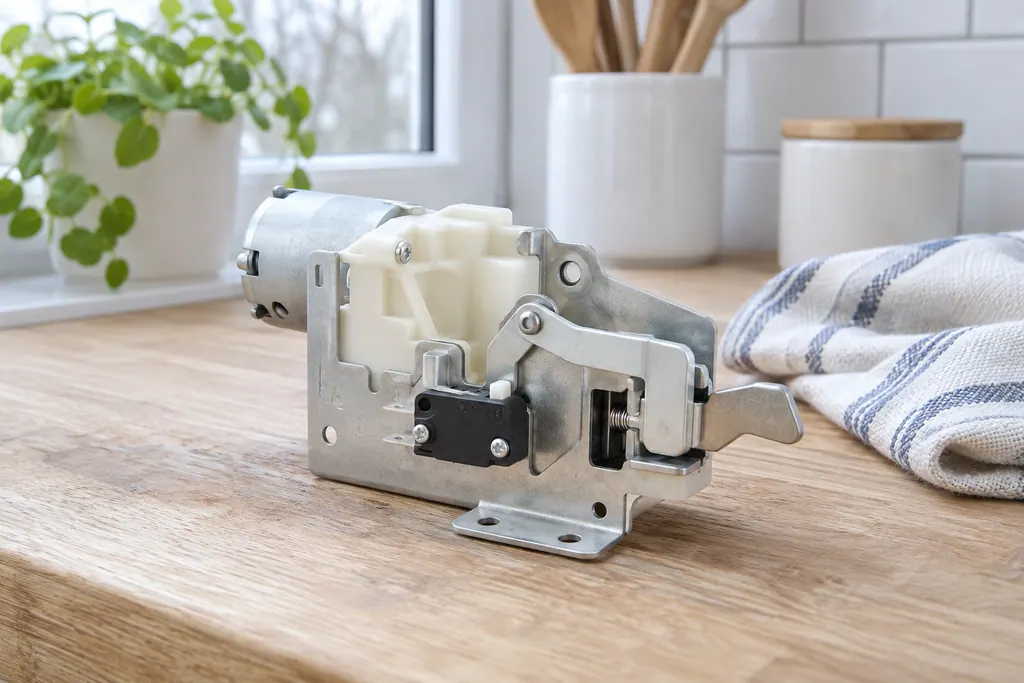
Oven door lock motor
The door lock motor turns the latch that holds the oven door shut during self-clean. Electrolux’s sheets use F90 for a failure of that mechanism, and the modular sheet adds F95 and F97. The owner guide groups F90 to F94 as a door lock issue.
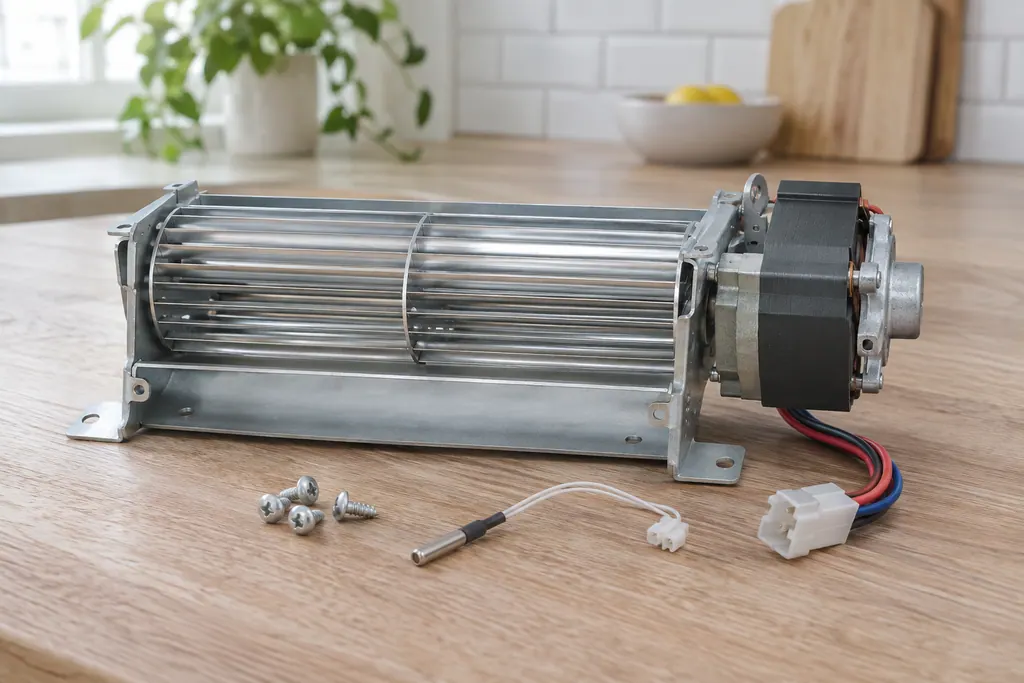
Oven cooling fan
The cooling fan keeps the oven’s outer cabinet from overheating. The ES630 sheet reads its speed through a tachometer: F43 means too slow and F44 too fast. The 2017 modular sheet uses F45 for too low and F46 for too high.
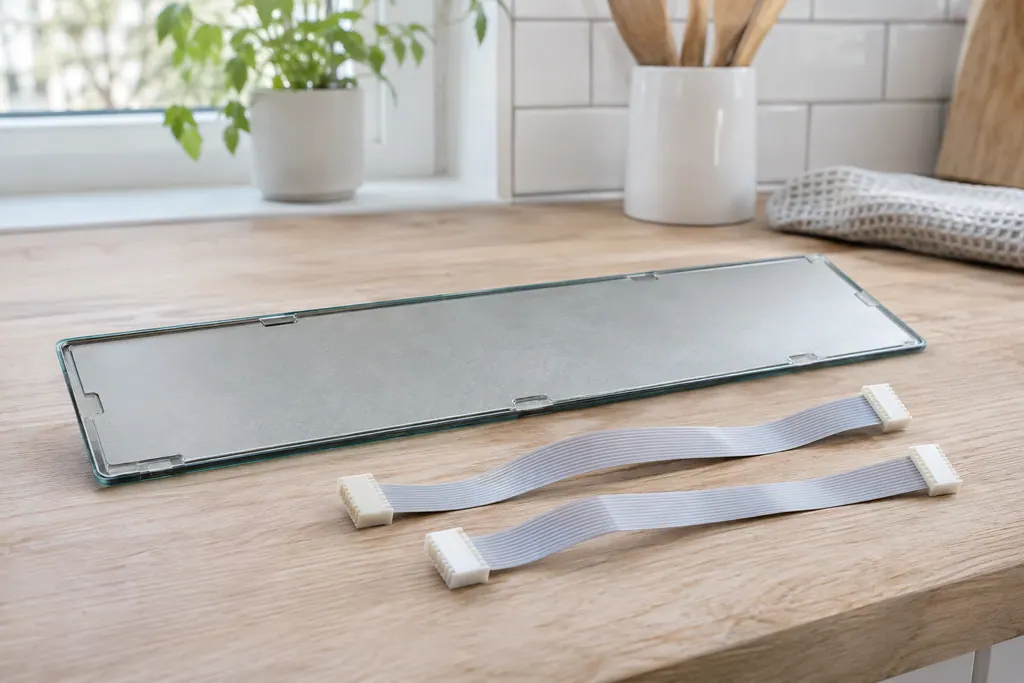
Oven touch panel cable
The touch panel is joined to the display board by two ribbon cables. Electrolux’s ES630 sheet uses F14 for a misconnected keyboard cable there. The 2017 modular sheets print no F14 and use F01 to F05, F28 and F29 for touch panel problems.
Read the related care guide.
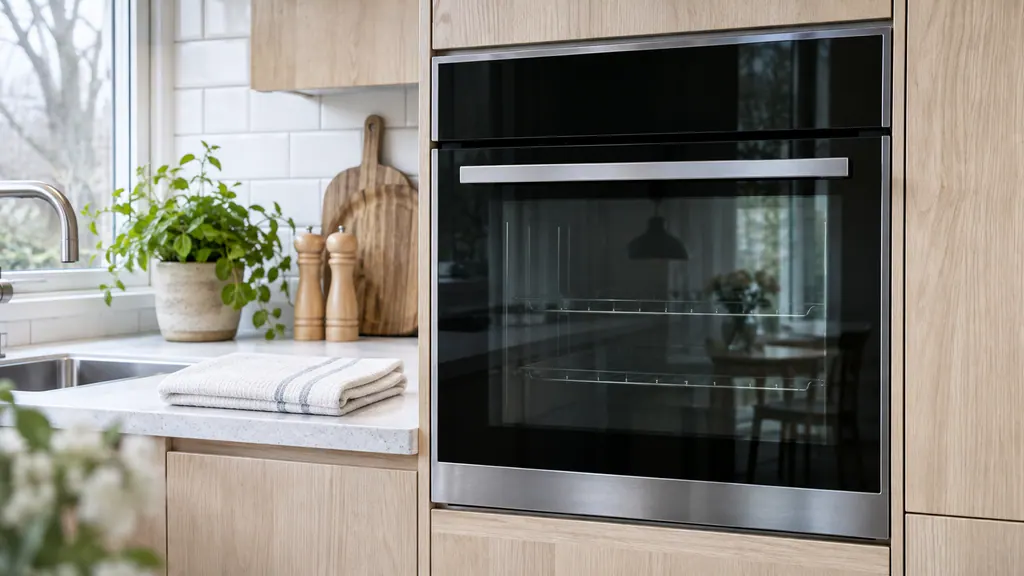
F14 or F15 on the oven? Check which control you have.
F14 appears only on the ES630 oven control and means a misconnected keyboard cable. F15 means a failed controller self check on the ES630 but a keyboard error on the 2017 modular control, so your model number decides which row applies. Switch the oven off for 30 seconds, then book a technician if it comes back.
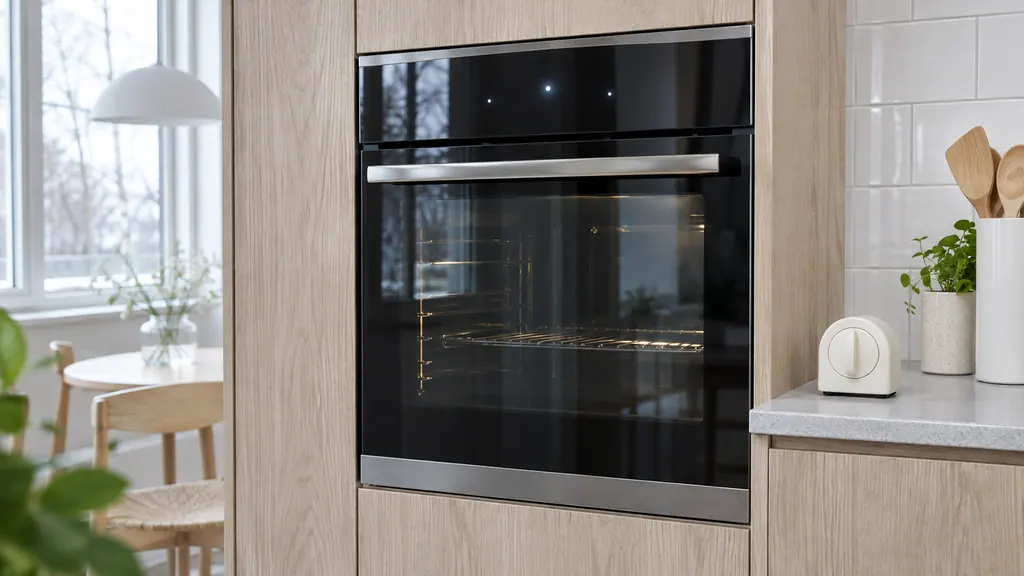
Oven keys or display acting up? Start with lock, demo and a reset.
The Owner Center explains Electrolux oven clock and display settings in video articles with no written steps, so use your Use & Care guide for those. In writing, it covers locked controls, demo mode and a 30-second power reset, and the oven sheets cover keypad codes F11, F13, F14 and F15.
When observation becomes a service request.
Leave internal testing to a technician.
If the lamp stays off after a power reset, or F23 returns, book a technician. Give us the model number so we know whether you have an ES630 or a modular control.
Arrange a diagnosticSources and model boundaries.
These sources back the Electrolux oven light not working guidance. Use the manual for your own model.
- Service Data Sheet, p/n 807436903, "Appliance with ES630 Electronic Oven Control" (EW30EW65PS)
- Service Data Sheet, p/n A00980644, "Electric wall ovens with modular oven controls" (EI30EW38TS)
- Ranges - What do the indicator lights on my range mean? (KB 1847370)
Follow the guide for your exact model. Consult how we research these pages.
Does Electrolux give steps to change an oven bulb?
Not in the written articles we checked. Follow your use and care manual, and switch the oven off and let it cool before you reach in.
What is F23 on an Electrolux oven?
On ES630 ovens, the controller failed to communicate with the oven lights control board. On modular ovens, it is a communication failure with the touch panel.
Why does the cooktop light stay on after cooking?
Electrolux says the hot surface light stays on until the glass cooktop has cooled to a moderate level. It is separate from the oven lamp.
Will a power reset bring the light back?
It can clear a communication error. Disconnect the oven for 30 seconds and restore power. If the lamp is still off, book a visit.
Codes, symptoms, parts and service
Link the message to what to do next.
F23
F23 is a communication error whose meaning depends on the control. On the ES630 the controller cannot talk to the oven lights control board; on the 2017 modular control the interface board cannot talk to the glass touch panel. Reset power, then book a technician.
Electrolux oven clock, timer or display problems
The written Electrolux articles say little about setting the clock or timer, since its display-settings guide is a video. What they do cover is a display or keypad that acts up: a stuck key (F11), memory and cable errors (F13, F14, F15), Demo mode and a power reset.
Oven repair
Book a diagnostic for your model at the appliance.
Find your metro
Office details and the access information to pass on.