What it means
F43 applies to Electrolux's ES630 oven control only and means the cooling fan is turning too slowly. The display board reads the fan's speed and finds it abnormal. Modular ovens print F45 for the same condition. Book a technician.
Electrolux oven F43 / Cooling fan
F43 applies to Electrolux's ES630 oven control only and means the cooling fan is turning too slowly. The display board reads the fan's speed and finds it abnormal. Modular ovens print F45 for the same condition. Book a technician.
Also shown as F43
F43 applies to Electrolux's ES630 oven control only and means the cooling fan is turning too slowly. The display board reads the fan's speed and finds it abnormal. Modular ovens print F45 for the same condition. Book a technician.
The sheet's test is to start a bake and check, in the first 15 seconds, whether air flows through the vent above the upper oven door.
F43 returns or no air flows from the vent above the door.
Your checklist, kept on this device
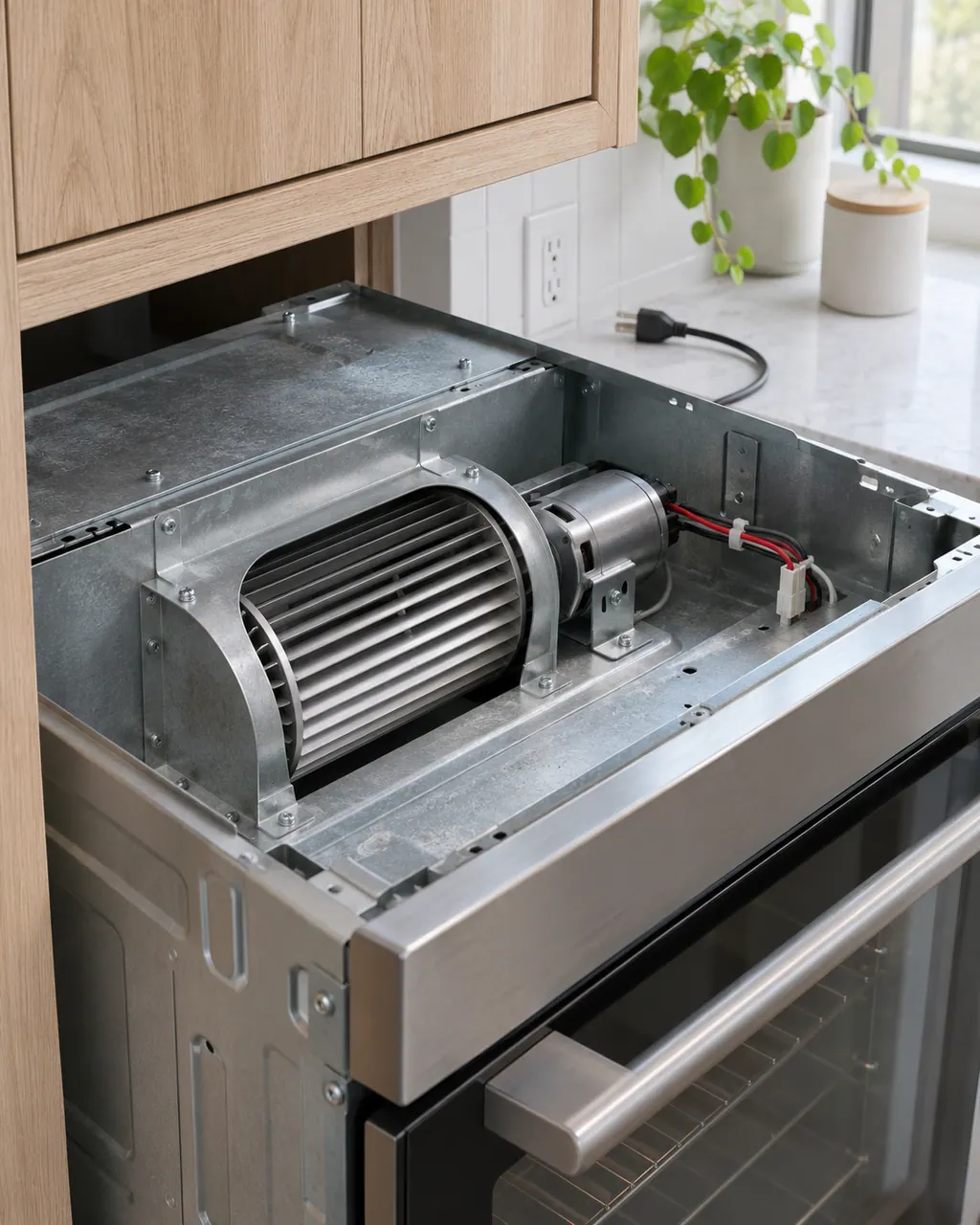
The sheet's test is to start a bake and check, in the first 15 seconds, whether air flows through the vent above the upper oven door.
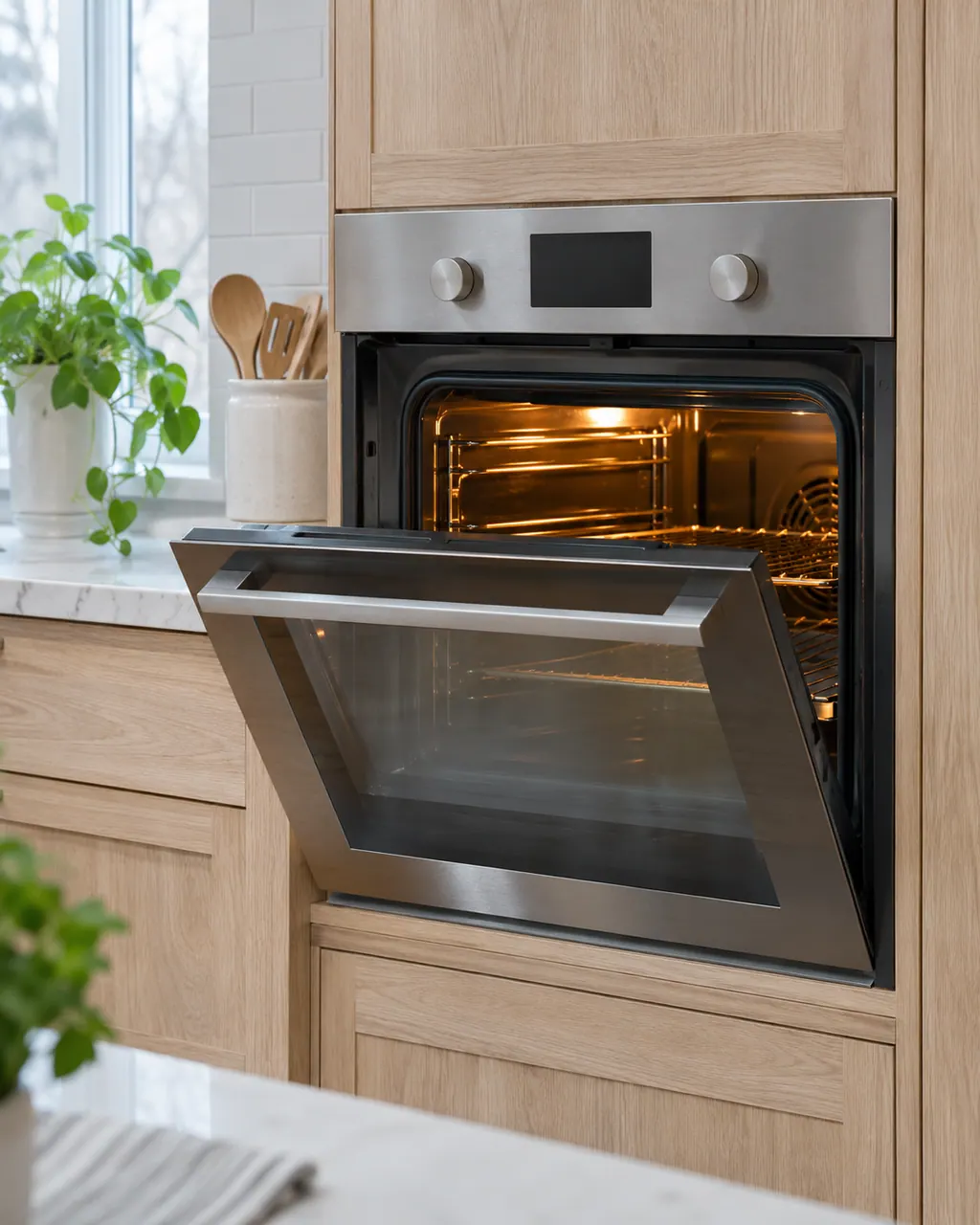
Leave the breaker off for 30 seconds before turning it on again, then restore it and try again.
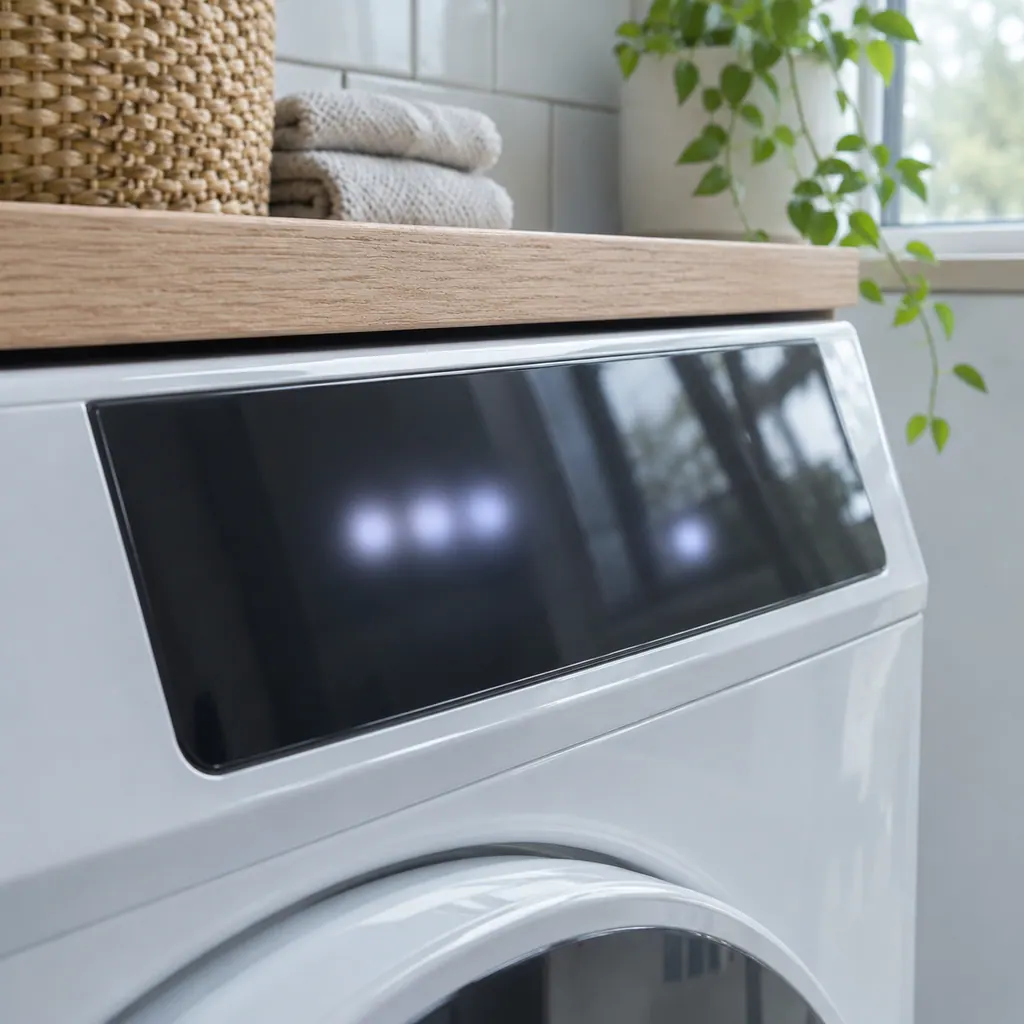
Make sure nothing covers the vent above the door.

The fan and sensor sit in the oven's upper section.
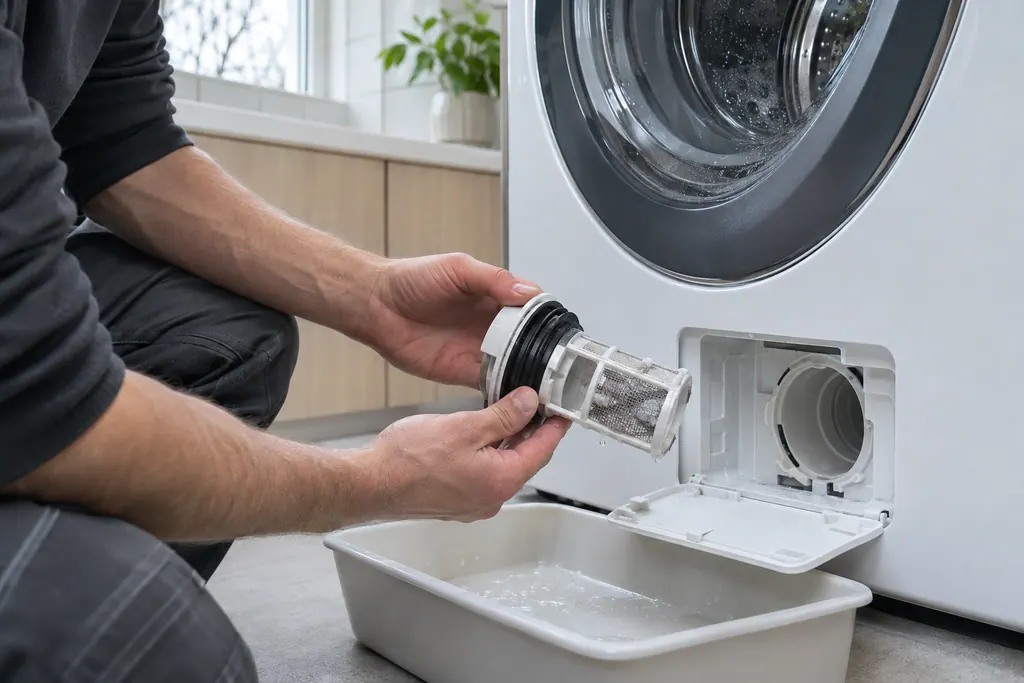
The sheet separates a fan that is not turning from a speed sensor that is misread, and checks 120VAC at the fan.
Send us the model and the checks you have done, and open your request here.
Book a visit
A simplified drawing, since layouts differ between models. Pick an outlined part for its photo and the related check.
Component reference
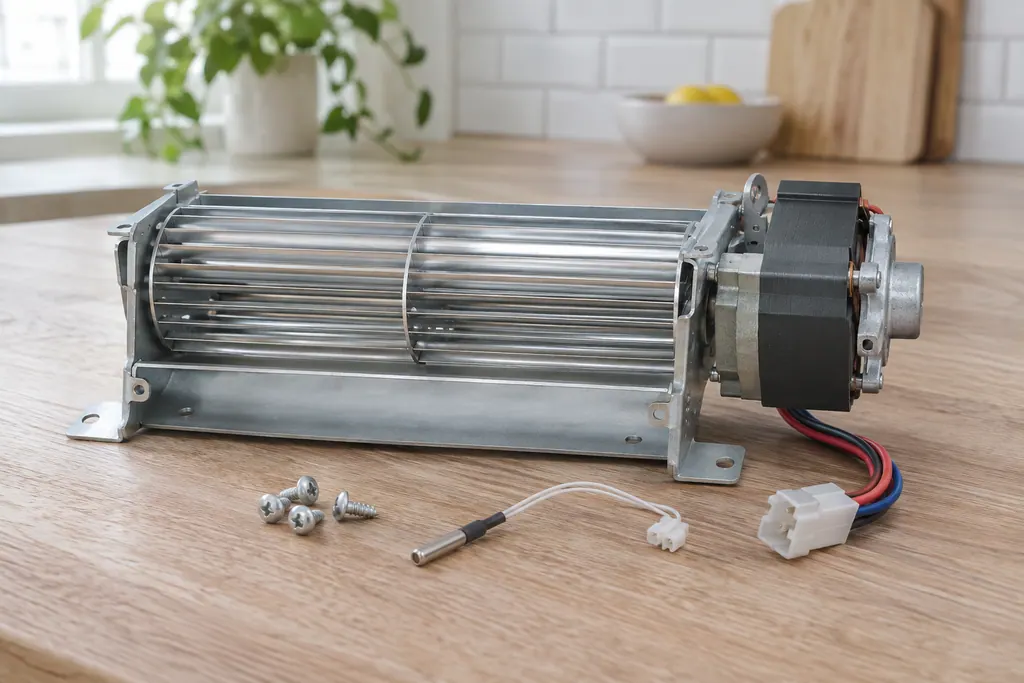
The cooling fan keeps the oven’s outer cabinet from overheating.
Read the definitionThe display board reads the cooling fan's tachometer and finds the speed abnormally slow. The sheet puts the F43 trigger at below about 700 RPM.
Read the supporting manualWhether the fan is turning slowly or not at all, or whether the speed sensing is wrong. If the fan turns normally but F43 appears, the sensor connection is checked.
Read the supporting manualYes, the sheet describes one that shows the fan speed in RPM. It is a technician procedure.
Read the supporting manualF45, cooling fan speed too low. F43 is only on the ES630.
Read the supporting manualManufacturer document
Electrolux (technician sheet; retailer-hosted copy)
Models: EW30EW65PS
p/n 807436903 (Rev A 13/04) / PDF p.1 (EOC code descriptions)
Manufacturer document
Electrolux (technician sheet; retailer-hosted copy)
Models: EW30EW55PS
p/n 807436904 (Rev A 13/04) / PDF p.1
Manufacturer document
Electrolux (technician sheet; retailer-hosted copy)
Models: EW30DS80RS
p/n 807880710 EN (Rev A 16/02); 807880711 FR (Rev A 16/03) / PDF p.1
Manufacturer document
Electrolux (technician sheet; retailer-hosted copy)
Models: EI30EW38TS
p/n A00980644 Rev A (2017/05) / PDF p.1 (F45)
Row F43 of the ES630 sheets (807436903, 807436904, 807880710). The modular sheets print F45 for the same condition.
Not for long. The cooling fan protects the oven's electronics from heat.
No. F44 is a cooling fan that is running too fast, while F43 is one running too slow. Both appear on the ES630 control only.
If the fan has 120VAC but does not turn, the sheet replaces the fan motor.
For F43, the model number and whether you can hear or feel the fan.
Codes, symptoms, parts and service
F44 applies to Electrolux's ES630 oven control only and means the cooling fan is running too fast. The display board reads the speed and flags it. Modular ovens print F46 for the same condition. Book a technician.
The written Electrolux articles say little about setting the clock or timer, since its display-settings guide is a video. What they do cover is a display or keypad that acts up: a stuck key (F11), memory and cable errors (F13, F14, F15), Demo mode and a power reset.
The cooling fan keeps the oven’s outer cabinet from overheating. The ES630 sheet reads its speed through a tachometer: F43 means too slow and F44 too fast. The 2017 modular sheet uses F45 for too low and F46 for too high.
Book a diagnostic for your model at the appliance.
Office details and the access information to pass on.