Electrolux oven F01-F05 / Touch panel

Electrolux oven
error F01-F05

Oven / display referenceF01-F05

F01, F02, F04 and F05 are touch panel failures on Electrolux's modular wall oven control, and F03 means the user interface board is incorrectly configured. Leave the breaker off for 30 seconds before turning it on again. If the code returns at power-up, book a technician.
Also shown as F01-F05

Last reviewed

Oven / display referenceF01-F05
Meaning
F01, F02, F04 and F05 are touch panel failures on Electrolux's modular wall oven control, and F03 means the user interface board is incorrectly configured. Leave the breaker off for 30 seconds before turning it on again. If the code returns at power-up, book a technician.
Who handles it
Technician
Related codes
Source
Service Data Sheet, p/n A00980644, "Electric wall ovens with modular oven controls" (EI30EW38TS)

What Electrolux oven F01-F05 means.

What it means

F01, F02, F04 and F05 are touch panel failures on Electrolux's modular wall oven control, and F03 means the user interface board is incorrectly configured. Leave the breaker off for 30 seconds before turning it on again. If the code returns at power-up, book a technician.
What you can safely check

The sheet's first step is to disconnect power, wait 30 seconds and reapply it.

When to call a technician

The code returns at power-up after a 30-second reset.

Your checklist, kept on this device

Safe checks, in order.

0 of 5 checks done
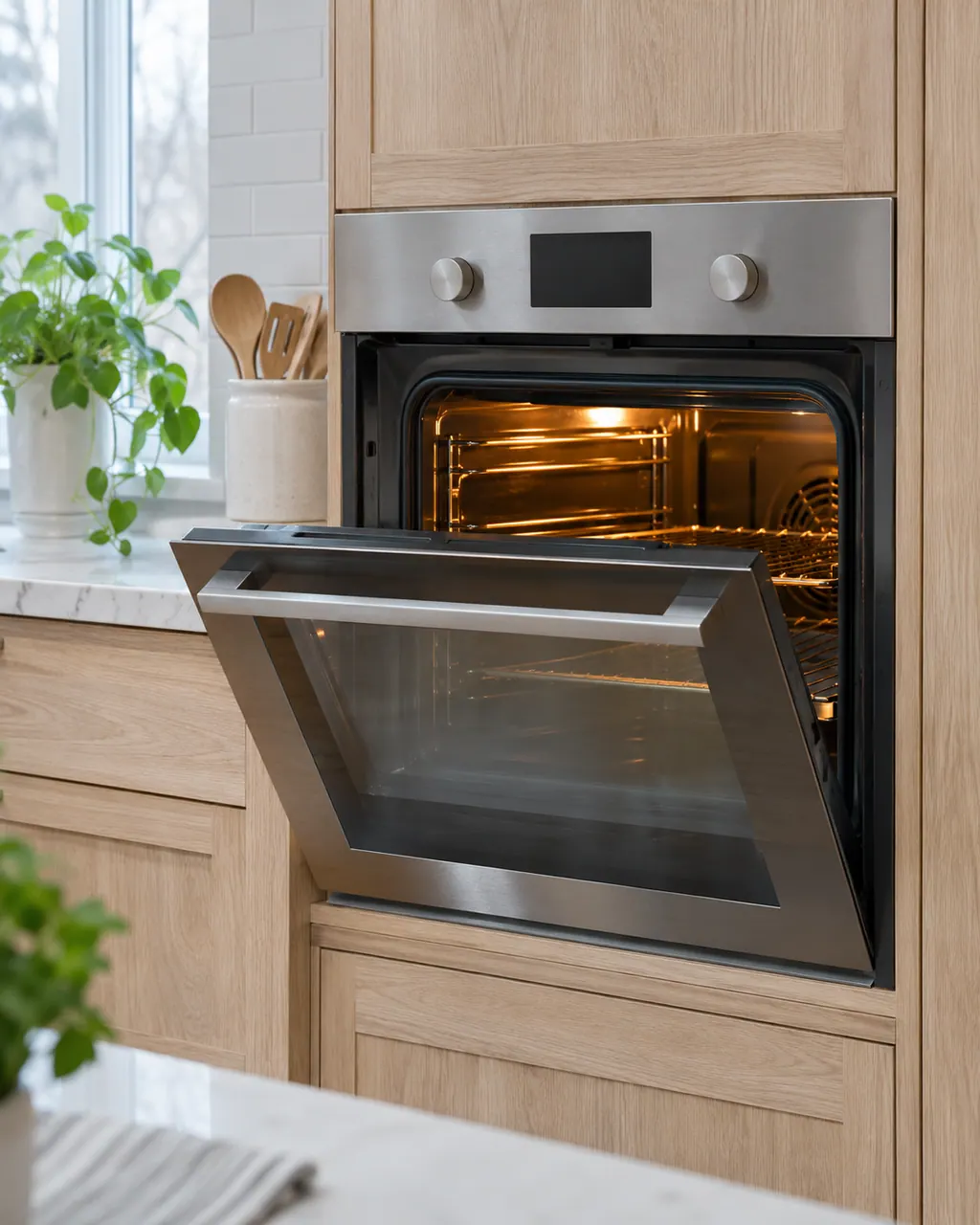
  1. Electrolux oven F01-F05: Ranges & ovens in a thoughtfully designed home
    Illustration. Follow your model’s instructions.
    Before you begin

    Switch the oven off at the breaker

    The sheet's first step is to disconnect power, wait 30 seconds and reapply it. Use the breaker if you cannot reach the plug.

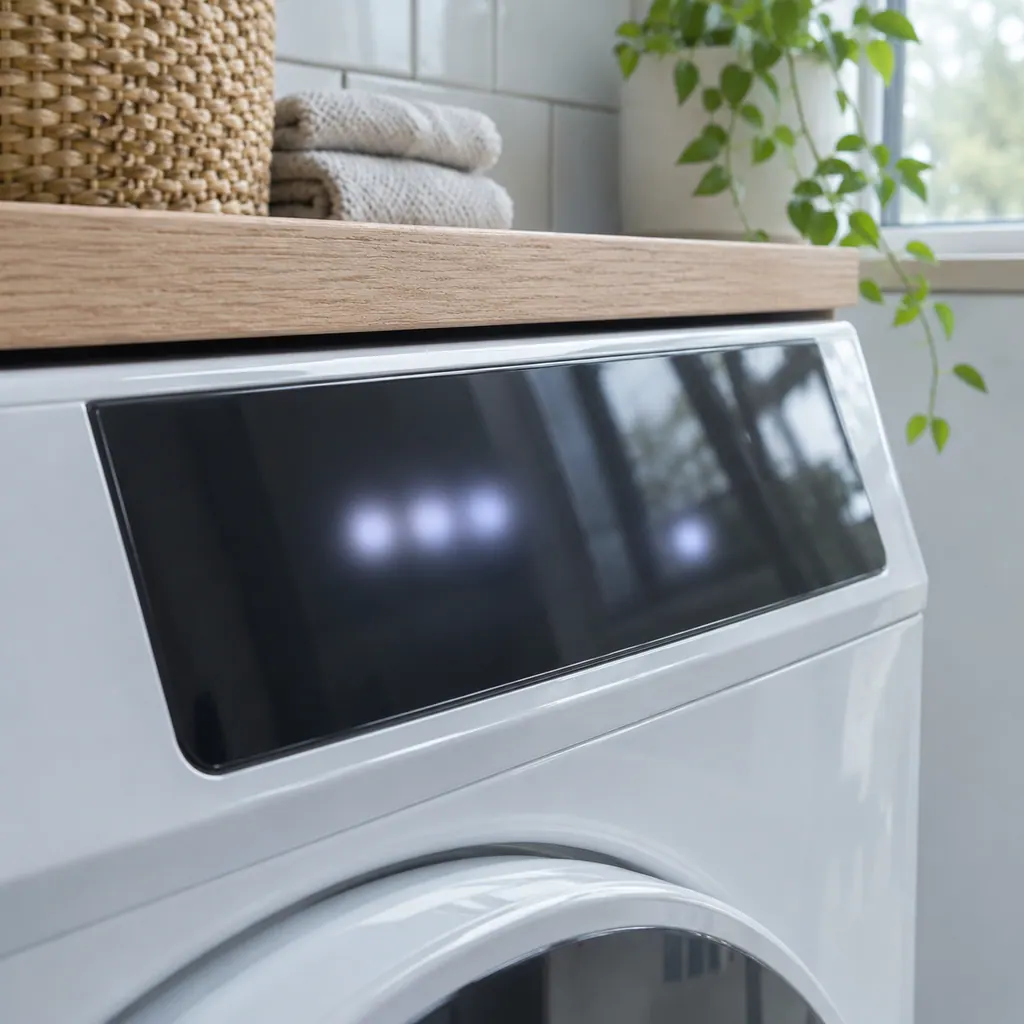
  2. A dark glass touch panel on a white front-load dryer, the display unlit
    Illustration. Follow your model’s instructions.
    Check 2

    Watch the power-up

    Note whether the code appears at once or after a few minutes. The sheet says a return at power-up means the control assembly is faulty.

  3. Technician in navy coveralls holding a tablet with a blank checklist, a washer in the background.
    Illustration. Follow your model’s instructions.
    Check 3

    Keep the panel dry and clear

    Wipe the glass dry and clear anything resting on it. That does not fix a panel failure but rules out an obvious trigger.

  4. A technician inspecting a front-load washer pump filter
    Illustration. Follow your model’s instructions.
    Check 4

    Write down which code you see

    F01, F02, F04 and F05 share a row; F03 is separate. The exact code helps the visit.

  5. Illustration. Follow your model’s instructions.
    Check 5

    Book a visit

    The sheet replaces the control assembly, the user interface board together with the touch panel, and for F03 asks for the latest revision for the model.

Still showing F01-F05?

Send us the model and the checks you have done, and open your request here.

Book a visit

The touch panel and control.

Conceptual Range / oven sectionKeypad / touch panelControl boardElement wiring123
  1. 2Control board
  2. 3Element wiring

A simplified drawing, since layouts differ between models. Pick an outlined part for its photo and the related check.

Parts behind the message.

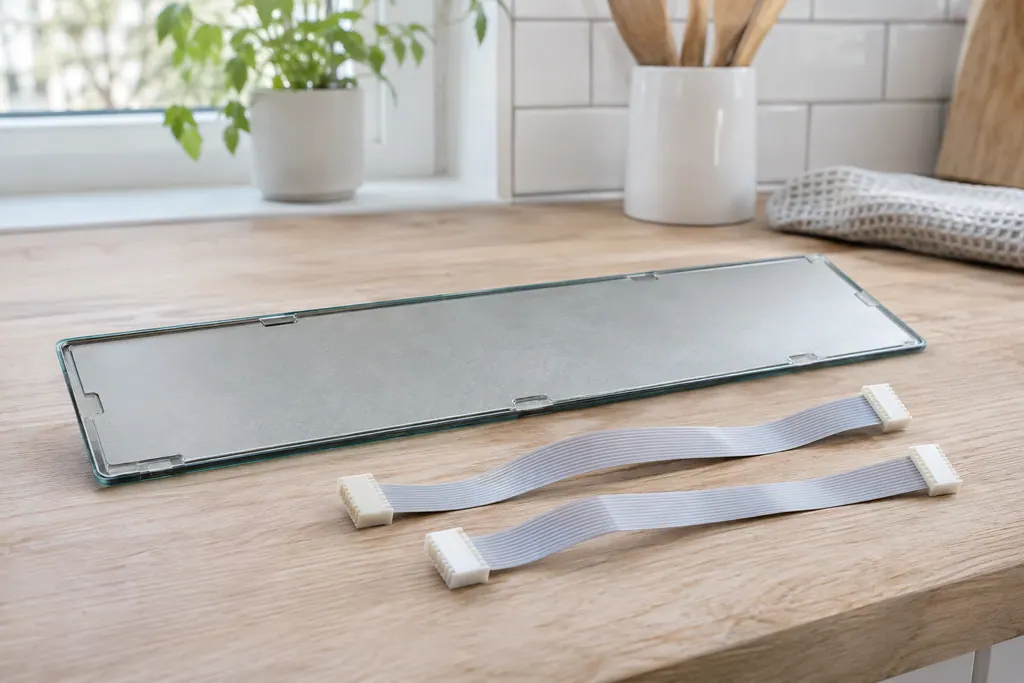
Thin glass touch panel lying face down beside two flat ribbon cables with white connectors.

Component reference

Oven touch panel cable

The touch panel is joined to the display board by two ribbon cables.

Read the definition
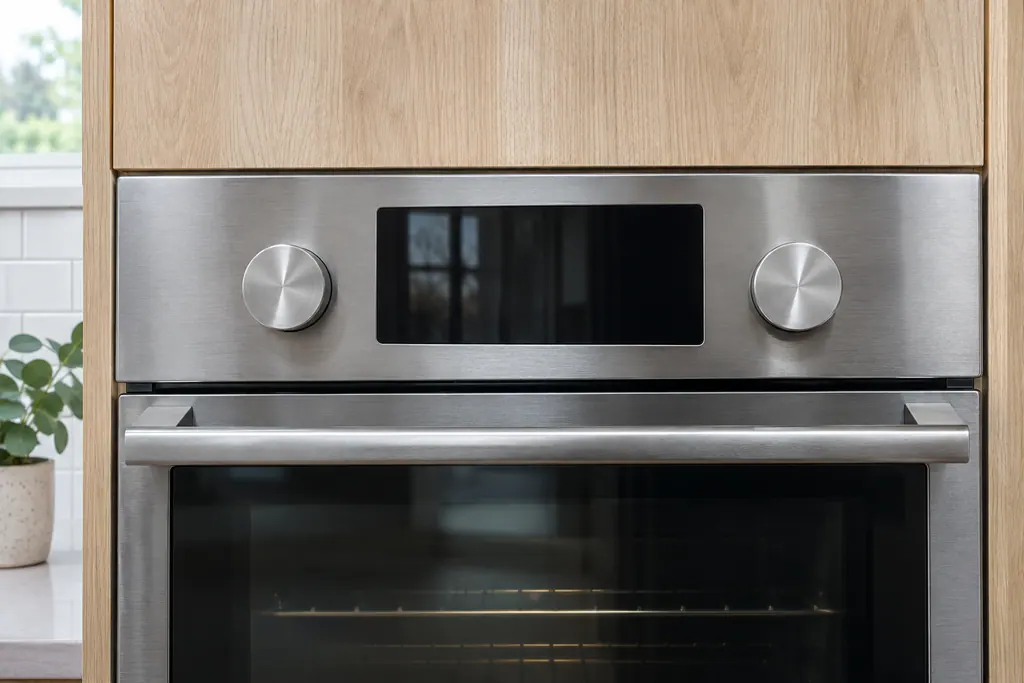
Stainless wall oven control area with two round knobs flanking a dark glass display panel, above the oven door handle

Component reference

Wall oven user interface board (modular control)

The oven user interface board, the UI or UIB, is part of the modular electronic oven control on a 2017 Electrolux wall oven.

Read the definition
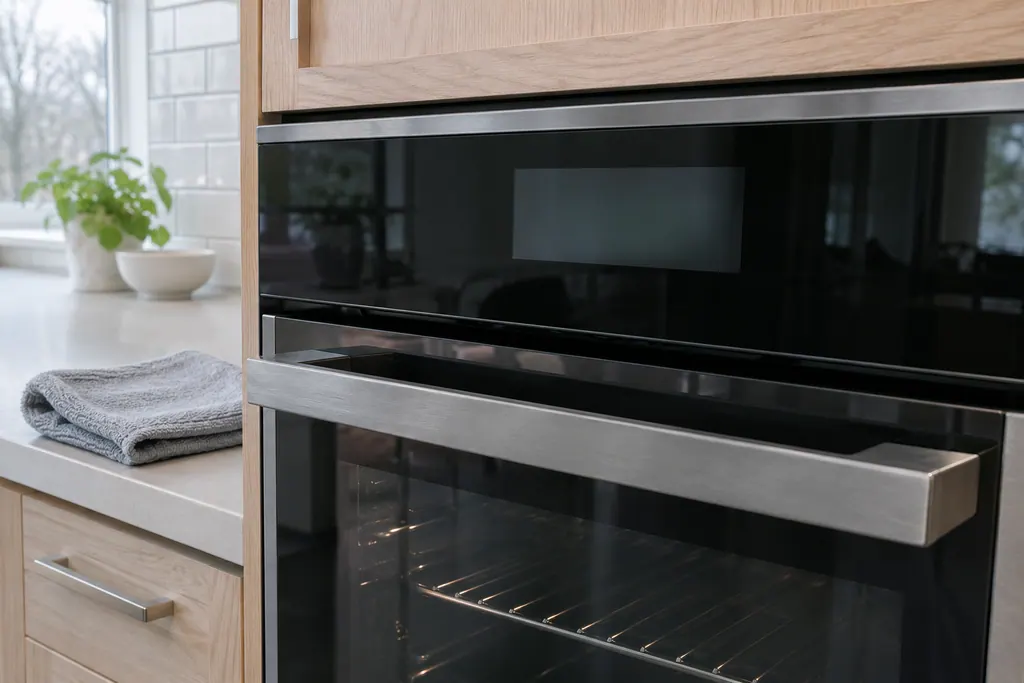
Built-in wall oven with a black glass touch panel and dim display above the door, and a folded gray cloth on the counter beside it

Component reference

Wall oven touch panel (glass touch panel)

The touch panel is the glass control surface on a 2017 Electrolux modular wall oven.

Read the definition

A little more context.

What do F01 to F05 mean?

F01, F02, F04 and F05 are listed together as touch panel failure. F03 is listed separately: the oven user interface board is incorrectly configured.

Read the supporting manual

What can I try first?

Disconnect power, wait 30 seconds and reapply it. If the code does not return, you can use the oven; if it returns at power-up, the sheet replaces the control assembly.

Read the supporting manual

Why does F03 mention the latest revision?

The sheet says to install the latest revision available for the model. A control assembly of the wrong revision may not match the oven's configuration.

Read the supporting manual

Do ES630 ovens have these codes?

The ES630 sheets we hold list F11 to F15 and later rows but not F01 to F05. Check your model before relying on this page.

Read the supporting manual

The manual behind the message.

Manufacturer document

Service Data Sheet, p/n A00980644, "Electric wall ovens with modular oven controls" (EI30EW38TS)

Electrolux (technician sheet; retailer-hosted copy)

Models: EI30EW38TS

p/n A00980644 Rev A (2017/05) / PDF p.1

Row F01 to F05 of the 2017 modular-control sheet for electric wall ovens with modular oven controls.

Here to help

Good questions.
Clear answers.

Talk to our team
Is F02 different from F01?

The modular sheet lists F01, F02, F04 and F05 under one touch panel failure row, so we cannot say they differ.

Can I keep cooking with F04 showing?

If the code clears after a power reset and does not return, yes. A code that returns at power-up means stop using the oven.

Does a cracked glass panel cause it?

The sheet does not say. A visibly damaged panel is still worth mentioning.

Before booking F01-F05, what helps?

For F01-F05, the model number, the exact code and whether it appears at power-up.

Let’s take care of it.

Premium appliances deserve
careful service.