What it means
AD is not an error. Electrolux's Owner Center dryer guide lists it as the Auto Dry setting, so seeing AD on the display means an automatic dryness cycle is selected. No repair is needed.
Electrolux dryer AD / Settings
AD is not an error. Electrolux's Owner Center dryer guide lists it as the Auto Dry setting, so seeing AD on the display means an automatic dryness cycle is selected. No repair is needed.
Also shown as AD
AD is not an error. Electrolux's Owner Center dryer guide lists it as the Auto Dry setting, so seeing AD on the display means an automatic dryness cycle is selected. No repair is needed.
The guide places AD in its list of codes as the Auto Dry setting, not as a problem.
Automatic cycles end damp or never finish.
Your checklist, kept on this device
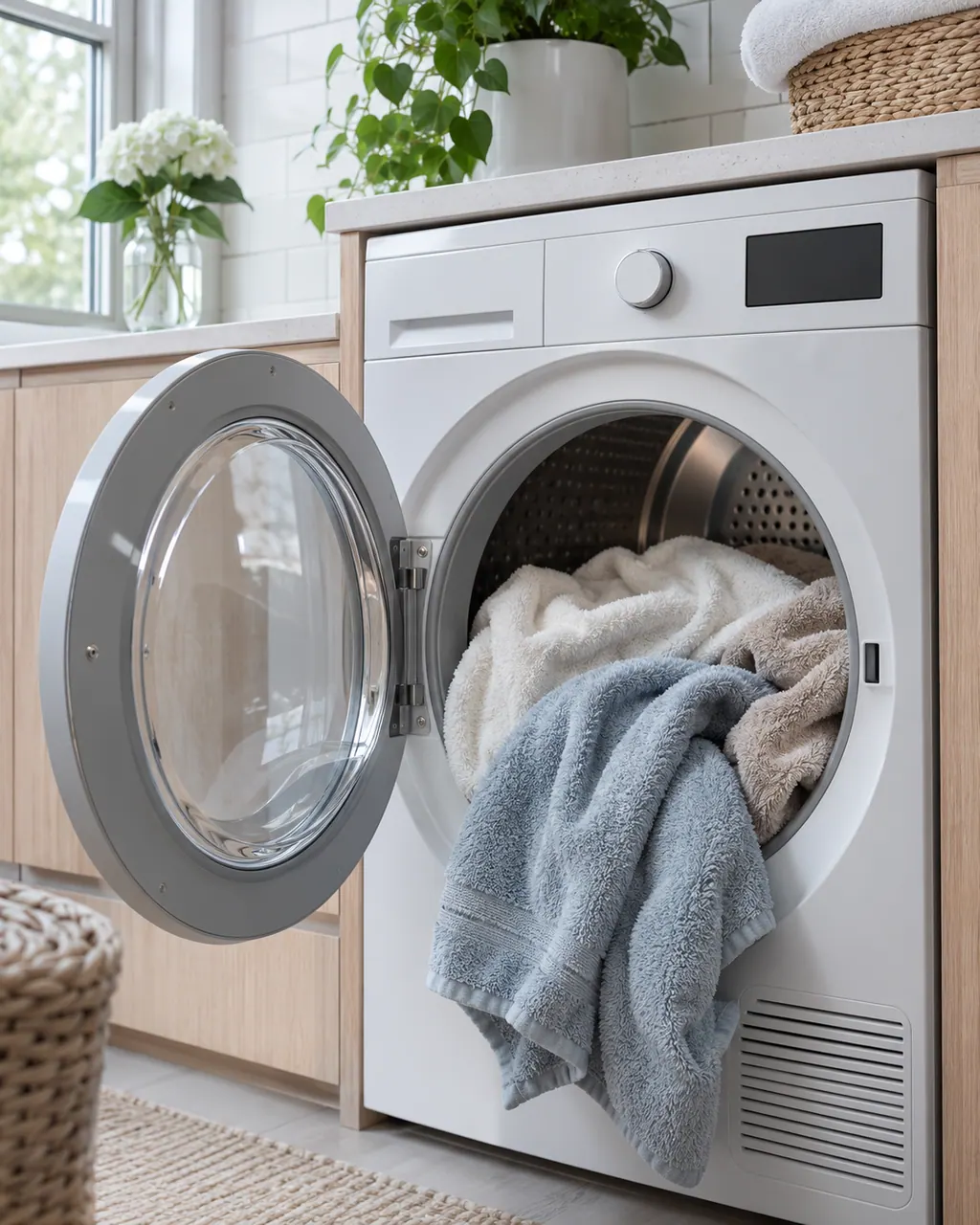
The guide places AD in its list of codes as the Auto Dry setting, not as a problem.
Electrolux's drying article suggests Normal Dry for most loads and More Dry for loads that need extra time. [2]

If the load comes out damp, make sure Air Fluff or a no-heat setting was not selected, since those tumble without warmth. [2]
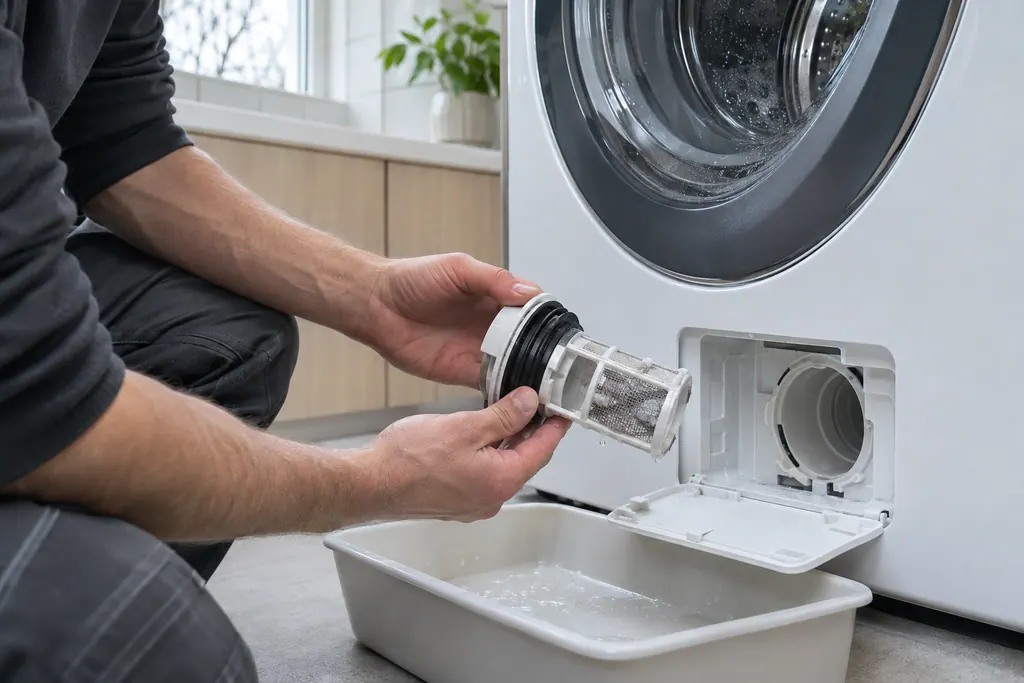
A clean screen helps automatic cycles end on time. [2]
If an automatic cycle ends damp every time or never ends, book us, and tell us AD was selected.
Send us the model and the checks you have done, and open your request here.
Book a visit
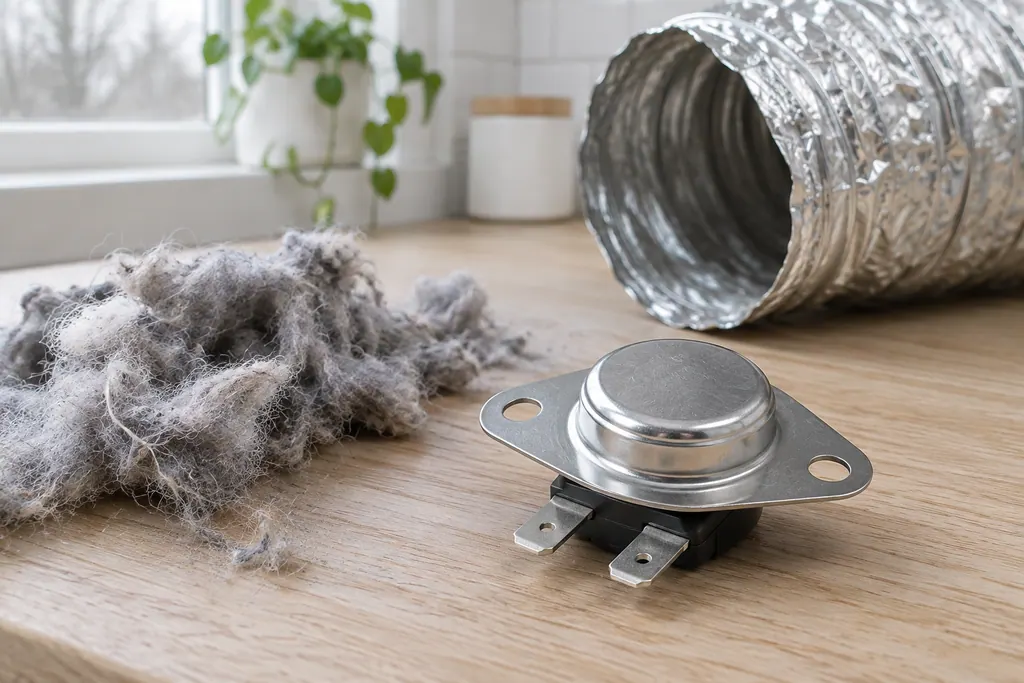
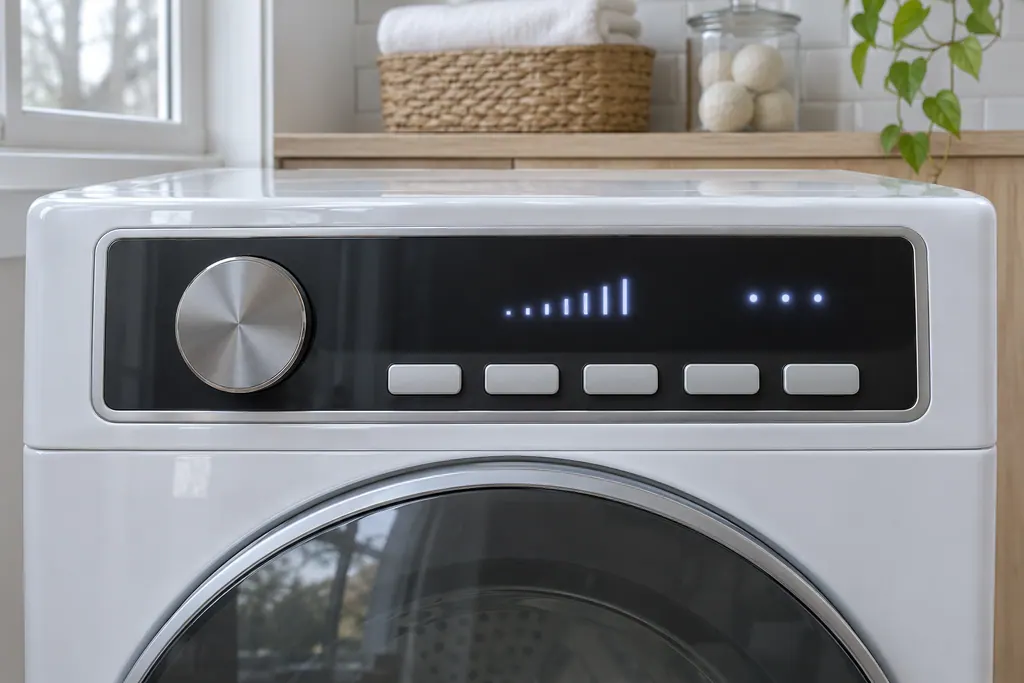
A simplified drawing, since layouts differ between models. Pick an outlined part for its photo and the related check.
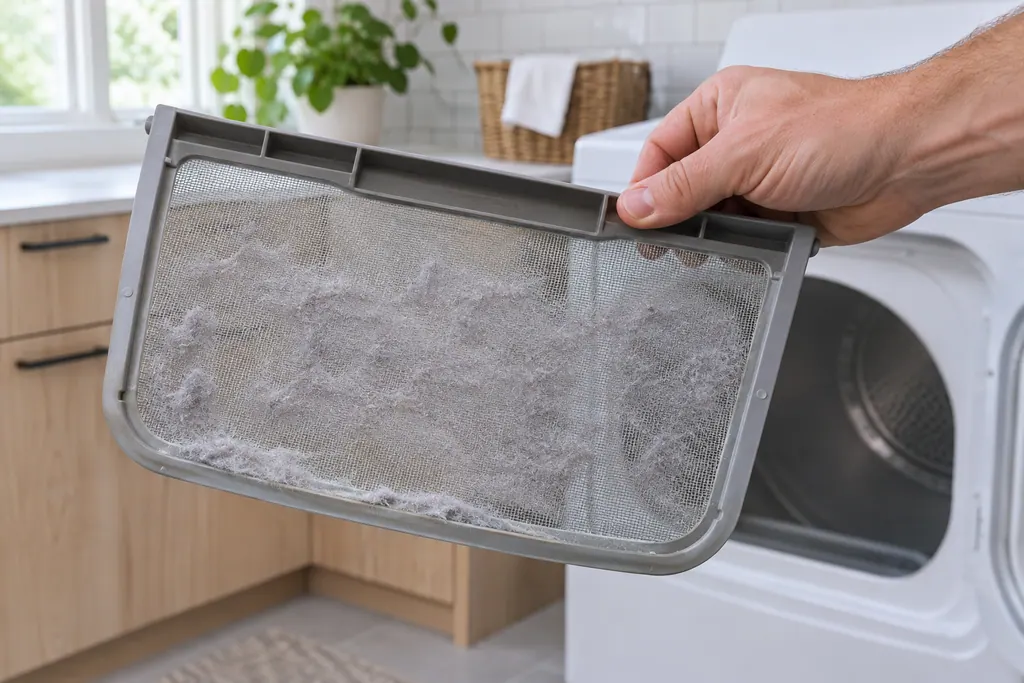
Component reference
The lint screen, also called the lint filter, catches lint from the air leaving an Electrolux dryer.
Read the definitionAD is the Auto Dry setting. The Owner Center dryer guide lists it beside the error codes but identifies it as a setting.
Read the supporting manualIt runs until the dryer senses dryness. Electrolux's article lists lint, humidity, load size and the supply voltage as reasons a dryer takes longer.
Read the supporting manualIndirectly. E 4 is the humidity sensor message, and automatic cycles depend on sensing. If E 4 appears, use a timed cycle.
Read the supporting manualWhen automatic cycles end damp or never finish. Then the cause is probably vents, sensors or settings.
Read the supporting manualManufacturer document
Electrolux / Owner Center knowledge base (owner.electrolux.com)
Owner Center article, cached 10.11.2026 (no edition date printed) / article text
Manufacturer document
Electrolux / Owner Center knowledge base (owner.electrolux.com)
Owner Center article, cached 10.11.2026 (no edition date printed) / article text
Electrolux's Owner Center dryer guide (KB 1820071) and the extended drying time article (KB 1853008). AD is a setting, not a failure.
There is no need. It is a normal setting. Pick a timed cycle if you want a fixed time.
The sources do not say. A dryer that ends when the load is dry avoids over-drying.
Check the heat setting, the load size and the lint screen first, as Electrolux advises. [2]
The guide does not equate them. Your own manual names the dryness levels for your model.
Codes, symptoms, parts and service
Most dryer noise has a simple source: coins or buckles in the drum, a loose pedestal, shipping bolts still in place or a dryer that is out of level. Electrolux also lists sounds that are normal, such as the chime at the end of a cycle.
The lint screen, also called the lint filter, catches lint from the air leaving an Electrolux dryer. Electrolux says to clean it before or after each load, because buildup blocks airflow and hurts drying. An EF1 code is the dryer's ventilation blockage message, and the lint filter is the first place its guide says to look.
Book a diagnostic for your model at the appliance.
Office details and the access information to pass on.