Inside the appliance
Dryer lint screen (lint filter). In plain English.
The lint screen, also called the lint filter, catches lint from the air leaving an Electrolux dryer. Electrolux says to clean it before or after each load, because buildup blocks airflow and hurts drying. An EF1 code is the dryer's ventilation blockage message, and the lint filter is the first place its guide says to look.
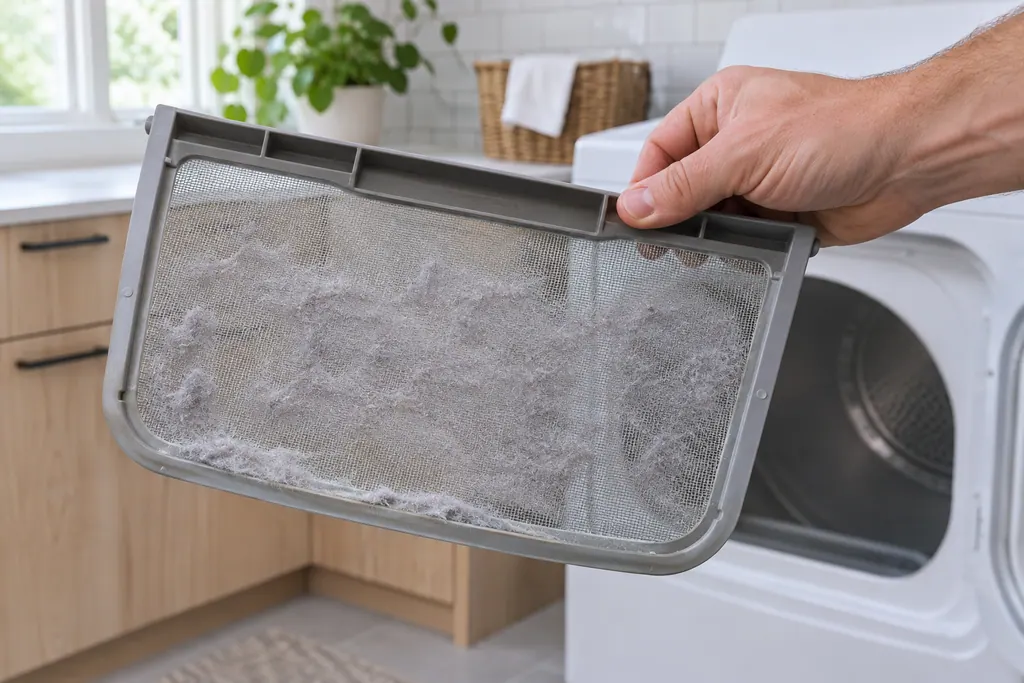
Where it fits.
Dryer lint screen (lint filter) in the appliance
Electrolux's articles do not say where the lint screen sits; check your dryer's use and care guide.
The image shows the type of component only. It does not select a replacement that fits your model.
What is different once this system needs attention.
Dryer lint screen (lint filter) concerns may show up with a drop in performance or a code that keeps returning. Testing comes first before anyone decides the component has failed.

Owner care, within the model instructions.
Power the appliance down and pull the plug before any owner check. Beware of standing water and sharp debris. Never touch a wet plug or electrical area, take off service panels, or step beyond your model’s owner guide.
- 1
Clean it every load
Remove the lint before or after drying each load.
- 2
Wash away residue
Wash the screen in warm, soapy water, then dry it thoroughly before putting it back.
- 3
Inspect the exhaust tube
If EF1 shows, unplug the dryer, pull it out gently and look for bends, kinks and blocks in the exhaust tube.
- 4
Clear the vent exit
Check where the vent leaves the house and remove any debris in the way.
- 5
Clean the whole vent
Electrolux suggests inspecting and cleaning the entire outdoor exhaust and venting every 18 months.
Cleaning or replacement?
Leave internal testing to a technician.
EF1 returns with a clear filter, tube and vent exit.
Drying stays slow after the filter and vent are clean.
The installer needs to correct the vent run.
Arrange a diagnosticSee the neighboring components.
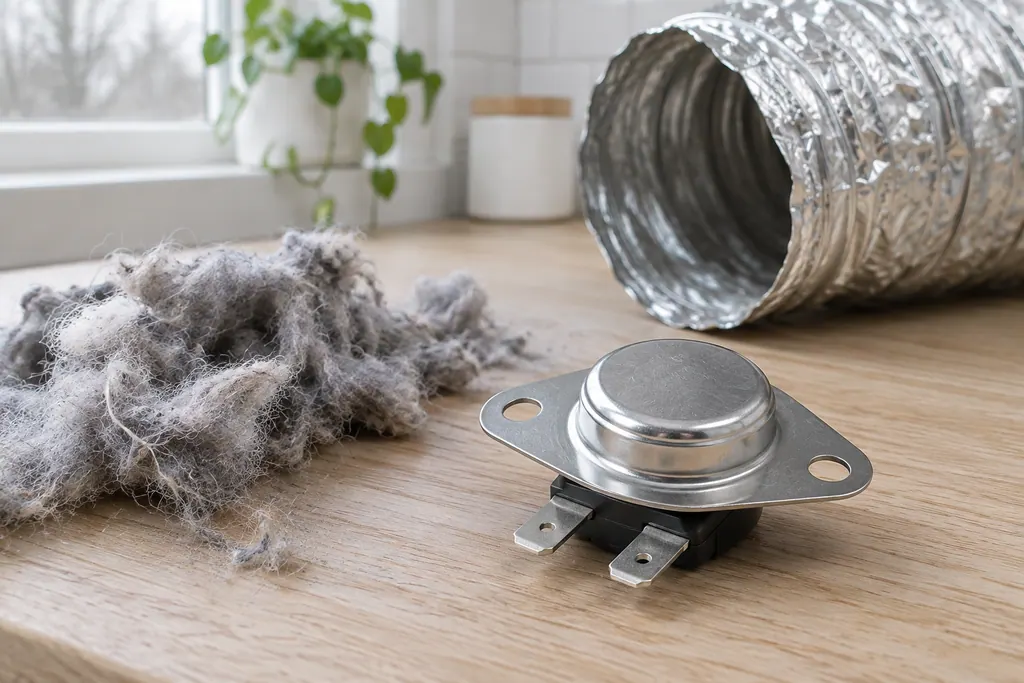
Dryer high-limit thermostat
The high-limit thermostat is a second temperature guard inside the dryer. Code E65 means the control has counted too many of its trips. Electrolux’s sheet blames a high vent restriction first, then the thermostat itself, then the inlet limiter on electric models.
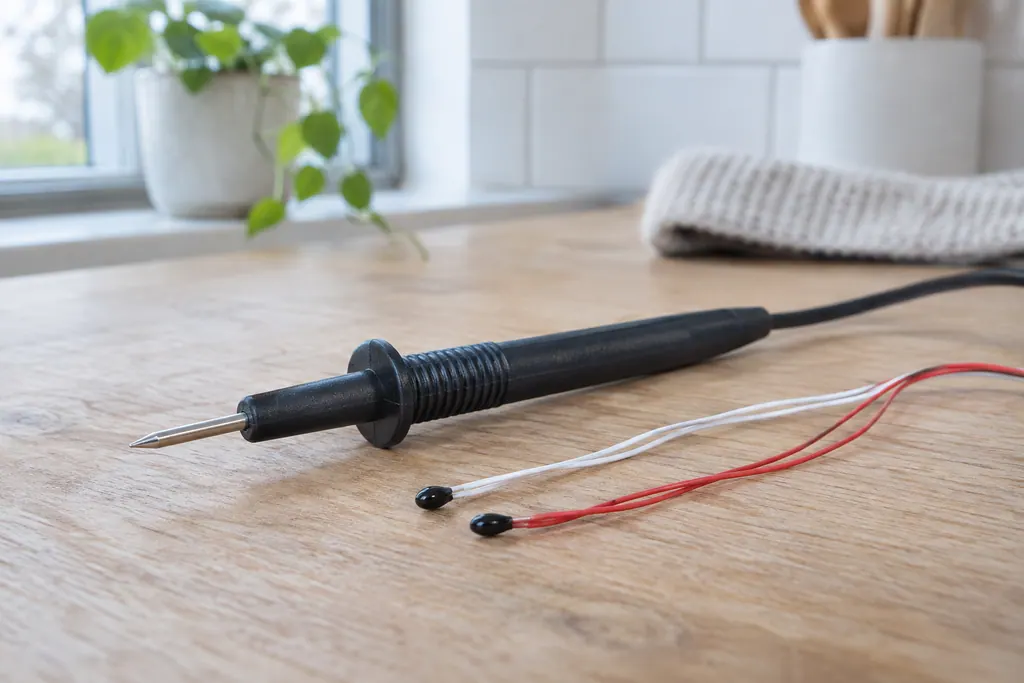
Dryer control thermistor
Control thermistors are the temperature sensors that tell the dryer how hot the air is. Electrolux’s sheet names an outlet, an inlet and an exhaust thermistor. E71 to E74 mean an open or shorted sensor circuit, and EF1 and EF3 list them among the causes.
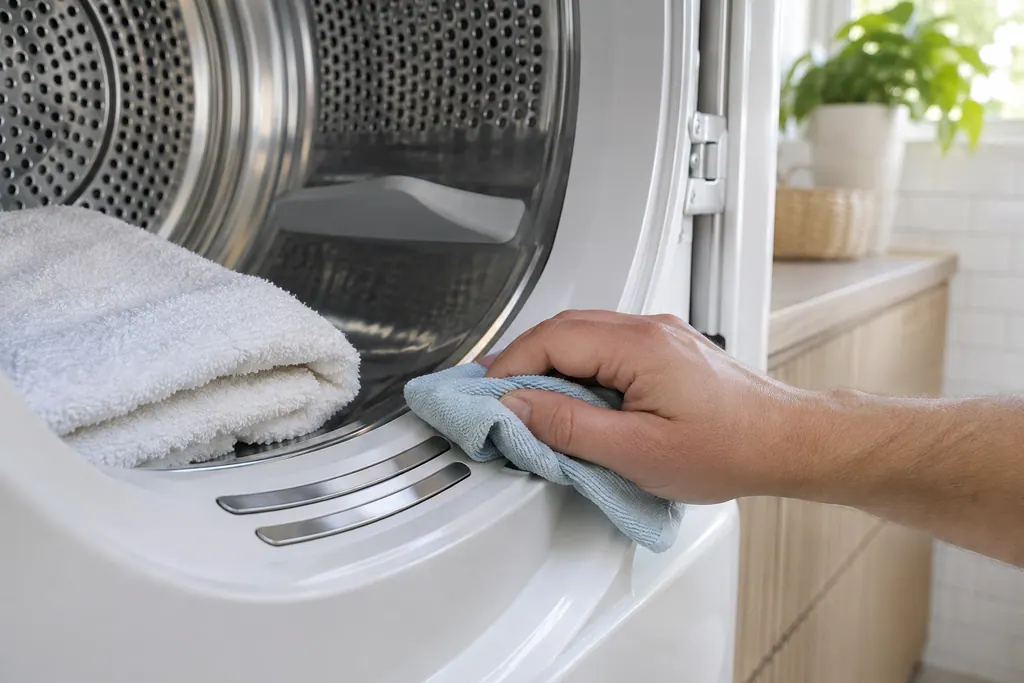
Dryer contact sensor
The contact sensor reads how damp the load is. Electrolux’s dryer sheet labels its test row “MOIST. BARS” and ties E31 and E32 to a frequency reading that is too high or too low. A foreign object touching the sensor is one listed cause.
Sources and model boundaries.
These sources back the Dryer lint screen (lint filter) guidance. Use the manual for your own model.
- Dryers - How often do I need to clean my dryer or the lint screen/filter to optimize my drying performance? (KB 1847456)
- Laundry Dryer Error Code Guide (KB 1820071)
Follow the guide for your exact model. Consult how we research these pages.
How often should I clean the lint screen?
Before or after each load. Electrolux says excessive lint buildup can block airflow and hinder drying performance.
Can I wash the lint screen?
Yes. Electrolux says to wash it in warm, soapy water to remove residue, then dry it thoroughly before replacing it.
What does EF1 mean?
The Electrolux guide calls it ventilation blockage, a known installation issue. Check the lint filter, the exhaust tube and the vent exit.
How often should the vent itself be cleaned?
Electrolux says to inspect and clean the entire outdoor exhaust and venting every 18 months.
Who fixes a vent installation problem?
The Electrolux guide says to contact your installer. If the vent is clear and EF1 persists, book a technician.
Codes, symptoms, parts and service
Link the message to what to do next.
EF1
EF1 on an Electrolux dryer means the vent is blocked. The chart calls it vent blocked and the Owner Center guide calls it ventilation blockage, a known installation issue. Clean the lint filter, check the exhaust tube and the vent exit.
Electrolux dryer noisy, rattling or shaking
Most dryer noise has a simple source: coins or buckles in the drum, a loose pedestal, shipping bolts still in place or a dryer that is out of level. Electrolux also lists sounds that are normal, such as the chime at the end of a cycle.
Dryer repair
Book a diagnostic for your model at the appliance.
Find your metro
Office details and the access information to pass on.