Inside the appliance
Dryer contact sensor. In plain English.
The contact sensor reads how damp the load is. Electrolux’s dryer sheet labels its test row “MOIST. BARS” and ties E31 and E32 to a frequency reading that is too high or too low. A foreign object touching the sensor is one listed cause.
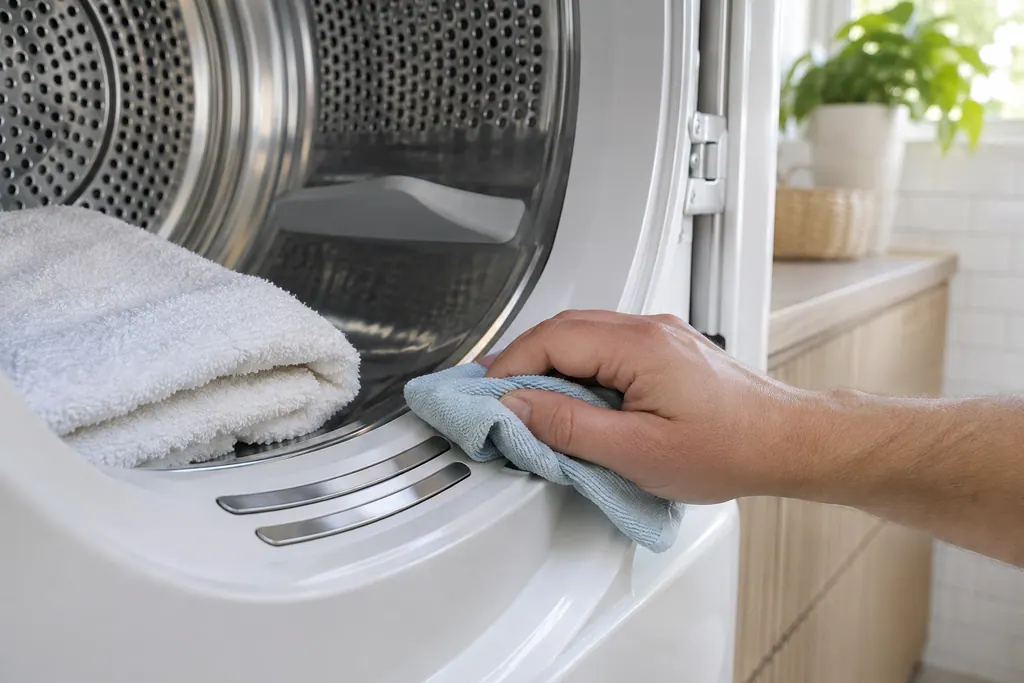
Where it fits.
Dryer contact sensor in the appliance
The articles do not place the bars. KB 1853008 sends you to your Complete Owner’s Guide to find them on your model.
The image shows the type of component only. It does not select a replacement that fits your model.
What is different once this system needs attention.
Dryer contact sensor concerns may show up with a drop in performance or a code that keeps returning. Testing comes first before anyone decides the component has failed.
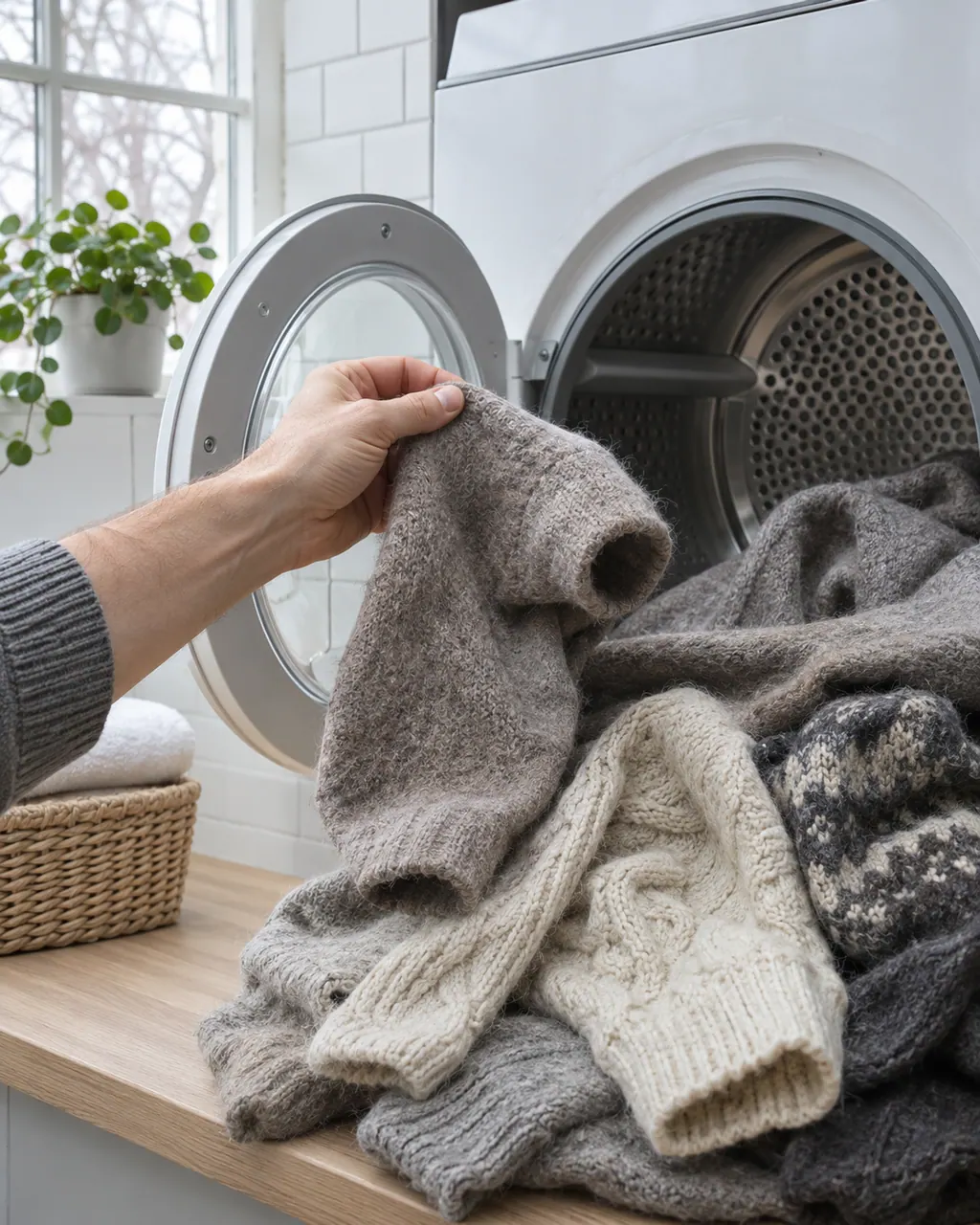
Owner care, within the model instructions.
Power the appliance down and pull the plug before any owner check. Beware of standing water and sharp debris. Never touch a wet plug or electrical area, take off service panels, or step beyond your model’s owner guide.
- 1
Wipe the moisture bars
KB 1853008 warns that softener sheets can coat the moisture sensor bars and stop them sensing wet clothes. Unplug the dryer and wipe the bars with rubbing alcohol.
- 2
Look for strays
The sheet lists a foreign object interfering with the sensor as a cause of E31 and E32. A small metal item left in the drum is worth checking for.
- 3
Do not overdry
KB 1853006 suggests Auto Dry in place of Timed Dry, and the fabric label’s directions, if clothes come out overdried.
- 4
Share the pattern
Tell the technician if clothes finish damp, finish too dry, or the cycle runs out its timer. EF3 on the sheet is a maximum timeout and also lists this sensor.
Cleaning or replacement?
Leave internal testing to a technician.
Book a technician if E31 or E32 shows after the bars are clean, or if EF3 appears with the vent clear.
Arrange a diagnosticSee the neighboring components.
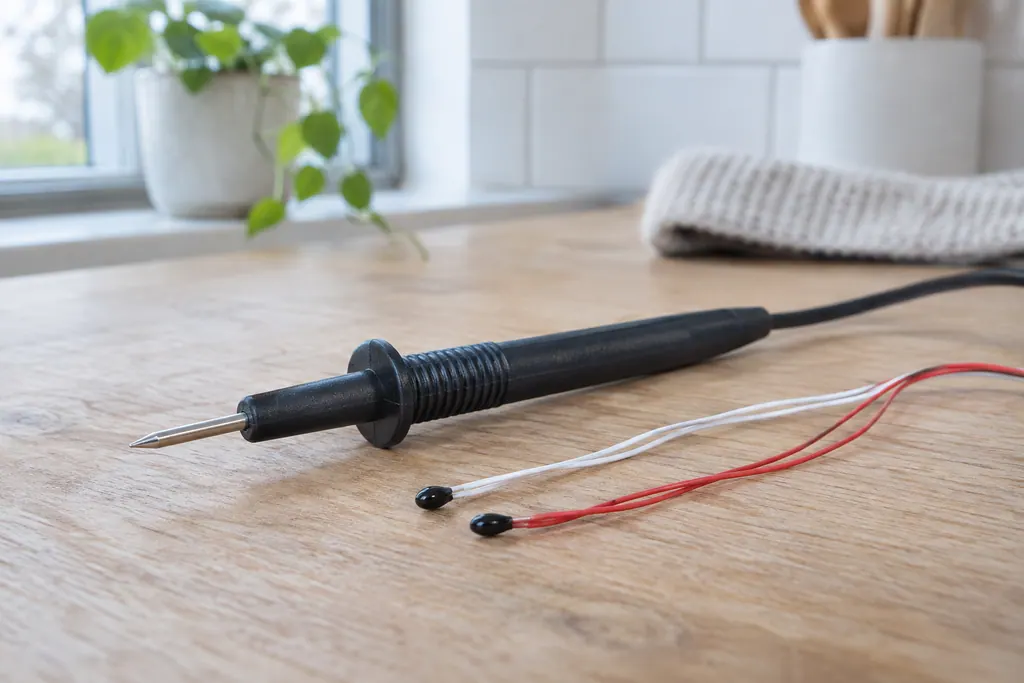
Dryer control thermistor
Control thermistors are the temperature sensors that tell the dryer how hot the air is. Electrolux’s sheet names an outlet, an inlet and an exhaust thermistor. E71 to E74 mean an open or shorted sensor circuit, and EF1 and EF3 list them among the causes.
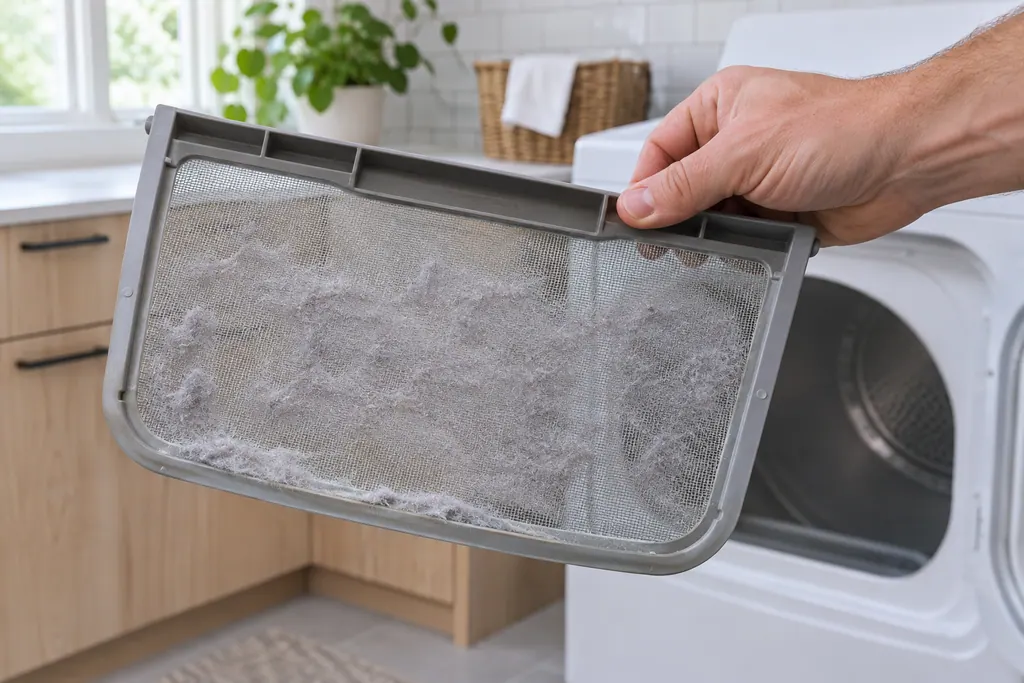
Dryer lint screen (lint filter)
The lint screen, also called the lint filter, catches lint from the air leaving an Electrolux dryer. Electrolux says to clean it before or after each load, because buildup blocks airflow and hurts drying. An EF1 code is the dryer's ventilation blockage message, and the lint filter is the first place its guide says to look.
Sources and model boundaries.
These sources back the Dryer contact sensor guidance. Use the manual for your own model.
- Dryer Tech Data Sheet, P/N 137265000B (1202)
- Dryer - Not Drying and Extended Drying Time (KB 1853008)
- My clothes seem to be over-dried. How can I prevent this? (KB 1853006)
Follow the guide for your exact model. Consult how we research these pages.
What do E31 and E32 mean?
E31 is a contact sensor frequency that is too high and E32 one that is too low. The sheet gives two causes: a defective control board or a foreign object near the sensor.
How does a technician test the sensor?
In diagnostic mode, position 2 asks the tester to touch fingers across the sensor and watch the display move from 1111 to 8888. 1111 stands for an open circuit and 8888 for a short.
Is a contact sensor the same as a moisture sensor?
In Electrolux’s sheet the sensor’s test row reads MOIST. BARS, and KB 1853008 refers to moisture sensor bars. They appear to be one part.
Why does the board get blamed?
The sheet’s fix is to check the sensor and its wiring first. If nothing is wrong there, the electronic control board is replaced.
Codes, symptoms, parts and service
Link the message to what to do next.
E31
E31 means the dryer's contact sensor reads a frequency that is too high, per Electrolux's dryer chart. Empty the drum and look for anything lodged against the sensor. If E31 returns with a clear drum, book a technician.
Electrolux dryer noisy, rattling or shaking
Most dryer noise has a simple source: coins or buckles in the drum, a loose pedestal, shipping bolts still in place or a dryer that is out of level. Electrolux also lists sounds that are normal, such as the chime at the end of a cycle.
Dryer repair
Book a diagnostic for your model at the appliance.
Find your metro
Office details and the access information to pass on.