Electrolux dryer EF3 / Airflow

Electrolux dryer
error EF3

Dryer / display reference

EF3 is a maximum timeout timer on Electrolux's dryer chart: the cycle ran to its time limit. The sheet lists a blocked exhaust first, then the exhaust or inlet thermistor, the contact sensor or the board. Check the vent, then book a technician.

Also shown as EF3

Last reviewed

Dryer / display reference
Meaning
EF3 is a maximum timeout timer on Electrolux's dryer chart: the cycle ran to its time limit. The sheet lists a blocked exhaust first, then the exhaust or inlet thermistor, the contact sensor or the board. Check the vent, then book a technician.
Who handles it
Owner checks first, then a technician
Related codes
Source
Dryer Tech Data Sheet, P/N 137265000B (1202)

What Electrolux dryer EF3 means.

What it means

EF3 is a maximum timeout timer on Electrolux's dryer chart: the cycle ran to its time limit. The sheet lists a blocked exhaust first, then the exhaust or inlet thermistor, the contact sensor or the board. Check the vent, then book a technician.

What you can safely check

A clogged screen is the simplest cause of a cycle that never finishes.

When to call a technician

EF3 returns after the vent and sensors are cleaned.

Your checklist, kept on this device

Safe checks, in order.

0 of 5 checks done
  1. Electrolux dryer EF3: Dryers in a thoughtfully designed home
    Illustration. Follow your model’s instructions.
    Before you begin

    Clean the lint screen

    A clogged screen is the simplest cause of a cycle that never finishes. [2]

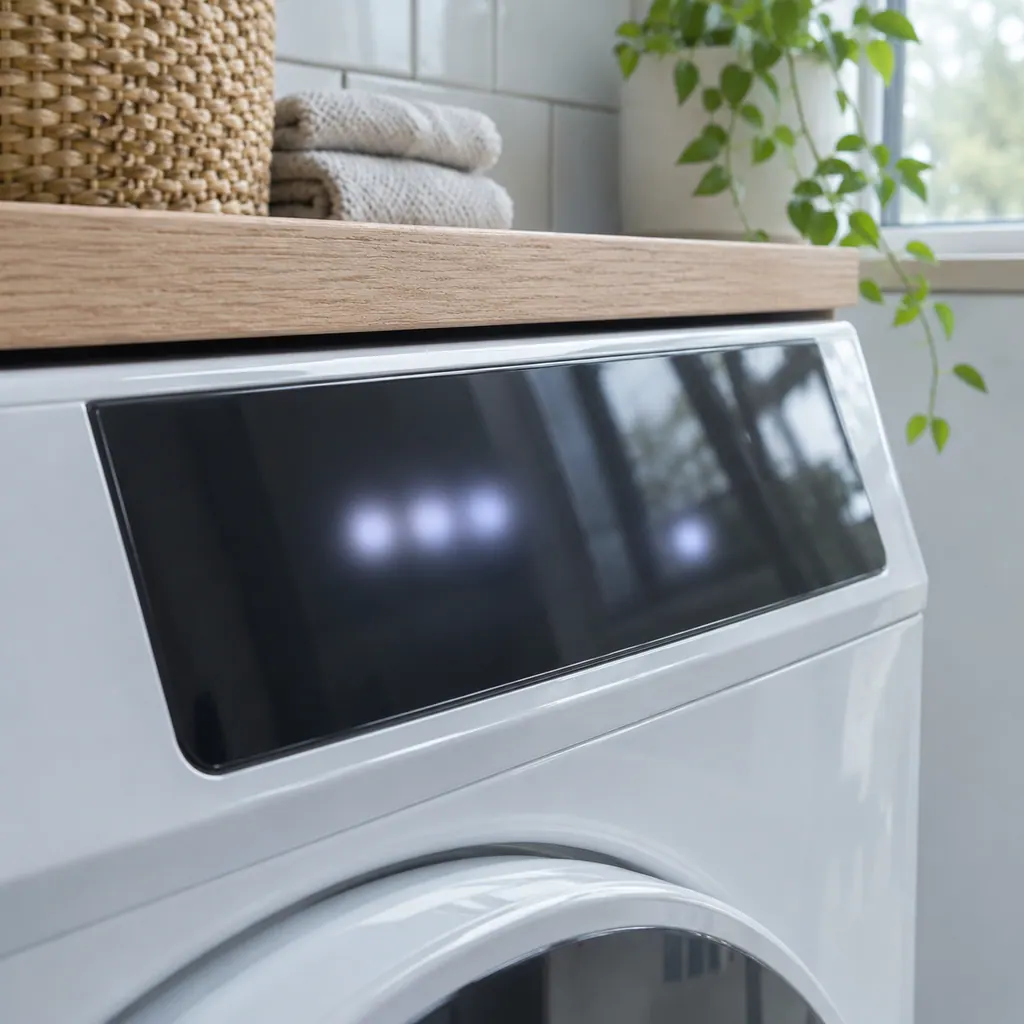
  2. A dark glass touch panel on a white front-load dryer, the display unlit
    Illustration. Follow your model’s instructions.
    Check 2

    Check the exhaust run

    Unplug the dryer and look for kinked duct or a blocked outdoor hood.

  3. Technician in navy coveralls holding a tablet with a blank checklist, a washer in the background.
    Illustration. Follow your model’s instructions.
    Check 3

    Dry a smaller load

    Electrolux says an overloaded or underloaded dryer takes longer. [2]

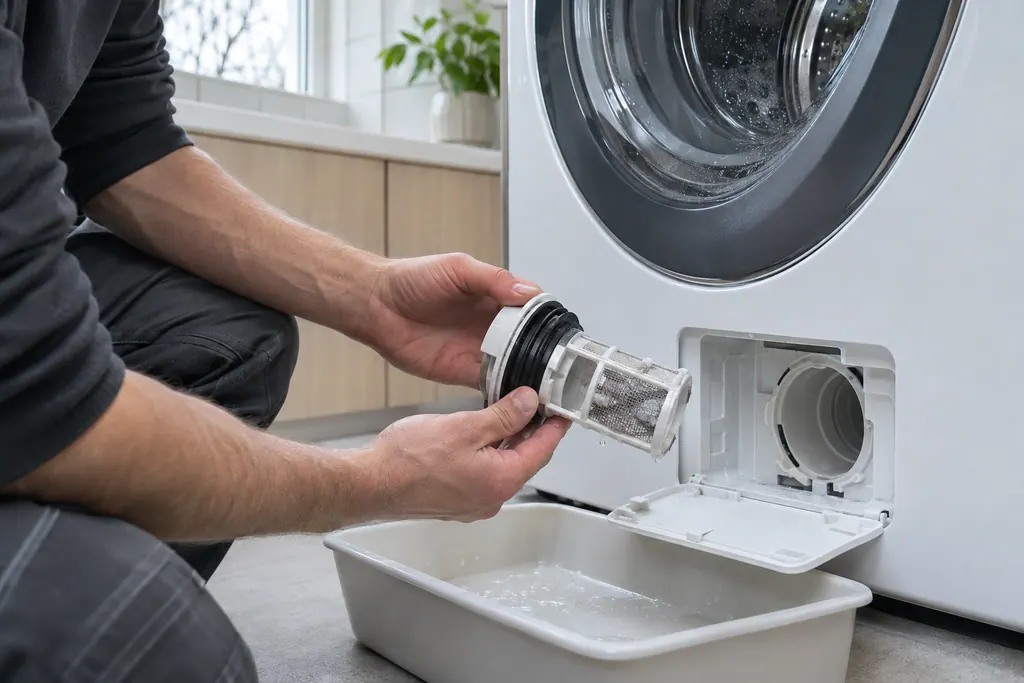
  4. A technician inspecting a front-load washer pump filter
    Illustration. Follow your model’s instructions.
    Check 4

    Clean the sensor strips

    Residue can stop them sensing wet clothes, as Electrolux notes for moisture bars. [2]

  5. Illustration. Follow your model’s instructions.
    Check 5

    Book a visit

    The chart checks vent restrictions, the contact sensor and the two thermistors.

Still showing EF3?

Send us the model and the checks you have done, and open your request here.

Book a visit

The airflow path.

Conceptual Dryer sectionLint filterBlowerExhaust ductOutside vent1234
  1. 2Blower
  2. 3Exhaust duct
  3. 4Outside vent

A simplified drawing, since layouts differ between models. Pick an outlined part for its photo and the related check.

Parts behind the message.

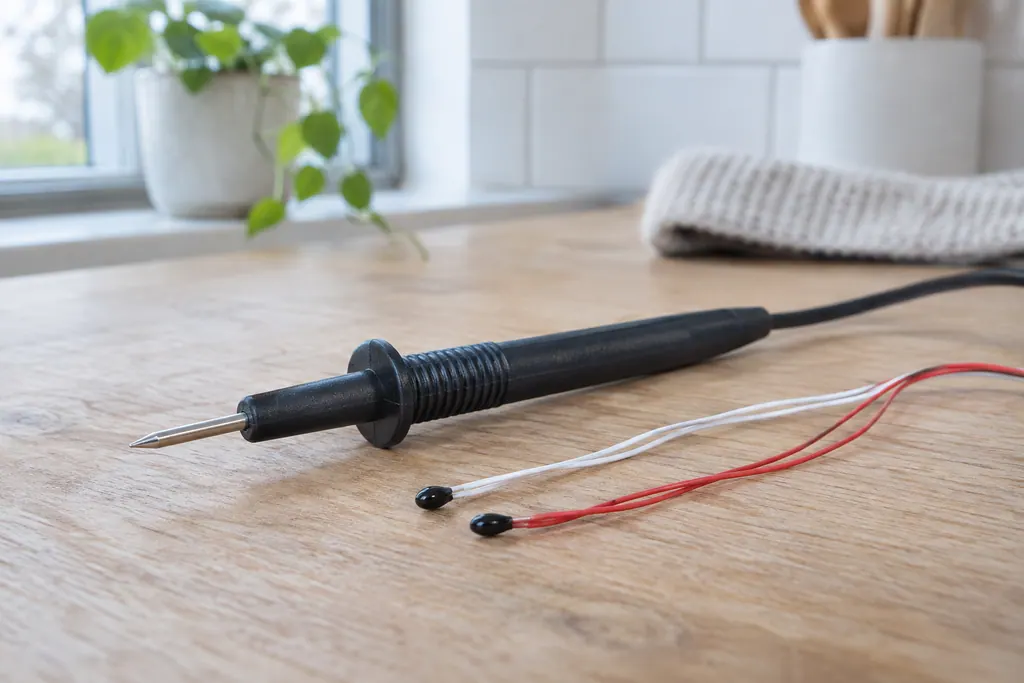
Black multimeter probe on a wood bench beside two small bead sensors with thin red and white wires.

Component reference

Dryer control thermistor

Control thermistors are the temperature sensors that tell the dryer how hot the air is.

Read the definition
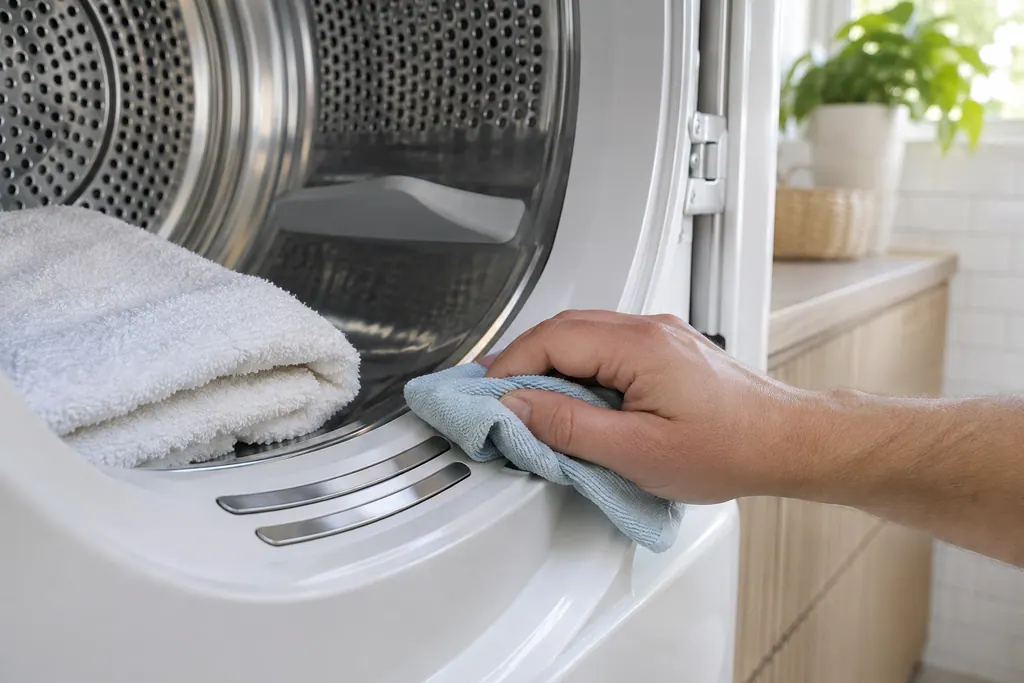
Hand wiping a cloth near two steel sensor bars on the lip of an open dryer drum, with a folded towel inside.

Component reference

Dryer contact sensor

The contact sensor reads how damp the load is.

Read the definition
Hand holding a gray plastic dryer lint screen covered with a thin layer of gray lint, with a white dryer behind it

Component reference

Dryer lint screen (lint filter)

The lint screen, also called the lint filter, catches lint from the air leaving an Electrolux dryer.

Read the definition

A little more context.

What does EF3 mean?

The dryer reached its maximum cycle time without the control deciding the load was dry. The chart reads max timeout timer.

Read the supporting manual

What does the chart list as causes?

Exhaust blocked, the exhaust control thermistor, the inlet control thermistor, the contact sensor or the electronic control board. Its solution begins with the vent restriction.
Read the supporting manual

How is EF3 different from EF1?

EF1 says the vent is blocked. EF3 says the cycle timed out, and a blocked vent is one possible reason.

Read the supporting manual

Is long drying always EF3?

No. Electrolux lists humidity, load size, cycle choice and a 208-volt supply as causes of long drying that have nothing to do with a code.

Read the supporting manual

The manual behind the message.

Manufacturer document

Dryer Tech Data Sheet, P/N 137265000B (1202)

Electrolux (technician sheet; retailer-hosted copy)

P/N 137265000B (1202); Canadian SKU EIMED6CJIW; original file dated 2009 / sheet p.2 (Error Code Chart)

Manufacturer document

Dryer - Not Drying and Extended Drying Time (KB 1853008)

Electrolux / Owner Center knowledge base (owner.electrolux.com)

Owner Center article, cached 10.11.2026 (no edition date printed) / article text

Row EF3 of the dryer chart, page 2, and Electrolux's extended drying time article (KB 1853008).

Here to help

Good questions.
Clear answers.

Talk to our team
Why does my dryer run for hours?

The cycle may not detect dryness. EF3 is the code when it hits its limit.

Can humidity cause it?

Electrolux says drying takes longer where humidity is high.

Is the contact sensor in play?

Yes. The chart lists the contact sensor among the possible conditions, alongside the vent, the two thermistors and the control board.

Before booking EF3, what helps?

For EF3, the model number, the length of the vent run and the size of the loads that fail to finish.

Let’s take care of it.

Premium appliances deserve
careful service.