On this page
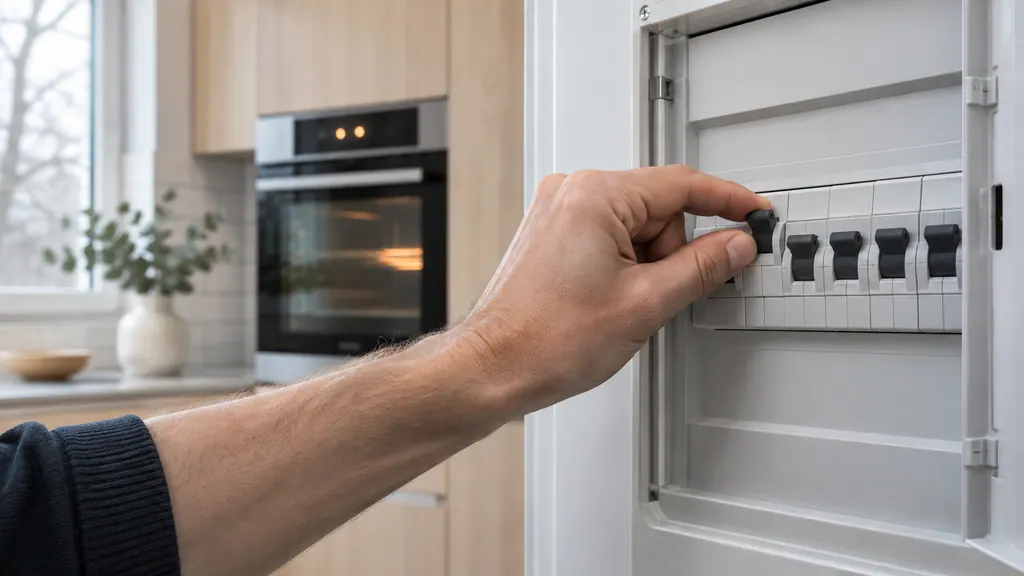
- Oven DEMO: breaker off, wait 45 seconds, breaker on, then turn demo mode off in settings. 1
- Oven door lock codes and F30 use a 30-second power disconnect. 1
- A breaker flip also cuts power to everything else on that circuit. 1
- A washer in Demo Mode is recalled at every power-up; unplugging does not clear it. 2
- F10 is not a reset code: the oven needs to cool down first. 1
What does DEMO mean on an Electrolux oven?#
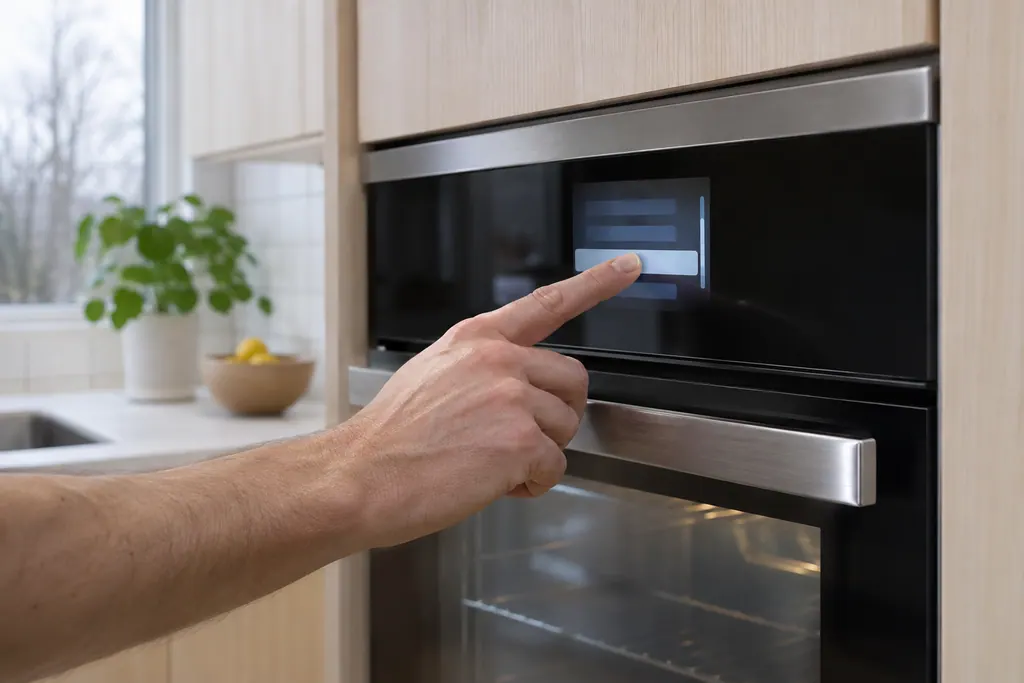
DEMO means the oven is in Demo Mode. It is a mode you can switch off, not an error. The Owner Center's fix is: turn the oven off at the circuit breaker, wait 45 seconds, turn the breaker back on, go to the settings menu, scroll to demo mode and select it to turn it off. 1
The guide is brief and so is our reading of it. It does not say what the oven does while demo mode is on, and we will not guess. It also does not say why a demo setting would be on at home, so if you did not set it, mention that to the installer or to us. 1
Our DEMO code page has the steps in short form. This guide covers the resets around it.
- 1
- 2
- 3
- 4
- 5
Which reset should I use, and for what?#
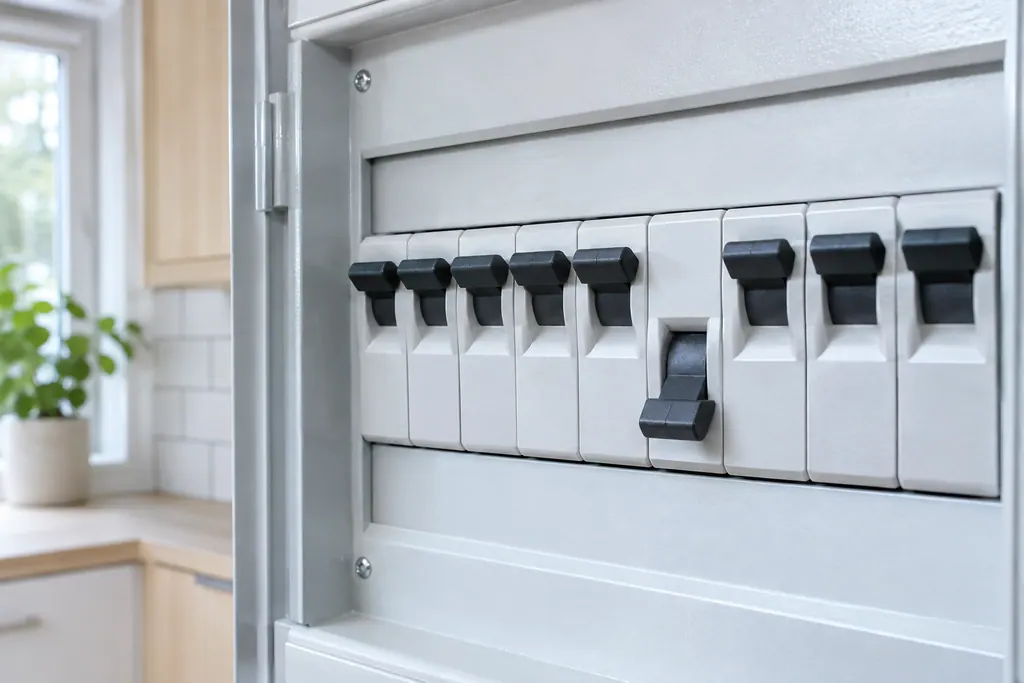
It depends on the code. The Owner Center uses a 30-second unplug or breaker flip for door lock codes and F30, a 45-second breaker wait for DEMO, and no reset at all for F10, which needs the oven to cool down first. Match the reset to the message. 1
| Message | What Electrolux says | Source |
|---|---|---|
| DEMO | Breaker off 45 seconds, then turn demo mode off in settings | Owner Center 1 |
| F30 (open probe) | Pull the plug for 30 seconds, then restore it; fall back on the breaker when the plug is out of reach | Owner Center 1 |
| F90 to F94 | Try UNLOCK; cut power for up to half a minute | Owner Center 1 |
| F10, standard ovens | Switch the oven off; let it cool fully before using it again | Owner Center 1 |
| F11 and F13 on ES630 | Press any key to clear; for F13 also disconnect power 30 seconds | Service sheet 3 |
One caution is stated outright: if you cannot unplug the oven you can flip the breaker, but that also cuts power to everything else on the same circuit. 1
Why would a washer have a Demo Mode too?#
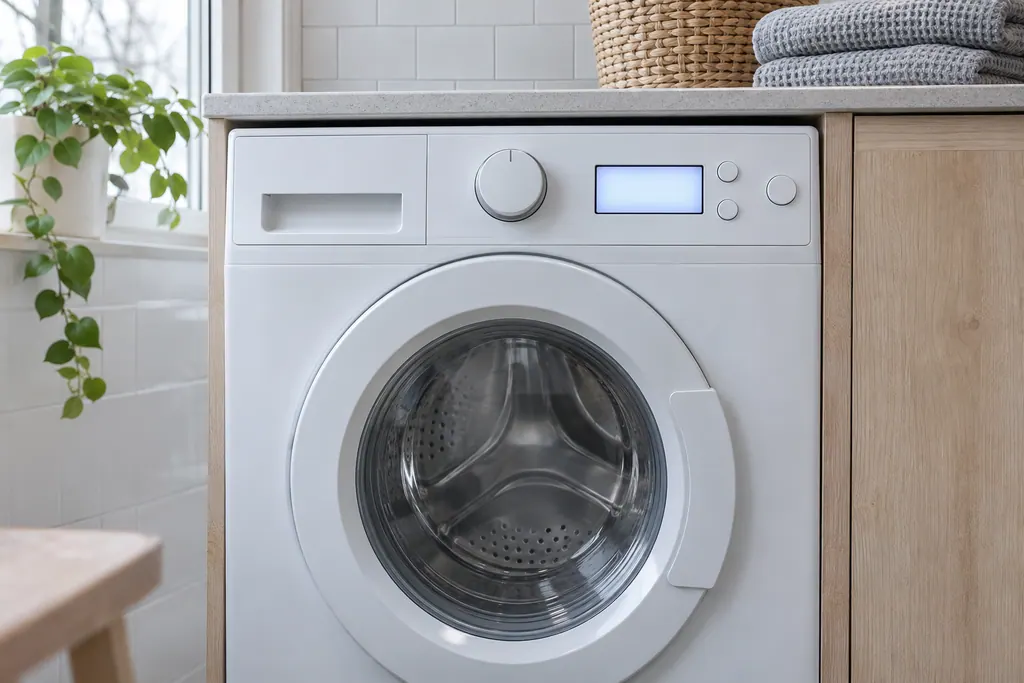
Electrolux washers have one too. The technician sheet says Demo Mode has two forms: an interactive mode where the customer can use the interface without the appliance running, and an automatic loop that simulates a cycle on the display after 3 minutes without input. 2
In the interactive mode, pressing Start with the door closed makes the display count down from the maximum time for the cycle, but the machine does not run the cycle. If your new washer counts down and never fills, rule this out early. 2
The sheet says that once Demo Mode is activated it is recalled every time the machine is turned on, and the display flashes a message three times at start-up. Unplugging the unit will not clear it. 2
How do I exit Demo Mode on a washer?#
The sheet repeats the entry sequence as an exit: advance the cycle selection to Delicates, press Start and then Cancel, turn the power off, turn it on and watch for the message to flash three times, then press and hold Temp and Select together until the washer beeps once. 2
A Factory Default Reset is also mentioned on the sheet, but the page we read does not describe it fully. If the exit sequence does not work on your model, that is a point to book. 2
How is this different from recalling the last washer error?#
Recalling an error code does not clear anything. On the washer sheet it is a separate procedure: power on, wait at least 10 seconds, then hold Temp and Select for 3 seconds; the display shows the last error in memory, and any button clears the display. 2
It sits next to Demo Mode on the same sheet page and uses nearly the same keys. If you see a code you did not expect, recall the last one before you reset anything. 2
For the codes the sheet lists as not shown to the user, see Electrolux washer codes that only show when recalled.
When does DEMO or a reset need a technician?#
Book when demo mode will not turn off, when the oven does not heat after demo mode is off, or when a washer keeps counting down without filling after you exit Demo Mode. Keep a note of what the display said and what you tried. 12
Next step: \book a visit\, or look over our oven service. The technician agrees the price with you before any work starts. The exact cost is confirmed after the on-site diagnostic. If your unit is under the manufacturer's warranty, the manufacturer handles that repair. We give a warranty on our workmanship.
Sources#
- Oven Error Codes and Alarms GuideElectrolux / Owner Center knowledge base (owner.electrolux.com) · Owner Center article, cached 10.11.2026 (no edition date printed) · article text
- Washer Tech Data Sheet, A11200302 (1803)Electrolux (technician sheet; retailer-hosted copy) · A11200302 (1803); 2018, 300/400/500/600 series · p.3 (Demo Mode, Entering and Exiting, Recalling Last Error Code)
- Service Data Sheet, p/n 807436903, "Appliance with ES630 Electronic Oven Control" (EW30EW65PS)Electrolux (technician sheet; retailer-hosted copy) · p/n 807436903 (Rev A 13/04) · PDF p.1 (F11, F13: press any key; F13: disconnect power 30 seconds)