On this page
- Hold cancel and start/pause together for 6 seconds to show the last code; E00 means none. 1
- The last 5 codes live in a Diagnostic Mode that a technician enters. 1
- EF1 and E65 point at the vent, which an owner can check. 12
- The sheet and the Owner Center disagree on the wording of E42, so both are quoted. 12
- The chart is for the Ceres front-load platform, revision 1202. 1
How do I see the last error code on my Electrolux dryer?#
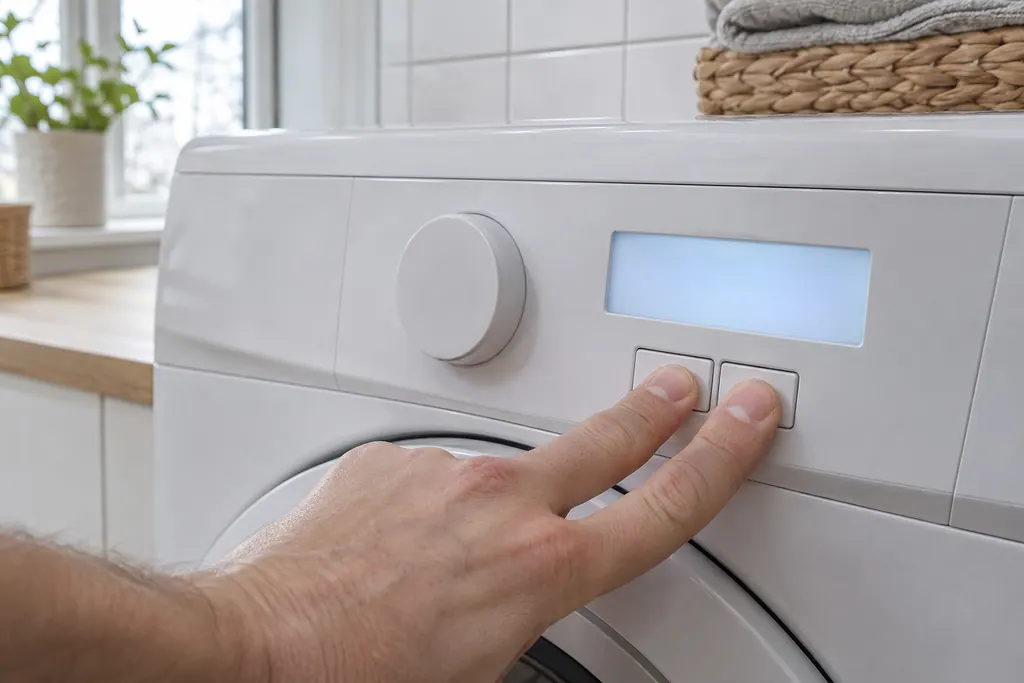
Wake the dryer with any button except cancel, then hold cancel and start/pause together for 6 seconds. The display shows the last code as an E and two numbers. E00 means the dryer has recorded no failure. 1
That one step is worth doing before anything else. A dryer that stopped mid-cycle or went quiet may have shown a code you missed while you were in another room, and the stored code is the clue a technician asks for first.
- 1
- 2
- 3
The recall shows one code. The last 5 are kept in a Diagnostic Mode, which the sheet describes as a timed button sequence plus a turn of the cycle selector, ending at a test position that lists the history. 1 It is written for technicians, and there is no reason for you to go through it.
How are the Electrolux dryer codes grouped?#
The sheet lists the codes in numeric order without naming groups, but the first digit sorts them neatly: 3 for the contact sensor, 5 for the motor, 6 for heat, 7 for thermistors, 9 for boards, A for the supply and F for airflow and keys. 1
Here is the whole chart on one page. The wording is the sheet's, shortened.
| Group | Codes | What the sheet calls them |
|---|---|---|
| Contact sensor | E31, E32 | Contact sensor frequency too high or too low 1 |
| Door | E42 | Door sensing failure 1 |
| Motor | E51, E52, E53, E54 | Motor relay failure, motor stopped or not starting, centripetal switch failure, motor sensing failure 1 |
| Heat | E61, E63, E64, E65, E66, E67 | Heater relay failure, heater to earth ground, heater open circuit, high-limit trip count too high, thermal limiter open circuit, heaters sensing failure 1 |
| Thermistors | E71, E72, E73, E74 | Outlet control thermistor open or short, inlet control thermistor open or short 1 |
| Boards | E91, E92, E93, E94, E97 | Communication error, incompatible protocol, machine and cycle configuration checksum errors, program mismatch 1 |
| Supply | EA1, EA2, EA3, EA4, EA5 | Line frequency, voltage too high, voltage too low, improper home wiring, main voltage sensing 1 |
| Airflow and keys | EF1, EF3, EF8 | Vent blocked, max timeout timer, key stuck 1 |
Each row has its own page: start at the dryer code library. The sheet is clear that a code names a symptom the control noticed, not a part that has been proved bad. Almost every row lists a part and the wiring to it as possible causes.
Which dryer codes can I check myself?#
Four situations are within an owner's reach: a vent that is blocked (EF1 and, in part, E65), a door that is not fully shut (E42 in the Owner Center wording), installation wiring (H4/B4) and the home supply (the EA group). The rest need a technician. 12
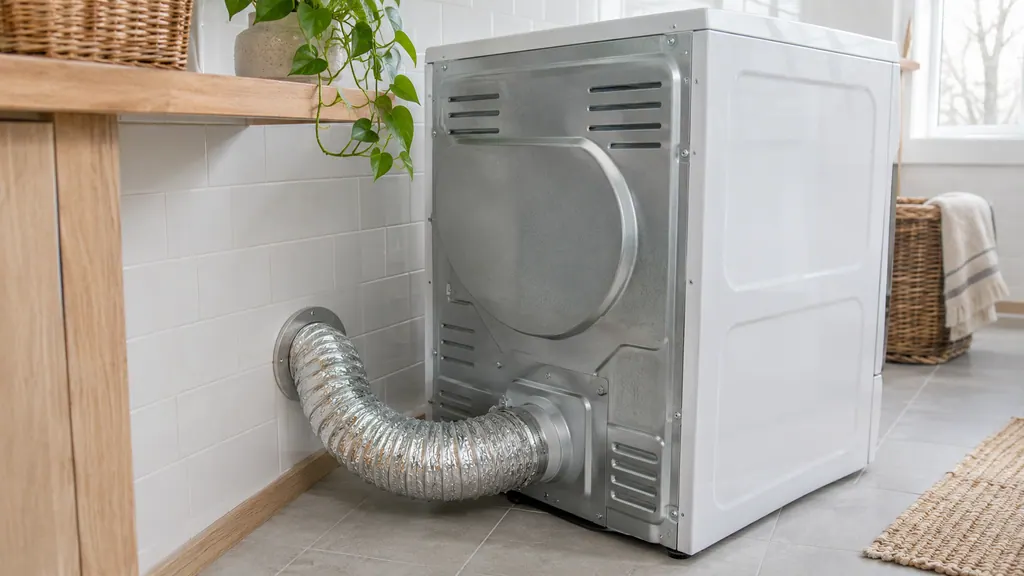
The Owner Center dryer guide gives the owner rows in plain words. For EF1 it says to check the lint filter, check the exhaust tube for bends, restrictions and blocks, check the vent exit and clear any debris. It also calls EF1 a known installation issue. 2
For E42 it says to make sure the door is not blocked and is fully closed. 2 The sheet words the same code as a door sensing failure and lists a single remedy, which is to replace the electronic control board. 1 Both are Electrolux documents. Try the door first, and if E42 returns with the door clearly shut, treat it as the board row.
The guide also lists a few messages that are not failures. A mute icon means the dryer has no sounds or chimes, AD is the auto dry setting, and E4 is a humidity sensor message where the dryer finishes the current cycle and manual cycles still work. 2 If E4 keeps showing, the guide says to schedule service. 2
H2/B2 is a power supply issue, and the guide points to your electric company. 2
How clean should the vent be?#
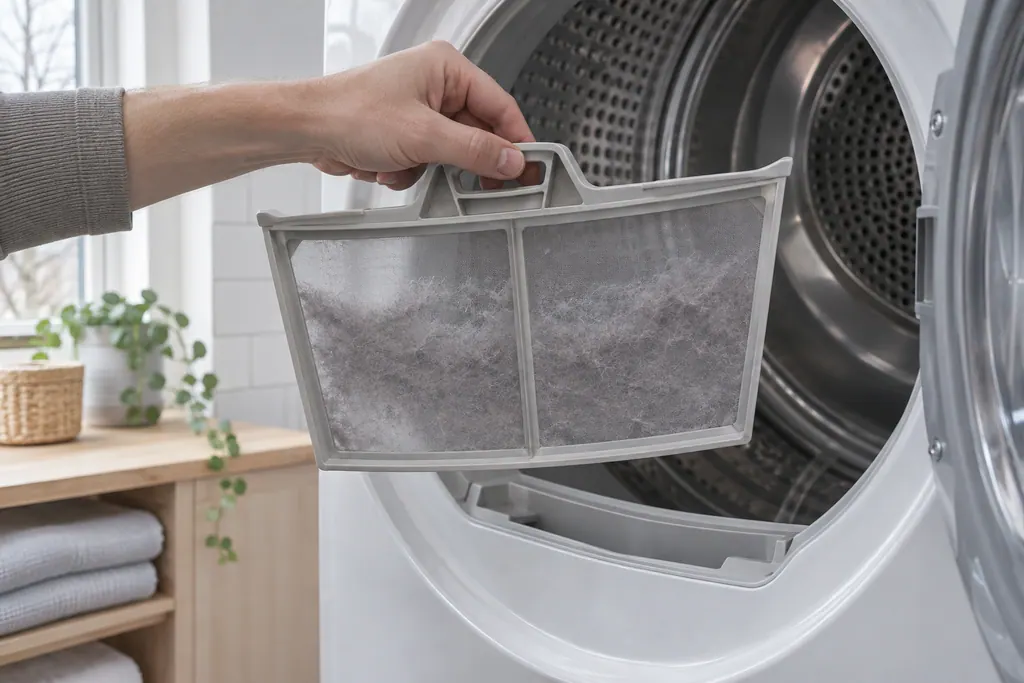
The Owner Center says to clean the lint screen before or after each load, and to inspect and clean the whole outdoor exhaust and venting every 18 months. 3
Lint that restricts the air is the common thread behind EF1 and E65. Our dryer vent and airflow guide goes deeper on the duct.
What about E52 when the motor stops?#
E52 is the one motor row with an owner-sized first step. The sheet lists a motor that is overheating and a laundry load that is too heavy among the possible causes, and its first remedy is to take the load out and check that the drum turns freely by hand. 1
It adds that if the motor's thermal protector has tripped, it may take up to 30 minutes to reset. 1 So after a stall, give the dryer time before you try again. If E52 returns with an empty drum that turns easily, the rest of the row is supply voltage, motor and wiring checks, which are technician work.
What if the dryer has no code at all?#
Then the answer is usually in the settings or the house supply. The Owner Center notes that an electric dryer sits on two house circuits or fuses, and if one has tripped or blown, the drum can turn while the heater does not run. 4
It also says to look at the cycle: with Air Fluff or a no-heat temperature chosen, the dryer tumbles without heat. Gas models add two checks, the gas supply valve and, for LP, the tank. 4 A dryer that tumbles cold with a clean E00 history is a good candidate for those checks before you book. Our dryer not heating page continues from there.
Which groups need a technician?#
Heat, motor, thermistor and board codes need one. The sheet's remedies for them involve meter readings on the control board, the heater coils or the thermistors, and replacement of parts. 1
A few examples show why. E61 asks for a short-circuit check across the heater relays with the cycle stopped. E71 gives a resistance window of 4.9K to 6.2K ohm at room temperature for the outlet thermistor. E91 asks for the connections between the control board and the interface board to be checked before either is replaced. 1
None of that is an owner task. If you want the detail on a family, the heat codes guide and the board codes guide cover the two biggest groups.
Does this chart match my dryer?#
Not necessarily. The table belongs to the Ceres front-load platform, document revision 1202, which Electrolux printed for a Canadian model. Dryers from other years may print a different table, so read the model number first. 1
Open the door and look for the label on the frame. Our code pages repeat this model note so you see it wherever you land. Where the Owner Center article and the sheet differ, as with E42, we show both and say so.
A dryer under the manufacturer's warranty is repaired by the manufacturer under that warranty. For anything else, the technician agrees the price with you before any work starts, and the exact cost is confirmed after the on-site diagnostic. See the dryer repair page for what a visit covers.
Sources#
- Dryer Tech Data Sheet, P/N 137265000B (1202)Electrolux (technician sheet; retailer-hosted copy) · P/N 137265000B (1202); Canadian SKU EIMED6CJIW; original file dated 2009 · pp. 1-2 (Reading Error Codes, Error Code Chart), p. 3 (Diagnostic Mode)
- Laundry Dryer Error Code Guide (KB 1820071)Electrolux / Owner Center knowledge base (owner.electrolux.com) · Knowledge-base page text saved 10.11.2026; no edition is printed on the page · article text
- Dryers - How often do I need to clean my dryer or the lint screen/filter to optimize my drying performance? (KB 1847456)Electrolux / Owner Center knowledge base (owner.electrolux.com) · Knowledge-base page text saved 10.11.2026; no edition is printed on the page · article text
- My dryer is running, but does not seem to be heating. What should I do? (KB 1853007)Electrolux / Owner Center knowledge base (owner.electrolux.com) · Knowledge-base page text saved 10.11.2026; no edition is printed on the page · article text