What it means
E32 on an Electrolux front-load washer is a pressure sensor calibration problem on the technician sheet. The display does not show E32. Book a technician; the sheet gives no owner steps beyond reading the stored code.
Electrolux washer E32 / Water level
E32 on an Electrolux front-load washer is a pressure sensor calibration problem on the technician sheet. The display does not show E32. Book a technician; the sheet gives no owner steps beyond reading the stored code.
Also shown as E32
E32 on an Electrolux front-load washer is a pressure sensor calibration problem on the technician sheet. The display does not show E32. Book a technician; the sheet gives no owner steps beyond reading the stored code.
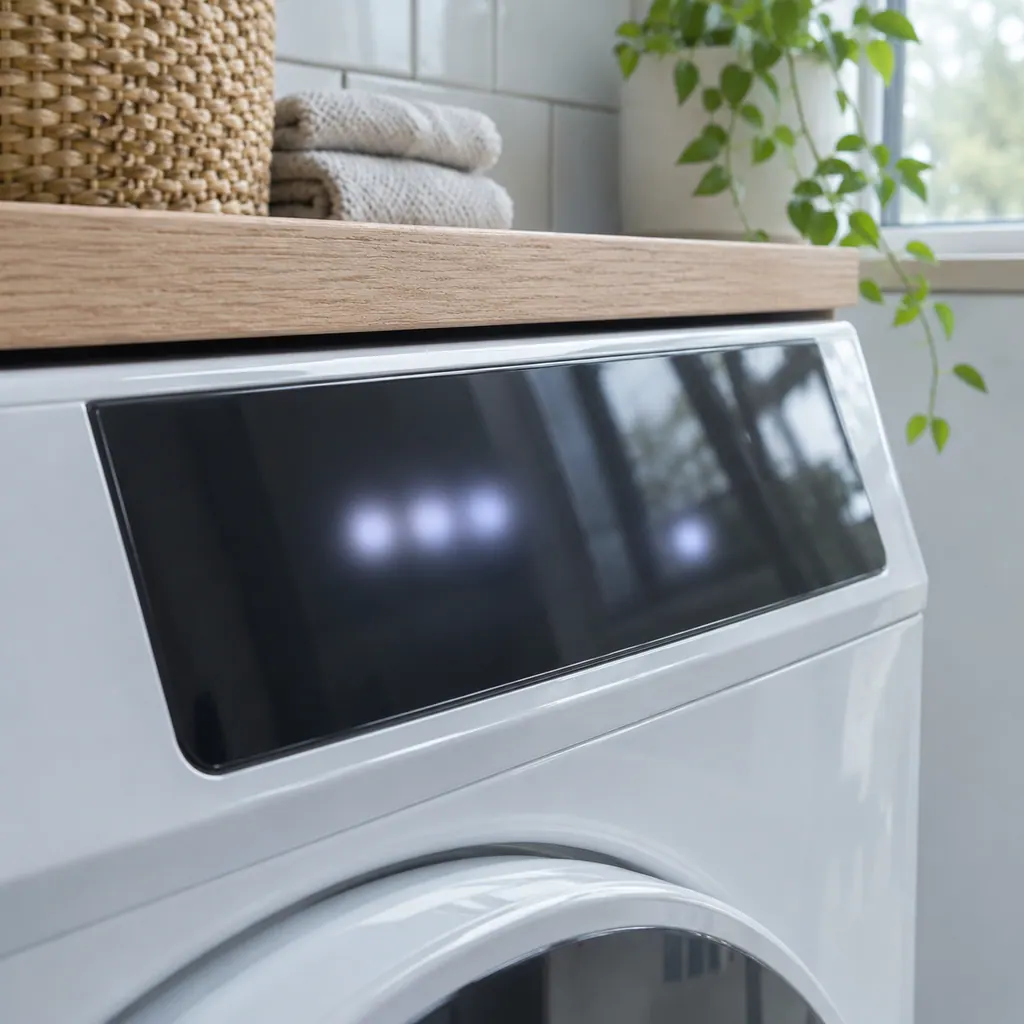
Switch the washer on, let ten seconds pass, then press Temp and Select together and keep them down for three seconds.
E32 is stored again, or the tub fills to an odd level before stopping.
Your checklist, kept on this device
Switch the washer on, let ten seconds pass, then press Temp and Select together and keep them down for three seconds. This confirms E32 and does not change anything.
Calibration relates to how the control reads an empty tub. Write down whether the cycle starts, how full the tub gets and when it stops.
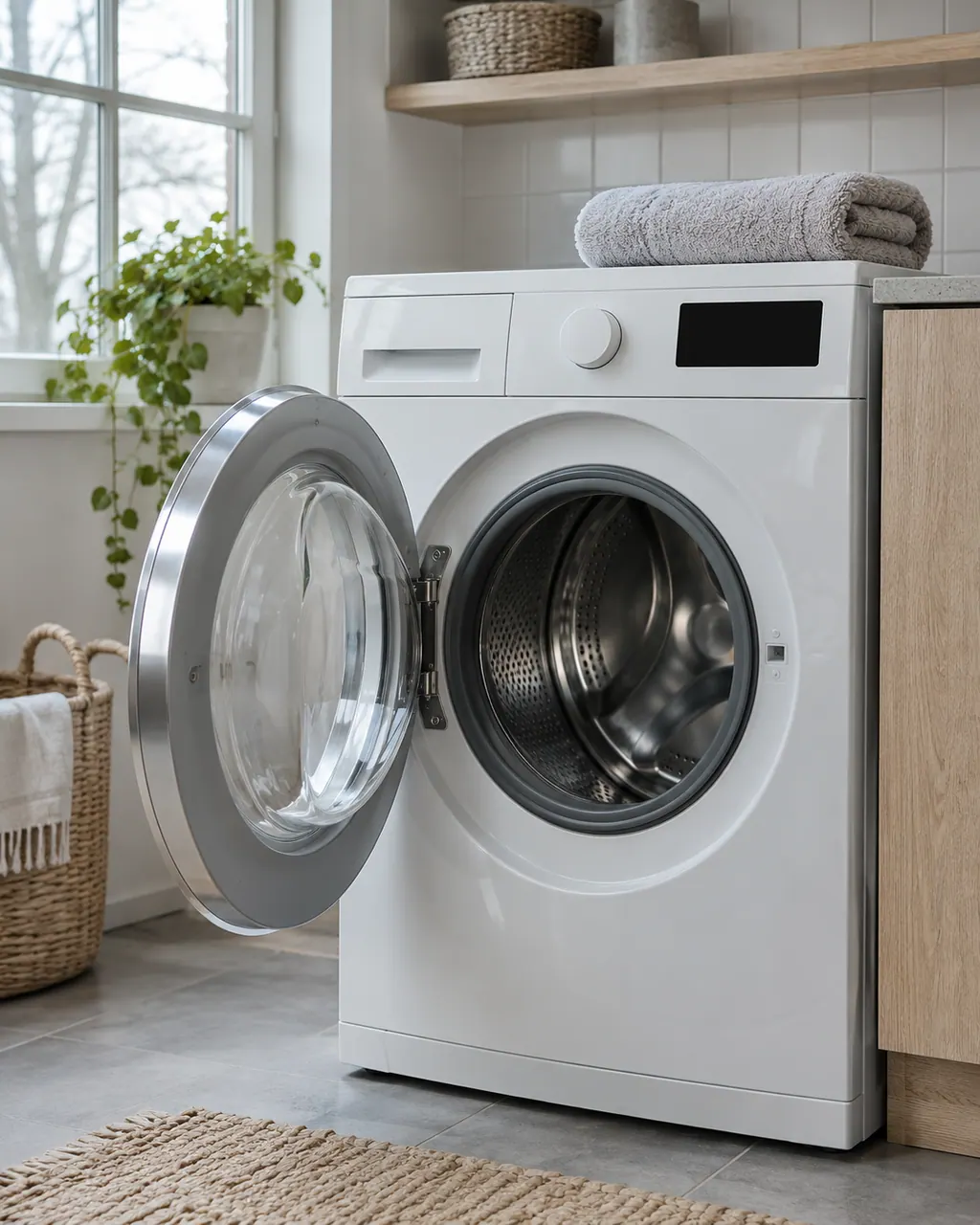
If the washer was started with water left in the drum, remove it by running a drain. Then see if E32 recurs.
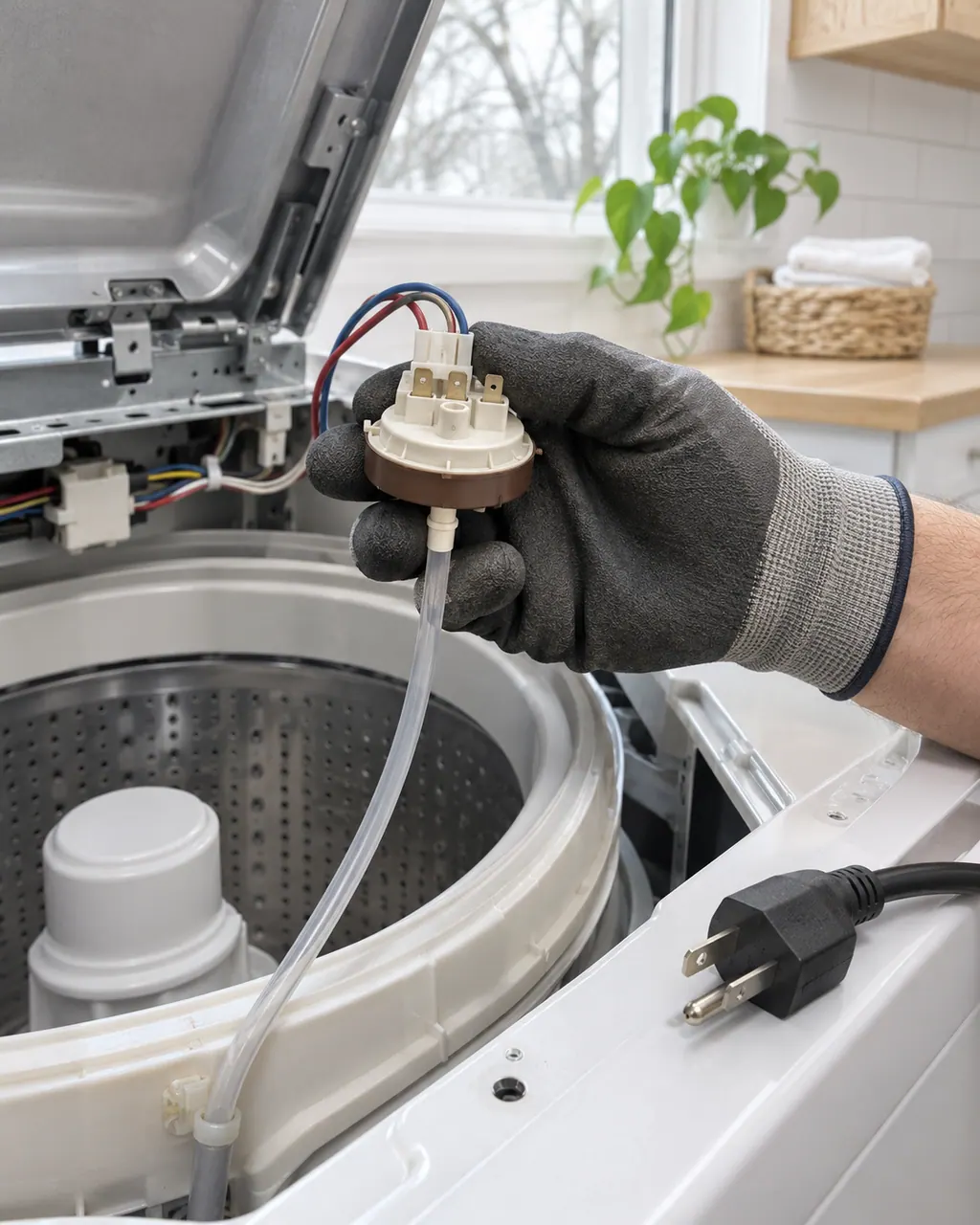
The pressure sensor sits behind the cabinet with an air tube and a connector. Pulling at them can create the very leak the sheet warns about.
Wiring, then the sensor, then the board is the sheet's order. Give us the model and what you saw.
Send us the model and the checks you have done, and open your request here.
Book a visit
A simplified drawing, since layouts differ between models. Pick an outlined part for its photo and the related check.
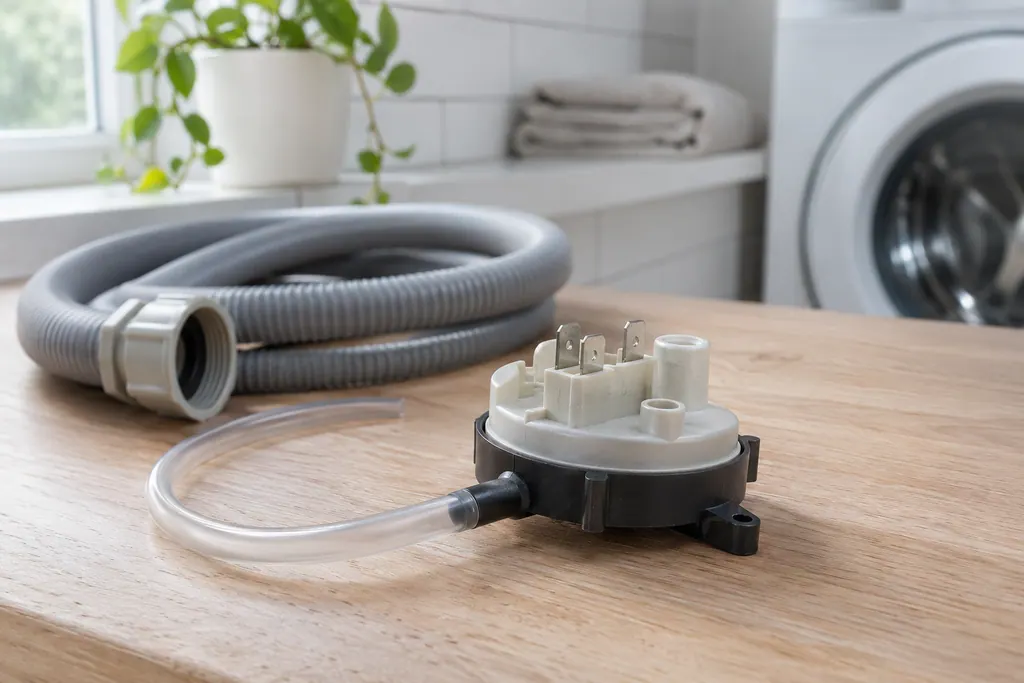
Component reference
The pressure sensor tells the washer how high the water stands in the tub.
Read the definitionThe pressure sensor's zero point, or reading with an empty tub, does not match what the control expects. The sheet states pressure sensor calibration problem.
Read the supporting manualTest 4 inspects the wiring between the pressure sensor and the main board, replaces the sensor if the wiring is fine, and replaces the board only if the code remains.
Read the supporting manualThe code is about water level measurement. A washer with a doubtful level reading may overfill or under-fill, so do not leave it running unattended until it has been checked.
Read the supporting manualSame sensor, same test, different complaint. E31 is the electrical switch error and E32 the calibration.
Read the supporting manualManufacturer document
Electrolux (technician sheet; retailer-hosted copy)
A11200302 (1803); 2018, 300/400/500/600 series (EFLS527UTT and EFLS627UTT copies are byte-identical) / p.1 (Washer Error Codes)
Row 32 of the 2018 front-load washer sheet (the washer sheet), listed next to E31 under test 4 and not shown on the display.
The sheet lists no owner calibration. It goes straight to wiring and parts.
No, the sheet marks it as not displayed. You may only see a cycle that fills oddly or stops, and the stored code confirms it afterward.
The sheet names no water-quality cause, so we do not either.
The model number, the stage of the cycle and whether the tub had water in it when you started.
Codes, symptoms, parts and service
E31 on an Electrolux front-load washer is an electronic pressure switch error on the technician sheet, and the display does not show it. Owners have no safe fix beyond reading the stored code, so book a technician.
A washer that will not spin is most often reacting to an unbalanced or heavy load, a machine that is out of level, or a door that is not locked. Electrolux's sheet ties the motor-speed codes E55 and E59 to the motor, belt, tub bearings and motor control board.
The pressure sensor tells the washer how high the water stands in the tub. Electrolux’s washer sheet ties it to E13, E31, E32 and E35. E35 means the sensor reports an overfill; E31 and E32 point at the sensor’s own reading or calibration.
Book a diagnostic for your model at the appliance.
Office details and the access information to pass on.