What it means
E31 on an Electrolux front-load washer is an electronic pressure switch error on the technician sheet, and the display does not show it. Owners have no safe fix beyond reading the stored code, so book a technician.
Electrolux washer E31 / Water level
E31 on an Electrolux front-load washer is an electronic pressure switch error on the technician sheet, and the display does not show it. Owners have no safe fix beyond reading the stored code, so book a technician.
Also shown as E31
E31 on an Electrolux front-load washer is an electronic pressure switch error on the technician sheet, and the display does not show it. Owners have no safe fix beyond reading the stored code, so book a technician.
With the washer on, wait about ten seconds and press and hold Temp plus Select for three seconds.
The washer fills to the wrong level, stops mid-cycle, or E31 is stored again.
Your checklist, kept on this device
With the washer on, wait about ten seconds and press and hold Temp plus Select for three seconds. Confirm E31 is what the washer has in memory.
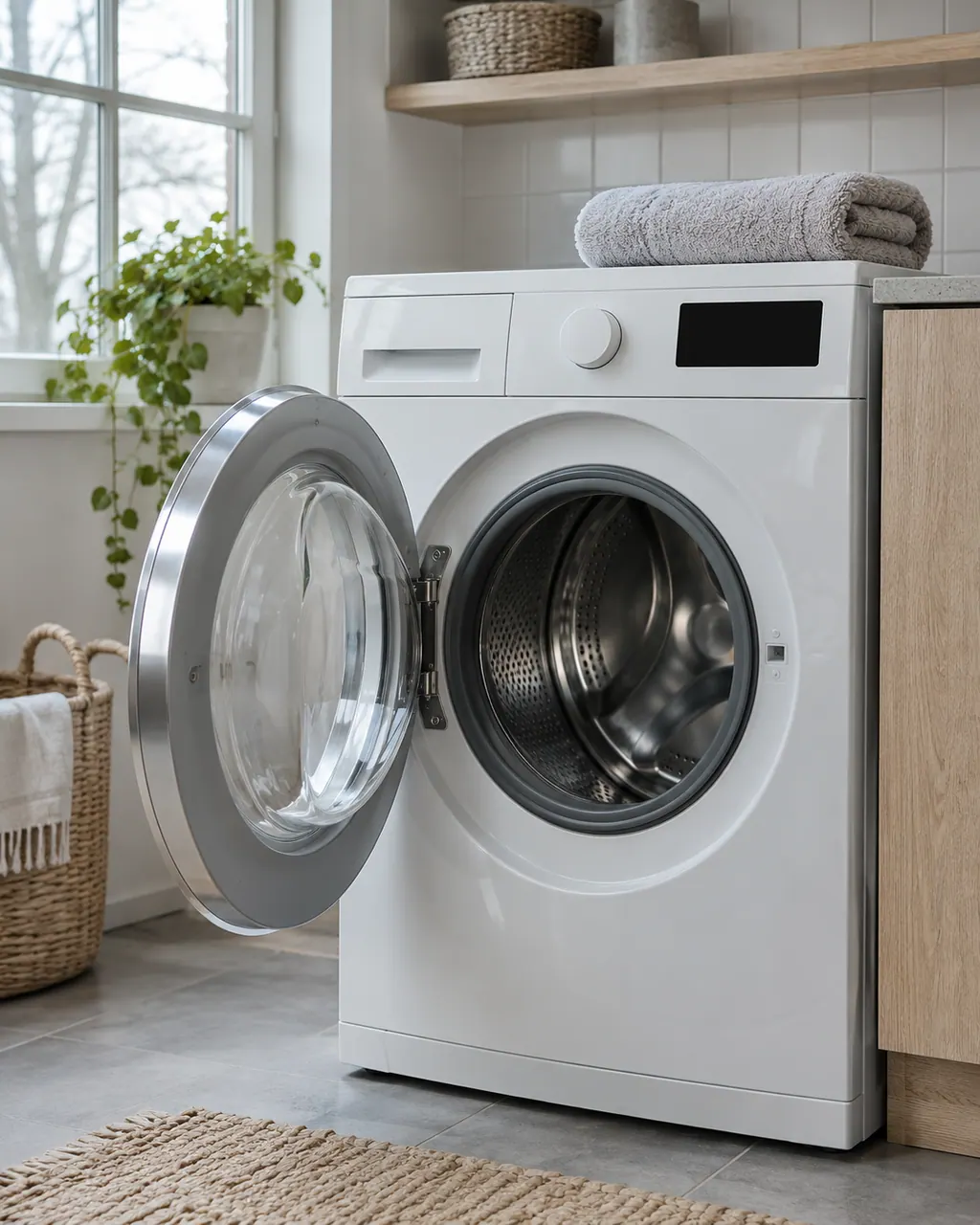
Did it fill normally and then stop, or never start filling? Water level handling is the pressure switch's job, so the stage matters.
A hose or drain leak can be mistaken for a switch problem. Wipe the area and see if water returns.
The sheet's first move is to inspect wiring between the sensor and the main board. Unplug the washer and let a technician do that.
Tell us the model and the stage of the cycle. A new sensor, and if needed a new board, is the sheet's route after wiring.
Send us the model and the checks you have done, and open your request here.
Book a visit
A simplified drawing, since layouts differ between models. Pick an outlined part for its photo and the related check.
Component reference
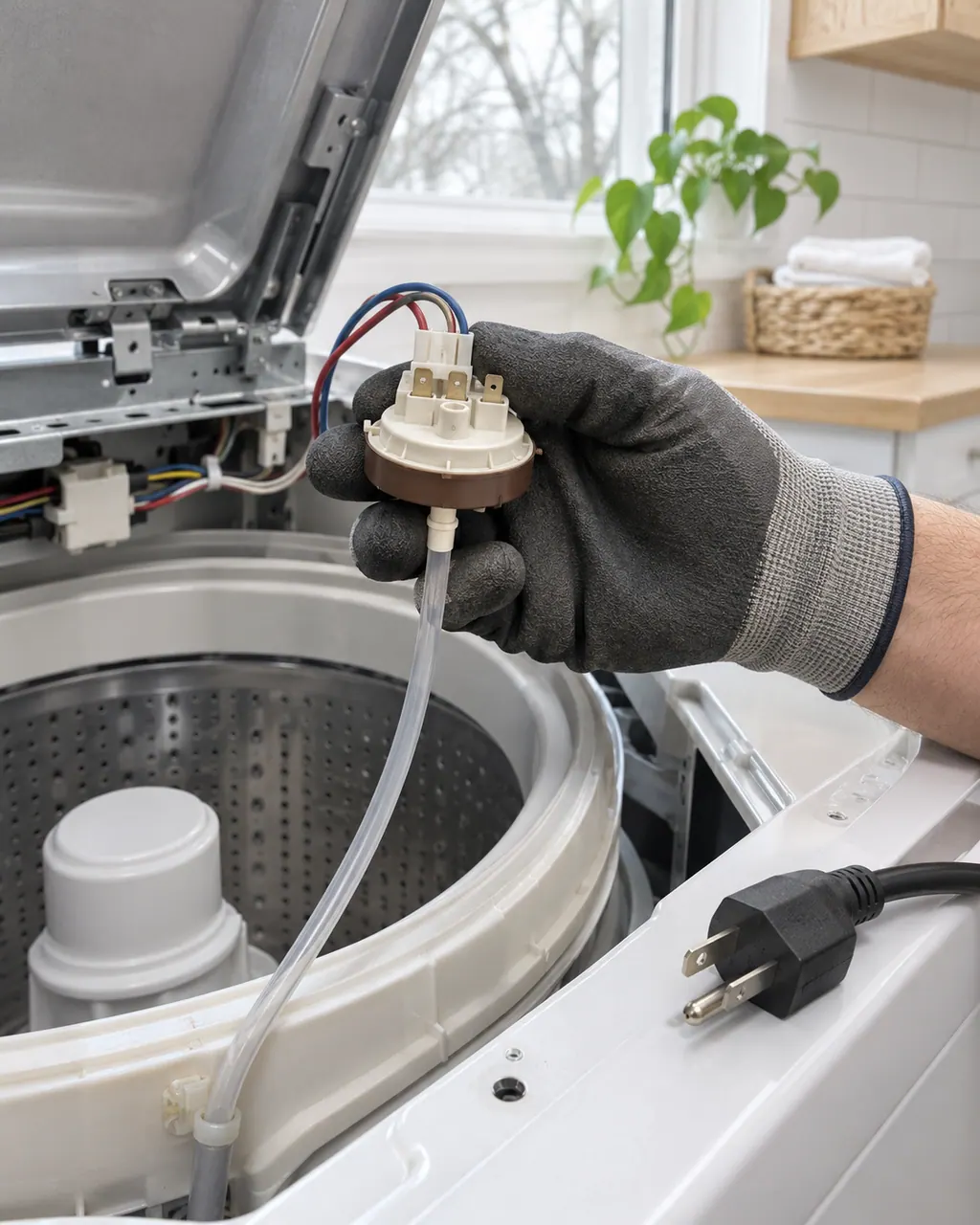
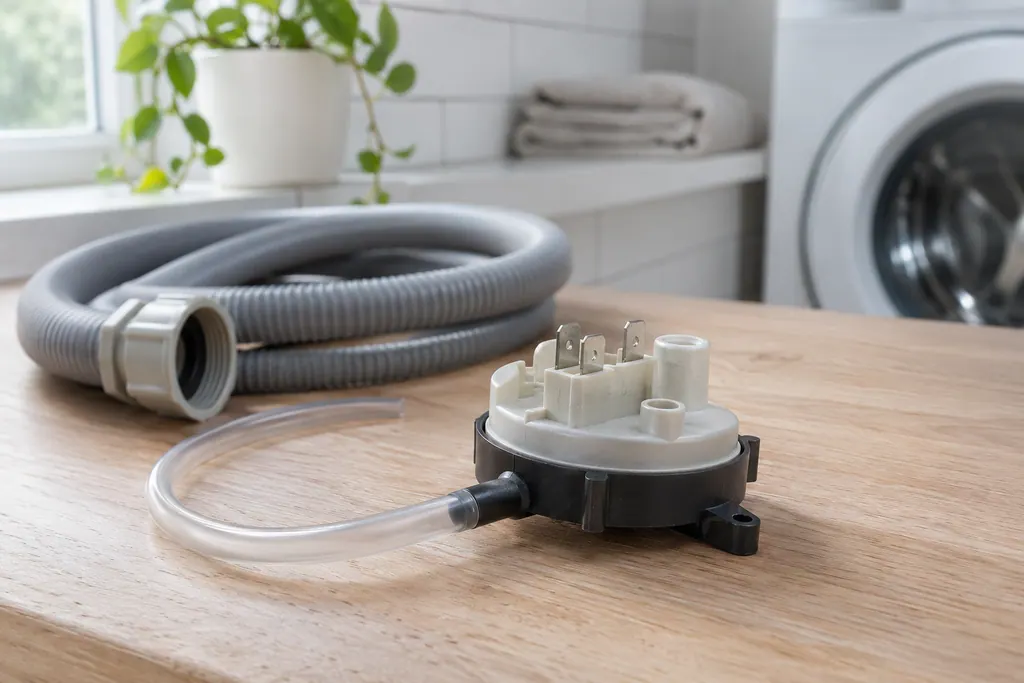
The pressure sensor tells the washer how high the water stands in the tub.
Read the definitionThe control reads the electronic pressure switch as failing. The switch measures how much water is in the tub, which the cycle depends on. The sheet words it as electronic pressure switch error.
Read the supporting manualTest 4: inspect the wiring from the pressure sensor to the main control board. Good wiring leads to a new sensor, then, if that does not help, a new main board.
Read the supporting manualE32 is a calibration problem on the same sensor. Both rows point to test 4, so the work is identical; the code only says what the board noticed.
Read the supporting manualSince the sensor sets the water level, a washer that fills too high or too low is a flood risk. Avoid unattended cycles until a technician has looked.
Read the supporting manualManufacturer document
Electrolux (technician sheet; retailer-hosted copy)
A11200302 (1803); 2018, 300/400/500/600 series (EFLS527UTT and EFLS627UTT copies are byte-identical) / p.1 (Washer Error Codes)
Row 31 of the 2018 front-load washer sheet (the washer sheet). The sheet marks it as not displayed.
No. A leak is E13. E31 is the electrical reading of the pressure switch.
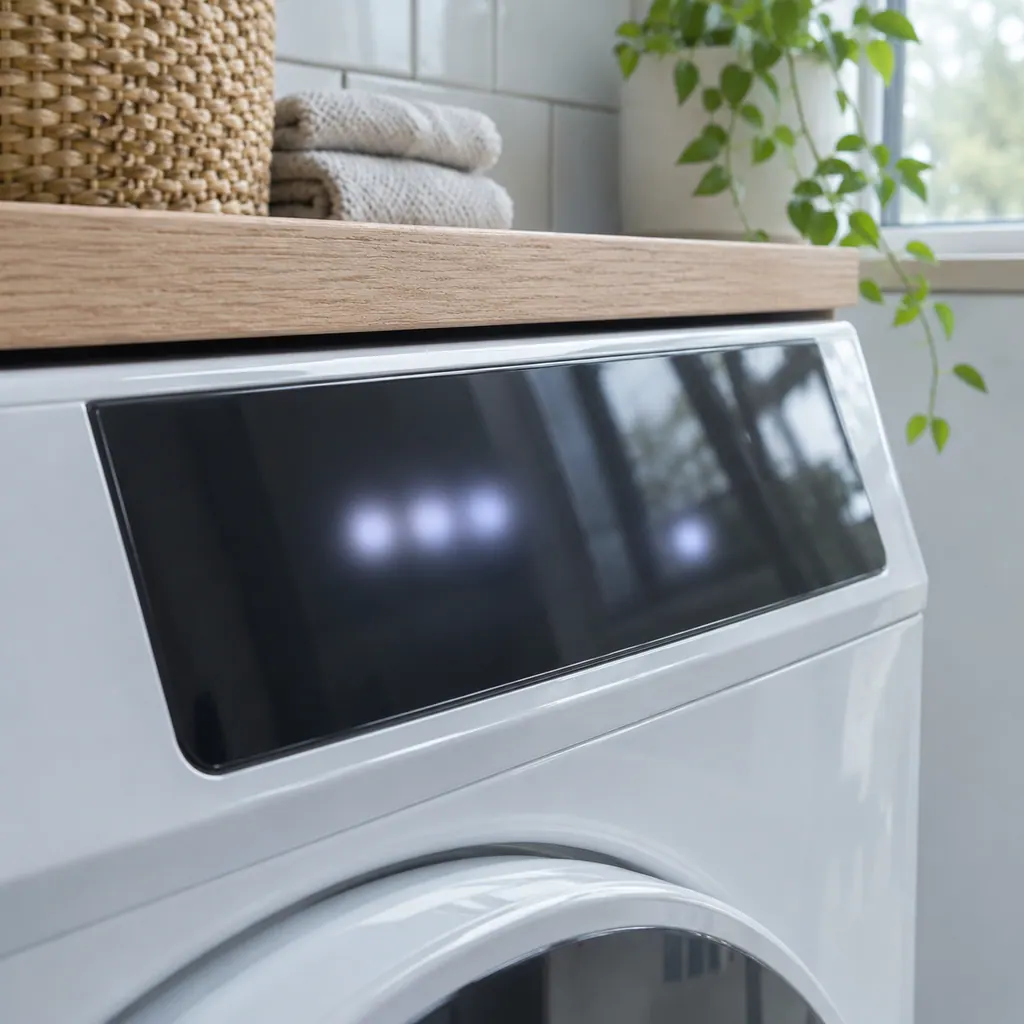
Its display column says no, so you will usually only see a stalled cycle.
The Owner Center suggests a hard reset for E35 overfill. For E31 the sheet gives only wiring and part checks.
Not first. In test 4 the wiring is inspected, then the pressure sensor is replaced, and the main board comes last if the code stays.
Codes, symptoms, parts and service
E32 on an Electrolux front-load washer is a pressure sensor calibration problem on the technician sheet. The display does not show E32. Book a technician; the sheet gives no owner steps beyond reading the stored code.
A washer that will not spin is most often reacting to an unbalanced or heavy load, a machine that is out of level, or a door that is not locked. Electrolux's sheet ties the motor-speed codes E55 and E59 to the motor, belt, tub bearings and motor control board.
The pressure sensor tells the washer how high the water stands in the tub. Electrolux’s washer sheet ties it to E13, E31, E32 and E35. E35 means the sensor reports an overfill; E31 and E32 point at the sensor’s own reading or calibration.
Book a diagnostic for your model at the appliance.
Office details and the access information to pass on.