Start from the symptom
Electrolux washer not spinning.
A washer that will not spin is most often reacting to an unbalanced or heavy load, a machine that is out of level, or a door that is not locked. Electrolux's sheet ties the motor-speed codes E55 and E59 to the motor, belt, tub bearings and motor control board.
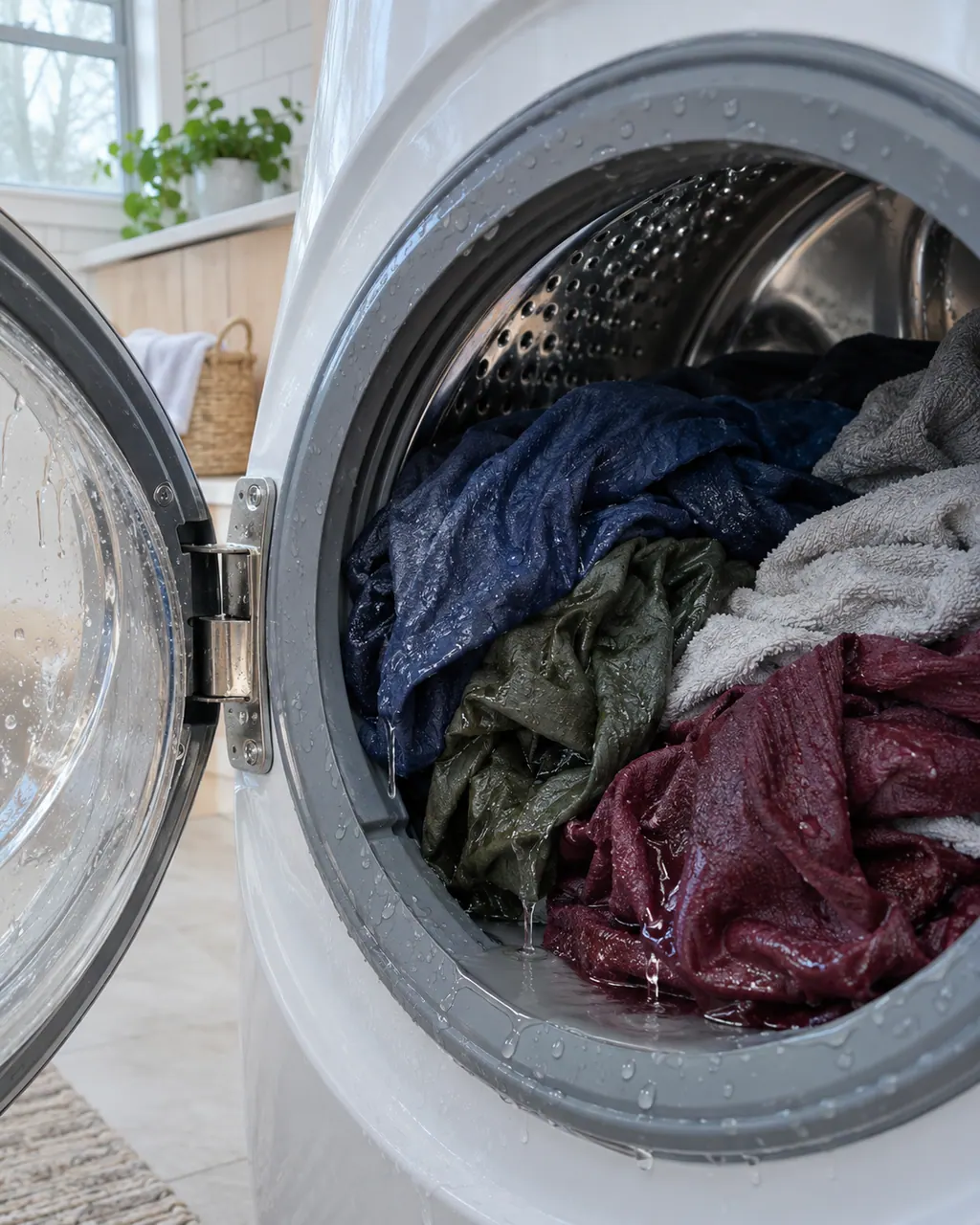
Start with safe observations.
Power the appliance down and pull the plug before any owner check. Beware of standing water and sharp debris. Never touch a wet plug or electrical area, take off service panels, or step beyond your model’s owner guide.
- 1
Rebalance the load
A bunched load can shake the whole machine. Switch the washer off, let the door or lid release, spread the clothes out and, for a small load, put in a couple of similar pieces before you restart.
- 2
Lighten heavy loads
The sheet lists E55 as motor under speed and sends you first to check for a heavy or lopsided load. Electrolux also calls an occasional thump as a heavy load begins to spin ordinary.
- 3
Level the washer
All four feet should sit solidly on the floor with the cabinet level in both directions. Adjust the leveling legs, then snug the lock nuts. Electrolux caps leg extension at 1/2 inch under the cabinet.
- 4
Shipping bolts and floor
On a new unit, confirm the shipping bolts are out. Electrolux does not recommend carpet, loose plywood or other unstable surfaces.
- 5
Close the door fully
The door has to be closed and locked before a spin can begin. The sheet lists door codes E41 to E45 separately from the motor codes.
- 6
Hidden codes
The Electrolux sheet marks E55, E57, E58 and E59 as not shown on the display. They are read from the stored error history, so say in your booking if the washer stops without a message.
Systems a technician may investigate.
The linked parts are the ones Electrolux’s technician sheets name for this appliance. We confirm each against your model number once the diagnostic is done, and you approve any replacement first.
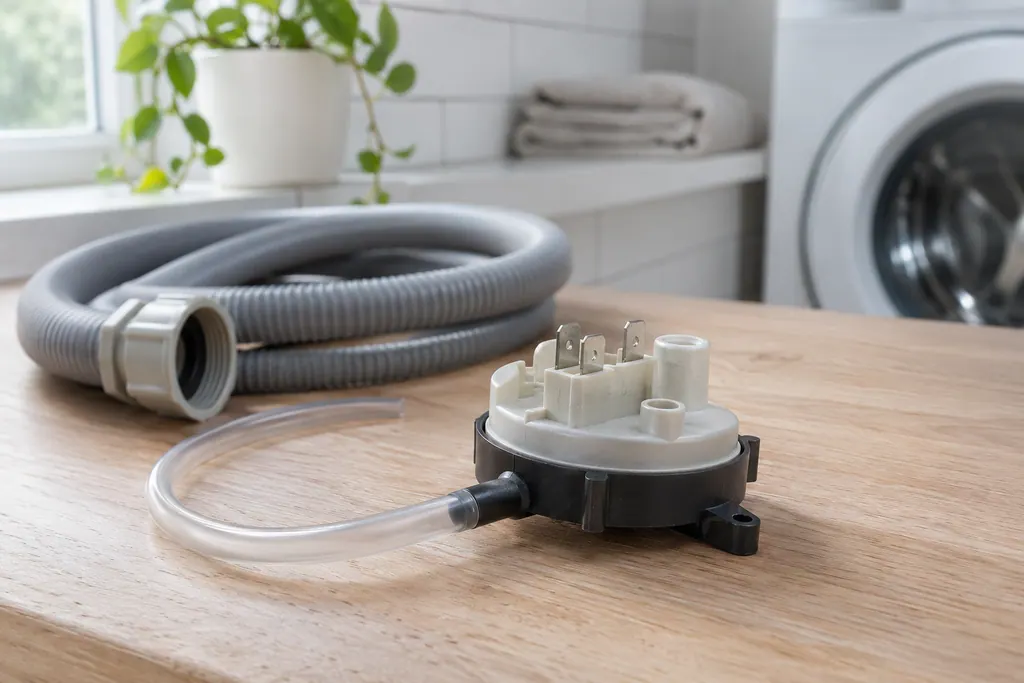
Washer pressure sensor
The pressure sensor tells the washer how high the water stands in the tub. Electrolux’s washer sheet ties it to E13, E31, E32 and E35. E35 means the sensor reports an overfill; E31 and E32 point at the sensor’s own reading or calibration.
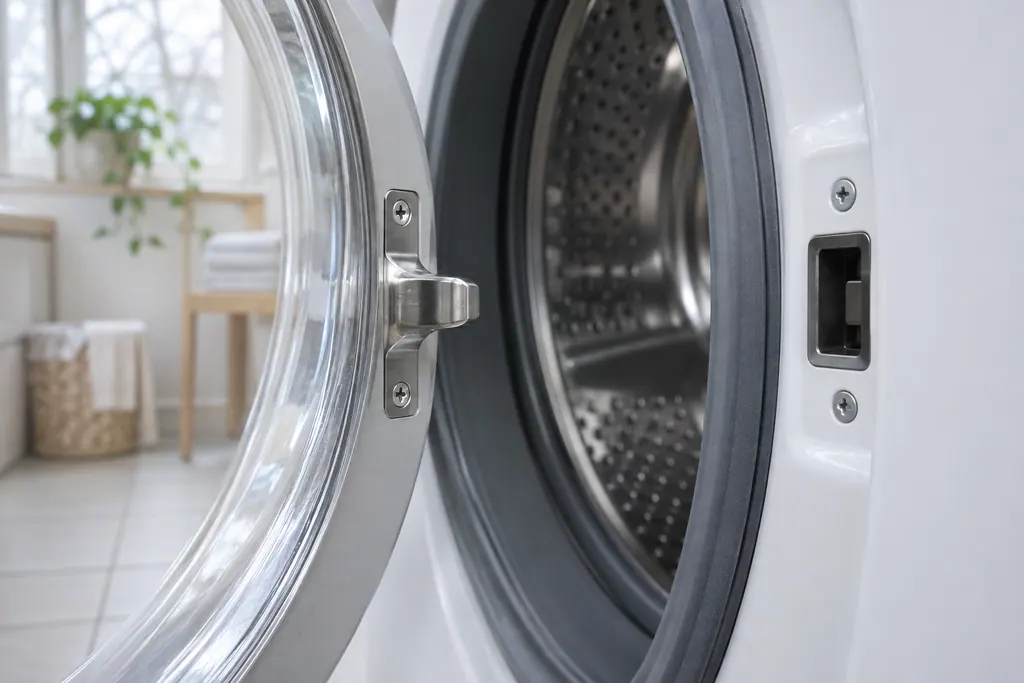
Washer door lock
The door lock keeps the washer closed during a cycle and tells the control the door is shut. Electrolux’s sheet lists five door codes. E41 means the board thinks the door switch is open; E42 and E43 are about the lock itself; E44 and E45 about sensing.
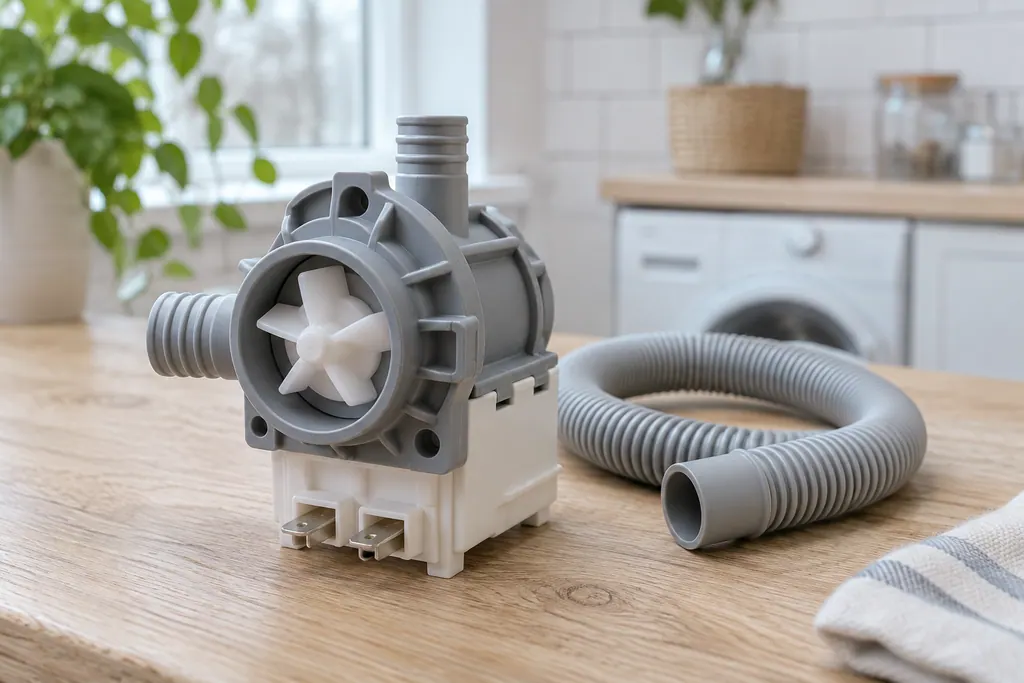
Washer drain pump
The drain pump clears water from the tub. Electrolux’s washer sheet ties E21, E23 and E24 to it: water that pumps out too slowly, and errors in the board’s switching or sensing of the pump. The sheet points them all to one test.
If the display adds a code.
Motor
Electrolux's washer sheet reads E55 as motor under speed: the drum is turning more slowly than the control asked. It appears on select models and not on 300 series. Check for a heavy or unbalanced load first, then book a technician.
Motor
E59 means the control got no spin signal from the motor for 3 seconds. The 2018 Electrolux washer sheet does not show it on the display. Check the load, unplug the washer, and book a technician for test 9.
Load balance
EF5 is how owners write F5, the sheet's load unbalanced code. No Electrolux document prints it with an E. Open the door, redistribute the clothes and restart. The display does not show it; a wet bundle or one heavy item is the usual cause.
Read the related care guide.
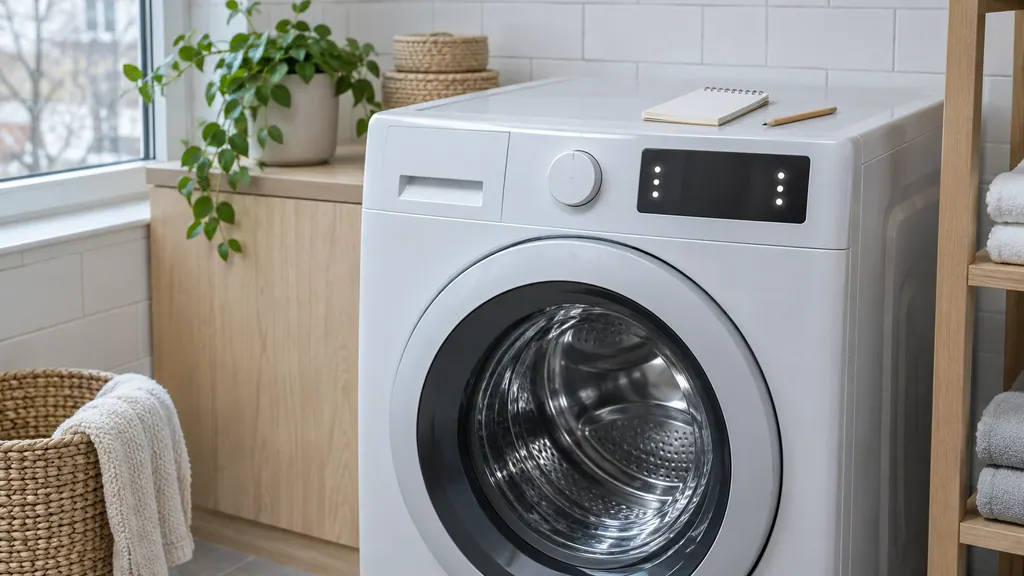
Washer stopped, nothing on the display? Recall the code.
An Electrolux front-load washer shows only some codes. To read the last stored one, power on, wait at least 10 seconds, then hold temp and select for 3 seconds. The display shows the last error in memory. Hidden codes include E13, E23, E31 and E62, and they need a technician.
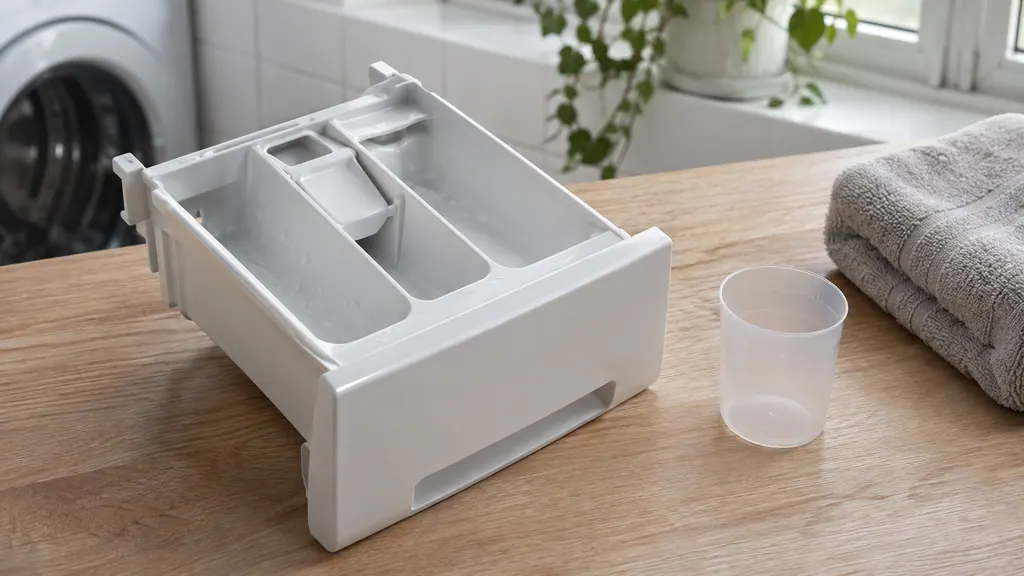
Detergent left in the drawer? Check the product, the packs and the water.
Electrolux's written sources name no single cause for a drawer that stays full. They list what interferes: a pack in the drawer, detergent above the max fill line, an unseated drawer, buildup, and water that never arrives. Work through these, then book a technician.
When observation becomes a service request.
Leave internal testing to a technician.
If a small, balanced load on a level base still will not spin, book a technician. The sheet's motor tests cover the motor, the belt, the tub bearings and the motor control board, and we can work through them on a visit.
Arrange a diagnosticSources and model boundaries.
These sources back the Electrolux washer not spinning guidance. Use the manual for your own model.
- Laundry Washers Noises Guide (KB 1820062)
- Washer Tech Data Sheet, A11200302 (1803)
Follow the guide for your exact model. Consult how we research these pages.
Why does my washer stop before the spin?
An unbalanced or very heavy load is the first suspect. Spread the clothes evenly, add a matching item to a small load and confirm the washer sits level.
What does E55 mean on an Electrolux washer?
The sheet calls E55 motor under speed and tells you to check for a heavy or unbalanced load first. It is not available on 300 series washers.
Should I worry about a thump when the spin begins?
An occasional thump with a heavy load is described as normal. Constant or violent shaking calls for a check of the load, the level and the shipping bolts.
Will the display show a spin error?
Usually not. The sheet marks the motor codes as not displayed, so a washer can stop without any message. A technician can read the stored history.
Codes, symptoms, parts and service
Link the message to what to do next.
E55
Electrolux's washer sheet reads E55 as motor under speed: the drum is turning more slowly than the control asked. It appears on select models and not on 300 series. Check for a heavy or unbalanced load first, then book a technician.
Electrolux washer not spinning
A washer that will not spin is most often reacting to an unbalanced or heavy load, a machine that is out of level, or a door that is not locked. Electrolux's sheet ties the motor-speed codes E55 and E59 to the motor, belt, tub bearings and motor control board.
Washer repair
Book a diagnostic for your model at the appliance.
Find your metro
Office details and the access information to pass on.