What it means
E9C is a user interface configuration problem on Electrolux's 2018 washer sheet. The display shows it. Power-cycle once and book a technician; the sheet checks the wiring to the interface board and replaces boards in turn.
Electrolux washer E9C / Control board
E9C is a user interface configuration problem on Electrolux's 2018 washer sheet. The display shows it. Power-cycle once and book a technician; the sheet checks the wiring to the interface board and replaces boards in turn.
Also shown as E9C
E9C is a user interface configuration problem on Electrolux's 2018 washer sheet. The display shows it. Power-cycle once and book a technician; the sheet checks the wiring to the interface board and replaces boards in turn.
Unplug for a minute and plug back in.
E9C remains after a restart.
Your checklist, kept on this device
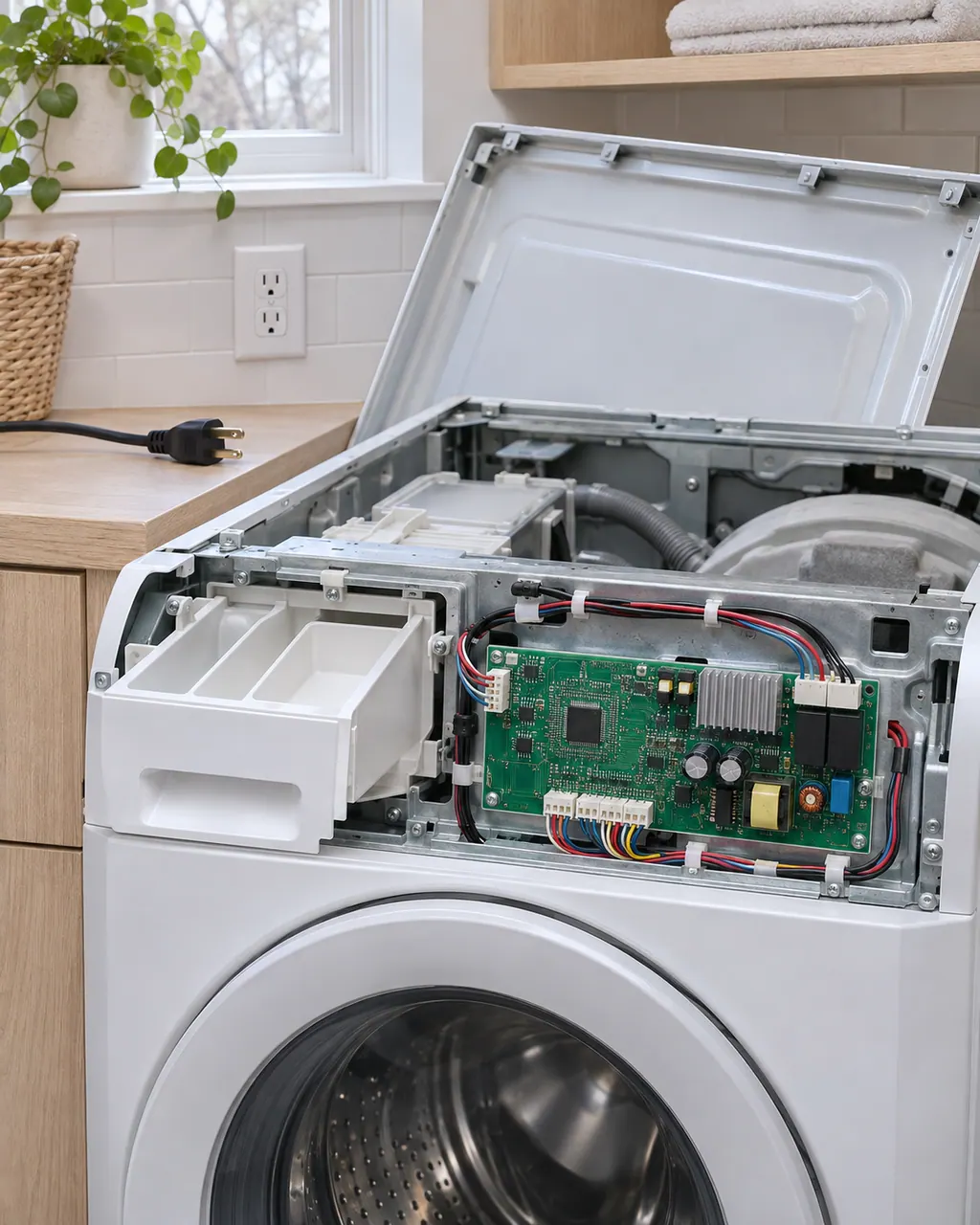
Unplug for a minute and plug back in. If E9C returns on the next start, the configuration is wrong, not a glitch.
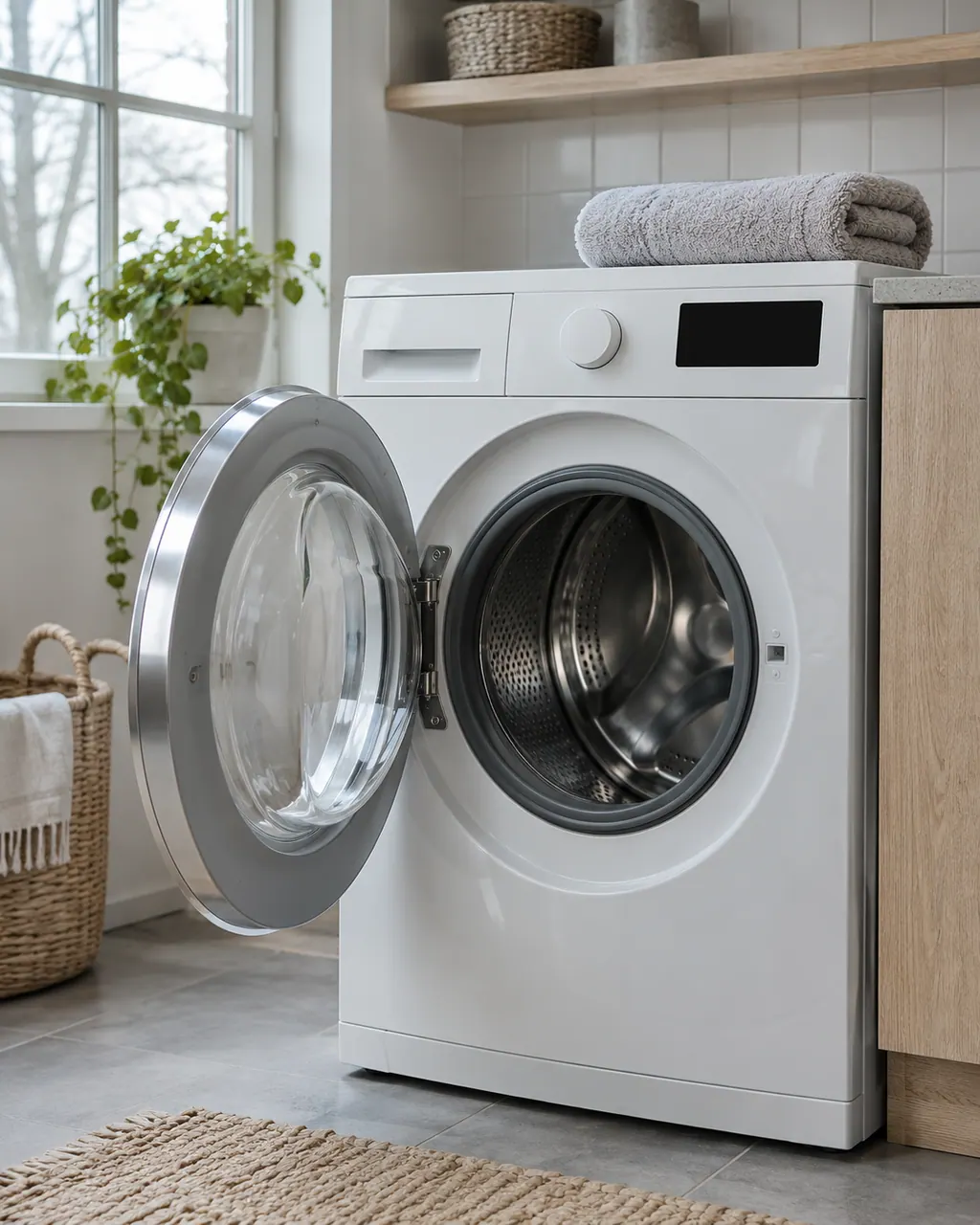
E9C is shown on the display, so note the exact characters and what the panel does around it.
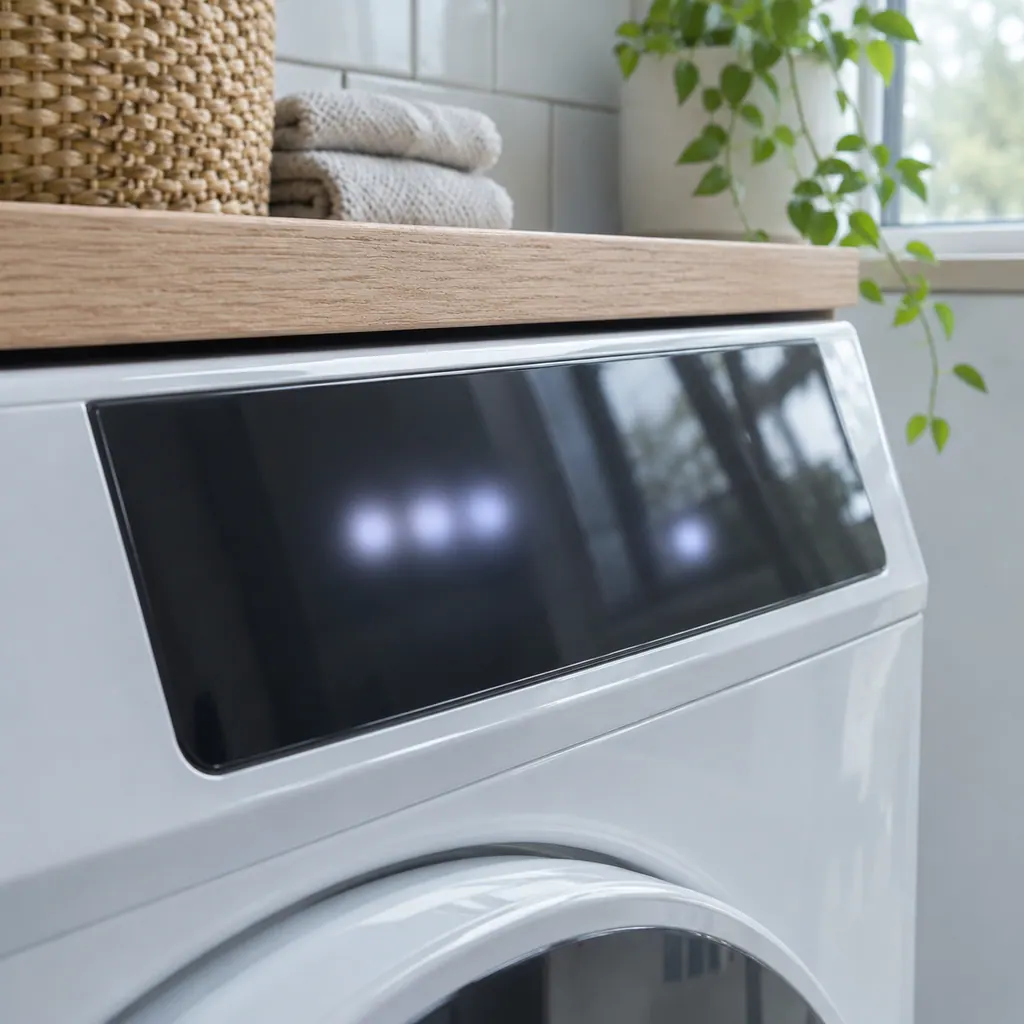
A console from a different model gives this kind of configuration mismatch.
With the interface configuration in doubt, wait before starting a cycle you cannot easily cancel.
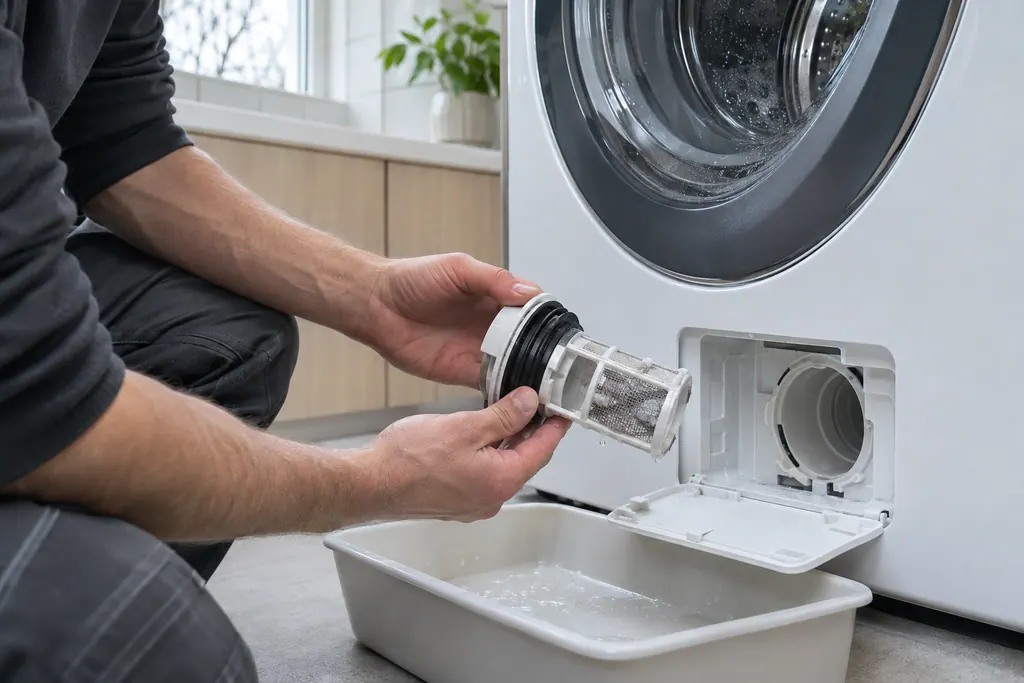
Test 11 checks the main-to-interface wiring and then replaces the interface board and the main board as needed.
Send us the model and the checks you have done, and open your request here.
Book a visit
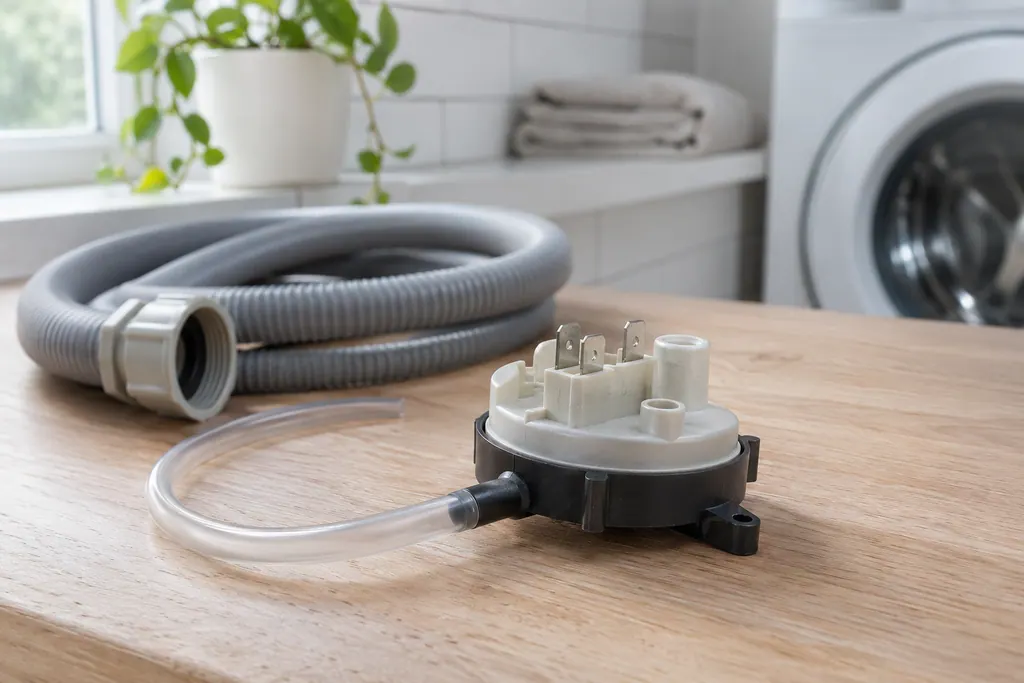
A simplified drawing, since layouts differ between models. Pick an outlined part for its photo and the related check.
The user interface board has been set up in a way the washer does not accept. The sheet reads user interface configuration problem, with display notification yes.
Read the supporting manualTest 11: wiring between the main and interface boards, then the interface board, then the main board.
Read the supporting manualE9E is the touch sensor on the interface not responding and goes to test 20. E9C is about configuration.
Read the supporting manualNo. The interface configuration has to match the model, and a part from another washer can cause this.
Read the supporting manualManufacturer document
Electrolux (technician sheet; retailer-hosted copy)
A11200302 (1803); 2018, 300/400/500/600 series (EFLS527UTT and EFLS627UTT copies are byte-identical) / p.2 (Washer Error Codes)
Row 9C of the washer sheet: shown on the display; test 11.
The sheet marks it as shown. A configuration problem changes what the console can offer, so the washer tells you.
Possibly. The sheet checks the cable first, before it replaces any board.
Sometimes for a moment. If the configuration is wrong the code returns.
The model number, the display message and any earlier panel replacement.
Codes, symptoms, parts and service
E9E means a touch sensor on the user interface is not responding, per Electrolux's 2018 washer sheet. The display does not show E9E. Dry the panel, power-cycle once, and book a technician; the sheet reseats a connector between the interface boards.
A washer that will not spin is most often reacting to an unbalanced or heavy load, a machine that is out of level, or a door that is not locked. Electrolux's sheet ties the motor-speed codes E55 and E59 to the motor, belt, tub bearings and motor control board.
Book a diagnostic for your model at the appliance.
Office details and the access information to pass on.