On this page
- Auto Dry instead of Timed Dry is Electrolux's answer to over-drying. 1
- Choosing Air Fluff or a no-heat setting means the drum turns with no heat. 2
- Fabric softener sheets can leave residue on the moisture sensor bars. 2
- AD means Auto Dry; E 4 means the humidity sensor failed. 3
- Overloading and underloading both lengthen drying. 2
Should I use Auto Dry or Timed Dry on an Electrolux dryer?#
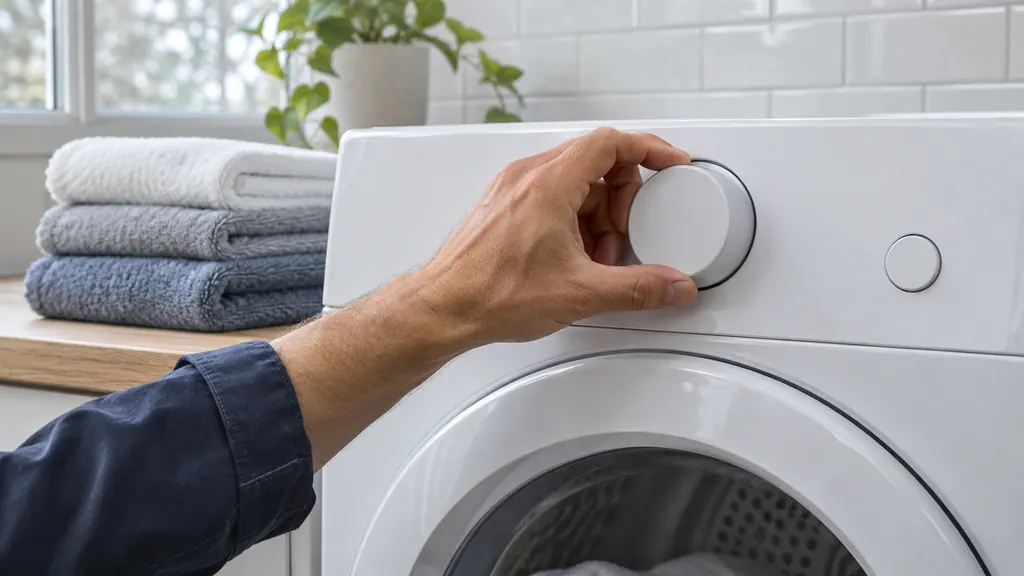
Try Auto Dry first. Electrolux recommends it instead of Timed Dry when clothes come out over-dried. Follow the fabric care labels and pick the right temperature too. 1
That is the whole of Electrolux's over-drying advice: choose the appropriate cycle and temperature, try Auto Dry instead of Timed Dry, and follow the fabric care instructions. 1
Two other settings come up in the Owner Center and change the result:
- Air Fluff. If Air Fluff, or a temperature with no heat, is selected, the dryer will tumble without heat. 2
- Normal Dry with low or medium heat. For most loads Electrolux says to generally select these. 2
- More Dry. Select it for loads that need more time. 2
Medium or low heat is safe for permanent press, delicate and knit items, but needs longer drying periods. 2
| What you want | Setting to look at | Source |
|---|---|---|
| Clothes not over-dried | Auto Dry rather than Timed Dry | KB 1853006 1 |
| A normal load, dried properly | Normal Dry, low or medium heat | KB 1853008 2 |
| A load that stays slightly damp | More Dry | KB 1853008 2 |
| Tumble with no heat | Air Fluff | KB 1853008 2 |
| Delicates and knits | Low or medium heat, longer time | KB 1853008 2 |
What are the moisture sensor bars, and why clean them?#
They are the strips in the drum that Auto Dry uses to tell whether clothes are wet. Fabric softener sheets can leave a residue on them that stops them sensing wet clothes accurately. Electrolux says to wipe them with rubbing alcohol. 2
Where they sit depends on the model, so Electrolux sends you to your Complete Owner's Guide to locate them. Unplug the dryer and let it cool before you reach in.
The technician sheet calls the same part the contact sensor and has a diagnostic step that reads it: a technician puts fingers across the sensor and watches the display change from 1111 for an open circuit to 8888 for a short. That test is for technicians, but it shows what the bars do. 4
- 1
- 2
- 3
- 4
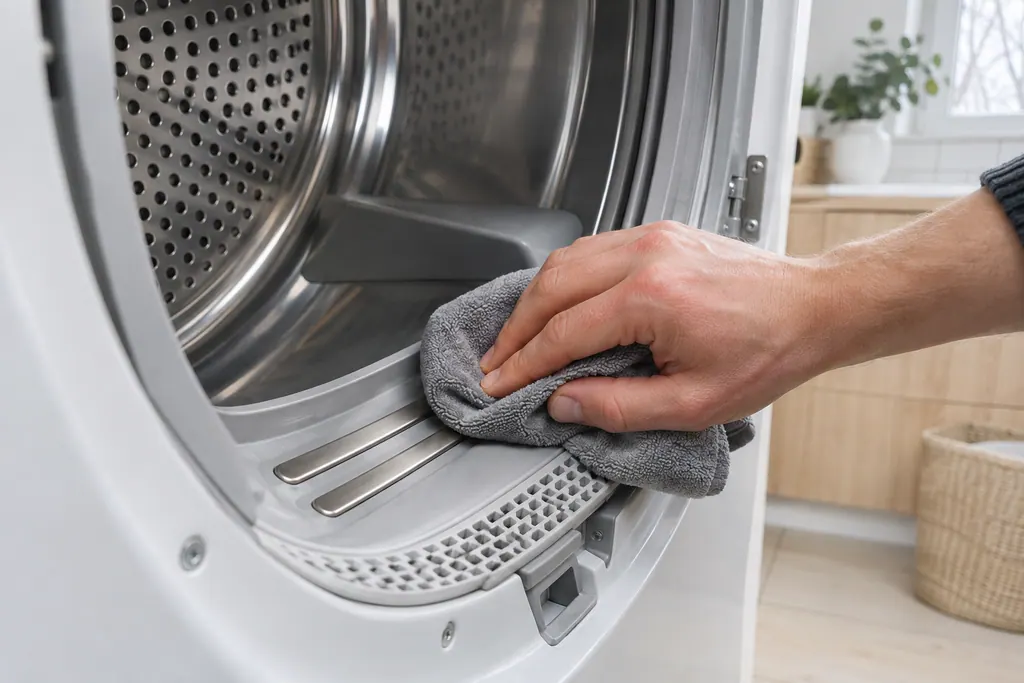
The glossary page on the dryer contact sensor describes the part. It also appears in the EF3 row of the airflow guide, Electrolux dryer airflow codes.
What do AD, E 4 and Mute mean?#
AD is Auto Dry, a setting, not an error. E 4 means the humidity sensor failed: the dryer finishes the current cycle and manual cycles still work. Mute means the unit has no sounds or alarm chimes, and you must unmute it. 3
The Owner Center lists them in the same error code guide:
| On the display | What Electrolux says |
|---|---|
| AD | Auto Dry setting 3 |
| E 4 | Humidity sensor failed; finishes the current cycle; manual cycles still available; if it continues, schedule service 3 |
| Mute | No sounds or alarm chimes; some units show an illuminated mute icon 3 |
If a dryer seems to end a cycle silently, check for the mute icon before you suspect a part. 3
Our AD page and Mute entry cover them on the dryer code hub.
Why is my load taking too long?#
Start with the load size, the filter and the duct. Electrolux lists a clean lint screen after every use, a load that is neither too big nor too small, items of similar fabric and weight, high humidity, a clear duct and hood, and a 240-volt circuit. 2
Each item has a reason attached in the article:
- Load size. An overloaded or too-empty dryer takes longer. Items need room to tumble and enough items in the drum for proper tumbling. 2
- Sorting. Dry items of similar fabric and weight in the same load. 2
- Humidity. Drying times are longer where humidity is high, and a dehumidifier near the dryer can help. 2
- Voltage. A 240-volt circuit is expected; 208 volts can increase drying times. 2
- Heat pump models. They are built for efficiency and can run slightly longer. The note names the ELFE433CAW. 2
The vent side of this story has its own guide, because Electrolux's airflow codes (EF1, EF3, E65) are tied to it. See Electrolux dryer airflow codes.
How do I check the lint screen?#
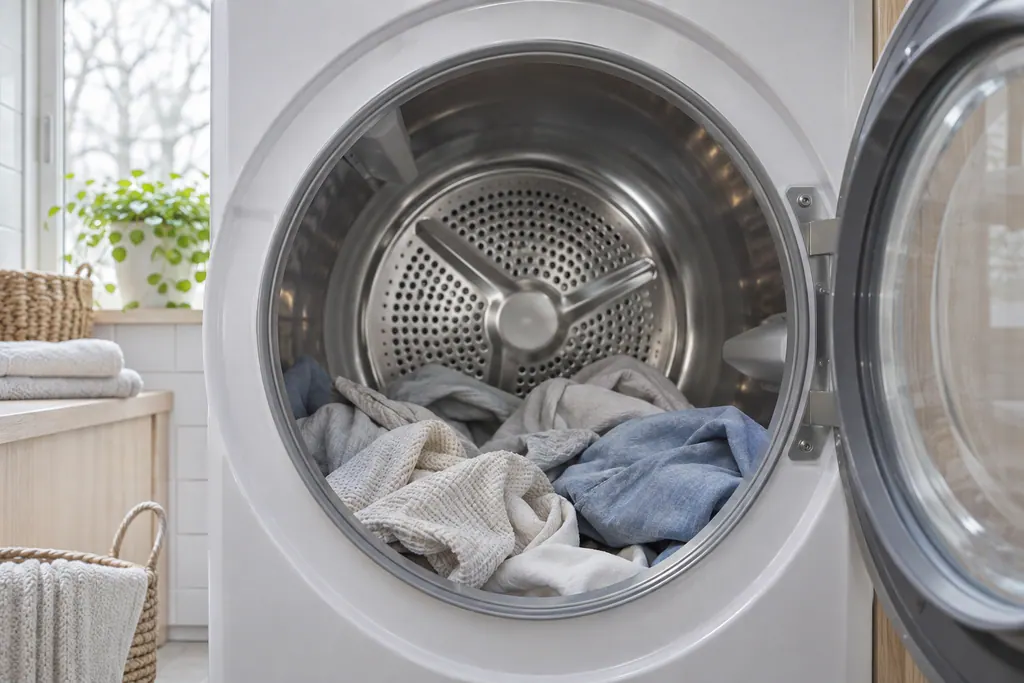
Clean it before or after every load. Electrolux also says you can wash it in warm soapy water to remove residue, and then dry it thoroughly before putting it back. The dryer should never run without the lint screen in place. 25
Excessive lint buildup can block airflow and hinder drying performance, which is why this belongs in a guide about cycle choice. A cycle that is right for the load can still run long on a blocked path. 5
When does the dryer need a technician?#
Book when E 4 returns after the bars are wiped, when the dryer tumbles with no heat on a heated cycle and the screen and vent are clear, or when drying stays long with the right cycle and a 240-volt supply. A technician can test the sensor and the heating circuit. 23
Next step: \book a visit\, or look over our dryer service. The technician agrees the price with you before any work starts. The exact cost is confirmed after the on-site diagnostic. If your unit is under the manufacturer's warranty, the manufacturer handles that repair. We give a warranty on our workmanship.
Sources#
- My clothes seem to be over-dried. How can I prevent this? (KB 1853006)Electrolux / Owner Center knowledge base (owner.electrolux.com) · Owner Center article, cached 10.11.2026 (no edition date printed) · article text
- Dryer - Not Drying and Extended Drying Time (KB 1853008)Electrolux / Owner Center knowledge base (owner.electrolux.com) · Owner Center article, cached 10.11.2026 (no edition date printed) · article text
- Laundry Dryer Error Code Guide (KB 1820071)Electrolux / Owner Center knowledge base (owner.electrolux.com) · Owner Center article, cached 10.11.2026 (no edition date printed) · article text
- Dryer Tech Data Sheet, P/N 137265000B (1202)Electrolux (technician sheet; retailer-hosted copy) · P/N 137265000B (1202); Canadian SKU EIMED6CJIW; original file dated 2009 · p.3 (Diagnostic Mode, contact sensor test)
- Dryers - How often do I need to clean my dryer or the lint screen/filter to optimize my drying performance? (KB 1847456)Electrolux / Owner Center knowledge base (owner.electrolux.com) · Owner Center article, cached 10.11.2026 (no edition date printed) · article text