Start from the symptom
Electrolux washer drum not turning.
When the drum does not turn during a cycle, the sheet looks at the motor and its control: codes E57, E58, E59 and E5A to E5F. A door that is not closed, a heavy load or a low supply voltage can mimic the problem, so rule those out.
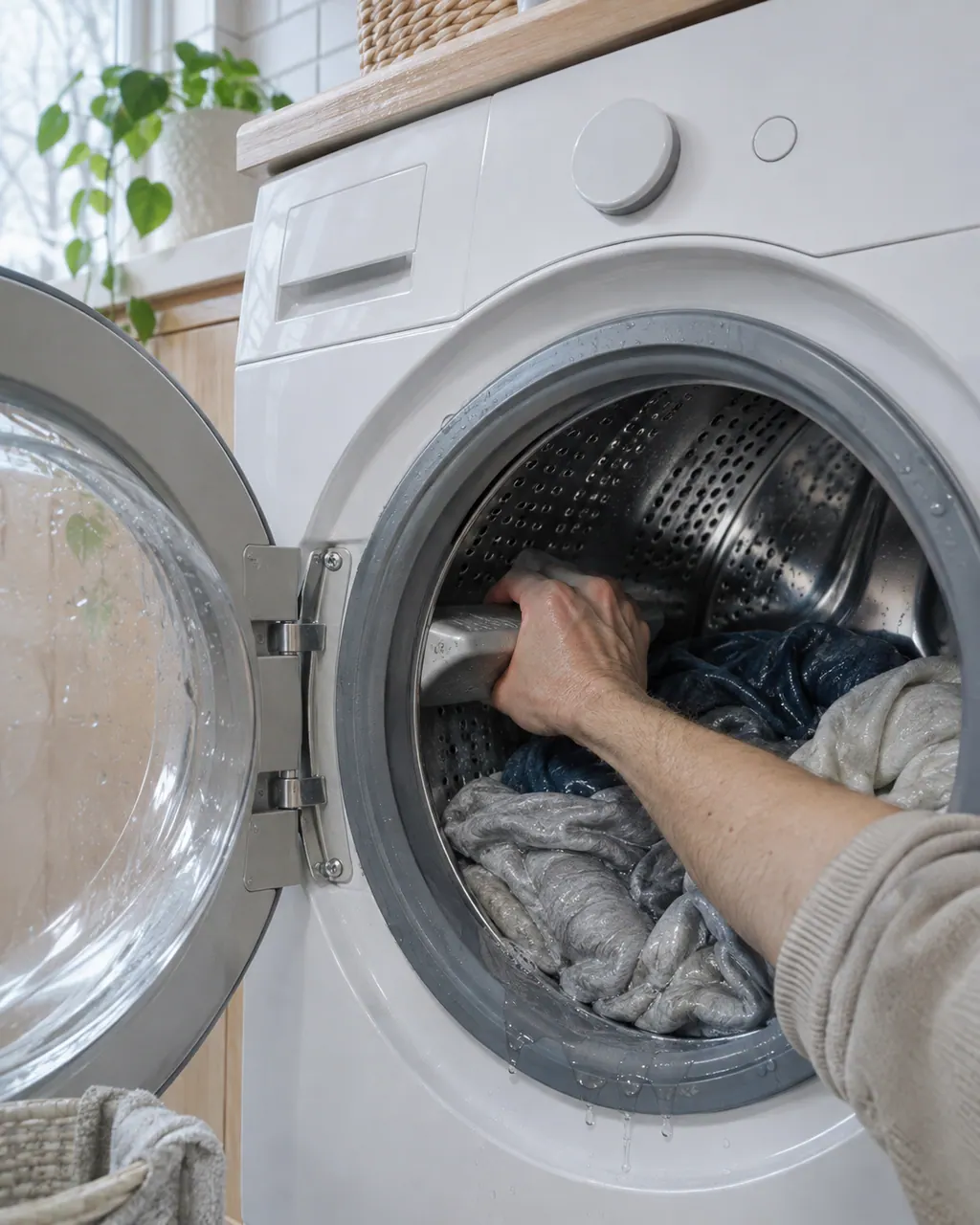
Start with safe observations.
Power the appliance down and pull the plug before any owner check. Beware of standing water and sharp debris. Never touch a wet plug or electrical area, take off service panels, or step beyond your model’s owner guide.
- 1
Close and latch the door
The cycle will not run with the door open. E41 and E42 are the door codes in the Electrolux articles.
- 2
Lighten the load
The sheet's step for E55 is to check for a heavy or unbalanced load, and its motor-control overload code E5A is a high temperature on the control.
- 3
Reset the washer
A hard reset on Electrolux washers means unplugging the power cord, plugging it back in and waiting a few seconds.
- 4
Check supply and wiring
For E5B, motor control under voltage, the sheet asks you to check the supply under load and the wiring to the unit. That is a job for an electrician or technician.
- 5
Hear what the drum does
Note if it hums, clicks or stays silent, and whether it turns freely by the door. That detail helps the technician pick a test.
- 6
Sheet tests
Tests on the sheet include spinning the motor pulley, spinning the tub pulley to check the bearings, reading motor winding resistance and checking the wire between the main board and motor control board.
Systems a technician may investigate.
The parts below tie in with this symptom. Seeing it does not prove any one of them has failed.
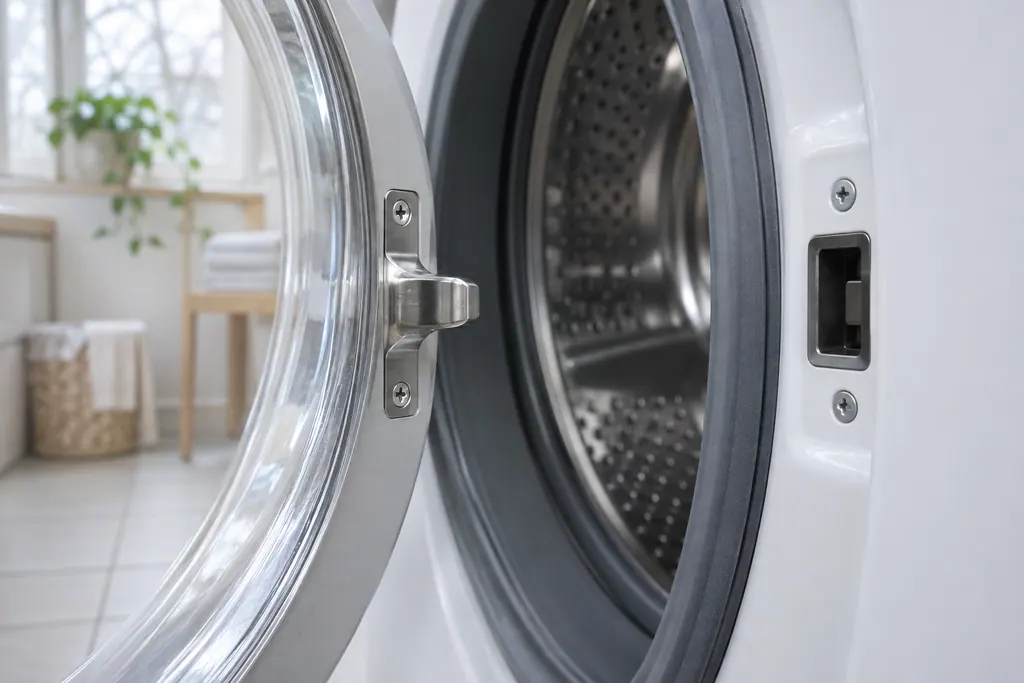
If the display adds a code.
Motor
E59 means the control got no spin signal from the motor for 3 seconds. The 2018 Electrolux washer sheet does not show it on the display. Check the load, unplug the washer, and book a technician for test 9.
Motor
E57 is high current on the inverter, the motor control, in Electrolux's 2018 washer sheet. The display does not show E57. Unplug the washer, reduce an overloaded drum if you can, and book a technician for the motor tests.
Motor
E58 is high current on the motor phase in Electrolux's 2018 washer sheet, one of the codes the display does not show. Unplug the washer, take weight out of the drum, and book a technician to test the motor.
Read the related care guide.
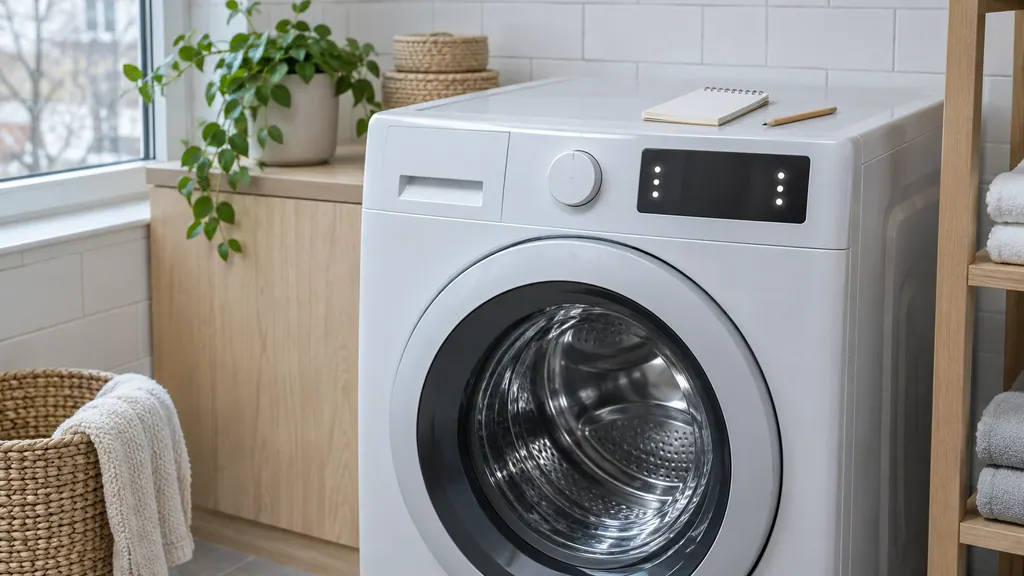
Washer stopped, nothing on the display? Recall the code.
An Electrolux front-load washer shows only some codes. To read the last stored one, power on, wait at least 10 seconds, then hold temp and select for 3 seconds. The display shows the last error in memory. Hidden codes include E13, E23, E31 and E62, and they need a technician.
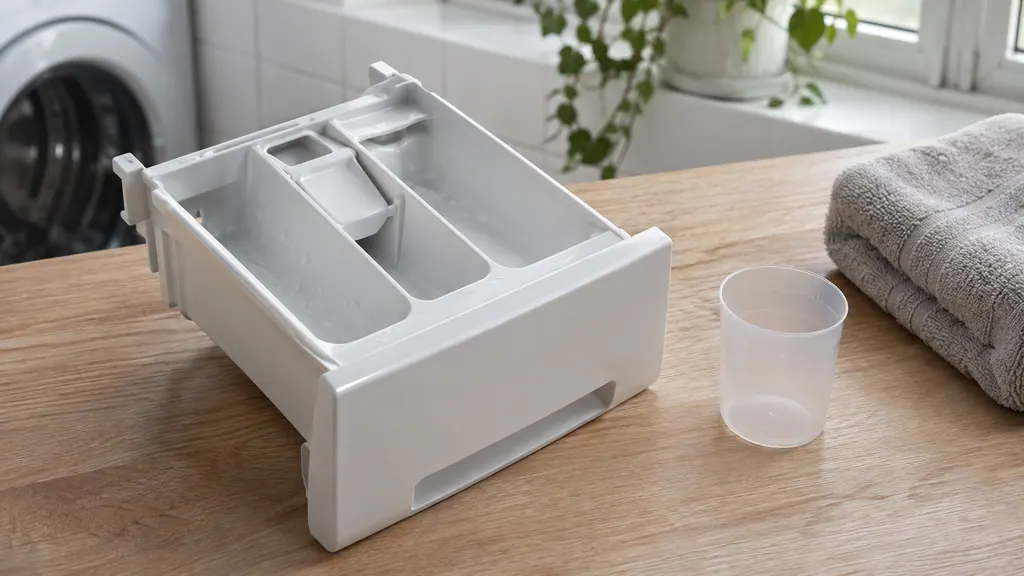
Detergent left in the drawer? Check the product, the packs and the water.
Electrolux's written sources name no single cause for a drawer that stays full. They list what interferes: a pack in the drawer, detergent above the max fill line, an unseated drawer, buildup, and water that never arrives. Work through these, then book a technician.
When observation becomes a service request.
Leave internal testing to a technician.
Book a technician if the drum will not turn with the door shut and a small load. Give us the model number and tell us any code you see or recall; the motor family E57 to E5F is read from stored history.
Arrange a diagnosticSources and model boundaries.
These sources back the Electrolux washer drum not turning guidance. Use the manual for your own model.
- Washer Tech Data Sheet, A11200302 (1803)
- Laundry front loading washer displaying Error Code E35 pressure sensor indicates water overfill. (KB 1820074)
- What should I do if my washer does not start? (KB 1853029)
Follow the guide for your exact model. Consult how we research these pages.
What do the E5 codes on an Electrolux washer cover?
The sheet groups them as motor and motor control: current, no spin signal, temperature, voltage and communication between the main board and the motor control board.
Can a heavy load stop the drum?
Yes. E55 is a motor under speed code, and the sheet's first step for it is to check for a heavy or unbalanced load.
How do I hard reset an Electrolux washer?
Unplug the power cord, plug it back in and wait a couple of seconds, as Electrolux describes for E35. It resets the control but does not repair a motor problem.
Are these codes shown on the display?
No. The sheet marks them as not displayed. The stored history is read in a diagnostic step that a technician can use.
Codes, symptoms, parts and service
Link the message to what to do next.
E59
E59 means the control got no spin signal from the motor for 3 seconds. The 2018 Electrolux washer sheet does not show it on the display. Check the load, unplug the washer, and book a technician for test 9.
Electrolux washer not spinning
A washer that will not spin is most often reacting to an unbalanced or heavy load, a machine that is out of level, or a door that is not locked. Electrolux's sheet ties the motor-speed codes E55 and E59 to the motor, belt, tub bearings and motor control board.
Washer door lock
The door lock keeps the washer closed during a cycle and tells the control the door is shut. Electrolux’s sheet lists five door codes. E41 means the board thinks the door switch is open; E42 and E43 are about the lock itself; E44 and E45 about sensing.
Washer repair
Book a diagnostic for your model at the appliance.
Find your metro
Office details and the access information to pass on.