Diagnostics and repair
Experienced technicians inspect the appliance before proposing any work. OEM parts can be ordered, with the right part matched to your model.
The care journal
Something quit? Begin with the checks the manual permits, and learn when to leave it to a technician.
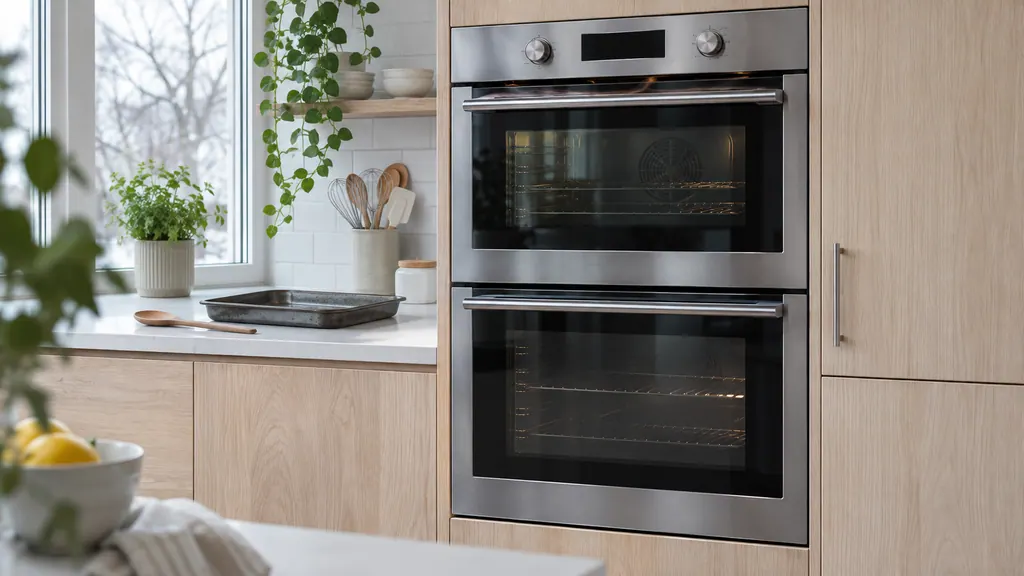
An Electrolux oven has convection fans that circulate air in the cooking functions and a separate cooling fan that runs at low speed during any cooking and stays on until the oven cools. F43 or F45 means that cooling fan runs too slowly, and F44 or F46 means too fast. Check for blocked airflow, then book a visit.
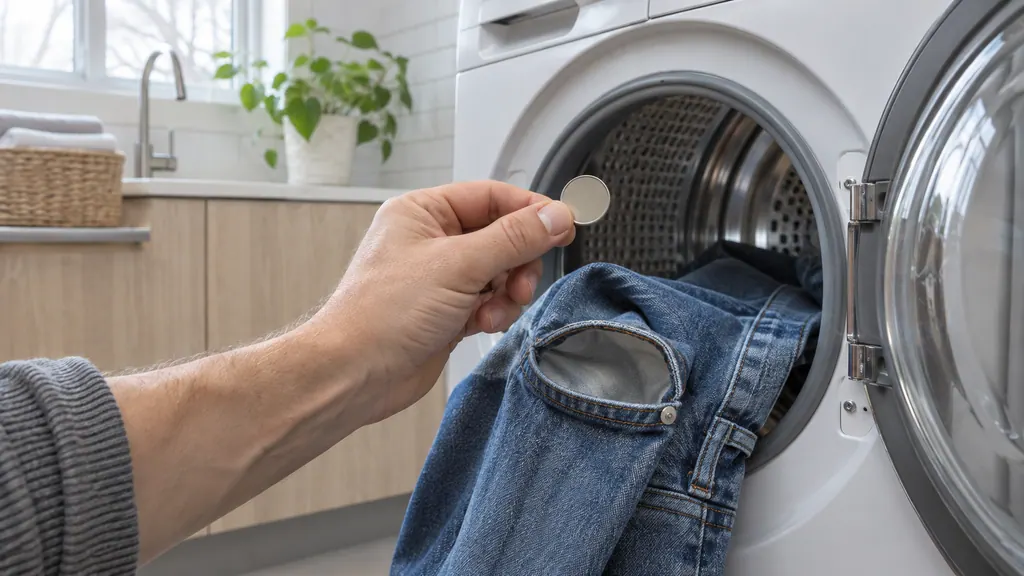
The Owner Center names one normal dryer sound: a chime when a cycle ends and during Wrinkle Release. Rattling is usually something loose in the drum, a pedestal that has loosened causes clanking or squeaking, and vibrating or walking points to shipping bolts or an unlevel dryer. A motor code is different.
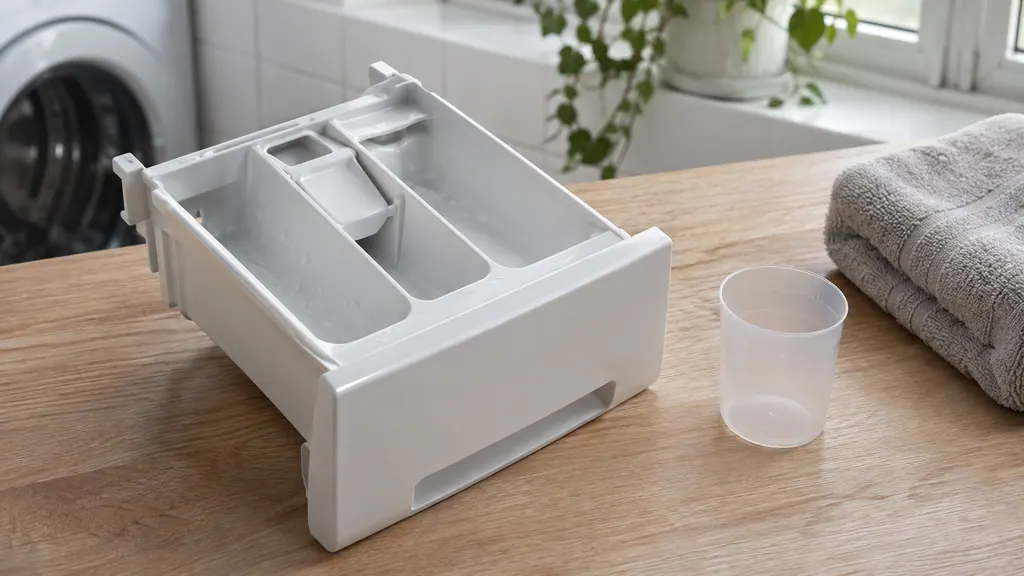
Electrolux's written sources name no single cause for a drawer that stays full. They list what interferes: a pack in the drawer, detergent above the max fill line, an unseated drawer, buildup, and water that never arrives. Work through these, then book a technician.
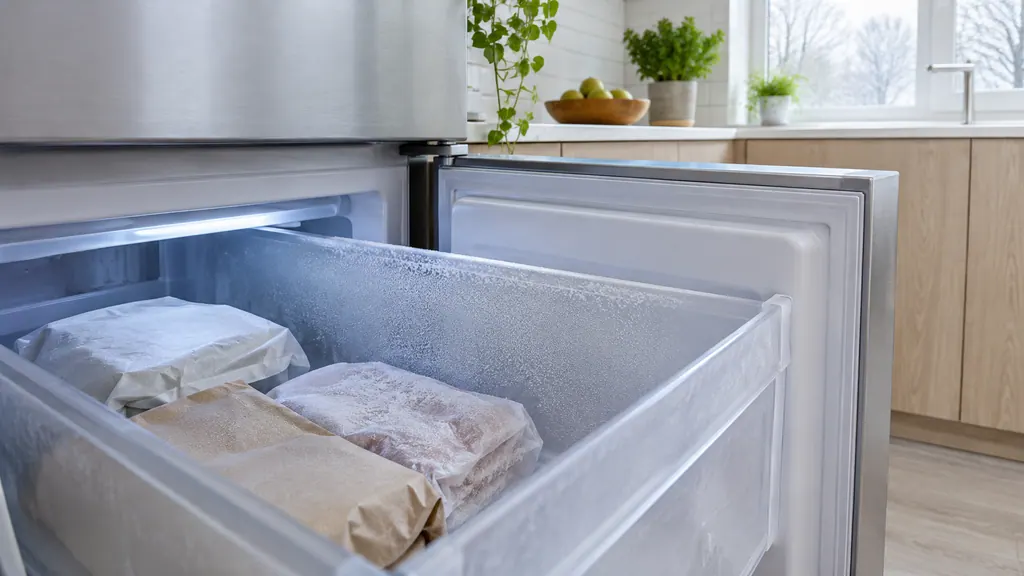
Electrolux describes frost as condensation that freezes where warm air meets air below 32 °F. Check four things: the door and gasket seal, the chute flap, a freezer setting that has drifted below zero, and food sitting across the vents. Book if frost returns.
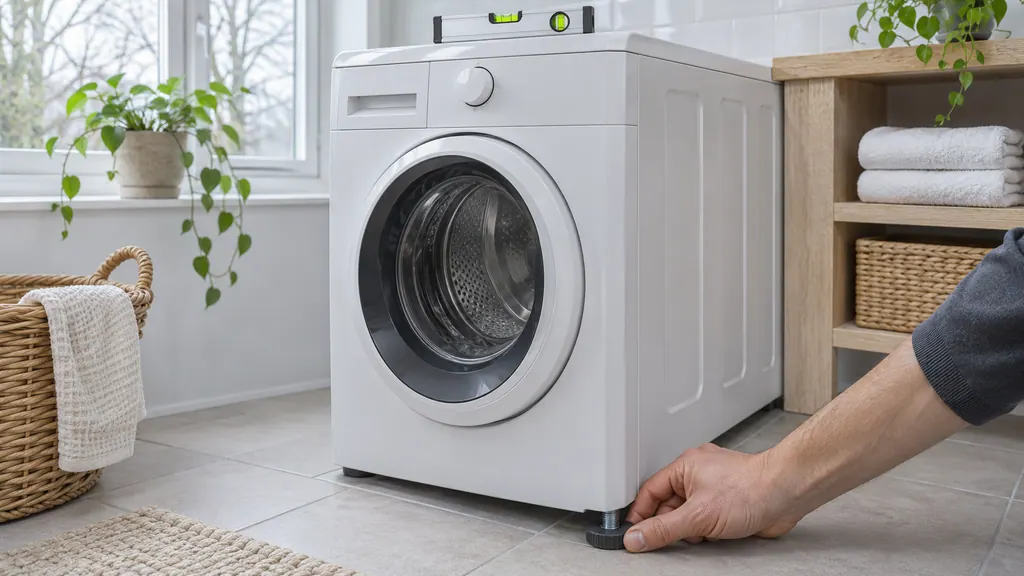
Most washer noises come from three things: shipping material still in place, a washer that is not level on a solid floor, or an unbalanced load. Check for Styrofoam and bolts, set the feet so no leg floats, and spread the load. Clicks, gurgles and a jet-engine spin are normal.
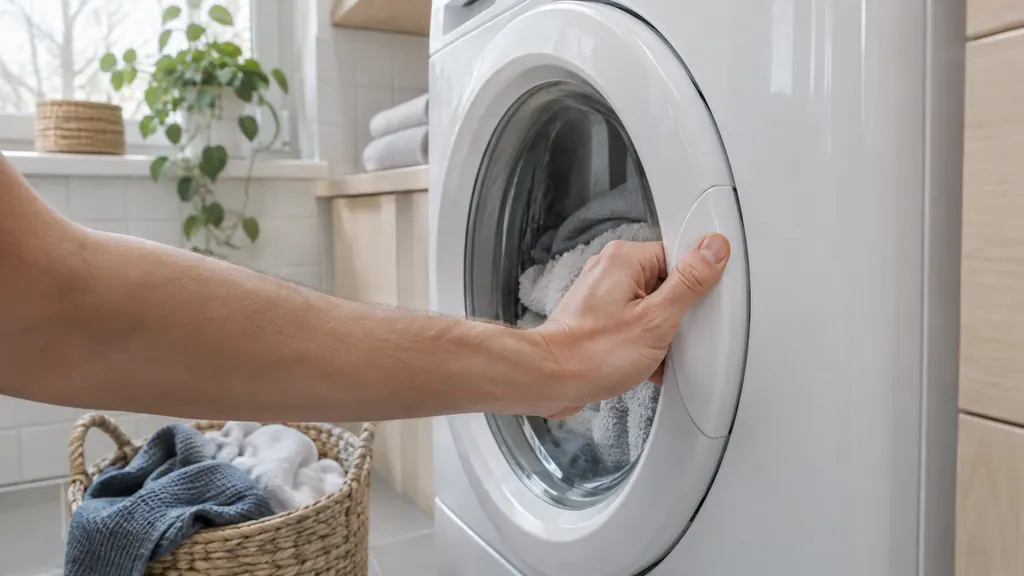
Check the display. LOC is the control lock: scroll to the control lock option and press Select. E41 means the door switch reads open; E42 means the door lock is not recognized. For both, remove anything keeping the door open and listen for the click. Then check Start, Delay Start and power.
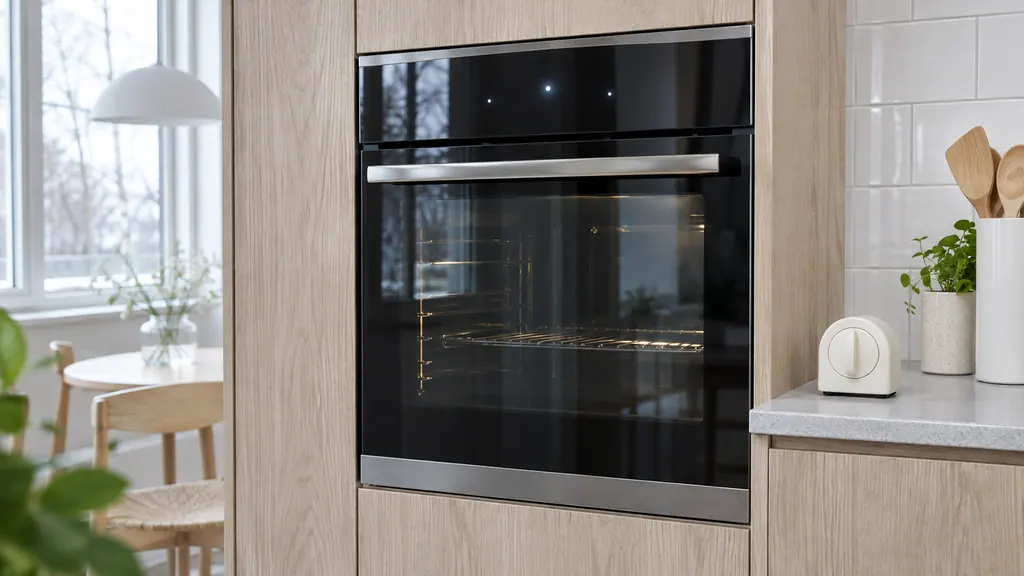
If the display is lit but keys do nothing, see whether the controls are locked or the oven is in demo mode before you suspect a failure.
Read the full sequence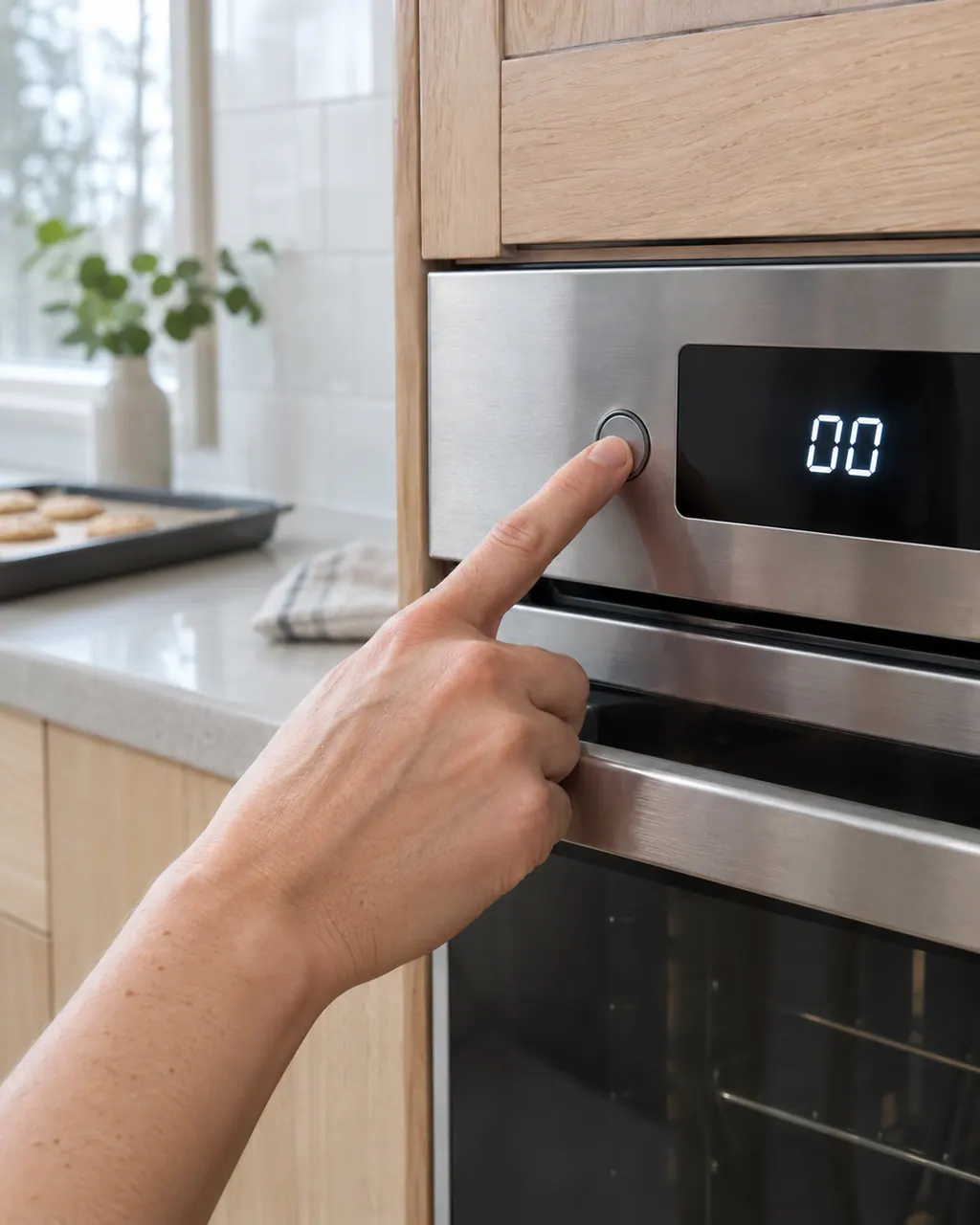
The written Electrolux articles say little about setting the clock or timer, since its display-settings guide is a video. What they do cover is a display or keypad that acts up: a stuck key (F11), memory and cable errors (F13, F14, F15), Demo mode and a power reset.
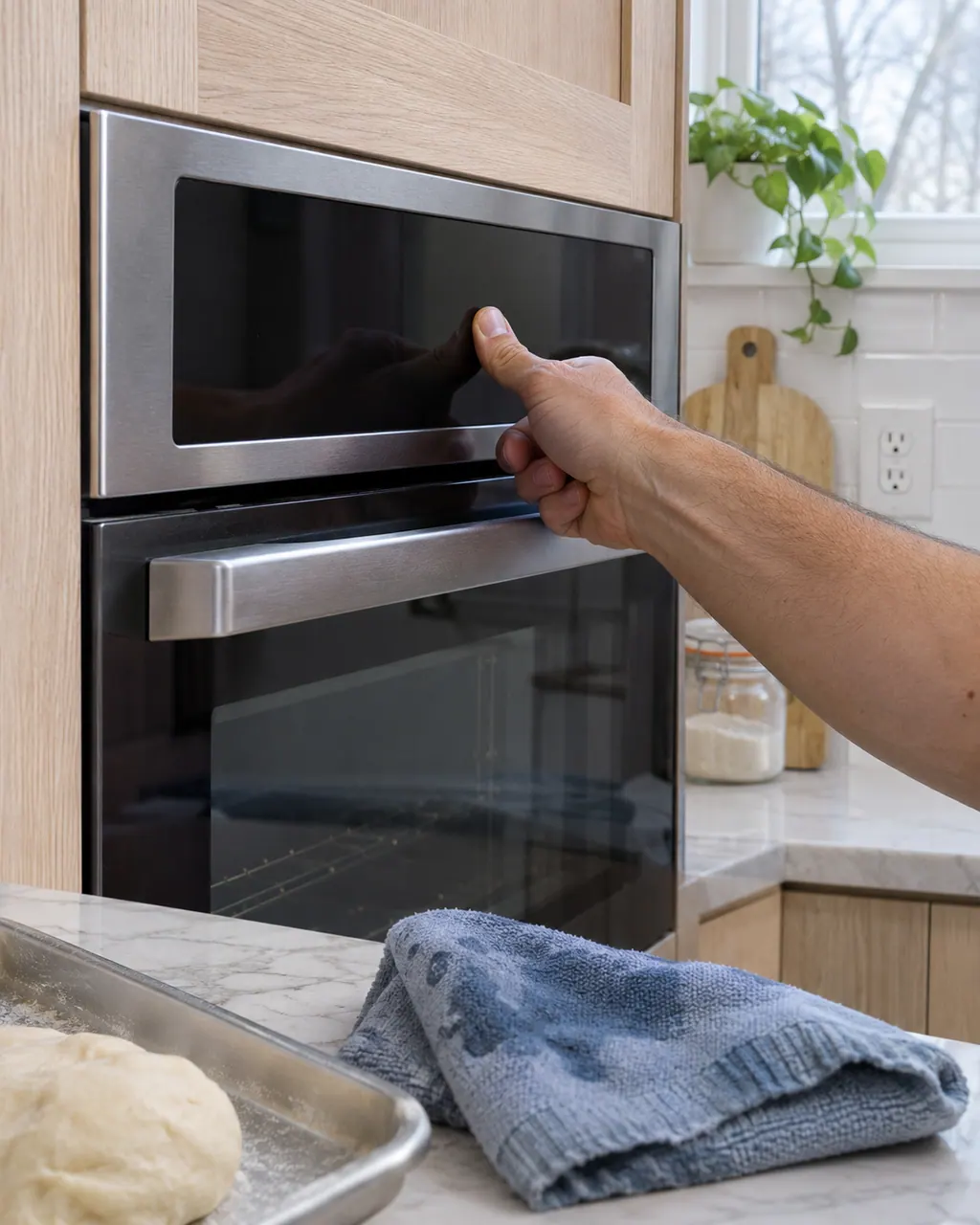
If the keypad or touch panel ignores you, first rule out the lock: the Electrolux guide says UNLOCK appears after F90 to F94 and the controls stay locked until you follow it. After that, look at stuck-key and panel codes, Demo mode and a power reset.
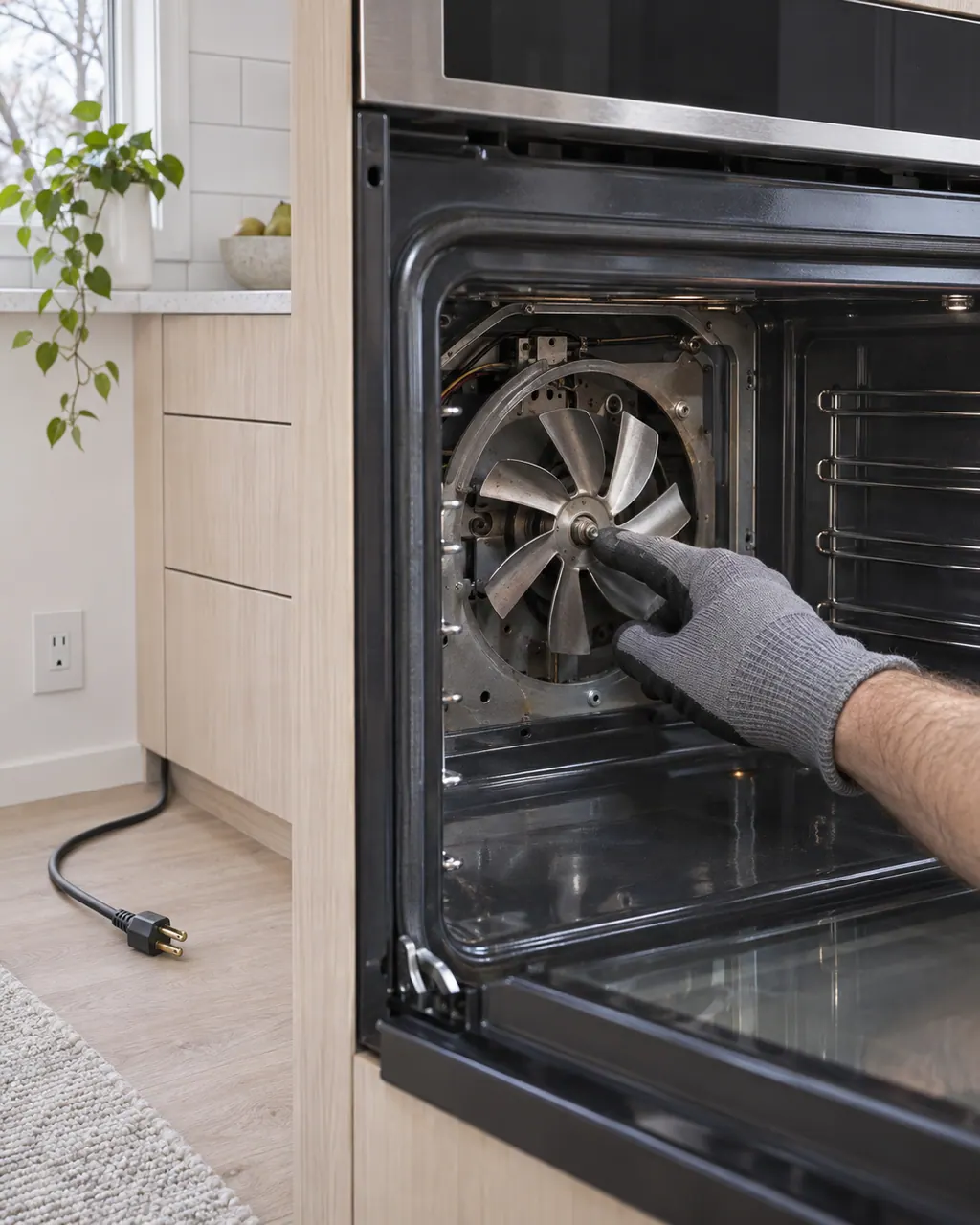
The ES630 sheets show a cooling fan and a convection fan. The sheets watch the cooling fan's speed: F43 and F44 on ES630 ovens, F45 and F46 on modular ovens. An even-cooking complaint, by contrast, may be about how food is arranged.
F11 on an Electrolux oven is a stuck or shorted key: a key was read as pressed for too long, and oven activity ends. Remove anything resting on the keys, press Stop, and if F11 comes back book a technician.
F13 on an Electrolux oven is a memory problem: the ES630 control's internal checksum may be corrupted, and the modular sheet says data written to memory failed verification. Press any key or reset the power for 30 seconds; if it returns, book a technician.
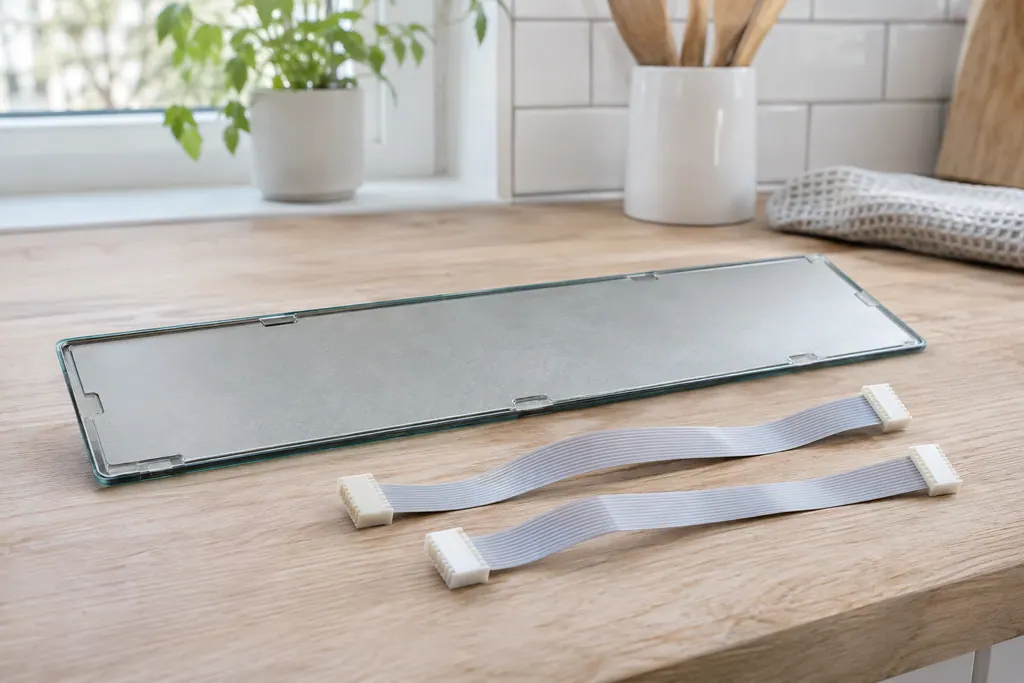
F14 on an Electrolux oven means a misconnected keyboard cable, but only on the ES630 control. The sheet describes two ribbon cables between the display board and the touch panel. Modular ovens print no F14. Book a technician; do not pull the cables yourself.
F15 means different things on two Electrolux oven controls. On the ES630 it is a controller self check failure; on the 2017 modular control it is a keyboard error. Reset the power for 30 seconds, then book a technician if F15 returns.
F23 is a communication error whose meaning depends on the control. On the ES630 the controller cannot talk to the oven lights control board; on the 2017 modular control the interface board cannot talk to the glass touch panel. Reset power, then book a technician.
DEMO on an Electrolux oven is not an error. The Owner Center guide says the oven is in Demo Mode. Turn the breaker off, wait 45 seconds, switch it back on, then find demo mode in the settings menu and turn it off.
Experienced technicians inspect the appliance before proposing any work. OEM parts can be ordered, with the right part matched to your model.
An Electrolux still under its manufacturer warranty goes to Electrolux for covered repairs. Our repairs carry a warranty on our workmanship.
Power, the breaker, the door and the water supply, in that order. Then read your symptom's page. Should nothing work, book and list what you already tried.
Probably. A door-open reading such as E41 halts a cycle, so look at the door first, then the drain hose. If it happens again, book a visit.
Please do not. Close the taps, pull the plug and dry the floor, then leave the machine idle until it has been examined.
Very. Pull the plug and keep the dryer idle until someone has inspected it. Blocked vents and built-up lint can both cause overheating.
Codes, symptoms, parts and service
A washer that will not spin is most often reacting to an unbalanced or heavy load, a machine that is out of level, or a door that is not locked. Electrolux's sheet ties the motor-speed codes E55 and E59 to the motor, belt, tub bearings and motor control board.
Book a diagnostic for your model at the appliance.
Office details and the access information to pass on.